App Store screenshot size checker.
Drop a screenshot and see its pixel size, which App Store Connect size it matches or is nearest to, and whether Apple requires that size or scales it from another. Files are read in your browser and never uploaded.
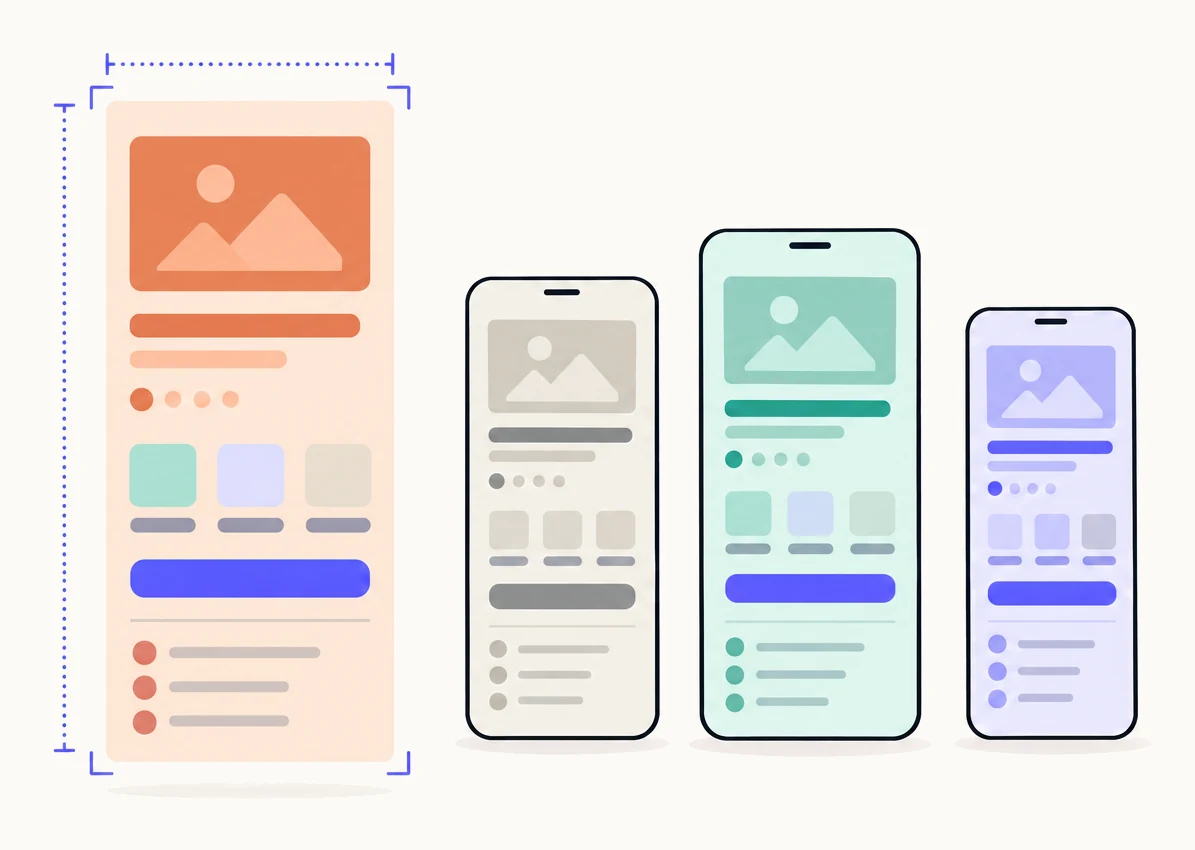
Every size Apple takes.
App Store Connect takes one to ten screenshots per device size, as PNG or JPEG, and every size on this list. Two are required: at least one screenshot for iPhone with Dynamic Island (medium display) if your app runs on iPhone, and one for the iPad 13-inch display if it runs on iPad. When a size is missing, Apple scales the one named in the last column. Portrait is the table’s first size; landscape is each pair the other way round.
| Display | Portrait pixels | Landscape pixels | Example devices | Required, or scaled from |
|---|---|---|---|---|
| iPhone Duo (outer display) Duo outer | 1398 x 2034 | 2034 x 1398 | iPhone Duo | Optional. Apple lists no requirement and no fallback for this display. |
| iPhone Duo (inner display) Duo inner | 2007 x 2853 | 2853 x 2007 | iPhone Duo | Optional. Apple lists no requirement and no fallback for this display. |
| iPhone with Dynamic Island (large display) 6.9" | 1320 x 2868, 1290 x 2796, 1260 x 2736 | 2868 x 1320, 2796 x 1290, 2736 x 1260 | iPhone Air, iPhone 18 Pro Max, 17 Pro Max, 16 Pro Max, 16 Plus, 15 Pro Max, 15 Plus, 14 Pro Max | Optional, scaled from another size. If none is provided, Apple scales the iPhone with Face ID (large display) screenshots. |
| iPhone with Face ID (large display) 6.5" | 1284 x 2778, 1242 x 2688 | 2778 x 1284, 2688 x 1242 | iPhone 14 Plus, 13 Pro Max, 12 Pro Max, 11 Pro Max, 11, XS Max, XR | Required unless the larger size is given. Required if the app runs on iPhone and no iPhone with Dynamic Island (large display) screenshots are provided. Otherwise scaled from the Dynamic Island (large display) set. |
| iPhone with Dynamic Island (medium display) 6.3" | 1206 x 2622, 1179 x 2556 | 2622 x 1206, 2556 x 1179 | iPhone 18 Pro, 17 Pro, 17, 16 Pro, 16, 15 Pro, 15, 14 Pro | Required. Required: at least one screenshot for this display to submit an app that runs on iPhone. If none is provided, Apple scales the Face ID (large display) set. |
| iPhone with Face ID (medium display) 6.1" | 1170 x 2532, 1125 x 2436, 1080 x 2340 | 2532 x 1170, 2436 x 1125, 2340 x 1080 | iPhone 17e, 16e, 14, 13 Pro, 13, 13 mini, 12 Pro, 12, 12 mini, 11 Pro, XS, X | Optional, scaled from another size. If none is provided, Apple scales the iPhone with Dynamic Island (medium display) screenshots. |
| iPhone with Home Button (large display) 5.5" | 1242 x 2208 | 2208 x 1242 | iPhone 8 Plus, 7 Plus, 6S Plus, 6 Plus | Optional, scaled from another size. If none is provided, Apple scales the iPhone with Face ID (medium display) screenshots. |
| iPhone with Home Button (medium display) 4.7" | 750 x 1334 | 1334 x 750 | iPhone SE (3rd and 2nd generation), 8, 7, 6S, 6 | Optional, scaled from another size. If none is provided, Apple scales the iPhone with Home Button (large display) screenshots. |
| iPhone with Home Button (4" display) 4" | 640 x 1136 (with status bar), 640 x 1096 (without status bar) | 1136 x 640 (with status bar), 1136 x 600 (without status bar) | iPhone SE (1st generation), 5S, 5C, 5 | Optional, scaled from another size. If none is provided, Apple scales the iPhone with Home Button (medium display) screenshots. |
| iPhone with Home Button (3.5" display) 3.5" | 640 x 960 (with status bar), 640 x 920 (without status bar) | 960 x 640 (with status bar), 960 x 600 (without status bar) | iPhone 4S, 4 | Optional, scaled from another size. If none is provided, Apple scales the iPhone with Home Button (4" display) screenshots. |
| iPad 13" display 13" | 2064 x 2752, 2048 x 2732 | 2752 x 2064, 2732 x 2048 | iPad Pro (M5, M4), iPad Pro 12.9" (6th to 3rd and 1st generation), iPad Air 13" (M4, M3, M2) | Required. Required if the app runs on iPad. |
| iPad 12.9" display 12.9" | 2048 x 2732 | 2732 x 2048 | iPad Pro 12.9" (2nd generation) | Optional, scaled from another size. If none is provided, Apple scales the 13" display screenshots. |
| iPad 11" display 11" | 1668 x 2420, 1668 x 2388, 1640 x 2360, 1488 x 2266 | 2420 x 1668, 2388 x 1668, 2360 x 1640, 2266 x 1488 | iPad Pro 11" (M5, M4, 4th to 1st generation), iPad Air 11" (M4, M3, M2, 5th and 4th generation), iPad (A16, 10th generation), iPad mini (A17 Pro, 6th generation) | Optional, scaled from another size. If none is provided, Apple scales the 13" display screenshots. |
| iPad 10.5" display 10.5" | 1668 x 2224 | 2224 x 1668 | iPad Pro 10.5", iPad Air (3rd generation), iPad (9th, 8th and 7th generation) | Optional, scaled from another size. If none is provided, Apple scales the 12.9" display screenshots. |
| iPad 9.7" display 9.7" | 1536 x 2048 (with status bar), 1536 x 2008 (without status bar), 768 x 1024 (with status bar), 768 x 1004 (without status bar) | 2048 x 1536 (with status bar), 2048 x 1496 (without status bar), 1024 x 768 (with status bar), 1024 x 748 (without status bar) | iPad Pro 9.7", iPad Air, iPad Air 2, iPad (6th to 3rd generation), iPad 2, iPad, iPad mini (5th generation), mini 4, mini 3, mini 2 | Optional, scaled from another size. If none is provided, Apple scales the 10.5" display screenshots. |
Which sizes does a custom product page need?
The same sizes as your default page. A custom product page has its own screenshots for each device size, up to ten per size, and Apple points to the one screenshot specification above. In practice that means one set for iPhone with Dynamic Island (medium display) at least, one for the iPad 13-inch display if your app runs on iPad, and the larger iPhone size if you want the newest phones to show your page at full sharpness rather than scaled.
Every size, limit and rule for a page is in custom product page requirements and screenshot sizes. What a page is, how to create one and who sees it is in the complete guide to custom product pages. If a page comes back from review, why custom product pages get rejected maps each reason to its fix.
Screenshots in every size, made for you.
Look up your app. Pagefully plans three custom product pages for it and designs one from your real screens, in every size Apple needs, before you sign up.