Social Networking app screenshots that lead with trust
Privacy, security, offline, no ads, no account. These lines answer a worry and not a wish: who sees my data, whether there are ads, whether it works without a connection.
From the top 100 free Social Networking apps on the US App Store, read on October 9, 2026. Screenshots are the developers’ own, shown from Apple’s servers with a link to each app.
The numbers
30 of the 554 Social Networking screenshots read (5%) do this, across 20 of the top 100 apps (20%). 3 of the top ten do it (30%), against 17 of the other 90 (19%): the top ten do it more than the rest. Of the 23 categories read so far, Social Networking is 3rd for this. It is most common in Utilities (34% of apps) and least common in Graphics & Design (0%).
12 examples from the chart.
12 of the 30 Social Networking app screenshots that lead with trust, one from each app, the highest on the chart first.
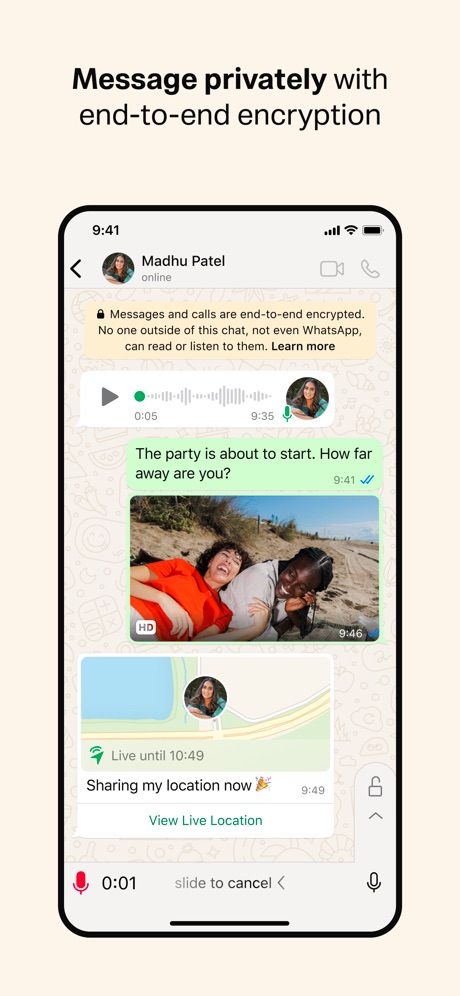
“Message privately with end-to-end encryption”

“Private”
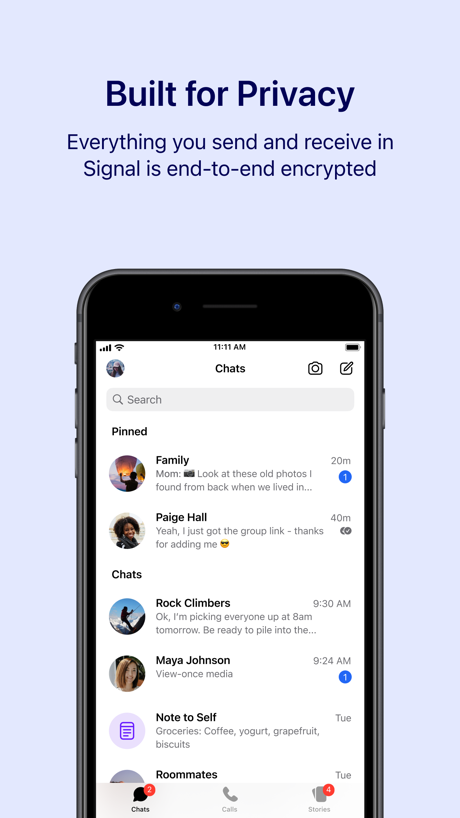
“Built for Privacy”

“Secure-by-design to keep conversations safe”

“The private second phone number app”

“PRIVATE BY DESIGN”

“Every Submission is Reviewed for Safety”

“Safely share photos + videos”
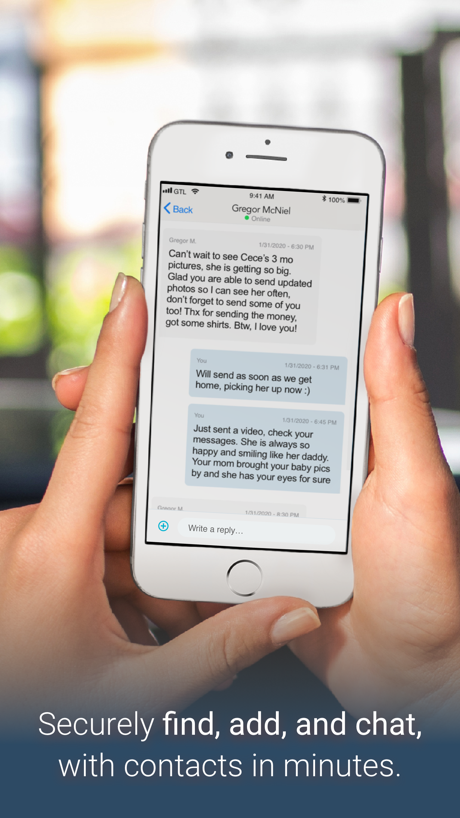
“Securely find, add, and chat,”

“Trust”
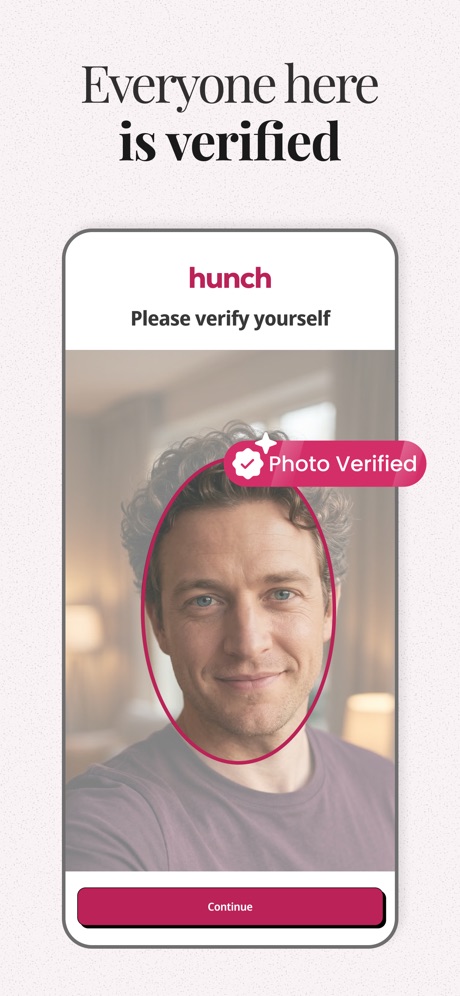
“Everyone here is verified”

“Play Without Ads”
Real headline examples, word for word.
The words on all 30 that carry any, as each app wrote them.
“Message privately with end-to-end encryption”
WhatsApp Messenger · #2 · screenshot 2“Private”
Your data is never disclosed. Only you are in control.Telegram Messenger · #3 · screenshot 3“Built for Privacy”
Everything you send and receive in Signal is end-to-end encryptedSignal - Private Messenger · #10 · screenshot 1“Secure-by-design to keep conversations safe”
Google Meet · #11 · screenshot 6“The private second phone number app”
Text Free: Second Phone Number · #19 · screenshot 1“PRIVATE BY DESIGN”
No SIM card requiredZangi - Private Messenger · #21 · screenshot 1“Every Submission is Reviewed for Safety”
Valid - Compliment Classmates · #23 · screenshot 5“Safely share photos + videos”
Share (and unshare) securely with screenshot blocking.Grindr - Gay Dating & Chat · #29 · screenshot 4“Securely find, add, and chat,”
with contacts in minutes.GettingOut · #31 · screenshot 1“Trust”
your connections from the startBFF: Make friends & meet up · #36 · screenshot 6“Everyone here is verified”
Hunch Dating App: Vibe & Meet · #45 · screenshot 5“Play Without Ads”
Plato: Fun Multiplayer Games · #47 · screenshot 1“A Shield For Your Privacy”
Nicegram: AI for Telegram · #48 · screenshot 5“Secure chats and calls”
Rakuten Viber Messenger · #52 · screenshot 2“Screenshots Not”
Allowed3Fun: Couples & Singles Dating · #84 · screenshot 5“Secure”
Your conversations, yours aloneTato Talk · #87 · screenshot 3“Discreet Match™”
Match with people who want what you want, clearly, confidently, and discreetly.Ashley Madison Discreet Dating · #92 · screenshot 4“No ads or likes. We'll never sell your data.”
Marco Polo - Video Messenger · #96 · screenshot 4“Send Messages Not Metadata”
Session - Private Messenger · #99 · screenshot 1“Protect your privacy”
Second Texting Number · #100 · screenshot 4“Secure”
All chats are protected with strong encryption.Telegram Messenger · #3 · screenshot 4“SECURE End-to-End full encryption”
Zangi - Private Messenger · #21 · screenshot 2“Private by Design”
Plato: Fun Multiplayer Games · #47 · screenshot 4“Discretion-First”
Photo privacy tools, Discreet billing*, Hide My Profile, and more.Ashley Madison Discreet Dating · #92 · screenshot 5“Private, safe space to connect.”
Marco Polo - Video Messenger · #96 · screenshot 5“Fully confidential: No phone numbers”
Session - Private Messenger · #99 · screenshot 3“SAFE Your data is stored only on your device”
Zangi - Private Messenger · #21 · screenshot 3- SESSION
“Private & secure conversations”
Session - Private Messenger · #99 · screenshot 4 “Your privacy Your way”
Session - Private Messenger · #99 · screenshot 5“Security in every Conversation”
Session - Private Messenger · #99 · screenshot 6
Top ten Social Networking apps that do it.
- #2WhatsApp Messenger1 of its 5 screenshots
- #3Telegram Messenger2 of its 6 screenshots
- #10Signal - Private Messenger1 of its 6 screenshots
The same tactic in other categories.
| Category | Apps that do it | Screenshots | Top ten |
|---|---|---|---|
| Utilities | 34% 34 of 100 | 10% 55 of 549 | 1 of 10 |
| Productivity | 21% 21 of 99 | 6% 32 of 551 | 1 of 10 |
| Social Networking | 20% 20 of 100 | 5% 30 of 554 | 3 of 10 |
| Finance | 18% 18 of 100 | 3% 20 of 581 | 3 of 10 |
| Shopping | 14% 14 of 100 | 3% 17 of 562 | 3 of 10 |
| Lifestyle | 12% 12 of 100 | 2% 12 of 556 | 0 of 10 |
| Games | 11% 11 of 100 | 2% 11 of 567 | 0 of 10 |
| Travel | 11% 11 of 100 | 2% 12 of 561 | 0 of 10 |
| Developer Tools | 9% 9 of 100 | 2% 10 of 507 | 0 of 10 |
| Navigation | 8% 8 of 99 | 1% 8 of 566 | 1 of 10 |
| News | 7% 7 of 98 | 1% 7 of 517 | 0 of 10 |
| Business | 7% 7 of 100 | 2% 10 of 554 | 1 of 10 |
| Music | 7% 7 of 100 | 1% 7 of 550 | 1 of 10 |
| Photo & Video | 6% 6 of 100 | 1% 8 of 566 | 0 of 10 |
| Reference | 6% 6 of 100 | 1% 7 of 566 | 2 of 10 |
| Sports | 6% 6 of 100 | 1% 6 of 558 | 1 of 10 |
| Medical | 5% 5 of 100 | 1% 6 of 548 | 1 of 10 |
| Education | 4% 4 of 100 | 1% 4 of 555 | 0 of 10 |
| Entertainment | 3% 3 of 100 | 1% 3 of 544 | 1 of 10 |
| Health & Fitness | 2% 2 of 100 | under 1% 2 of 574 | 0 of 10 |
| Weather | 2% 2 of 100 | under 1% 2 of 555 | 1 of 10 |
| Food & Drink | 1% 1 of 100 | under 1% 1 of 540 | 0 of 10 |
| Graphics & Design | 0% 0 of 99 | 0% 0 of 564 | 0 of 10 |
Related tactics.
Often on the same screenshot
- States a benefit77% of these screenshots, against 47% of all Social Networking screenshots
- Plain tone93% of these screenshots, against 73% of all Social Networking screenshots
- Words at the bottom23% of these screenshots, against 6% of all Social Networking screenshots
- Blue40% of these screenshots, against 26% of all Social Networking screenshots
- Dark40% of these screenshots, against 28% of all Social Networking screenshots
- Subline explains the headline30% of these screenshots, against 19% of all Social Networking screenshots
More in meaning
- Plain tone95%
- Leads with a feature88%
- States a benefit87%
- Playful tone44%
- Subline explains the headline41%
- Names its audience28%
- Asks for an action25%
- Subline adds a second benefit19%
- Leads with an outcome15%
- Compares with something9%
- Urgent tone8%
- Leads with who it is for6%
- Leads with a problem5%
- Premium tone4%
- Leads with what is new2%
- Leads with price1%
- Technical tone1%
Questions, answered from the chart.
How many top Social Networking apps have App Store screenshots that lead with trust?
Which Social Networking apps have App Store screenshots that lead with trust?
Should my Social Networking app have App Store screenshots that lead with trust?
See your own app against this.
Pagefully reads your screenshots the same way, and makes a custom product page for each search people type, from your real screens.
Preview your pages