Productivity app screenshots that lead with trust
Privacy, security, offline, no ads, no account. These lines answer a worry and not a wish: who sees my data, whether there are ads, whether it works without a connection.
From the top 99 free Productivity apps on the US App Store, read on October 9, 2026. Screenshots are the developers’ own, shown from Apple’s servers with a link to each app.
The numbers
32 of the 551 Productivity screenshots read (6%) do this, across 21 of the top 99 apps (21%). 1 of the top ten do it (10%), against 20 of the other 89 (22%): the top ten do it less than the rest. Of the 23 categories read so far, Productivity is 2nd for this. It is most common in Utilities (34% of apps) and least common in Graphics & Design (0%).
12 examples from the chart.
12 of the 32 Productivity app screenshots that lead with trust, one from each app, the highest on the chart first.

“Greater security across your accounts”
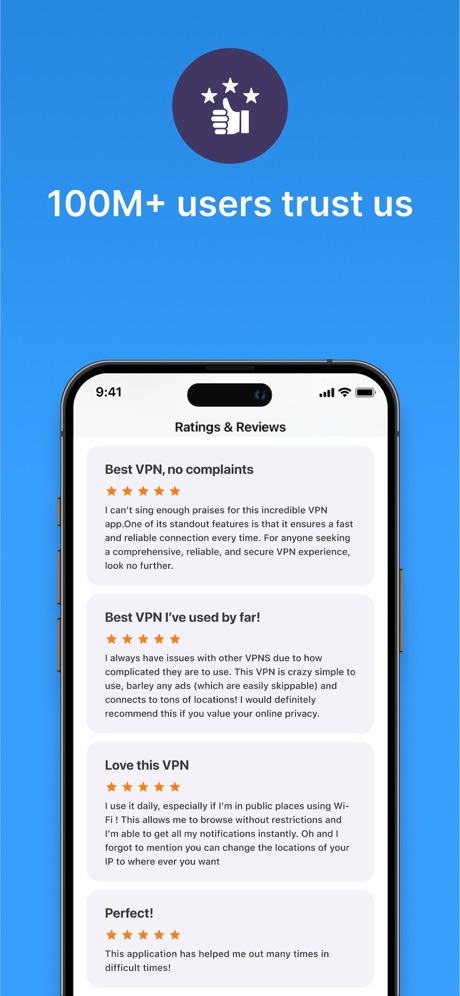
“100M+ users trust us”

“STAY PROTECTED WITH BUILT-IN, 24/7 INTERNET SECURITY”

“A simpler way to stay secure”

“Trusted by 40 million people every day”
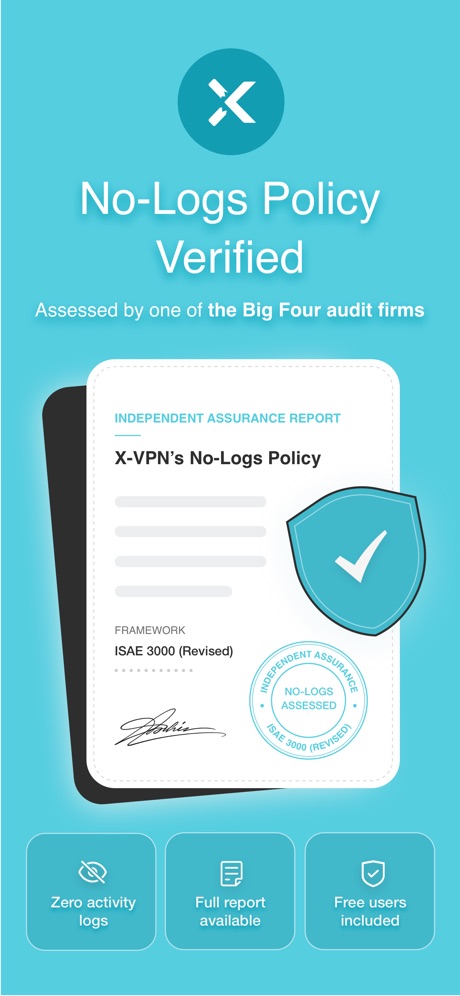
“No-Logs Policy Verified”

“We protect what matters most, your privacy and safety.”
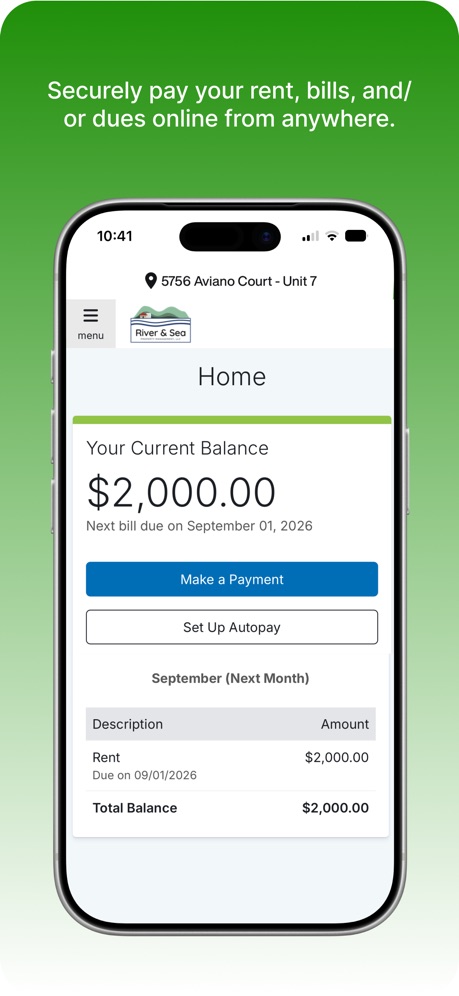
“Securely pay your rent, bills, and/ or dues online from anywhere.”

“No computer required”
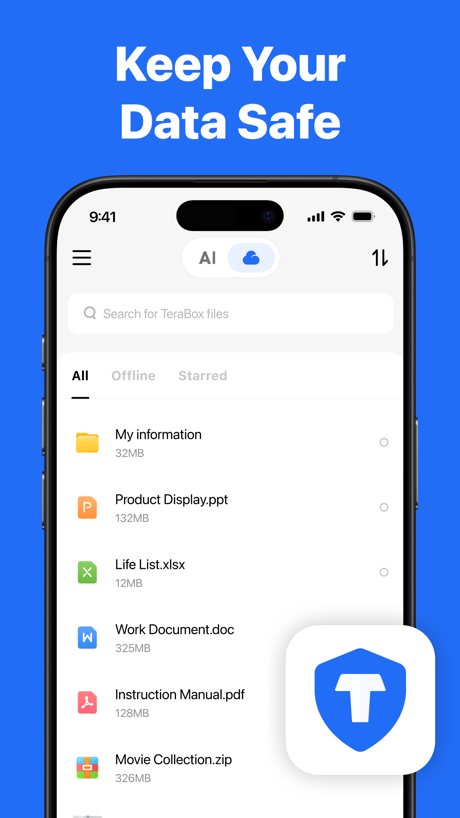
“Keep Your Data Safe”

“Stay Safe & Private”

“Stay Private & Secure with Hotspot Shield VPN”
Real headline examples, word for word.
The words on all 32 that carry any, as each app wrote them.
“Greater security across your accounts”
Microsoft Authenticator · #6 · screenshot 1“100M+ users trust us”
VPN - Super Unlimited Proxy · #15 · screenshot 6“STAY PROTECTED WITH BUILT-IN, 24/7 INTERNET SECURITY”
Smart Home Manager · #24 · screenshot 5“A simpler way to stay secure”
ID.me Authenticator · #32 · screenshot 1“Trusted by 40 million people every day”
Grammarly: AI Keyboard & Voice · #40 · screenshot 1“No-Logs Policy Verified”
Assessed by one of the Big Four audit firmsX-VPN: VPN Fast & Secure · #41 · screenshot 1“We protect what matters most, your privacy and safety.”
Cloaked finds your exposure, removes it, and guards what matters - for you and your family.Cloaked: Protect your privacy · #42 · screenshot 1“Securely pay your rent, bills, and/ or dues online from anywhere.”
FolioSpace Online Portal · #43 · screenshot 2“No computer required”
iPhone directly makes ringtonesRingtones Maker - the ring app · #44 · screenshot 1“Keep Your Data Safe”
TeraBox: 1TB Cloud & AI Space · #45 · screenshot 2“Stay Safe & Private”
Surfshark VPN: Fast & Secure · #60 · screenshot 5“Stay Private & Secure with Hotspot Shield VPN”
VPN Hotspot Shield: Wifi Proxy · #64 · screenshot 6“Secure email that protects your privacy”
Trusted by over 100 million peopleProton Mail - Encrypted Email · #66 · screenshot 1“0 Data Consumed”
No internet neededSHAREit: Transfer, Share Files · #75 · screenshot 3“Backed by legendary security.”
Try it free for 14 days.1Password: Password Manager · #81 · screenshot 5“Protect your privacy just one-touch”
VPN - FREE VPN Fast Ⓡ · #82 · screenshot 1“Search and browse more privately”
Microsoft Bing Search · #83 · screenshot 3“The power of privacy in your pocket”
MEGA: Encrypted Cloud Storage · #87 · screenshot 1“Enjoy Safe Internet Access”
Turbo VPN Private Browser · #88 · screenshot 1“Secure online privacy with one tap”
VPN Proxy Master - Super VPN · #94 · screenshot 1“Trusted by Many”
Hated by a fewVPN Windscribe: Fast & Secure · #95 · screenshot 5“Keep your app protected”
ID.me Authenticator · #32 · screenshot 5“Never give out your personal information again.”
Email and phone number aliases for every signup - so you stay private and breach-proof.Cloaked: Protect your privacy · #42 · screenshot 5“Protect”
Unlimited DevicesSurfshark VPN: Fast & Secure · #60 · screenshot 6“We don't put ads in your inbox”
so you can focus on what mattersProton Mail - Encrypted Email · #66 · screenshot 3“End-to-end encrypted cloud solutions”
MEGA: Encrypted Cloud Storage · #87 · screenshot 2“Access websites and apps more privately”
VPN Proxy Master - Super VPN · #94 · screenshot 3“Why You Should Trust Us Too”
VPN Windscribe: Fast & Secure · #95 · screenshot 6“Work even when you’re offline”
Read, write, and schedule emailsProton Mail - Encrypted Email · #66 · screenshot 5“Your secure cloud storage space”
MEGA: Encrypted Cloud Storage · #87 · screenshot 3“Stay safe in all network conditions”
VPN Proxy Master - Super VPN · #94 · screenshot 4“Protect all your devices”
VPN Proxy Master - Super VPN · #94 · screenshot 6
Top ten Productivity apps that do it.
- #6Microsoft Authenticator1 of its 6 screenshots
The same tactic in other categories.
| Category | Apps that do it | Screenshots | Top ten |
|---|---|---|---|
| Utilities | 34% 34 of 100 | 10% 55 of 549 | 1 of 10 |
| Productivity | 21% 21 of 99 | 6% 32 of 551 | 1 of 10 |
| Social Networking | 20% 20 of 100 | 5% 30 of 554 | 3 of 10 |
| Finance | 18% 18 of 100 | 3% 20 of 581 | 3 of 10 |
| Shopping | 14% 14 of 100 | 3% 17 of 562 | 3 of 10 |
| Lifestyle | 12% 12 of 100 | 2% 12 of 556 | 0 of 10 |
| Games | 11% 11 of 100 | 2% 11 of 567 | 0 of 10 |
| Travel | 11% 11 of 100 | 2% 12 of 561 | 0 of 10 |
| Developer Tools | 9% 9 of 100 | 2% 10 of 507 | 0 of 10 |
| Navigation | 8% 8 of 99 | 1% 8 of 566 | 1 of 10 |
| News | 7% 7 of 98 | 1% 7 of 517 | 0 of 10 |
| Business | 7% 7 of 100 | 2% 10 of 554 | 1 of 10 |
| Music | 7% 7 of 100 | 1% 7 of 550 | 1 of 10 |
| Photo & Video | 6% 6 of 100 | 1% 8 of 566 | 0 of 10 |
| Reference | 6% 6 of 100 | 1% 7 of 566 | 2 of 10 |
| Sports | 6% 6 of 100 | 1% 6 of 558 | 1 of 10 |
| Medical | 5% 5 of 100 | 1% 6 of 548 | 1 of 10 |
| Education | 4% 4 of 100 | 1% 4 of 555 | 0 of 10 |
| Entertainment | 3% 3 of 100 | 1% 3 of 544 | 1 of 10 |
| Health & Fitness | 2% 2 of 100 | under 1% 2 of 574 | 0 of 10 |
| Weather | 2% 2 of 100 | under 1% 2 of 555 | 1 of 10 |
| Food & Drink | 1% 1 of 100 | under 1% 1 of 540 | 0 of 10 |
| Graphics & Design | 0% 0 of 99 | 0% 0 of 564 | 0 of 10 |
Related tactics.
Often on the same screenshot
- States a benefit81% of these screenshots, against 48% of all Productivity screenshots
- Illustration or mascot56% of these screenshots, against 32% of all Productivity screenshots
- Background is the icon’s colour69% of these screenshots, against 45% of all Productivity screenshots
- App icon shown38% of these screenshots, against 16% of all Productivity screenshots
- Arrows or callouts34% of these screenshots, against 15% of all Productivity screenshots
- Has a subline34% of these screenshots, against 20% of all Productivity screenshots
More in meaning
- Plain tone99%
- Leads with a feature97%
- States a benefit92%
- Leads with an outcome29%
- Subline explains the headline27%
- Subline adds a second benefit17%
- Playful tone11%
- Asks for an action10%
- Compares with something9%
- Names its audience9%
- Premium tone6%
- Technical tone4%
- Leads with what is new3%
- Leads with who it is for3%
- Leads with a problem2%
- Urgent tone2%
Questions, answered from the chart.
How many top Productivity apps have App Store screenshots that lead with trust?
Which Productivity apps have App Store screenshots that lead with trust?
Should my Productivity app have App Store screenshots that lead with trust?
See your own app against this.
Pagefully reads your screenshots the same way, and makes a custom product page for each search people type, from your real screens.
Preview your pages