Productivity app screenshots that lead with a feature
The headline names what the app has or does. The plainest approach: the words name the thing, and the screen below shows it.
From the top 99 free Productivity apps on the US App Store, read on October 9, 2026. Screenshots are the developers’ own, shown from Apple’s servers with a link to each app.
The numbers
348 of the 551 Productivity screenshots read (63%) do this, across 96 of the top 99 apps (97%). 10 of the top ten do it (100%), against 86 of the other 89 (97%): the top ten do it about as often as the rest. Of the 23 categories read so far, Productivity is 2nd for this. It is most common in Health & Fitness (99% of apps) and least common in Weather (63%).
12 examples from the chart.
12 of the 348 Productivity app screenshots that lead with a feature, one from each app, the highest on the chart first.
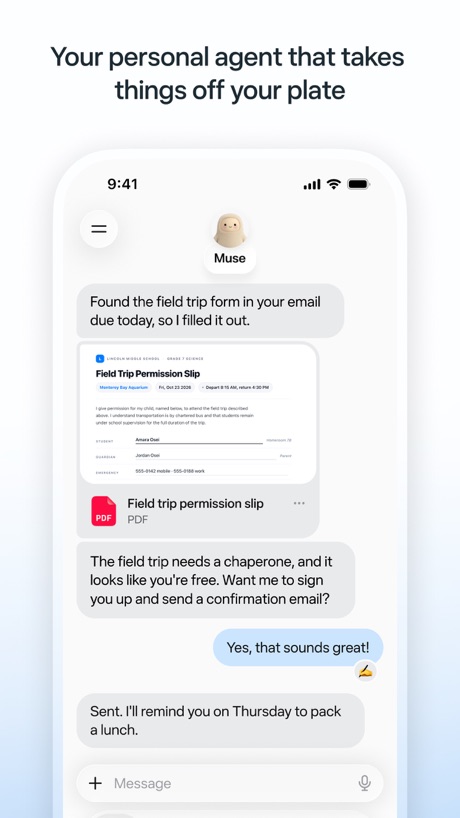
“Your personal agent that takes things off your plate”

“Talk it out anytime”

“Generate and edit videos with Gemini Omni”
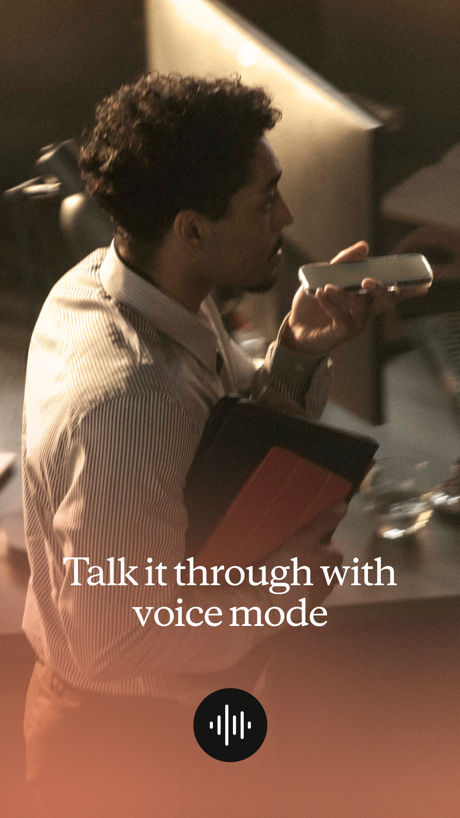
“Talk it through with voice mode”

“Sort your mail”

“Use Authenticator to sign in”

“Connected to your Microsoft apps”
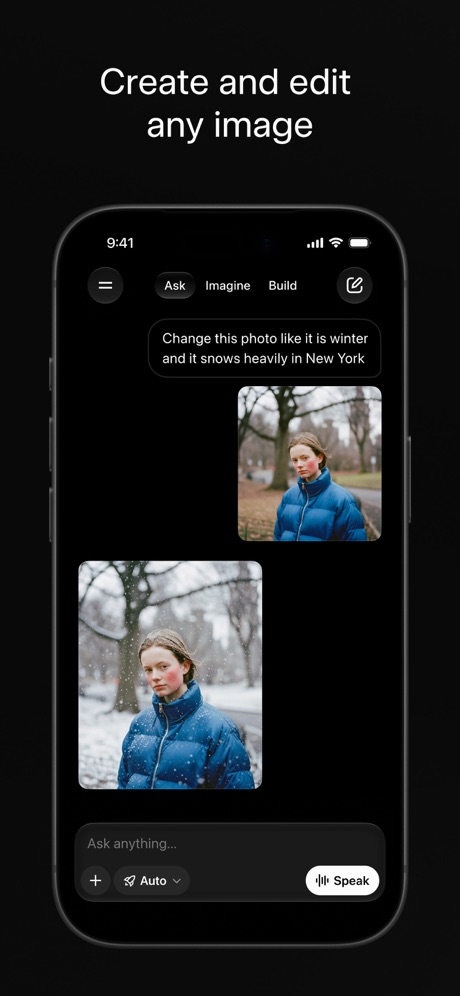
“Create and edit any image”

“Create anywhere, anytime - even offline”

“Store and access your content from anywhere”

“Everyday email and calendar”

“Your team of always-on agents that finish the work”
Real headline examples, word for word.
The words on 40 of the 348 that carry any, as each app wrote them.
“Your personal agent that takes things off your plate”
Muse from Meta · #1 · screenshot 1“Talk it out anytime”
ChatGPT · #2 · screenshot 2“Generate and edit videos with Gemini Omni”
Google Gemini · #3 · screenshot 1“Talk it through with voice mode”
Claude by Anthropic · #4 · screenshot 2“Sort your mail”
with a tabbed inboxGmail - Email by Google · #5 · screenshot 2“Use Authenticator to sign in”
Microsoft Authenticator · #6 · screenshot 3“Connected to your Microsoft apps”
Microsoft Copilot · #7 · screenshot 2“Create and edit any image”
Grok AI · #8 · screenshot 1“Create anywhere, anytime - even offline”
Google Docs · #9 · screenshot 1“Store and access your content from anywhere”
Google Drive · #10 · screenshot 1“Everyday email and calendar”
Microsoft Outlook · #11 · screenshot 1“Your team of always-on agents that finish the work”
Grok Bot · #12 · screenshot 1“Work together in real time”
Google Sheets · #13 · screenshot 1“Generate a draft with Copilot”
Microsoft Word · #14 · screenshot 2“One tap connect to secure your privacy”
VPN - Super Unlimited Proxy · #15 · screenshot 3“Get daily briefings, research topics, and more.”
Meta AI · #16 · screenshot 1“From birthdays to appointments, keep track of them all”
Google Calendar: Get Organized · #17 · screenshot 1“Take and make the call”
Link to Windows · #18 · screenshot 1“Manage complex data tasks”
Microsoft Excel · #19 · screenshot 3“Present to anyone, from any device”
Google Slides · #20 · screenshot 1“Bulk-delete emails by sender”
Yahoo Mail: Your Email & Inbox · #21 · screenshot 2“Your HP devices, all in one place”
HP · #22 · screenshot 1“Automatic backup protection”
Microsoft OneDrive · #23 · screenshot 2“GET REAL-TIME RECOMMENDATIONS AT YOUR FINGERTIPS”
Smart Home Manager · #24 · screenshot 1“SCAN”
with your PhoneCamScanner - PDF Scanner App · #25 · screenshot 1“One Tap”
Secure Your PrivacyVPN - Fast & Secure VPN ™ · #26 · screenshot 1“Present & share your stories”
Microsoft PowerPoint · #27 · screenshot 2- Dropbox
“Save and organize your files securely”
Dropbox: Cloud Storage Backup · #28 · screenshot 1 “Easily check calls, messages and voicemail”
Google Voice · #29 · screenshot 1“Manage multiple accounts”
PingID · #30 · screenshot 1“Find answers to anything”
Perplexity - AI Search & Chat · #31 · screenshot 2“Your codes, all in one place”
ID.me Authenticator · #32 · screenshot 2- BETTER
“App Blocking”
BePresent: Screen Time Control · #33 · screenshot 2 “Create podcast-style overviews with your AI research assistant 🤖”
The new app is hereGemini Notebook · #34 · screenshot 1“Tap to Record Get Instant Summaries”
Summary - AI Note Taker · #35 · screenshot 2“Understand images, discover more”
DeepSeek - AI Assistant · #36 · screenshot 2“Link your Saturn and Snapchat accounts”
Saturn Calendar · #37 · screenshot 3“showcase your Photos”
Widgetsmith · #38 · screenshot 3“Choose from 200+ Voices”
Speechify – Text to Speech PDF · #39 · screenshot 2“Writing suggestions are a tap away”
Grammarly: AI Keyboard & Voice · #40 · screenshot 2
Top ten Productivity apps that do it.
- #1Muse from Meta5 of its 6 screenshots
- #2ChatGPT3 of its 6 screenshots
- #3Google Gemini6 of its 6 screenshots
- #4Claude by Anthropic5 of its 6 screenshots
- #5Gmail - Email by Google3 of its 6 screenshots
- #6Microsoft Authenticator2 of its 6 screenshots
- #7Microsoft Copilot4 of its 6 screenshots
- #8Grok AI4 of its 5 screenshots
- #9Google Docs4 of its 4 screenshots
- #10Google Drive4 of its 5 screenshots
The same tactic in other categories.
| Category | Apps that do it | Screenshots | Top ten |
|---|---|---|---|
| Health & Fitness | 99% 99 of 100 | 63% 363 of 574 | 10 of 10 |
| Productivity | 97% 96 of 99 | 63% 348 of 551 | 10 of 10 |
| Food & Drink | 94% 94 of 100 | 54% 294 of 540 | 10 of 10 |
| Graphics & Design | 94% 93 of 99 | 68% 385 of 564 | 9 of 10 |
| Photo & Video | 92% 92 of 100 | 66% 374 of 566 | 10 of 10 |
| Shopping | 92% 92 of 100 | 48% 268 of 562 | 10 of 10 |
| Utilities | 92% 92 of 100 | 58% 318 of 549 | 10 of 10 |
| Reference | 91% 91 of 100 | 60% 341 of 566 | 9 of 10 |
| Travel | 91% 91 of 100 | 50% 283 of 561 | 9 of 10 |
| Navigation | 91% 90 of 99 | 60% 341 of 566 | 9 of 10 |
| Finance | 90% 90 of 100 | 50% 292 of 581 | 8 of 10 |
| Lifestyle | 89% 89 of 100 | 51% 283 of 556 | 9 of 10 |
| Music | 89% 89 of 100 | 62% 342 of 550 | 8 of 10 |
| Sports | 89% 89 of 100 | 55% 309 of 558 | 9 of 10 |
| Social Networking | 88% 88 of 100 | 53% 292 of 554 | 9 of 10 |
| Entertainment | 87% 87 of 100 | 51% 278 of 544 | 9 of 10 |
| Business | 84% 84 of 100 | 53% 291 of 554 | 7 of 10 |
| Education | 83% 83 of 100 | 50% 277 of 555 | 8 of 10 |
| News | 81% 79 of 98 | 51% 265 of 517 | 10 of 10 |
| Medical | 79% 79 of 100 | 58% 319 of 548 | 10 of 10 |
| Developer Tools | 71% 71 of 100 | 54% 273 of 507 | 7 of 10 |
| Games | 71% 71 of 100 | 31% 177 of 567 | 8 of 10 |
| Weather | 63% 63 of 100 | 46% 253 of 555 | 7 of 10 |
Related tactics.
Often on the same screenshot
- Plain tone93% of these screenshots, against 86% of all Productivity screenshots
- Tells you to do something60% of these screenshots, against 54% of all Productivity screenshots
- Whole phone shown64% of these screenshots, against 59% of all Productivity screenshots
- Screen fills the picture81% of these screenshots, against 76% of all Productivity screenshots
- Black, white or grey45% of these screenshots, against 41% of all Productivity screenshots
- A photograph42% of these screenshots, against 38% of all Productivity screenshots
More in meaning
- Plain tone99%
- States a benefit92%
- Leads with an outcome29%
- Subline explains the headline27%
- Leads with trust21%
- Subline adds a second benefit17%
- Playful tone11%
- Asks for an action10%
- Compares with something9%
- Names its audience9%
- Premium tone6%
- Technical tone4%
- Leads with what is new3%
- Leads with who it is for3%
- Leads with a problem2%
- Urgent tone2%
Questions, answered from the chart.
How many top Productivity apps have App Store screenshots that lead with a feature?
Which Productivity apps have App Store screenshots that lead with a feature?
Should my Productivity app have App Store screenshots that lead with a feature?
See your own app against this.
Pagefully reads your screenshots the same way, and makes a custom product page for each search people type, from your real screens.
Preview your pages