Productivity app screenshots with a call to action
Download, start, try, join. A screenshot is a picture and not a button, so a call to action on it can only point at the Get button beside it.
From the top 99 free Productivity apps on the US App Store, read on October 9, 2026. Screenshots are the developers’ own, shown from Apple’s servers with a link to each app.
The numbers
10 of the 551 Productivity screenshots read (2%) do this, across 10 of the top 99 apps (10%). 1 of the top ten do it (10%), against 9 of the other 89 (10%): the top ten do it about as often as the rest. Of the 23 categories read so far, Productivity is 19th for this. It is most common in Finance (32% of apps) and least common in Weather (2%).
All 10 examples from the chart.
Every one of the Productivity app screenshots with a call to action on the chart, the highest app first.

“Get the best of Gmail on iPhone”
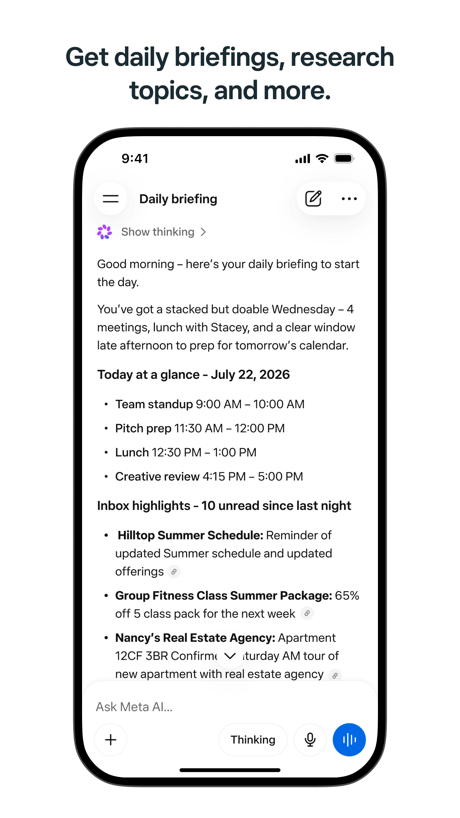
“Get daily briefings, research topics, and more.”

“Create & join audio discussions to learn on the go 🚆”
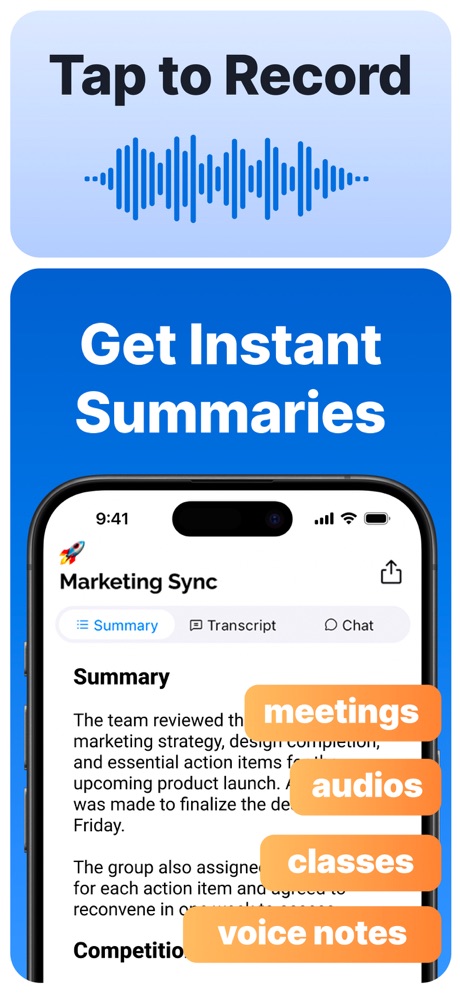
“Tap to Record Get Instant Summaries”

“Popular ringtones”

“Get automated summaries and action items”

“Become a member anytime to get even more storage.”

“Join and create Fundraisers”
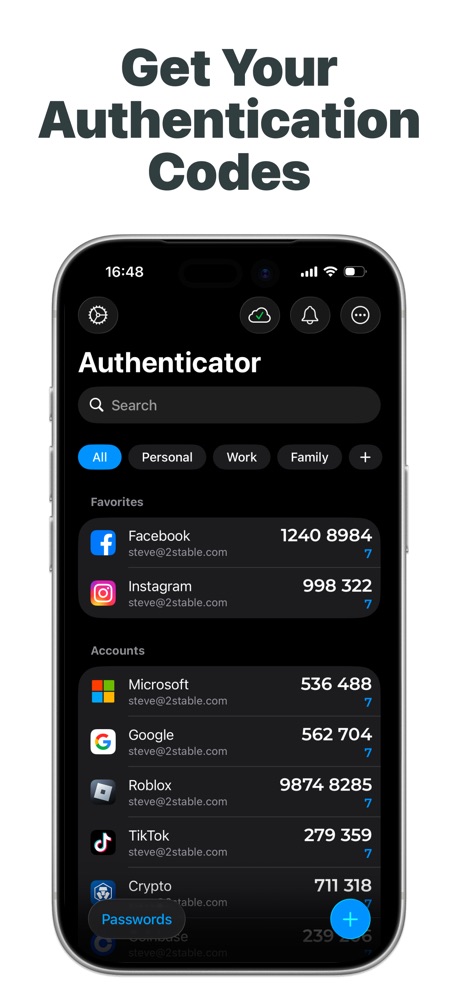
“Get Your Authentication Codes”

“Backed by legendary security.”
Real headline examples, word for word.
The words on all 10 that carry any, as each app wrote them.
“Get the best of Gmail on iPhone”
Gmail - Email by Google · #5 · screenshot 1“Get daily briefings, research topics, and more.”
Meta AI · #16 · screenshot 1“Create & join audio discussions to learn on the go 🚆”
Gemini Notebook · #34 · screenshot 4“Tap to Record Get Instant Summaries”
Summary - AI Note Taker · #35 · screenshot 2“Popular ringtones”
Easily download top ringtonesRingtones Maker - the ring app · #44 · screenshot 2“Get automated summaries and action items”
Otter Transcribe Voice Notes · #46 · screenshot 4“Become a member anytime to get even more storage.”
Google One · #52 · screenshot 3“Join and create Fundraisers”
Double Good · #53 · screenshot 2“Get Your Authentication Codes”
Authenticator App · #70 · screenshot 1“Backed by legendary security.”
Try it free for 14 days.1Password: Password Manager · #81 · screenshot 5
Top ten Productivity apps that do it.
- #5Gmail - Email by Google1 of its 6 screenshots
The same tactic in other categories.
| Category | Apps that do it | Screenshots | Top ten |
|---|---|---|---|
| Finance | 32% 32 of 100 | 7% 43 of 581 | 2 of 10 |
| Food & Drink | 31% 31 of 100 | 6% 34 of 540 | 4 of 10 |
| Social Networking | 25% 25 of 100 | 5% 28 of 554 | 4 of 10 |
| News | 24% 24 of 98 | 5% 26 of 517 | 4 of 10 |
| Shopping | 22% 22 of 100 | 4% 24 of 562 | 2 of 10 |
| Lifestyle | 19% 19 of 100 | 4% 21 of 556 | 3 of 10 |
| Entertainment | 18% 18 of 100 | 4% 20 of 544 | 2 of 10 |
| Navigation | 17% 17 of 99 | 3% 17 of 566 | 3 of 10 |
| Music | 16% 16 of 100 | 4% 20 of 550 | 4 of 10 |
| Travel | 16% 16 of 100 | 3% 17 of 561 | 1 of 10 |
| Medical | 15% 15 of 100 | 3% 16 of 548 | 0 of 10 |
| Reference | 15% 15 of 100 | 3% 17 of 566 | 3 of 10 |
| Utilities | 14% 14 of 100 | 3% 16 of 549 | 2 of 10 |
| Graphics & Design | 13% 13 of 99 | 2% 14 of 564 | 2 of 10 |
| Health & Fitness | 13% 13 of 100 | 3% 16 of 574 | 0 of 10 |
| Games | 12% 12 of 100 | 2% 12 of 567 | 1 of 10 |
| Sports | 12% 12 of 100 | 2% 12 of 558 | 2 of 10 |
| Education | 11% 11 of 100 | 3% 14 of 555 | 2 of 10 |
| Productivity | 10% 10 of 99 | 2% 10 of 551 | 1 of 10 |
| Business | 10% 10 of 100 | 2% 10 of 554 | 1 of 10 |
| Photo & Video | 9% 9 of 100 | 2% 11 of 566 | 0 of 10 |
| Developer Tools | 8% 8 of 100 | 2% 8 of 507 | 2 of 10 |
| Weather | 2% 2 of 100 | under 1% 2 of 555 | 0 of 10 |
Related tactics.
Often on the same screenshot
- Black, white or grey90% of these screenshots, against 41% of all Productivity screenshots
- Solid background70% of these screenshots, against 34% of all Productivity screenshots
- Phone cut off at the foot50% of these screenshots, against 22% of all Productivity screenshots
- Tells you to do something80% of these screenshots, against 54% of all Productivity screenshots
- Arrows or callouts40% of these screenshots, against 15% of all Productivity screenshots
- App icon shown40% of these screenshots, against 16% of all Productivity screenshots
More in meaning
- Plain tone99%
- Leads with a feature97%
- States a benefit92%
- Leads with an outcome29%
- Subline explains the headline27%
- Leads with trust21%
- Subline adds a second benefit17%
- Playful tone11%
- Compares with something9%
- Names its audience9%
- Premium tone6%
- Technical tone4%
- Leads with what is new3%
- Leads with who it is for3%
- Leads with a problem2%
- Urgent tone2%
Questions, answered from the chart.
How many top Productivity apps have App Store screenshots with a call to action?
Which Productivity apps have App Store screenshots with a call to action?
Should my Productivity app have App Store screenshots with a call to action?
See your own app against this.
Pagefully reads your screenshots the same way, and makes a custom product page for each search people type, from your real screens.
Preview your pages