Lifestyle app screenshots with a call to action
Download, start, try, join. A screenshot is a picture and not a button, so a call to action on it can only point at the Get button beside it.
From the top 100 free Lifestyle apps on the US App Store, read on October 9, 2026. Screenshots are the developers’ own, shown from Apple’s servers with a link to each app.
The numbers
21 of the 556 Lifestyle screenshots read (4%) do this, across 19 of the top 100 apps (19%). 3 of the top ten do it (30%), against 16 of the other 90 (18%): the top ten do it more than the rest. Of the 23 categories read so far, Lifestyle is 6th for this. It is most common in Finance (32% of apps) and least common in Weather (2%).
12 examples from the chart.
12 of the 21 Lifestyle app screenshots with a call to action, one from each app, the highest on the chart first.
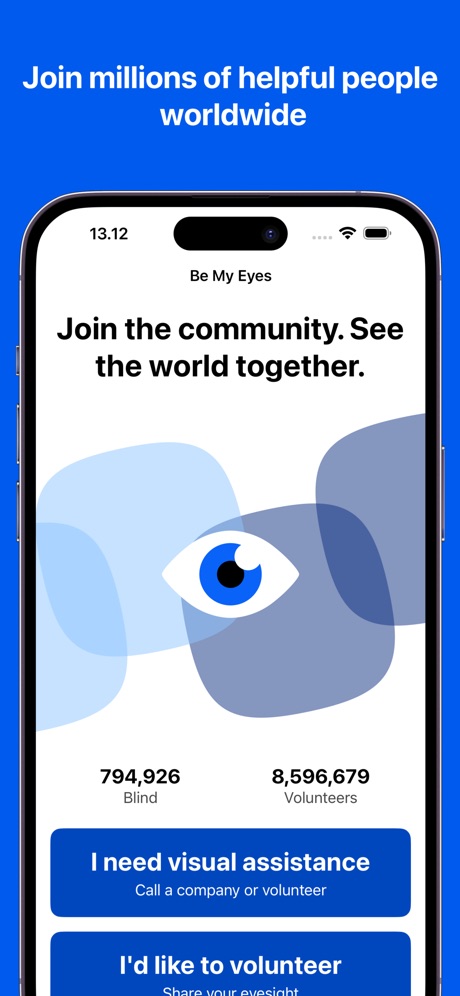
“Join millions of helpful people worldwide”
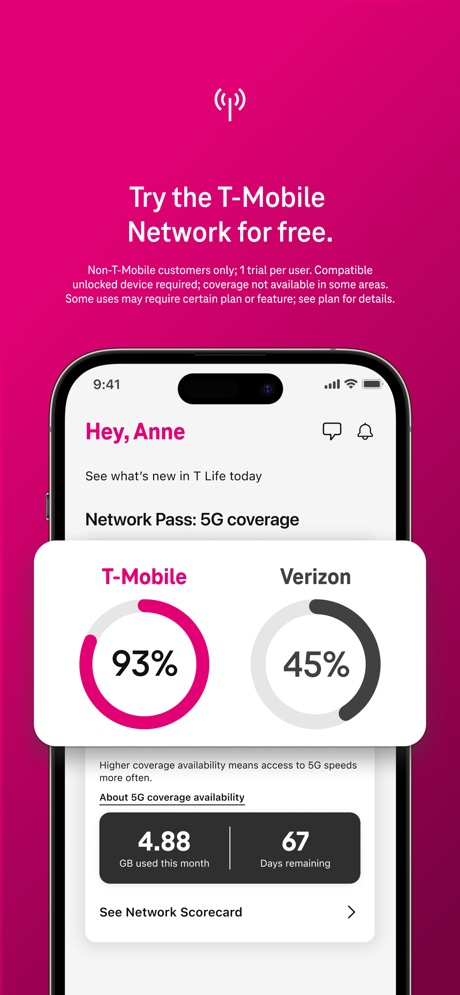
“Try the T-Mobile Network for free.”

“Get real-time alerts the moment motion is detected or someone arrives at your door.”
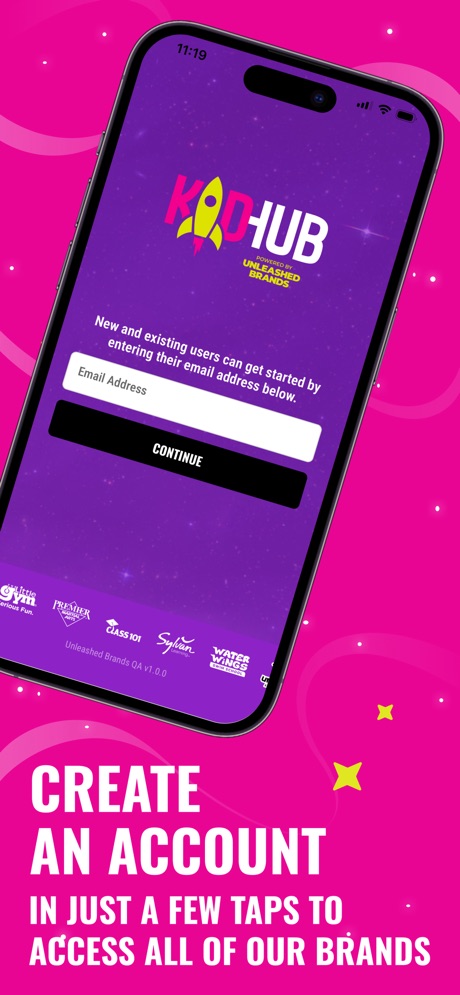
“CREATE AN ACCOUNT”

“Continuously Evolving Appliances”
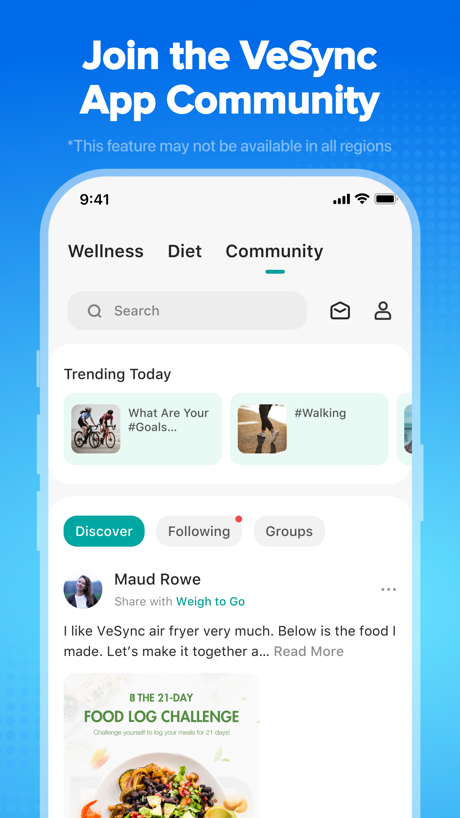
“Join the VeSync App Community”
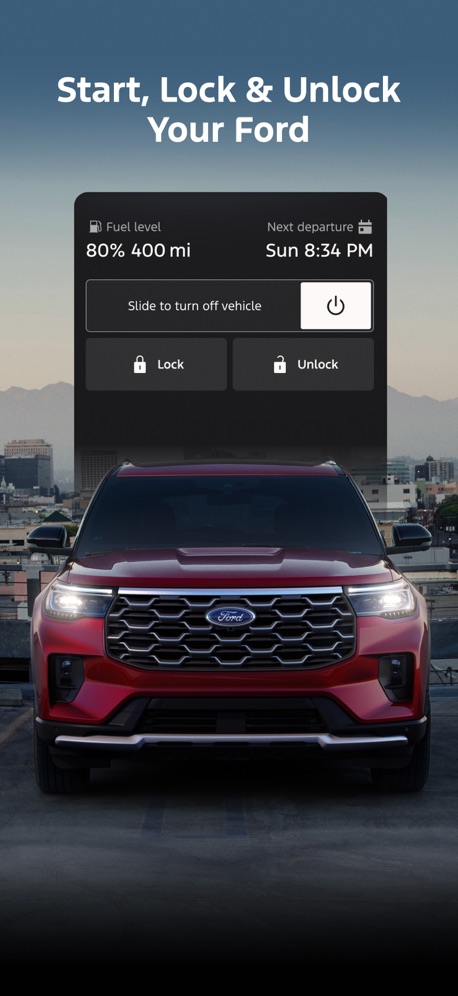
“Start, Lock & Unlock Your Ford”

“Join 2M+ happy users”

“Book trusted help for home tasks”
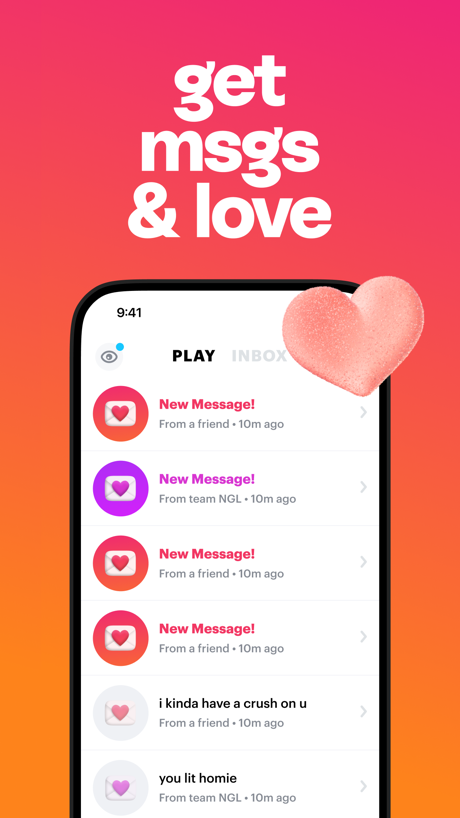
“get msgs & love”

“Get Community Support”

“Download 35 pages kundli report”
Real headline examples, word for word.
The words on all 21 that carry any, as each app wrote them.
“Join millions of helpful people worldwide”
Be My Eyes · #1 · screenshot 2“Try the T-Mobile Network for free.”
Non-T-Mobile customers only; 1 trial per user. Compatible unlocked device required; coverage not available in some areas. Some uses may require certain plan or feature; see plan for details.T-Life · #3 · screenshot 5“Get real-time alerts the moment motion is detected or someone arrives at your door.”
Ring - Always Home · #4 · screenshot 5“CREATE AN ACCOUNT”
IN JUST A FEW TAPS TO ACCESS ALL OF OUR BRANDSKidHub by Unleashed Brands · #11 · screenshot 2“Continuously Evolving Appliances”
Try ThinQ UP and experience appliances that get better.LG ThinQ · #17 · screenshot 5“Join the VeSync App Community”
*This feature may not be available in all regionsVeSync · #33 · screenshot 6“Start, Lock & Unlock Your Ford”
Ford™ · #40 · screenshot 2“Join 2M+ happy users”
“it's so fun making lists and picking the store you want. Just love the app!”Listful - Wishlist Maker · #48 · screenshot 3“Book trusted help for home tasks”
Taskrabbit - Handyman & more · #50 · screenshot 1“get msgs & love”
NGL: ask me anything · #51 · screenshot 4“Get Community Support”
I Am Sober · #54 · screenshot 6“Download 35 pages kundli report”
Astrotalk - Talk to Astrologer · #60 · screenshot 4“Register for exciting events”
Luma: Events & Invites · #71 · screenshot 4“Try outfits on your Avatar”
Alta Daily: Digital AI Closet · #72 · screenshot 5“Open your intelligent smart service.”
AiDot · #80 · screenshot 5“Get your Love Insights”
Lumus: Tarot & Psychic Reading · #81 · screenshot 1“Earn points by joining a loyalty program with one tap.”
PetDesk · #86 · screenshot 2“Get Cash & Free Gift Cards”
Swagbucks: Earn Real Rewards · #90 · screenshot 1“Download the app now to see the missions available near you!”
BeMyEye - Earn money · #97 · screenshot 6- Get Live
“True Predictions”
Lumus: Tarot & Psychic Reading · #81 · screenshot 2 “Get Your Daily Reading”
Lumus: Tarot & Psychic Reading · #81 · screenshot 3
Top ten Lifestyle apps that do it.
- #1Be My Eyes1 of its 4 screenshots
- #3T-Life1 of its 6 screenshots
- #4Ring - Always Home1 of its 5 screenshots
The same tactic in other categories.
| Category | Apps that do it | Screenshots | Top ten |
|---|---|---|---|
| Finance | 32% 32 of 100 | 7% 43 of 581 | 2 of 10 |
| Food & Drink | 31% 31 of 100 | 6% 34 of 540 | 4 of 10 |
| Social Networking | 25% 25 of 100 | 5% 28 of 554 | 4 of 10 |
| News | 24% 24 of 98 | 5% 26 of 517 | 4 of 10 |
| Shopping | 22% 22 of 100 | 4% 24 of 562 | 2 of 10 |
| Lifestyle | 19% 19 of 100 | 4% 21 of 556 | 3 of 10 |
| Entertainment | 18% 18 of 100 | 4% 20 of 544 | 2 of 10 |
| Navigation | 17% 17 of 99 | 3% 17 of 566 | 3 of 10 |
| Music | 16% 16 of 100 | 4% 20 of 550 | 4 of 10 |
| Travel | 16% 16 of 100 | 3% 17 of 561 | 1 of 10 |
| Medical | 15% 15 of 100 | 3% 16 of 548 | 0 of 10 |
| Reference | 15% 15 of 100 | 3% 17 of 566 | 3 of 10 |
| Utilities | 14% 14 of 100 | 3% 16 of 549 | 2 of 10 |
| Graphics & Design | 13% 13 of 99 | 2% 14 of 564 | 2 of 10 |
| Health & Fitness | 13% 13 of 100 | 3% 16 of 574 | 0 of 10 |
| Games | 12% 12 of 100 | 2% 12 of 567 | 1 of 10 |
| Sports | 12% 12 of 100 | 2% 12 of 558 | 2 of 10 |
| Education | 11% 11 of 100 | 3% 14 of 555 | 2 of 10 |
| Productivity | 10% 10 of 99 | 2% 10 of 551 | 1 of 10 |
| Business | 10% 10 of 100 | 2% 10 of 554 | 1 of 10 |
| Photo & Video | 9% 9 of 100 | 2% 11 of 566 | 0 of 10 |
| Developer Tools | 8% 8 of 100 | 2% 8 of 507 | 2 of 10 |
| Weather | 2% 2 of 100 | under 1% 2 of 555 | 0 of 10 |
Related tactics.
Often on the same screenshot
- Illustration or mascot62% of these screenshots, against 29% of all Lifestyle screenshots
- Tells you to do something86% of these screenshots, against 58% of all Lifestyle screenshots
- Light81% of these screenshots, against 59% of all Lifestyle screenshots
- Teal24% of these screenshots, against 7% of all Lifestyle screenshots
- Gradient background62% of these screenshots, against 49% of all Lifestyle screenshots
- Background is the icon’s colour52% of these screenshots, against 41% of all Lifestyle screenshots
More in meaning
- Plain tone94%
- Leads with a feature89%
- States a benefit89%
- Subline explains the headline36%
- Leads with an outcome28%
- Playful tone28%
- Names its audience17%
- Leads with trust12%
- Subline adds a second benefit11%
- Compares with something7%
- Urgent tone7%
- Leads with what is new6%
- Leads with a problem4%
- Premium tone4%
- Technical tone4%
- Leads with price2%
- Leads with who it is for1%
Questions, answered from the chart.
How many top Lifestyle apps have App Store screenshots with a call to action?
Which Lifestyle apps have App Store screenshots with a call to action?
Should my Lifestyle app have App Store screenshots with a call to action?
See your own app against this.
Pagefully reads your screenshots the same way, and makes a custom product page for each search people type, from your real screens.
Preview your pages