Lifestyle app screenshots with a command headline
The headline is a command: Track your sleep, Start a session. A command starts with a verb, so the first word is what the reader can do with the app.
From the top 100 free Lifestyle apps on the US App Store, read on October 9, 2026. Screenshots are the developers’ own, shown from Apple’s servers with a link to each app.
The numbers
322 of the 556 Lifestyle screenshots read (58%) do this, across 88 of the top 100 apps (88%). 10 of the top ten do it (100%), against 78 of the other 90 (87%): the top ten do it more than the rest. Of the 23 categories read so far, Lifestyle is 5th for this. It is most common in Health & Fitness (95% of apps) and least common in Weather (45%).
12 examples from the chart.
12 of the 322 Lifestyle app screenshots with a command headline, one from each app, the highest on the chart first.
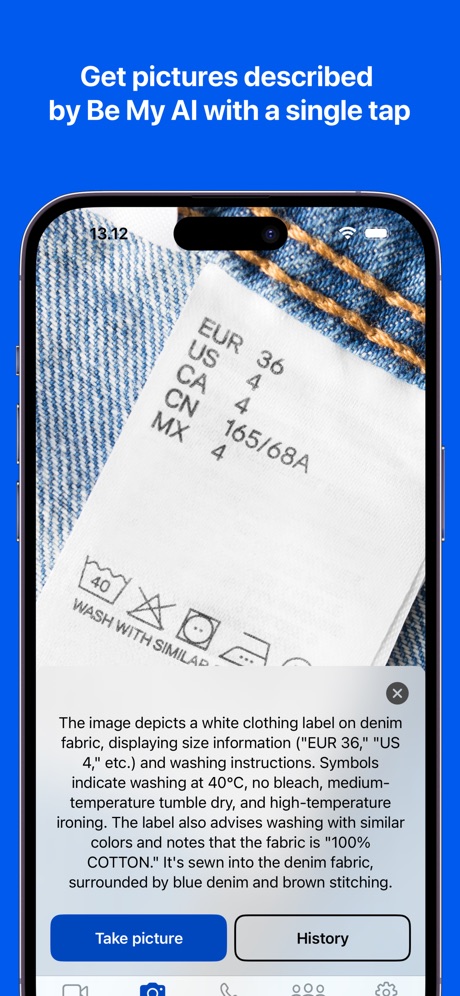
“Get pictures described by Be My AI with a single tap”

“Embrace spooky season”
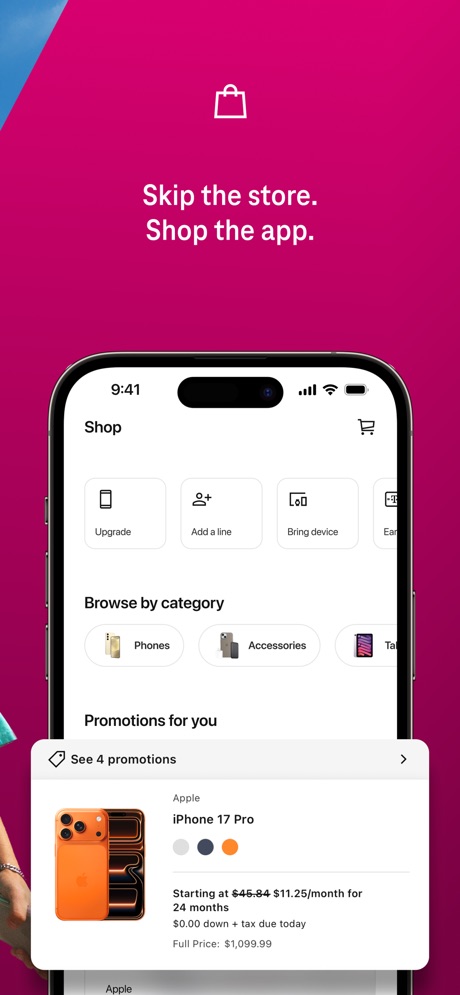
“Skip the store. Shop the app.”

“See & speak to visitors with Video Doorbells and Security Cameras.”
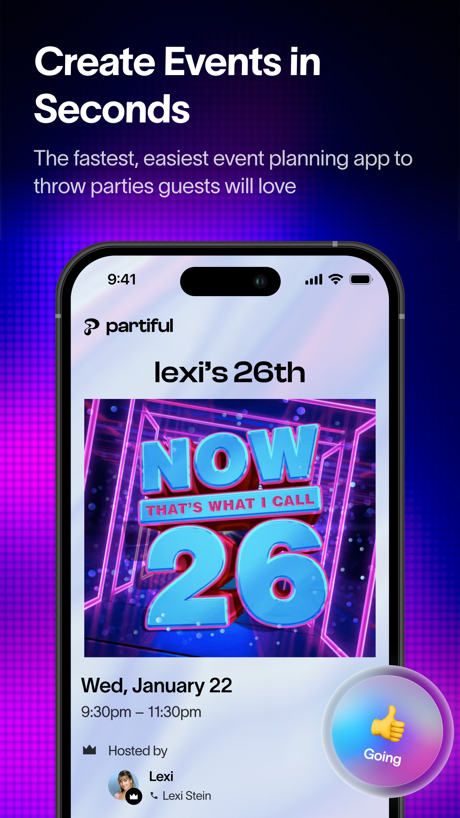
“Create Events in Seconds”
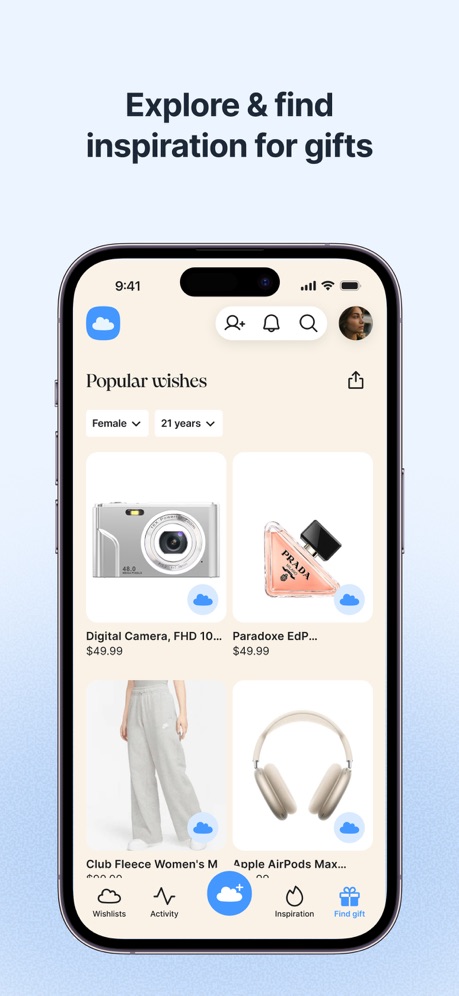
“Explore & find inspiration for gifts”

“Start on the same page”

“Attract people who actually get you”

“Build your smart home with SmartThings”

“Plan your next move”
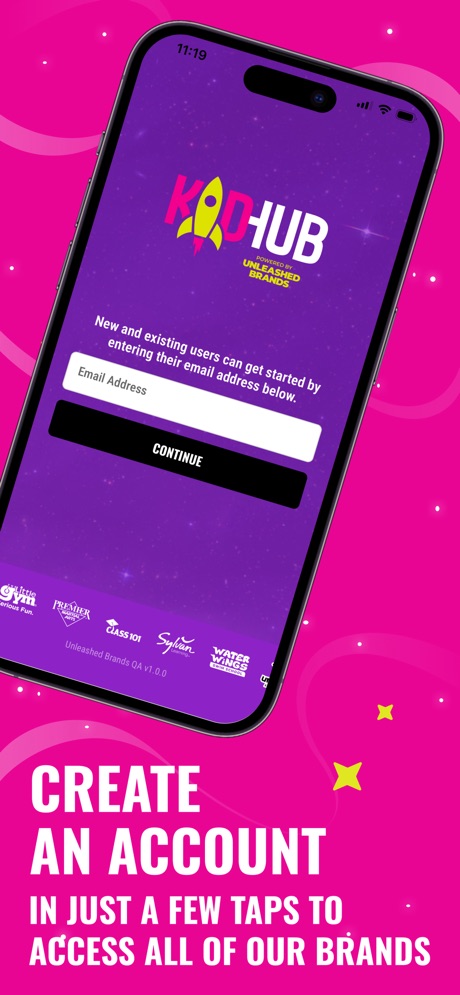
“CREATE AN ACCOUNT”

“Talk to Alexa on-the-go”
Real headline examples, word for word.
The words on 40 of the 322 that carry any, as each app wrote them.
“Get pictures described by Be My AI with a single tap”
Be My Eyes · #1 · screenshot 1“Embrace spooky season”
Pinterest · #2 · screenshot 1“Skip the store. Shop the app.”
T-Life · #3 · screenshot 2“See & speak to visitors with Video Doorbells and Security Cameras.”
Ring - Always Home · #4 · screenshot 2“Create Events in Seconds”
The fastest, easiest event planning app to throw parties guests will lovePartiful: Party Invite Maker · #5 · screenshot 1“Explore & find inspiration for gifts”
GoWish - Your Digital Wishlist · #6 · screenshot 2“Start on the same page”
with Dating IntentionsHinge Dating App: Match & Date · #7 · screenshot 3“Attract people who actually get you”
“my wardrobe is your wardrobe ... eventually ... | reading at the beach! | a love for spontaneous weekend trips~!”Tinder Dating App: Date & Chat · #8 · screenshot 2“Build your smart home with SmartThings”
SmartThings · #9 · screenshot 1“Plan your next move”
All your steps to get home, all in one place.Zillow Real Estate & Rentals · #10 · screenshot 1“CREATE AN ACCOUNT”
IN JUST A FEW TAPS TO ACCESS ALL OF OUR BRANDSKidHub by Unleashed Brands · #11 · screenshot 2“Talk to Alexa on-the-go”
Amazon Alexa · #12 · screenshot 1“BOOK anytime, ANYWHERE”
Booksy for Customers · #13 · screenshot 3“Discover the best businesses in beauty, wellness, and fitness.”
Vagaro · #14 · screenshot 1“Lock, unlock, monitor, open + close...”
myQ Garage & Access Control · #15 · screenshot 3“Keep up with what's important”
Google Home · #16 · screenshot 2“Discover Personalized Content”
Find personalized content based on your product usage patterns in the Discover tab.LG ThinQ · #17 · screenshot 3“Convert Photo to PDF by PDF Scan”
PDF Scan · #18 · screenshot 1“Get the most out of your vehicle”
Toyota · #20 · screenshot 1“Swipe to Meet”
Duet Dating App: Chat & Meet · #21 · screenshot 3“Show who you are from the start”
“The quickest way to my heart is when someone says "shall we just get takeout for dinner?"”Bumble Dating App: Meet & Date · #22 · screenshot 2“SEARCH 15M+ Characters”
CHAI: Social AI Platform- Chat · #23 · screenshot 2“Beat a mission to stop your alarm”
Alarmy - Loud alarm clock · #25 · screenshot 2“Date as You are”
Hily Dating App: Meet. Date. · #29 · screenshot 1“Choose Your Path & Decide Fate”
Tipsy Chat: Live Your Story · #30 · screenshot 2“Protect Your Home”
SmartLife: Smart Living · #31 · screenshot 3“Free Up Your Hands with Voice Control”
Control the device via voice with Google Home and Amazon Alexa.TP-Link Tapo · #32 · screenshot 4“Track Calories & Nutrition”
*This feature may not be available in all regionsVeSync · #33 · screenshot 2“Find your go-to's”
Square Go · #34 · screenshot 1“Set profiles for the family”
eero wifi system · #35 · screenshot 2“See what matters before you visit”
Realtor.com Real Estate & Rent · #36 · screenshot 3“MEET & DATE OPEN-MINDED PEOPLE”
“Not here to find myself. Already found. Just looking for something new.”PURE: Open-Minded Dating App · #38 · screenshot 1“Confidently tackle your home projects.”
Thumbtack: Home Service Pros · #39 · screenshot 1“Start, Lock & Unlock Your Ford”
Ford™ · #40 · screenshot 2“Get inspired and bring ideas to life”
Lemon8 - Lifestyle Community · #41 · screenshot 3“Book tickets. Order food. Research.”
Hark Pro · #42 · screenshot 3“Answer surveys and earn money”
Google Opinion Rewards · #43 · screenshot 1“Measure Heart Rate”
Blood Pressure Log, Heart Rate · #44 · screenshot 1“Create Your Wishlist”
Giftful - Wishlist & Registry · #45 · screenshot 1“Watch, save & share your footage”
The Official Wyze App · #47 · screenshot 2
Top ten Lifestyle apps that do it.
- #1Be My Eyes2 of its 4 screenshots
- #2Pinterest5 of its 6 screenshots
- #3T-Life3 of its 6 screenshots
- #4Ring - Always Home3 of its 5 screenshots
- #5Partiful: Party Invite Maker6 of its 6 screenshots
- #6GoWish - Your Digital Wishlist4 of its 5 screenshots
- #7Hinge Dating App: Match & Date2 of its 6 screenshots
- #8Tinder Dating App: Date & Chat2 of its 6 screenshots
- #9SmartThings5 of its 5 screenshots
- #10Zillow Real Estate & Rentals3 of its 6 screenshots
The same tactic in other categories.
| Category | Apps that do it | Screenshots | Top ten |
|---|---|---|---|
| Health & Fitness | 95% 95 of 100 | 60% 342 of 574 | 10 of 10 |
| Food & Drink | 93% 93 of 100 | 55% 295 of 540 | 10 of 10 |
| Productivity | 93% 92 of 99 | 54% 299 of 551 | 10 of 10 |
| Finance | 90% 90 of 100 | 54% 311 of 581 | 7 of 10 |
| Lifestyle | 88% 88 of 100 | 58% 322 of 556 | 10 of 10 |
| Shopping | 88% 88 of 100 | 50% 281 of 562 | 9 of 10 |
| Travel | 85% 85 of 100 | 48% 267 of 561 | 9 of 10 |
| Entertainment | 84% 84 of 100 | 45% 245 of 544 | 9 of 10 |
| Music | 83% 83 of 100 | 52% 287 of 550 | 8 of 10 |
| Social Networking | 83% 83 of 100 | 50% 279 of 554 | 9 of 10 |
| Business | 82% 82 of 100 | 51% 282 of 554 | 9 of 10 |
| Sports | 82% 82 of 100 | 45% 249 of 558 | 9 of 10 |
| Navigation | 82% 81 of 99 | 48% 269 of 566 | 8 of 10 |
| Graphics & Design | 81% 80 of 99 | 39% 221 of 564 | 7 of 10 |
| Education | 80% 80 of 100 | 49% 274 of 555 | 8 of 10 |
| Reference | 78% 78 of 100 | 45% 255 of 566 | 8 of 10 |
| Games | 74% 74 of 100 | 43% 243 of 567 | 9 of 10 |
| Medical | 73% 73 of 100 | 49% 268 of 548 | 9 of 10 |
| Utilities | 73% 73 of 100 | 39% 214 of 549 | 8 of 10 |
| News | 72% 71 of 98 | 48% 248 of 517 | 10 of 10 |
| Photo & Video | 72% 72 of 100 | 40% 224 of 566 | 8 of 10 |
| Developer Tools | 56% 56 of 100 | 31% 158 of 507 | 5 of 10 |
| Weather | 45% 45 of 100 | 19% 106 of 555 | 5 of 10 |
Related tactics.
Often on the same screenshot
- Leads with a feature64% of these screenshots, against 51% of all Lifestyle screenshots
- Plain tone82% of these screenshots, against 74% of all Lifestyle screenshots
- Words at the top92% of these screenshots, against 84% of all Lifestyle screenshots
- Has a headline100% of these screenshots, against 94% of all Lifestyle screenshots
- Says “you” or “your”44% of these screenshots, against 39% of all Lifestyle screenshots
- Phone drawn90% of these screenshots, against 85% of all Lifestyle screenshots
More in words
- Has a headline95%
- Says “you” or “your”84%
- Headline under five words79%
- Has a subline45%
- Headline in Title Case33%
- Headline on one line26%
- Headline over eight words26%
- Uses a number25%
- Names the app21%
- Has a kicker15%
- No words at all14%
- Says “I” or “my”14%
- Exclaims9%
- Headline in capitals8%
- Uses an emoji8%
- Asks a question4%
- Names another app1%
Questions, answered from the chart.
How many top Lifestyle apps have App Store screenshots with a command headline?
Which Lifestyle apps have App Store screenshots with a command headline?
Should my Lifestyle app have App Store screenshots with a command headline?
See your own app against this.
Pagefully reads your screenshots the same way, and makes a custom product page for each search people type, from your real screens.
Preview your pages