Long Lifestyle app screenshot headlines
Nine words or more: a sentence, not a line. A sentence can say more than a line, and has to be set smaller to fit.
From the top 100 free Lifestyle apps on the US App Store, read on October 9, 2026. Screenshots are the developers’ own, shown from Apple’s servers with a link to each app.
The numbers
46 of the 556 Lifestyle screenshots read (8%) do this, across 26 of the top 100 apps (26%). 5 of the top ten do it (50%), against 21 of the other 90 (23%): the top ten do it more than the rest. Of the 23 categories read so far, Lifestyle is 4th for this. It is most common in Business (29% of apps) and least common in Games (5%).
12 examples from the chart.
12 of the 46 long Lifestyle app screenshot headlines, one from each app, the highest on the chart first.
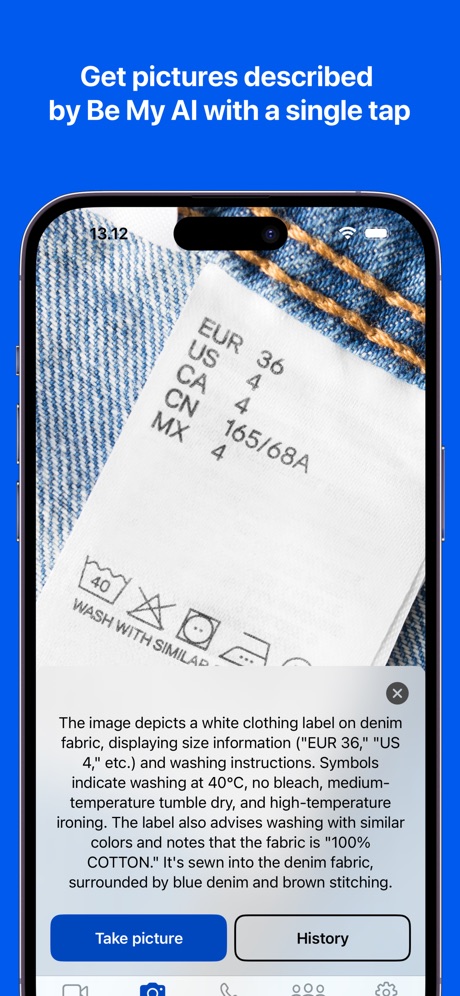
“Get pictures described by Be My AI with a single tap”
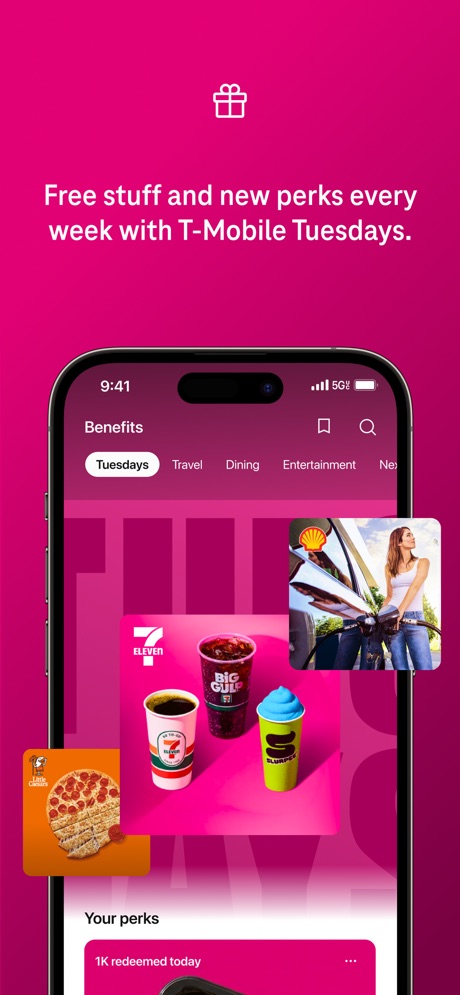
“Free stuff and new perks every week with T-Mobile Tuesdays.”

“See & speak to visitors with Video Doorbells and Security Cameras.”

“Meet someone that also wants to get off dating apps”

“See all your next steps in one organized view”
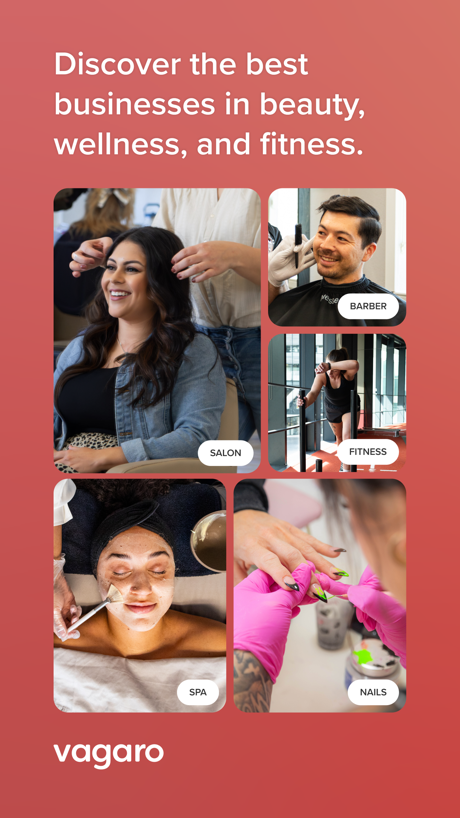
“Discover the best businesses in beauty, wellness, and fitness.”

“Control your vehicle from the palm of your hand”

“We've always supported each other. That's what makes our bond so strong.”

“Your home. Your clean. Create custom clean and machine self-cleaning.”

“House cleaning Handyman Appliance repair or maintenance Local moving Lawn mowing and trimming Electrical and wiring repair”

“You shouldn't have to do it all. Hand it off to Hark.”
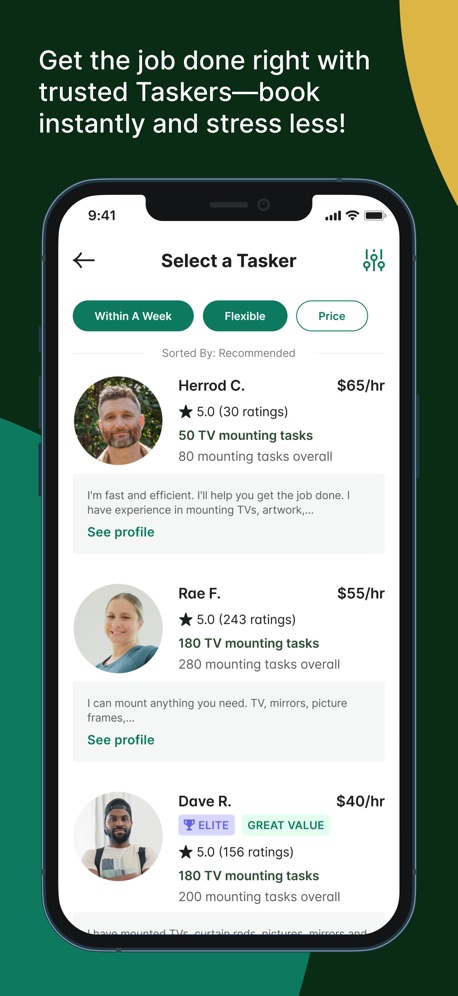
“Get the job done right with trusted Taskers, book instantly and stress less!”
Real headline examples, word for word.
The words on 40 of the 46 that carry any, as each app wrote them.
“Get pictures described by Be My AI with a single tap”
Be My Eyes · #1 · screenshot 1“Free stuff and new perks every week with T-Mobile Tuesdays.”
T-Life · #3 · screenshot 3“See & speak to visitors with Video Doorbells and Security Cameras.”
Ring - Always Home · #4 · screenshot 2“Meet someone that also wants to get off dating apps”
Hinge Dating App: Match & Date · #7 · screenshot 2“See all your next steps in one organized view”
Zillow Real Estate & Rentals · #10 · screenshot 6“Discover the best businesses in beauty, wellness, and fitness.”
Vagaro · #14 · screenshot 1“Control your vehicle from the palm of your hand”
Remote Connect subscription required. Only available on select vehicles.Toyota · #20 · screenshot 3- "
“We've always supported each other. That's what makes our bond so strong.”
Dshani & NarvinBumble Dating App: Meet & Date · #22 · screenshot 4 - Wet&Dry Vacuum Cleaners
“Your home. Your clean. Create custom clean and machine self-cleaning.”
Roborock · #26 · screenshot 6 “House cleaning Handyman Appliance repair or maintenance Local moving Lawn mowing and trimming Electrical and wiring repair”
Thumbtack: Home Service Pros · #39 · screenshot 3“You shouldn't have to do it all. Hand it off to Hark.”
Hark Pro · #42 · screenshot 1“Get the job done right with trusted Taskers, book instantly and stress less!”
Taskrabbit - Handyman & more · #50 · screenshot 3“Link profiles with your connections. Make new ones, together.”
Feeld: Dating for the Curious · #52 · screenshot 5“I found an apartment in one day, thanks to this app! An even better apartment than I was hoping for, and at a price I can afford!”
- Jessica K.Apartment List: Apt rentals · #64 · screenshot 6“A car buying and selling experience designed for you”
CarMax: Used Cars for Sale · #69 · screenshot 1“Group products and control them from a single screen.”
Hubspace · #70 · screenshot 5“NASA data charts the exact location of the stars.”
Co–Star Personalized Astrology · #73 · screenshot 4“Sees what you can’t and cleans what other robots* don’t.”
*RV3000WD tested in the heavy first pass stain cleaning mode vs. Shark RV2610WA and RV2820ZE.SharkClean · #75 · screenshot 1“Full control from anywhere, for peace of mind anytime.”
ecobee by Generac · #76 · screenshot 2“Treats. Toys. Swag. Freebies. Lots of rewards. All paw-some!”
myPurina – Pet Rewards & Care · #82 · screenshot 1“Earn points by joining a loyalty program with one tap.”
PetDesk · #86 · screenshot 2“Act faster with smart notifications that tell you if a person, package, vehicle, or animal has been detected.¹”
Arlo Secure: Home Security · #87 · screenshot 3“One app for all Nest products: Home is at your fingertips.”
Nest · #88 · screenshot 1- Scan Receipts
“Congrats! This receipt has earned you £4.98 Cash Back”
Swagbucks: Earn Real Rewards · #90 · screenshot 4 “Download the app now to see the missions available near you!”
BeMyEye - Earn money · #97 · screenshot 6“Easily control and manage all your Kasa smart devices, anytime and anywhere.”
Kasa Smart · #100 · screenshot 1“Assist blind and low vision people with everyday tasks”
Be My Eyes · #1 · screenshot 3“Know what's happening at home from wherever you are with Ring Alarm.”
Ring - Always Home · #4 · screenshot 3“Pay securely in the app. No cash needed after your task is complete.”
Taskrabbit - Handyman & more · #50 · screenshot 5“Stay one step ahead of severe weather with outage alerts.”
ecobee by Generac · #76 · screenshot 4“Earn 400 bonus points just for creating your pet's profile.”
myPurina – Pet Rewards & Care · #82 · screenshot 2“Keep track of your pet's to do list using one app.”
PetDesk · #86 · screenshot 3“See your entire security system at a glance with a customizable dashboard.”
Arlo Secure: Home Security · #87 · screenshot 4“Check in, even when you’re out. Or rewind to see what happened.”
Nest · #88 · screenshot 3“Keep watch over those you care about most with Kasa Cams.”
Kasa Smart · #100 · screenshot 3“Connect your devices to protect your whole-home better, together.”
Ring - Always Home · #4 · screenshot 4“Stay connected and protected at home with ecobee Smart Security.”
ecobee by Generac · #76 · screenshot 6“Meet Allie, your go-to pet care expert for all things health, nutrition and behavior.”
myPurina – Pet Rewards & Care · #82 · screenshot 4“Track vaccinations, lab results, and prescriptions in one place.”
PetDesk · #86 · screenshot 4“View event details from anywhere or share recorded videos with friends and family.”
Arlo Secure: Home Security · #87 · screenshot 5
Top ten Lifestyle apps that do it.
- #1Be My Eyes2 of its 4 screenshots
- #3T-Life1 of its 6 screenshots
- #4Ring - Always Home4 of its 5 screenshots
- #7Hinge Dating App: Match & Date1 of its 6 screenshots
- #10Zillow Real Estate & Rentals1 of its 6 screenshots
The same tactic in other categories.
| Category | Apps that do it | Screenshots | Top ten |
|---|---|---|---|
| Business | 29% 29 of 100 | 10% 53 of 554 | 5 of 10 |
| Navigation | 28% 28 of 99 | 8% 45 of 566 | 3 of 10 |
| Finance | 27% 27 of 100 | 9% 55 of 581 | 3 of 10 |
| Lifestyle | 26% 26 of 100 | 8% 46 of 556 | 5 of 10 |
| Medical | 26% 26 of 100 | 9% 48 of 548 | 6 of 10 |
| Travel | 23% 23 of 100 | 8% 46 of 561 | 3 of 10 |
| Shopping | 21% 21 of 100 | 7% 41 of 562 | 3 of 10 |
| Health & Fitness | 19% 19 of 100 | 4% 25 of 574 | 1 of 10 |
| Education | 17% 17 of 100 | 5% 29 of 555 | 1 of 10 |
| Food & Drink | 17% 17 of 100 | 6% 32 of 540 | 4 of 10 |
| Sports | 17% 17 of 100 | 5% 28 of 558 | 0 of 10 |
| Productivity | 16% 16 of 99 | 5% 29 of 551 | 4 of 10 |
| Social Networking | 16% 16 of 100 | 5% 28 of 554 | 1 of 10 |
| News | 15% 15 of 98 | 4% 21 of 517 | 1 of 10 |
| Music | 13% 13 of 100 | 3% 18 of 550 | 1 of 10 |
| Developer Tools | 12% 12 of 100 | 3% 13 of 507 | 2 of 10 |
| Entertainment | 12% 12 of 100 | 4% 21 of 544 | 2 of 10 |
| Reference | 11% 11 of 100 | 3% 16 of 566 | 1 of 10 |
| Photo & Video | 10% 10 of 100 | 2% 13 of 566 | 1 of 10 |
| Graphics & Design | 8% 8 of 99 | 2% 9 of 564 | 2 of 10 |
| Utilities | 8% 8 of 100 | 3% 14 of 549 | 1 of 10 |
| Weather | 7% 7 of 100 | 4% 21 of 555 | 2 of 10 |
| Games | 5% 5 of 100 | 1% 5 of 567 | 0 of 10 |
Related tactics.
Often on the same screenshot
- States a benefit78% of these screenshots, against 49% of all Lifestyle screenshots
- Light74% of these screenshots, against 59% of all Lifestyle screenshots
- Whole phone shown72% of these screenshots, against 58% of all Lifestyle screenshots
- Says “you” or “your”50% of these screenshots, against 39% of all Lifestyle screenshots
- A photograph70% of these screenshots, against 59% of all Lifestyle screenshots
- Words aligned left24% of these screenshots, against 14% of all Lifestyle screenshots
More in words
- Has a headline95%
- Tells you to do something88%
- Says “you” or “your”84%
- Headline under five words79%
- Has a subline45%
- Headline in Title Case33%
- Headline on one line26%
- Uses a number25%
- Names the app21%
- Has a kicker15%
- No words at all14%
- Says “I” or “my”14%
- Exclaims9%
- Headline in capitals8%
- Uses an emoji8%
- Asks a question4%
- Names another app1%
Questions, answered from the chart.
How many top Lifestyle apps have long App Store screenshot headlines?
Which Lifestyle apps have long App Store screenshot headlines?
Should my Lifestyle app have long App Store screenshot headlines?
See your own app against this.
Pagefully reads your screenshots the same way, and makes a custom product page for each search people type, from your real screens.
Preview your pages