Lifestyle app screenshots showing the whole phone
The device is shown in full, top to bottom. The whole device shows the whole screen, with nothing cropped.
From the top 100 free Lifestyle apps on the US App Store, read on October 9, 2026. Screenshots are the developers’ own, shown from Apple’s servers with a link to each app.
The numbers
325 of the 556 Lifestyle screenshots read (58%) do this, across 91 of the top 100 apps (91%). 7 of the top ten do it (70%), against 84 of the other 90 (93%): the top ten do it less than the rest. Of the 23 categories read so far, Lifestyle is 11th for this. It is most common in Reference (95% of apps) and least common in Games (28%).
12 examples from the chart.
12 of the 325 Lifestyle app screenshots showing the whole phone, one from each app, the highest on the chart first.
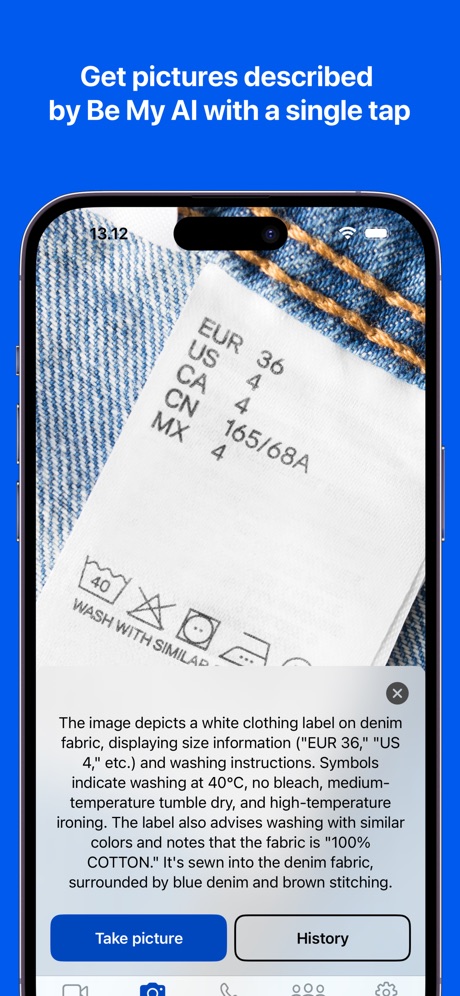
“Get pictures described by Be My AI with a single tap”

“Inspire your style”
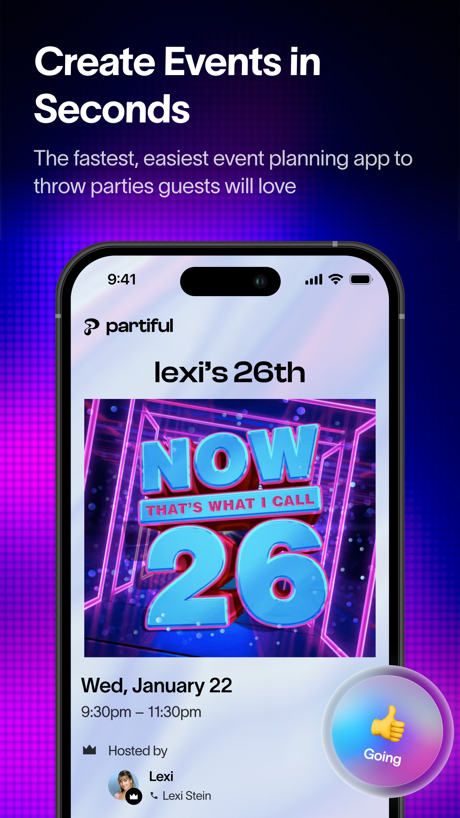
“Create Events in Seconds”
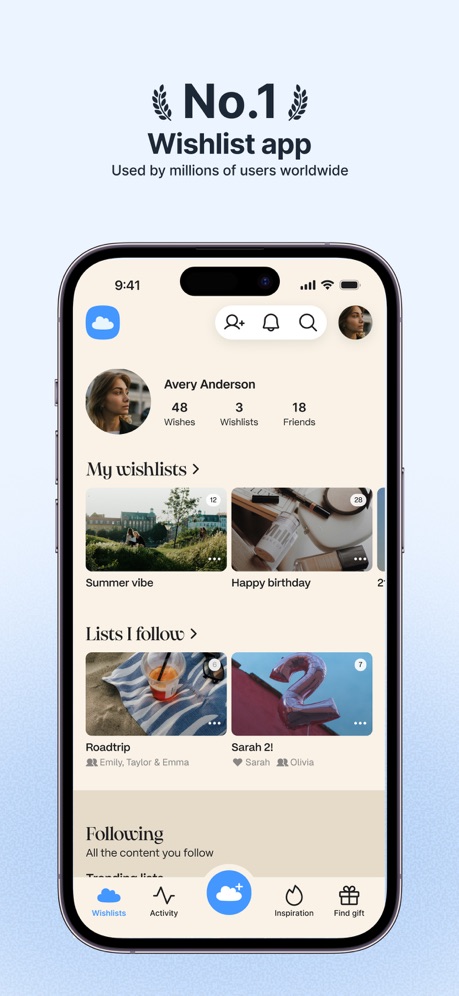
“No.1 Wishlist app”

“Connect with confidence”

“Build your smart home with SmartThings”

“Your personalized 'someday' plan”
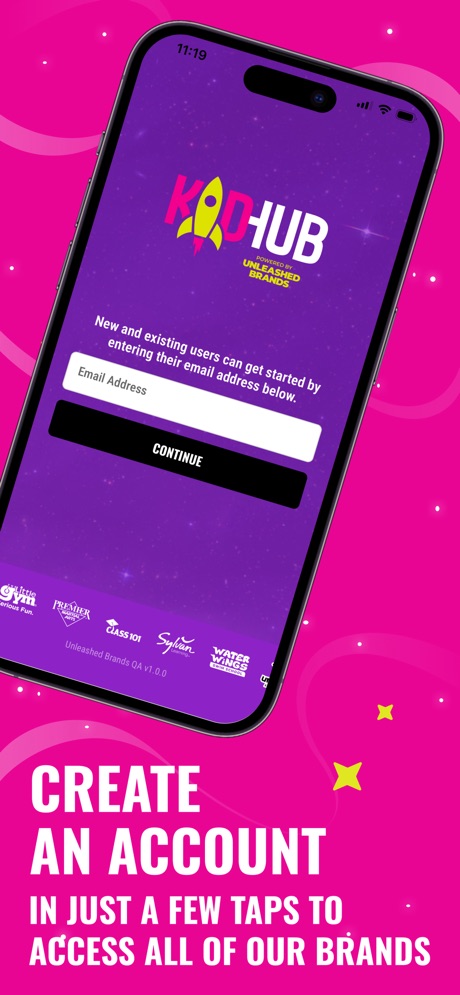
“CREATE AN ACCOUNT”

“Add and manage your Echo Devices”

“#1 BOOKING APP”
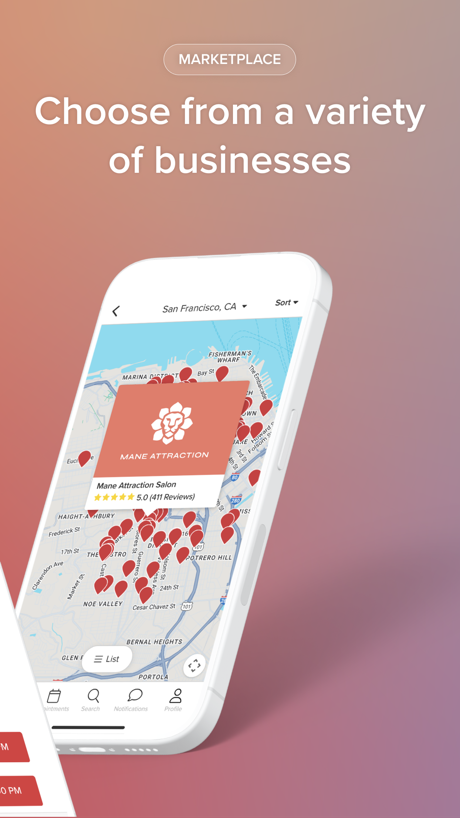
“Choose from a variety of businesses”

“Stay connected with smart notifications”
What these screenshots say, word for word.
The words on 40 of the 308 that carry any, as each app wrote them.
“Get pictures described by Be My AI with a single tap”
Be My Eyes · #1 · screenshot 1“Inspire your style”
Pinterest · #2 · screenshot 3“Create Events in Seconds”
The fastest, easiest event planning app to throw parties guests will lovePartiful: Party Invite Maker · #5 · screenshot 1“No.1 Wishlist app”
Used by millions of users worldwideGoWish - Your Digital Wishlist · #6 · screenshot 1“Connect with confidence”
with Photo VerificationTinder Dating App: Date & Chat · #8 · screenshot 4“Build your smart home with SmartThings”
SmartThings · #9 · screenshot 1“Your personalized 'someday' plan”
Zillow Real Estate & Rentals · #10 · screenshot 2“CREATE AN ACCOUNT”
IN JUST A FEW TAPS TO ACCESS ALL OF OUR BRANDSKidHub by Unleashed Brands · #11 · screenshot 2“Add and manage your Echo Devices”
Amazon Alexa · #12 · screenshot 2- The
“#1 BOOKING APP”
ratedBooksy for Customers · #13 · screenshot 1 - MARKETPLACE
“Choose from a variety of businesses”
Vagaro · #14 · screenshot 3 “Stay connected with smart notifications”
myQ Garage & Access Control · #15 · screenshot 5“See your home at a glance”
Google Home · #16 · screenshot 1“LG ThinQ”
Make your daily life more convenient.LG ThinQ · #17 · screenshot 1“Page Editor Reorder,Straighten,Rotate”
PDF Scan · #18 · screenshot 4“Get the most out of your vehicle”
Toyota · #20 · screenshot 1“Swipe to Meet”
Duet Dating App: Chat & Meet · #21 · screenshot 3“Show who you are from the start”
“The quickest way to my heart is when someone says "shall we just get takeout for dinner?"”Bumble Dating App: Meet & Date · #22 · screenshot 2“SEARCH 15M+ Characters”
CHAI: Social AI Platform- Chat · #23 · screenshot 2“Wake up to your favorite videos”
Alarmy - Loud alarm clock · #25 · screenshot 4- App Homepage
“Brand-new version Live device status updates”
Roborock · #26 · screenshot 2 “Vibe with 35M people”
Hily Dating App: Meet. Date. · #29 · screenshot 2“No.1”
Visual StorytellingTipsy Chat: Live Your Story · #30 · screenshot 1“Effortless device management”
SmartLife: Smart Living · #31 · screenshot 1“Remote Control from Anywhere”
Instantly turn connected devices on/off wherever you are through the app.TP-Link Tapo · #32 · screenshot 1“Your Smart Lifestyle Companion”
4.7+ Star Rating Trusted by 14M+ Users WorldwideVeSync · #33 · screenshot 1“Discover local businesses”
Square Go · #34 · screenshot 3“The way wifi should be”
eero wifi system · #35 · screenshot 1“See what matters before you visit”
Realtor.com Real Estate & Rent · #36 · screenshot 3“AAA Mobile”
Membership at your fingertips & customized user experience.AAA Mobile · #37 · screenshot 1“MEET & DATE OPEN-MINDED PEOPLE”
“Not here to find myself. Already found. Just looking for something new.”PURE: Open-Minded Dating App · #38 · screenshot 1“Know what home projects to do.”
Thumbtack: Home Service Pros · #39 · screenshot 4“The Ford App”
Connect, Control and Customize Your FordFord™ · #40 · screenshot 1“Fresh discoveries every day”
Lemon8 - Lifestyle Community · #41 · screenshot 2“You shouldn't have to do it all. Hand it off to Hark.”
Hark Pro · #42 · screenshot 1“The most accurate rate”
Blood Pressure Log, Heart Rate · #44 · screenshot 2“INSTANT APPROVAL NO CREDIT CHECK”
Instant Cash Advance - Zora · #46 · screenshot 3“Watch, save & share your footage”
The Official Wyze App · #47 · screenshot 2- Listful
“Use the best wishlist app”
Listful - Wishlist Maker · #48 · screenshot 1 “Alipay International”
Explore China with AlipayAlipay - Simplify Your Life · #49 · screenshot 1
Top ten Lifestyle apps that do it.
- #1Be My Eyes3 of its 4 screenshots
- #2Pinterest2 of its 6 screenshots
- #5Partiful: Party Invite Maker2 of its 6 screenshots
- #6GoWish - Your Digital Wishlist5 of its 5 screenshots
- #8Tinder Dating App: Date & Chat3 of its 6 screenshots
- #9SmartThings2 of its 5 screenshots
- #10Zillow Real Estate & Rentals5 of its 6 screenshots
The same tactic in other categories.
| Category | Apps that do it | Screenshots | Top ten |
|---|---|---|---|
| Reference | 95% 95 of 100 | 57% 324 of 566 | 10 of 10 |
| Utilities | 94% 94 of 100 | 59% 325 of 549 | 9 of 10 |
| Graphics & Design | 94% 93 of 99 | 62% 348 of 564 | 10 of 10 |
| Navigation | 94% 93 of 99 | 64% 365 of 566 | 10 of 10 |
| Entertainment | 93% 93 of 100 | 62% 339 of 544 | 10 of 10 |
| Shopping | 93% 93 of 100 | 59% 331 of 562 | 10 of 10 |
| Social Networking | 93% 93 of 100 | 61% 337 of 554 | 10 of 10 |
| Health & Fitness | 92% 92 of 100 | 53% 303 of 574 | 9 of 10 |
| Medical | 92% 92 of 100 | 58% 316 of 548 | 9 of 10 |
| Travel | 92% 92 of 100 | 57% 317 of 561 | 8 of 10 |
| Developer Tools | 91% 91 of 100 | 68% 344 of 507 | 9 of 10 |
| Lifestyle | 91% 91 of 100 | 58% 325 of 556 | 7 of 10 |
| Productivity | 91% 90 of 99 | 59% 323 of 551 | 9 of 10 |
| News | 90% 88 of 98 | 59% 306 of 517 | 8 of 10 |
| Business | 89% 89 of 100 | 51% 284 of 554 | 10 of 10 |
| Education | 89% 89 of 100 | 52% 287 of 555 | 7 of 10 |
| Sports | 89% 89 of 100 | 59% 327 of 558 | 8 of 10 |
| Weather | 89% 89 of 100 | 56% 311 of 555 | 10 of 10 |
| Music | 87% 87 of 100 | 59% 324 of 550 | 8 of 10 |
| Food & Drink | 86% 86 of 100 | 47% 254 of 540 | 9 of 10 |
| Photo & Video | 86% 86 of 100 | 60% 342 of 566 | 10 of 10 |
| Finance | 79% 79 of 100 | 42% 245 of 581 | 7 of 10 |
| Games | 28% 28 of 100 | 15% 85 of 567 | 2 of 10 |
Related tactics.
Often on the same screenshot
- Phone drawn100% of these screenshots, against 85% of all Lifestyle screenshots
- Screen fills the picture90% of these screenshots, against 77% of all Lifestyle screenshots
- Gradient background55% of these screenshots, against 49% of all Lifestyle screenshots
- Light63% of these screenshots, against 59% of all Lifestyle screenshots
- Words at the top88% of these screenshots, against 84% of all Lifestyle screenshots
- Low contrast words21% of these screenshots, against 18% of all Lifestyle screenshots
More in layout
- Screen fills the picture100%
- Phone drawn99%
- Words at the top94%
- A photograph86%
- A person in the picture74%
- Illustration or mascot67%
- Headline readable at thumbnail size66%
- Phone cut off at the foot50%
- Arrows or callouts46%
- App icon shown45%
- Headline too small to read41%
- Words aligned left36%
- A hand holds the phone35%
- No phone, bare screen31%
- No app screen at all23%
- Phone cut off at the head23%
- Two or more screens23%
- Zoomed detail of the UI19%
- Screen is small18%
- Words at the bottom18%
- Phone at an angle16%
- Words over the screen16%
- Watch, iPad or Mac beside it8%
Questions, answered from the chart.
How many top Lifestyle apps have App Store screenshots showing the whole phone?
Which Lifestyle apps have App Store screenshots showing the whole phone?
Should my Lifestyle app have App Store screenshots showing the whole phone?
See your own app against this.
Pagefully reads your screenshots the same way, and makes a custom product page for each search people type, from your real screens.
Preview your pages