Lifestyle app screenshots with large headlines
The headline is at least a twelfth of the picture’s height. Screenshots are shown small in search results, where only large type can be read.
From the top 100 free Lifestyle apps on the US App Store, read on October 9, 2026. Screenshots are the developers’ own, shown from Apple’s servers with a link to each app.
The numbers
166 of the 556 Lifestyle screenshots read (30%) do this, across 66 of the top 100 apps (66%). 9 of the top ten do it (90%), against 57 of the other 90 (63%): the top ten do it more than the rest. Of the 23 categories read so far, Lifestyle is 16th for this. It is most common in Food & Drink (84% of apps) and least common in Weather (48%).
12 examples from the chart.
12 of the 166 Lifestyle app screenshots with large headlines, one from each app, the highest on the chart first.

“Embrace spooky season”
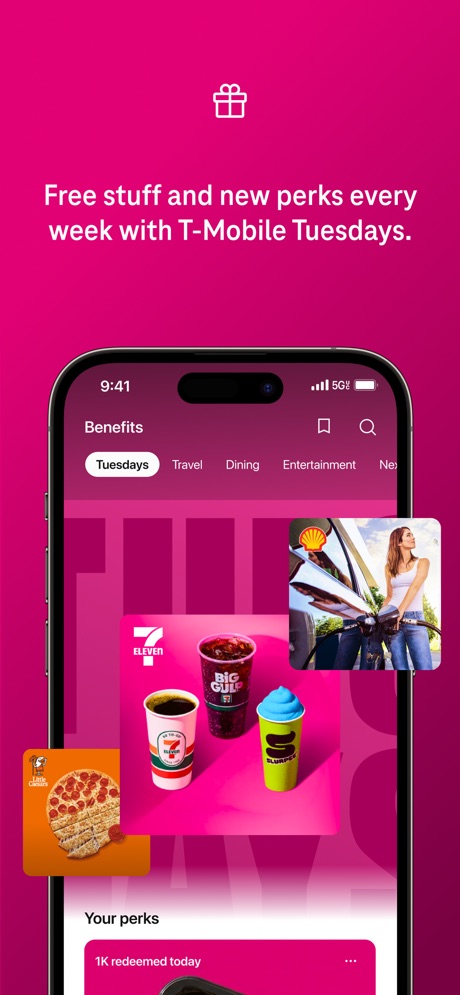
“Free stuff and new perks every week with T-Mobile Tuesdays.”

“Peace of mind while you are away.”
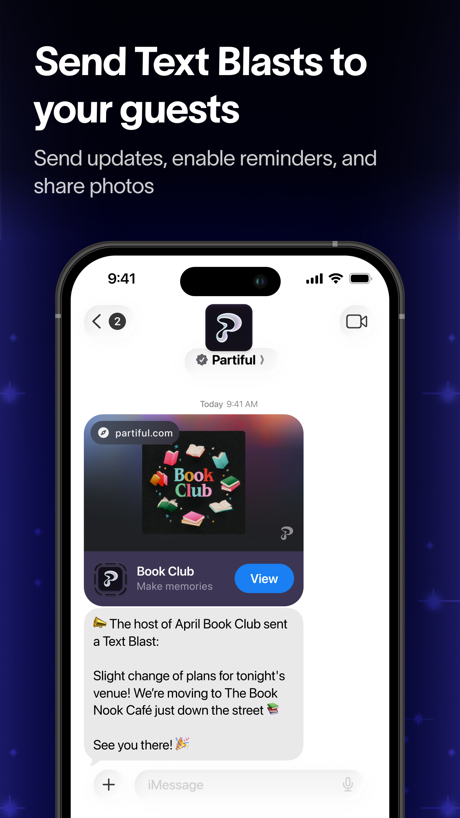
“Send Text Blasts to your guests”
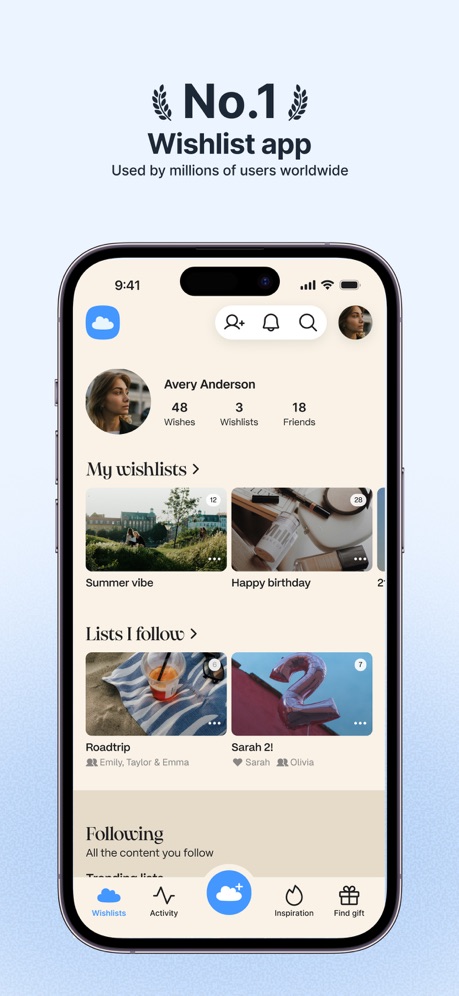
“No.1 Wishlist app”

“Focus on quality, not quantity”
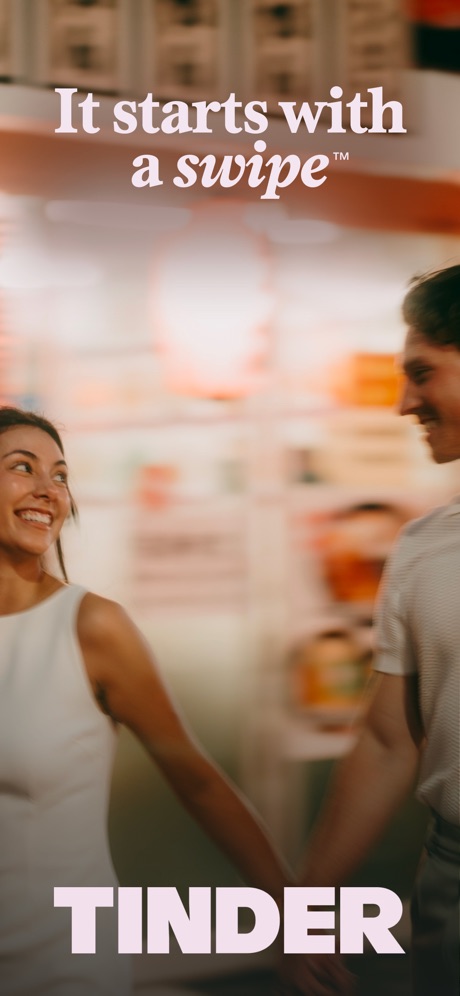
“It starts with a swipe™”

“Build your smart home with SmartThings”

“Plan your next move”
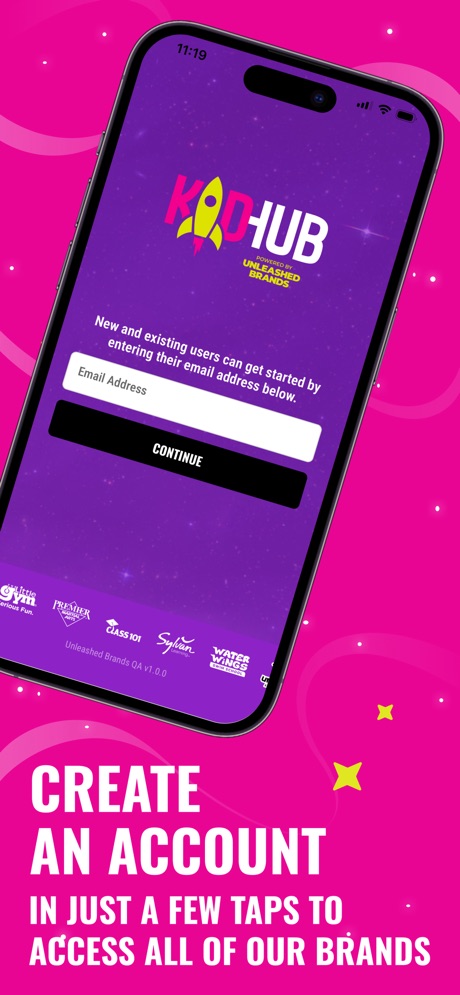
“CREATE AN ACCOUNT”

“BOOK anytime, ANYWHERE”
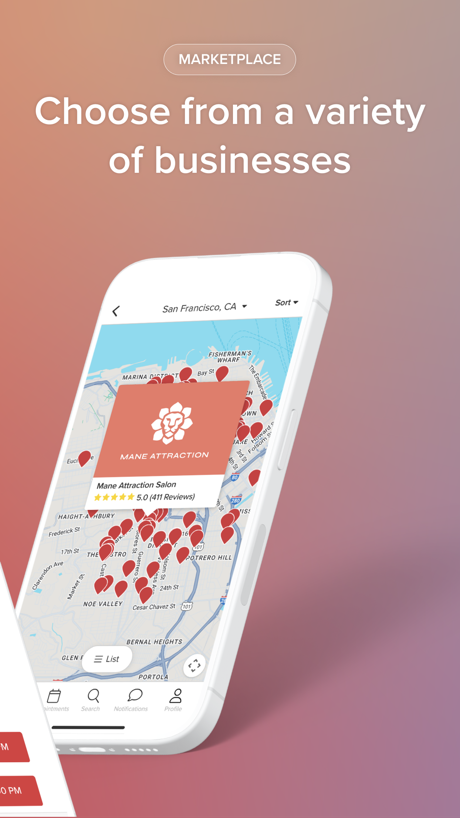
“Choose from a variety of businesses”
What these screenshots say, word for word.
The words on 40 of the 166 that carry any, as each app wrote them.
“Embrace spooky season”
Pinterest · #2 · screenshot 1“Free stuff and new perks every week with T-Mobile Tuesdays.”
T-Life · #3 · screenshot 3“Peace of mind while you are away.”
Ring - Always Home · #4 · screenshot 1“Send Text Blasts to your guests”
Send updates, enable reminders, and share photosPartiful: Party Invite Maker · #5 · screenshot 4“No.1 Wishlist app”
Used by millions of users worldwideGoWish - Your Digital Wishlist · #6 · screenshot 1“Focus on quality, not quantity”
with Your Turn LimitsHinge Dating App: Match & Date · #7 · screenshot 6“It starts with a swipe™”
Tinder Dating App: Date & Chat · #8 · screenshot 1“Build your smart home with SmartThings”
SmartThings · #9 · screenshot 1“Plan your next move”
All your steps to get home, all in one place.Zillow Real Estate & Rentals · #10 · screenshot 1“CREATE AN ACCOUNT”
IN JUST A FEW TAPS TO ACCESS ALL OF OUR BRANDSKidHub by Unleashed Brands · #11 · screenshot 2“BOOK anytime, ANYWHERE”
Booksy for Customers · #13 · screenshot 3- MARKETPLACE
“Choose from a variety of businesses”
Vagaro · #14 · screenshot 3 “A Place for Your Complete Smart Home”
Control your smart appliances from the Home tab.LG ThinQ · #17 · screenshot 2“Convert Photo to PDF by PDF Scan”
PDF Scan · #18 · screenshot 1“Start your engine from wherever you are”
Why use a key when your watch will do!Toyota · #20 · screenshot 2“No Fake”
Duet Dating App: Chat & Meet · #21 · screenshot 1“Ready to start your love story?”
Bumble Dating App: Meet & Date · #22 · screenshot 1“STORIES WITH ADVANCED AI”
CHAI: Social AI Platform- Chat · #23 · screenshot 3“You'll wake up. Always.”
Built for Heavy SleepersAlarmy - Loud alarm clock · #25 · screenshot 1- roborock
“Rocking Life With You”
Roborock · #26 · screenshot 1 “Create & Earn”
Freely Create Collect Titles Creative RewardsTipsy Chat: Live Your Story · #30 · screenshot 4“Remote Control from Anywhere”
Instantly turn connected devices on/off wherever you are through the app.TP-Link Tapo · #32 · screenshot 1“Your Smart Lifestyle Companion”
4.7+ Star Rating Trusted by 14M+ Users WorldwideVeSync · #33 · screenshot 1“Find your go-to's”
Square Go · #34 · screenshot 1“The smarter way to search for homes”
1M+ RATINGSRealtor.com Real Estate & Rent · #36 · screenshot 1“More Value”
Travel, Deals, Insurance and more!AAA Mobile · #37 · screenshot 3“MEET & DATE OPEN-MINDED PEOPLE”
“Not here to find myself. Already found. Just looking for something new.”PURE: Open-Minded Dating App · #38 · screenshot 1“Find 300k+ pros in nearly 500 categories.”
Thumbtack pros know homes, so you don’t have to.Thumbtack: Home Service Pros · #39 · screenshot 2“The Ford App”
Connect, Control and Customize Your FordFord™ · #40 · screenshot 1“Answer surveys and earn money”
Google Opinion Rewards · #43 · screenshot 1“Measure Heart Rate”
Blood Pressure Log, Heart Rate · #44 · screenshot 1“Create Your Wishlist”
Giftful - Wishlist & Registry · #45 · screenshot 1“INSTANT CASH ADVANCE”
Instant Cash Advance - Zora · #46 · screenshot 1“Receive intelligent motion alerts”
The Official Wyze App · #47 · screenshot 3- Listful
“Use the best wishlist app”
Listful - Wishlist Maker · #48 · screenshot 1 “Pay / Receive”
Scan & Pay: Faster, SaferAlipay - Simplify Your Life · #49 · screenshot 2“Book trusted help for home tasks”
Taskrabbit - Handyman & more · #50 · screenshot 1“you've seen it all around”
NGL: ask me anything · #51 · screenshot 1“A dating app for the curious.”
Feeld: Dating for the Curious · #52 · screenshot 1“Learn about leaks before it's too late”
First Alert by Resideo · #53 · screenshot 5
Top ten Lifestyle apps that do it.
- #2Pinterest2 of its 6 screenshots
- #3T-Life1 of its 6 screenshots
- #4Ring - Always Home1 of its 5 screenshots
- #5Partiful: Party Invite Maker1 of its 6 screenshots
- #6GoWish - Your Digital Wishlist1 of its 5 screenshots
- #7Hinge Dating App: Match & Date1 of its 6 screenshots
- #8Tinder Dating App: Date & Chat3 of its 6 screenshots
- #9SmartThings3 of its 5 screenshots
- #10Zillow Real Estate & Rentals1 of its 6 screenshots
The same tactic in other categories.
| Category | Apps that do it | Screenshots | Top ten |
|---|---|---|---|
| Food & Drink | 84% 84 of 100 | 41% 224 of 540 | 9 of 10 |
| Finance | 81% 81 of 100 | 40% 230 of 581 | 8 of 10 |
| Travel | 79% 79 of 100 | 37% 208 of 561 | 8 of 10 |
| Reference | 78% 78 of 100 | 39% 218 of 566 | 7 of 10 |
| Utilities | 78% 78 of 100 | 36% 200 of 549 | 9 of 10 |
| Shopping | 75% 75 of 100 | 42% 238 of 562 | 6 of 10 |
| Music | 72% 72 of 100 | 30% 164 of 550 | 6 of 10 |
| Productivity | 72% 71 of 99 | 28% 155 of 551 | 4 of 10 |
| Health & Fitness | 71% 71 of 100 | 27% 156 of 574 | 8 of 10 |
| Sports | 71% 71 of 100 | 34% 192 of 558 | 7 of 10 |
| Education | 70% 70 of 100 | 29% 163 of 555 | 8 of 10 |
| Games | 70% 70 of 100 | 44% 251 of 567 | 8 of 10 |
| Graphics & Design | 69% 68 of 99 | 29% 166 of 564 | 6 of 10 |
| Entertainment | 67% 67 of 100 | 27% 148 of 544 | 7 of 10 |
| Social Networking | 67% 67 of 100 | 29% 162 of 554 | 5 of 10 |
| Lifestyle | 66% 66 of 100 | 30% 166 of 556 | 9 of 10 |
| Photo & Video | 64% 64 of 100 | 23% 129 of 566 | 6 of 10 |
| News | 61% 60 of 98 | 27% 139 of 517 | 7 of 10 |
| Business | 61% 61 of 100 | 29% 159 of 554 | 6 of 10 |
| Medical | 58% 58 of 100 | 22% 119 of 548 | 5 of 10 |
| Navigation | 58% 57 of 99 | 24% 135 of 566 | 3 of 10 |
| Developer Tools | 55% 55 of 100 | 28% 143 of 507 | 3 of 10 |
| Weather | 48% 48 of 100 | 23% 129 of 555 | 6 of 10 |
Related tactics.
Often on the same screenshot
- Headline under five words61% of these screenshots, against 44% of all Lifestyle screenshots
- Has a subline38% of these screenshots, against 21% of all Lifestyle screenshots
- Subline explains the headline30% of these screenshots, against 16% of all Lifestyle screenshots
- A word in a different colour27% of these screenshots, against 19% of all Lifestyle screenshots
- Rounded headline type15% of these screenshots, against 8% of all Lifestyle screenshots
- Words aligned left21% of these screenshots, against 14% of all Lifestyle screenshots
More in layout
- Screen fills the picture100%
- Phone drawn99%
- Words at the top94%
- Whole phone shown91%
- A photograph86%
- A person in the picture74%
- Illustration or mascot67%
- Phone cut off at the foot50%
- Arrows or callouts46%
- App icon shown45%
- Headline too small to read41%
- Words aligned left36%
- A hand holds the phone35%
- No phone, bare screen31%
- No app screen at all23%
- Phone cut off at the head23%
- Two or more screens23%
- Zoomed detail of the UI19%
- Screen is small18%
- Words at the bottom18%
- Phone at an angle16%
- Words over the screen16%
- Watch, iPad or Mac beside it8%
Questions, answered from the chart.
How many top Lifestyle apps have App Store screenshots with large headlines?
Which Lifestyle apps have App Store screenshots with large headlines?
Should my Lifestyle app have App Store screenshots with large headlines?
See your own app against this.
Pagefully reads your screenshots the same way, and makes a custom product page for each search people type, from your real screens.
Preview your pages