Lifestyle app screenshots with tiny headlines
The headline is under a twentieth of the picture’s height. Small type can be read on the product page at full size, and is hard to read in search results.
From the top 100 free Lifestyle apps on the US App Store, read on October 9, 2026. Screenshots are the developers’ own, shown from Apple’s servers with a link to each app.
The numbers
72 of the 556 Lifestyle screenshots read (13%) do this, across 41 of the top 100 apps (41%). 5 of the top ten do it (50%), against 36 of the other 90 (40%): the top ten do it more than the rest. Of the 23 categories read so far, Lifestyle is 14th for this. It is most common in Health & Fitness (64% of apps) and least common in Games (17%).
12 examples from the chart.
12 of the 72 Lifestyle app screenshots with tiny headlines, one from each app, the highest on the chart first.
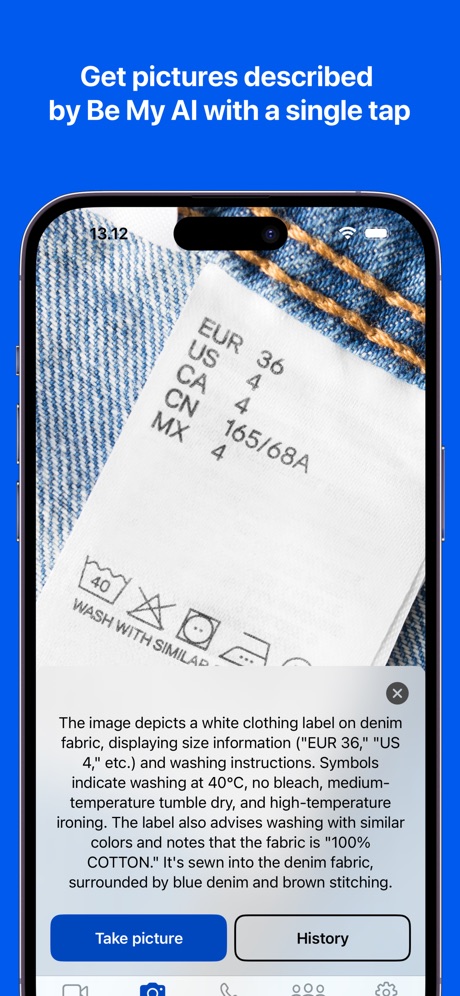
“Get pictures described by Be My AI with a single tap”
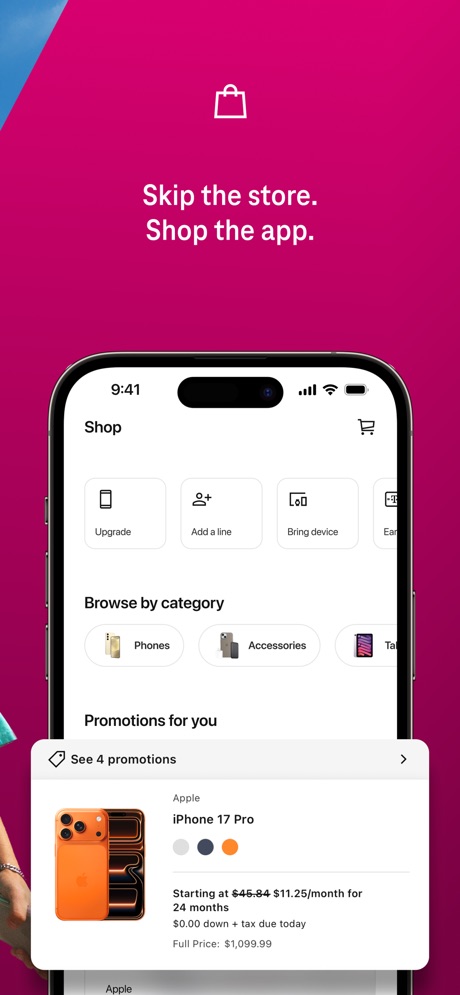
“Skip the store. Shop the app.”

“Know what's happening at home from wherever you are with Ring Alarm.”

“First dates hit different with friends”
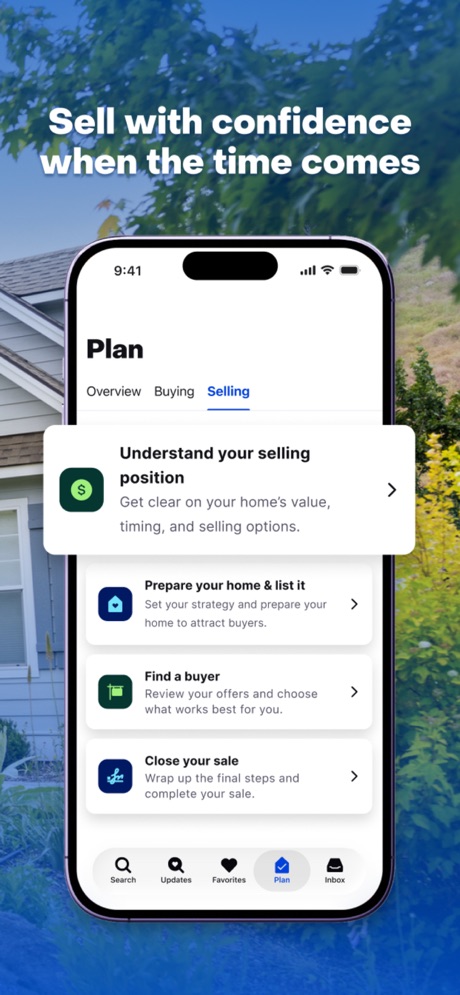
“Sell with confidence when the time comes”

“Add and manage your Echo Devices”
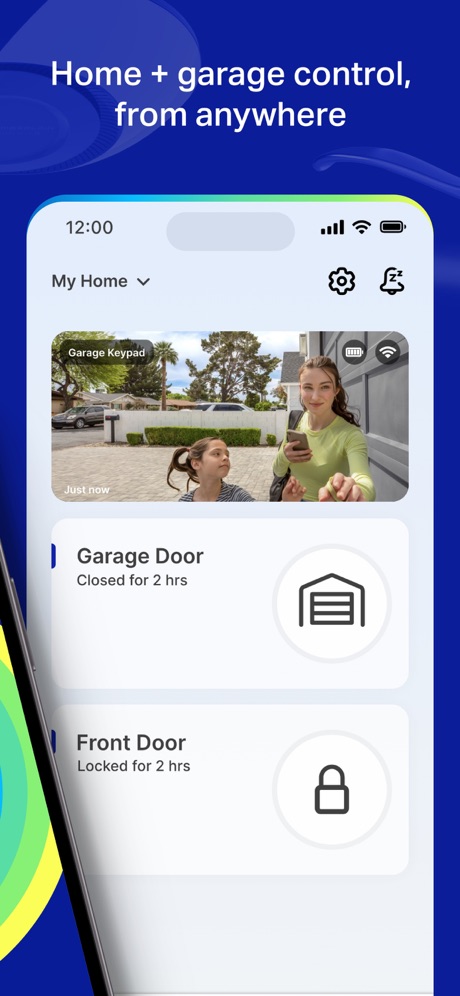
“Home + garage control, from anywhere”

“Get the most out of your vehicle”

“Effortless device management”

“Easily share your guest network”

“See what matters before you visit”

“Reliable pros at your fingertips.”
What these screenshots say, word for word.
The words on 40 of the 72 that carry any, as each app wrote them.
“Get pictures described by Be My AI with a single tap”
Be My Eyes · #1 · screenshot 1“Skip the store. Shop the app.”
T-Life · #3 · screenshot 2“Know what's happening at home from wherever you are with Ring Alarm.”
Ring - Always Home · #4 · screenshot 3“First dates hit different with friends”
Tinder Dating App: Date & Chat · #8 · screenshot 3“Sell with confidence when the time comes”
Zillow Real Estate & Rentals · #10 · screenshot 4“Add and manage your Echo Devices”
Amazon Alexa · #12 · screenshot 2“Home + garage control, from anywhere”
myQ Garage & Access Control · #15 · screenshot 2“Get the most out of your vehicle”
Toyota · #20 · screenshot 1“Effortless device management”
SmartLife: Smart Living · #31 · screenshot 1“Easily share your guest network”
eero wifi system · #35 · screenshot 3“See what matters before you visit”
Realtor.com Real Estate & Rent · #36 · screenshot 3“Reliable pros at your fingertips.”
Thumbtack: Home Service Pros · #39 · screenshot 6“Use Your Phone As A Key”
Ford™ · #40 · screenshot 5“Book tickets. Order food. Research.”
Hark Pro · #42 · screenshot 3- NEED SUPPORT?
“MONEY ON STANDBY”
Instant Cash Advance - Zora · #46 · screenshot 2 “Manage 50+ Wyze cameras and devices”
The Official Wyze App · #47 · screenshot 4“Alipay International”
Explore China with AlipayAlipay - Simplify Your Life · #49 · screenshot 1“Where you have the freedom to be you.”
Feeld: Dating for the Curious · #52 · screenshot 3“To help you protect what matters most”
First Alert by Resideo · #53 · screenshot 2“Monitor Your Progress”
I Am Sober · #54 · screenshot 3“Everything you need in one place”
myChevrolet · #55 · screenshot 2“View live cleaning progress”
Roomba Home · #57 · screenshot 3“Talk to experienced & verified Astrologers”
Astrotalk - Talk to Astrologer · #60 · screenshot 2“Playful chats that spark something new”
DOWN: The Casual Dating App · #63 · screenshot 6“Make membership and insurance payments”
AAA Auto Club · #66 · screenshot 2“Track Live Health Readings including Pulse Rate & Oxygen”
Owlet Dream · #67 · screenshot 3“Heart Rate & HRV Monitoring”
Wello - Heart Health Monitor · #68 · screenshot 1“Search Find the car that's right for you”
CarMax: Used Cars for Sale · #69 · screenshot 2“Discover events around you”
Luma: Events & Invites · #71 · screenshot 2“Try outfits on your Avatar”
Alta Daily: Digital AI Closet · #72 · screenshot 5“Pay rent, request maintenance, and more”
Homebody: Better Renting · #74 · screenshot 1“Connect with real people”
Kismia - Dating App & Chat · #77 · screenshot 2“Making tomorrow's smart home possible today.”
AiDot · #80 · screenshot 1“Get your Love Insights”
Lumus: Tarot & Psychic Reading · #81 · screenshot 1“Treats. Toys. Swag. Freebies. Lots of rewards. All paw-some!”
myPurina – Pet Rewards & Care · #82 · screenshot 1“Get emergency help quickly from fire, police, or medical responders with one tap.1”
Arlo Secure: Home Security · #87 · screenshot 6“Tough on bad guys, easy on you.”
Nest · #88 · screenshot 4“Stay connected with Gizmo watch”
Verizon Family · #89 · screenshot 2“Find My Car”
HondaLink · #91 · screenshot 3“Earn money in your free time!”
BeMyEye - Earn money · #97 · screenshot 1
Top ten Lifestyle apps that do it.
- #1Be My Eyes3 of its 4 screenshots
- #3T-Life2 of its 6 screenshots
- #4Ring - Always Home1 of its 5 screenshots
- #8Tinder Dating App: Date & Chat1 of its 6 screenshots
- #10Zillow Real Estate & Rentals1 of its 6 screenshots
The same tactic in other categories.
| Category | Apps that do it | Screenshots | Top ten |
|---|---|---|---|
| Health & Fitness | 64% 64 of 100 | 18% 104 of 574 | 5 of 10 |
| Productivity | 59% 58 of 99 | 19% 102 of 551 | 8 of 10 |
| Entertainment | 57% 57 of 100 | 17% 94 of 544 | 7 of 10 |
| Social Networking | 56% 56 of 100 | 17% 95 of 554 | 7 of 10 |
| Photo & Video | 53% 53 of 100 | 17% 94 of 566 | 5 of 10 |
| Business | 51% 51 of 100 | 16% 91 of 554 | 7 of 10 |
| Navigation | 49% 49 of 99 | 15% 83 of 566 | 4 of 10 |
| Education | 49% 49 of 100 | 12% 68 of 555 | 3 of 10 |
| Finance | 49% 49 of 100 | 11% 66 of 581 | 3 of 10 |
| Travel | 48% 48 of 100 | 13% 71 of 561 | 6 of 10 |
| Medical | 43% 43 of 100 | 15% 81 of 548 | 5 of 10 |
| Music | 42% 42 of 100 | 11% 62 of 550 | 6 of 10 |
| Reference | 42% 42 of 100 | 11% 63 of 566 | 3 of 10 |
| Lifestyle | 41% 41 of 100 | 13% 72 of 556 | 5 of 10 |
| Graphics & Design | 40% 40 of 99 | 11% 61 of 564 | 6 of 10 |
| Sports | 39% 39 of 100 | 13% 72 of 558 | 3 of 10 |
| Utilities | 39% 39 of 100 | 12% 68 of 549 | 6 of 10 |
| News | 38% 37 of 98 | 13% 66 of 517 | 5 of 10 |
| Food & Drink | 37% 37 of 100 | 11% 61 of 540 | 5 of 10 |
| Shopping | 37% 37 of 100 | 13% 72 of 562 | 2 of 10 |
| Developer Tools | 31% 31 of 100 | 11% 56 of 507 | 4 of 10 |
| Weather | 31% 31 of 100 | 10% 53 of 555 | 6 of 10 |
| Games | 17% 17 of 100 | 4% 20 of 567 | 3 of 10 |
Related tactics.
Often on the same screenshot
- Low contrast words44% of these screenshots, against 18% of all Lifestyle screenshots
- Light79% of these screenshots, against 59% of all Lifestyle screenshots
- States a benefit67% of these screenshots, against 49% of all Lifestyle screenshots
- Words at the top100% of these screenshots, against 84% of all Lifestyle screenshots
- Says “you” or “your”47% of these screenshots, against 39% of all Lifestyle screenshots
- Phone cut off at the foot26% of these screenshots, against 18% of all Lifestyle screenshots
More in layout
- Screen fills the picture100%
- Phone drawn99%
- Words at the top94%
- Whole phone shown91%
- A photograph86%
- A person in the picture74%
- Illustration or mascot67%
- Headline readable at thumbnail size66%
- Phone cut off at the foot50%
- Arrows or callouts46%
- App icon shown45%
- Words aligned left36%
- A hand holds the phone35%
- No phone, bare screen31%
- No app screen at all23%
- Phone cut off at the head23%
- Two or more screens23%
- Zoomed detail of the UI19%
- Screen is small18%
- Words at the bottom18%
- Phone at an angle16%
- Words over the screen16%
- Watch, iPad or Mac beside it8%
Questions, answered from the chart.
How many top Lifestyle apps have App Store screenshots with tiny headlines?
Which Lifestyle apps have App Store screenshots with tiny headlines?
Should my Lifestyle app have App Store screenshots with tiny headlines?
See your own app against this.
Pagefully reads your screenshots the same way, and makes a custom product page for each search people type, from your real screens.
Preview your pages