Developer Tools app screenshots with tiny headlines
The headline is under a twentieth of the picture’s height. Small type can be read on the product page at full size, and is hard to read in search results.
From the top 100 free Developer Tools apps on the US App Store, read on October 9, 2026. Screenshots are the developers’ own, shown from Apple’s servers with a link to each app.
The numbers
56 of the 507 Developer Tools screenshots read (11%) do this, across 31 of the top 100 apps (31%). 4 of the top ten do it (40%), against 27 of the other 90 (30%): the top ten do it more than the rest. Of the 23 categories read so far, Developer Tools is 21st for this. It is most common in Health & Fitness (64% of apps) and least common in Games (17%).
12 examples from the chart.
12 of the 56 Developer Tools app screenshots with tiny headlines, one from each app, the highest on the chart first.
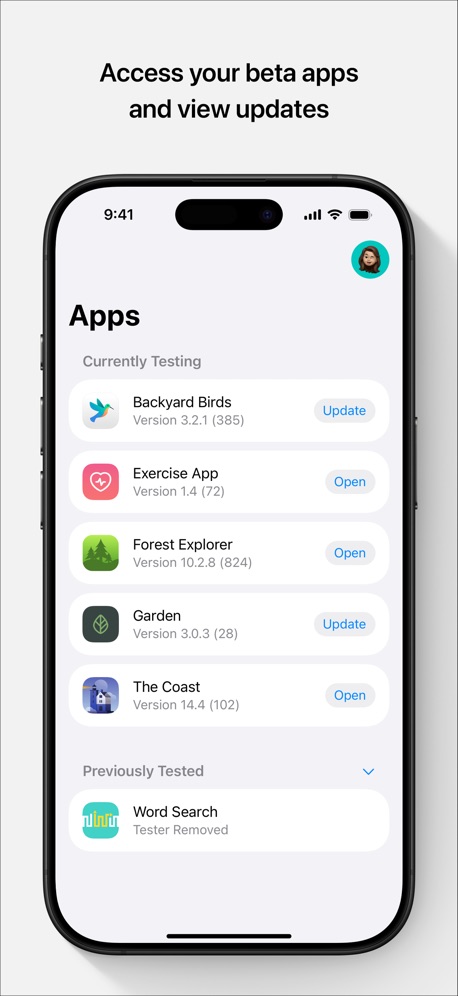
“Access your beta apps and view updates”

“Create Instantly”
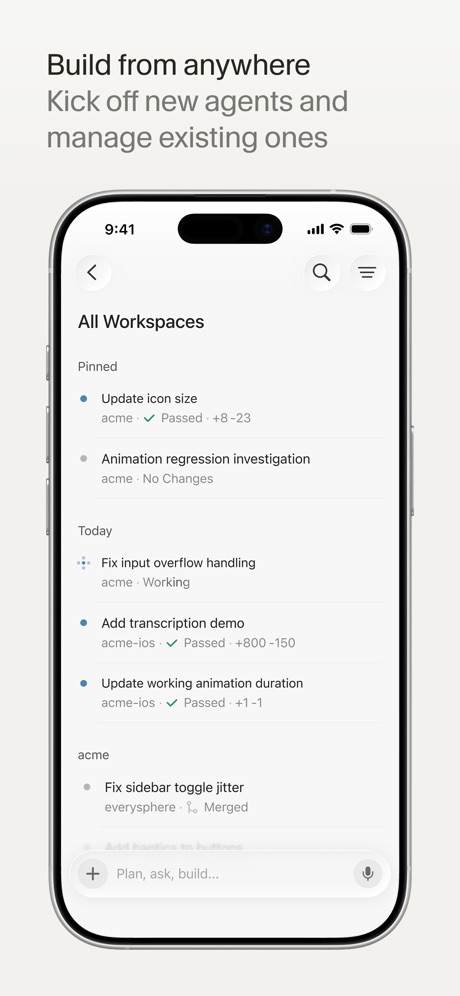
“Build from anywhere”
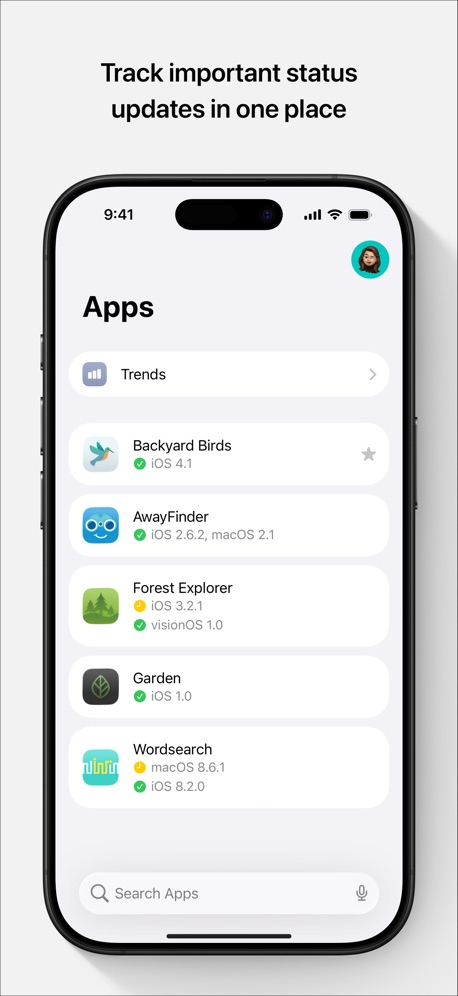
“Track important status updates in one place”
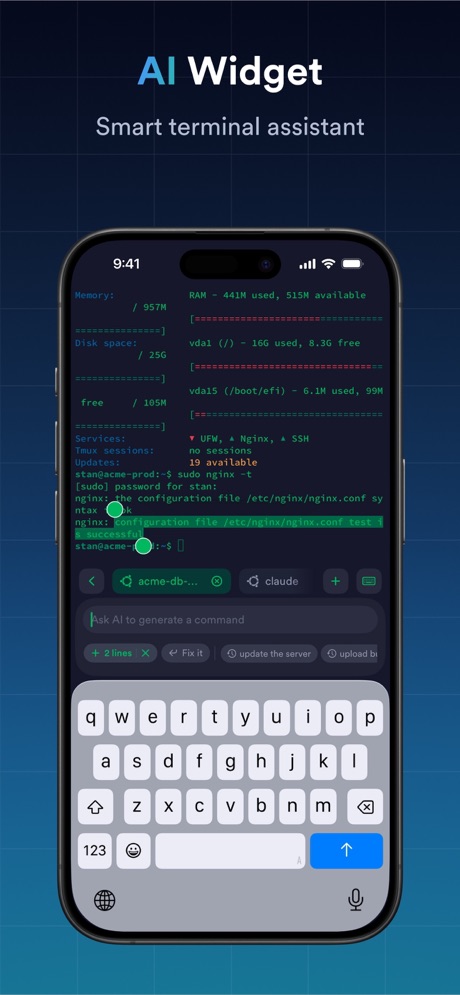
“AI Widget”

“你的服务器 随时在手”

“Connect”

“Start a project from anywhere”
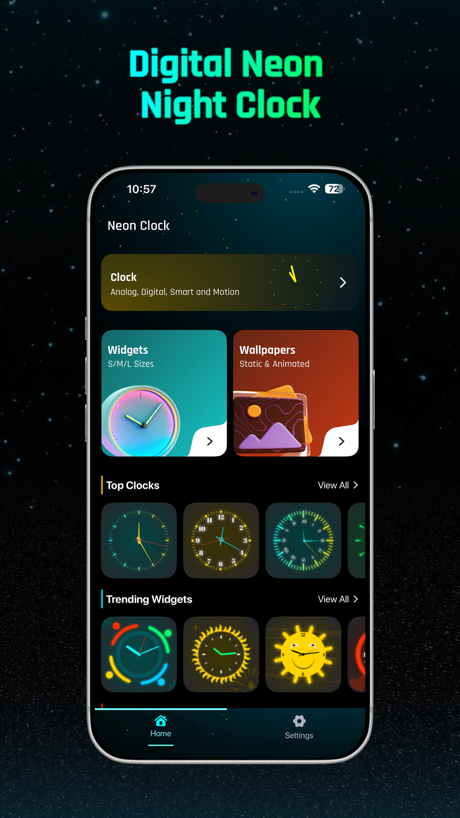
“Digital Neon Night Clock”
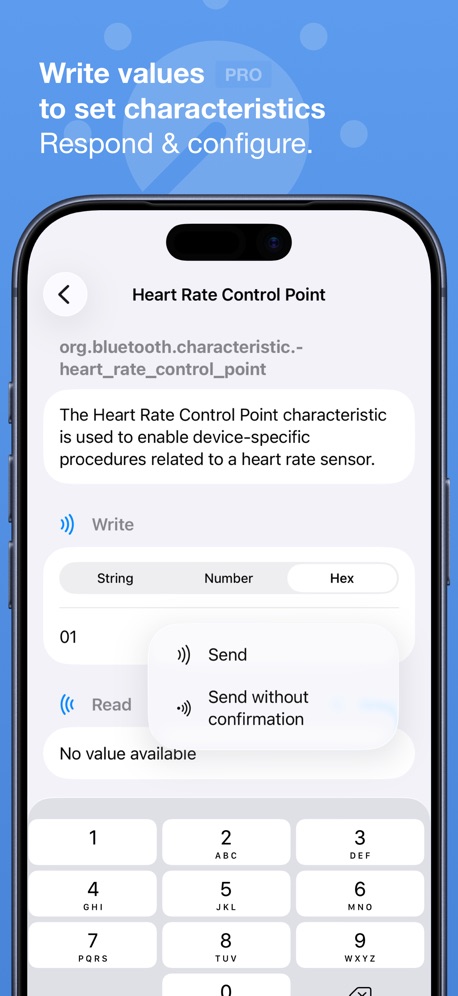
“Write values to set characteristics”

“PLAY INDIE GEMS”

“Snippets”
What these screenshots say, word for word.
The words on 40 of the 56 that carry any, as each app wrote them.
“Access your beta apps and view updates”
TestFlight · #1 · screenshot 1“Create Instantly”
Sekai: Create · Remix · Play · #3 · screenshot 2“Build from anywhere”
Kick off new agents and manage existing onesCursor · #6 · screenshot 1“Track important status updates in one place”
App Store Connect · #10 · screenshot 1“AI Widget”
Smart terminal assistantTermius - Modern SSH Client · #11 · screenshot 2“你的服务器 随时在手”
Termini - SSH Terminal · #12 · screenshot 1“Connect”
with the panel to useApps Connect · #14 · screenshot 1“Start a project from anywhere”
Orca IDE · #21 · screenshot 4“Digital Neon Night Clock”
Digital Neon Night Clock · #37 · screenshot 1“Write values to set characteristics”
Respond & configure.Bluetooth Inspector · #38 · screenshot 3- Join a community of game passionates
“PLAY INDIE GEMS”
GDevelop - Create & Play Games · #39 · screenshot 3 “Snippets”
Save your favorite commonly used commandsxTerminal - SSH Terminal Shell · #40 · screenshot 3“Quickly View Your Cookies”
Cookie-Editor · #41 · screenshot 1“Smart Code Editor for Python”
Python Coding · #42 · screenshot 1“Talk to your terminal”
Speak into the promptMoshi: herdr/tmux on SSH/MOSH · #44 · screenshot 2“Code Editor, SFTP Client, SSH Terminal”
Textastic Code Editor · #53 · screenshot 1“Run a team of coding agents from your iPhone”
Conductor.build · #56 · screenshot 1“Continue where you left off”
OpenCode Mobile App · #57 · screenshot 4“Access worldwide content”
Shield VPN - Secure FastVPN · #60 · screenshot 2“Access Supabase from anywhere.”
Supanator: Supabase Manager · #61 · screenshot 1“Make changes on the fly”
v0 · #65 · screenshot 2“Fix merge conflicts”
Git client - Working Copy · #75 · screenshot 4“190+ Libraries, Preinstalled”
Search and install pure-Python packages.Pyroid · #80 · screenshot 4“DNS, security and SSL in one place”
Cloudflare Remote · #81 · screenshot 3“Project based notifications”
Netli.fyi: Netlify Client · #83 · screenshot 4“Advanced Features”
Subtext · #85 · screenshot 1“CSDN首页”
成就一亿技术人CSDN-技术开发者社区 · #87 · screenshot 1“Learn Coding through exploring labs.”
Spck Editor · #92 · screenshot 1“Network Utility Toolkit”
avoGate · #93 · screenshot 2- CODEX RELAY
“Take Codex with you.”
Codex Relay - Remote Codex App · #96 · screenshot 1 “Customize Your View”
Change colors, backgrounds and wireframeSTL & 3D Model Viewer - Mes3D · #98 · screenshot 4“Share feedback to help developers improve their apps”
TestFlight · #1 · screenshot 3“Build Your Fanbase”
Sekai: Create · Remix · Play · #3 · screenshot 6“Talk to Cursor”
Use voice mode to describe ideas and changesCursor · #6 · screenshot 2“Promote your app with exciting marketing assets”
App Store Connect · #10 · screenshot 3“Snippets”
Save frequently used shell commandsTermius - Modern SSH Client · #11 · screenshot 4“Digital Clock Widgets”
Digital Neon Night Clock · #37 · screenshot 4“Shortcuts PRO to scan and interrogate”
Enumerate and read values.Bluetooth Inspector · #38 · screenshot 4“Interactive Console”
Robust terminal, running cmds reliable and fastxTerminal - SSH Terminal Shell · #40 · screenshot 4“Send images to agents”
Paste, crop, annotate, sendMoshi: herdr/tmux on SSH/MOSH · #44 · screenshot 3
Top ten Developer Tools apps that do it.
- #1TestFlight3 of its 5 screenshots
- #3Sekai: Create · Remix · Play2 of its 6 screenshots
- #6Cursor4 of its 6 screenshots
- #10App Store Connect4 of its 5 screenshots
The same tactic in other categories.
| Category | Apps that do it | Screenshots | Top ten |
|---|---|---|---|
| Health & Fitness | 64% 64 of 100 | 18% 104 of 574 | 5 of 10 |
| Productivity | 59% 58 of 99 | 19% 102 of 551 | 8 of 10 |
| Entertainment | 57% 57 of 100 | 17% 94 of 544 | 7 of 10 |
| Social Networking | 56% 56 of 100 | 17% 95 of 554 | 7 of 10 |
| Photo & Video | 53% 53 of 100 | 17% 94 of 566 | 5 of 10 |
| Business | 51% 51 of 100 | 16% 91 of 554 | 7 of 10 |
| Navigation | 49% 49 of 99 | 15% 83 of 566 | 4 of 10 |
| Education | 49% 49 of 100 | 12% 68 of 555 | 3 of 10 |
| Finance | 49% 49 of 100 | 11% 66 of 581 | 3 of 10 |
| Travel | 48% 48 of 100 | 13% 71 of 561 | 6 of 10 |
| Medical | 43% 43 of 100 | 15% 81 of 548 | 5 of 10 |
| Music | 42% 42 of 100 | 11% 62 of 550 | 6 of 10 |
| Reference | 42% 42 of 100 | 11% 63 of 566 | 3 of 10 |
| Lifestyle | 41% 41 of 100 | 13% 72 of 556 | 5 of 10 |
| Graphics & Design | 40% 40 of 99 | 11% 61 of 564 | 6 of 10 |
| Sports | 39% 39 of 100 | 13% 72 of 558 | 3 of 10 |
| Utilities | 39% 39 of 100 | 12% 68 of 549 | 6 of 10 |
| News | 38% 37 of 98 | 13% 66 of 517 | 5 of 10 |
| Food & Drink | 37% 37 of 100 | 11% 61 of 540 | 5 of 10 |
| Shopping | 37% 37 of 100 | 13% 72 of 562 | 2 of 10 |
| Developer Tools | 31% 31 of 100 | 11% 56 of 507 | 4 of 10 |
| Weather | 31% 31 of 100 | 10% 53 of 555 | 6 of 10 |
| Games | 17% 17 of 100 | 4% 20 of 567 | 3 of 10 |
Related tactics.
Often on the same screenshot
- Plain tone86% of these screenshots, against 54% of all Developer Tools screenshots
- Tells you to do something61% of these screenshots, against 31% of all Developer Tools screenshots
- Leads with a feature82% of these screenshots, against 54% of all Developer Tools screenshots
- Words at the top96% of these screenshots, against 68% of all Developer Tools screenshots
- Has a headline100% of these screenshots, against 74% of all Developer Tools screenshots
- Whole phone shown86% of these screenshots, against 68% of all Developer Tools screenshots
More in layout
- Screen fills the picture99%
- Phone drawn94%
- Whole phone shown91%
- Words at the top75%
- A photograph58%
- Headline readable at thumbnail size55%
- Illustration or mascot47%
- App icon shown44%
- No phone, bare screen27%
- Phone cut off at the foot26%
- Words aligned left25%
- Arrows or callouts21%
- Two or more screens17%
- A person in the picture15%
- Zoomed detail of the UI13%
- Phone cut off at the head12%
- Phone at an angle9%
- Words at the bottom9%
- Screen is small8%
- Watch, iPad or Mac beside it8%
- No app screen at all7%
- Words over the screen4%
- A hand holds the phone3%
Questions, answered from the chart.
How many top Developer Tools apps have App Store screenshots with tiny headlines?
Which Developer Tools apps have App Store screenshots with tiny headlines?
Should my Developer Tools app have App Store screenshots with tiny headlines?
See your own app against this.
Pagefully reads your screenshots the same way, and makes a custom product page for each search people type, from your real screens.
Preview your pages