Developer Tools app screenshots with left-aligned text
The headline is set from the left edge, not centred.
From the top 100 free Developer Tools apps on the US App Store, read on October 9, 2026. Screenshots are the developers’ own, shown from Apple’s servers with a link to each app.
The numbers
71 of the 507 Developer Tools screenshots read (14%) do this, across 25 of the top 100 apps (25%). 2 of the top ten do it (20%), against 23 of the other 90 (26%): the top ten do it about as often as the rest. Of the 23 categories read so far, Developer Tools is 16th for this. It is most common in Finance (52% of apps) and least common in Graphics & Design (11%).
12 examples from the chart.
12 of the 71 Developer Tools app screenshots with left-aligned text, one from each app, the highest on the chart first.
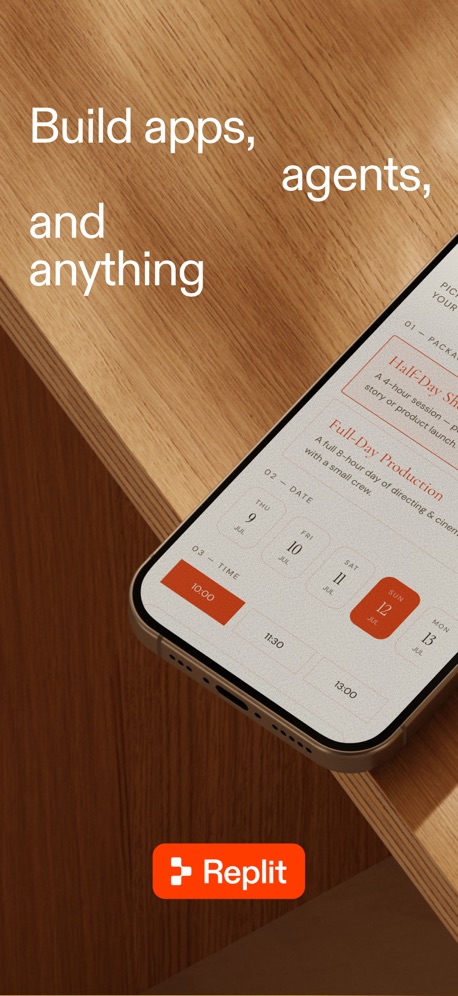
“Build apps, agents, and anything”
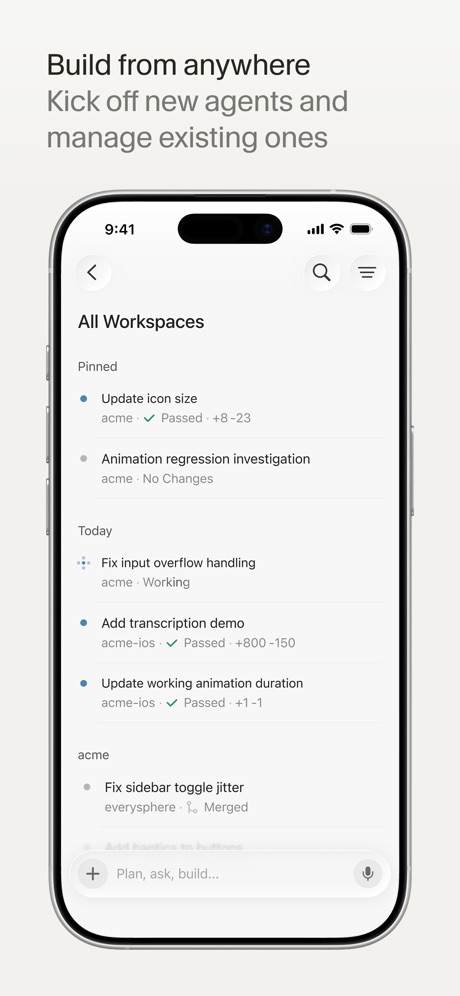
“Build from anywhere”

“Connect”

“That's done. Scriptable says: "The pollen count for grass is 4"”

“Unlin”
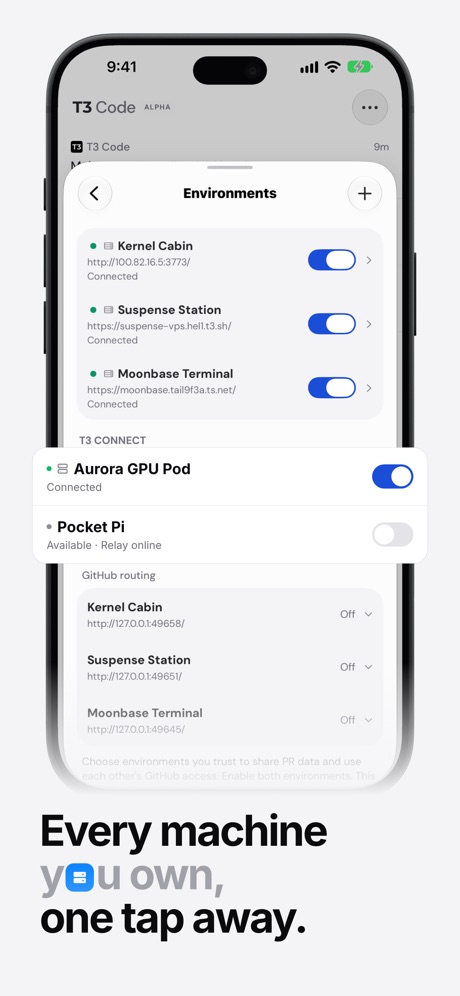
“Every machine you own, one tap away.”

“temporary phone numbers”

“Steer your Hermes agent Chat with it and watch it think and work”
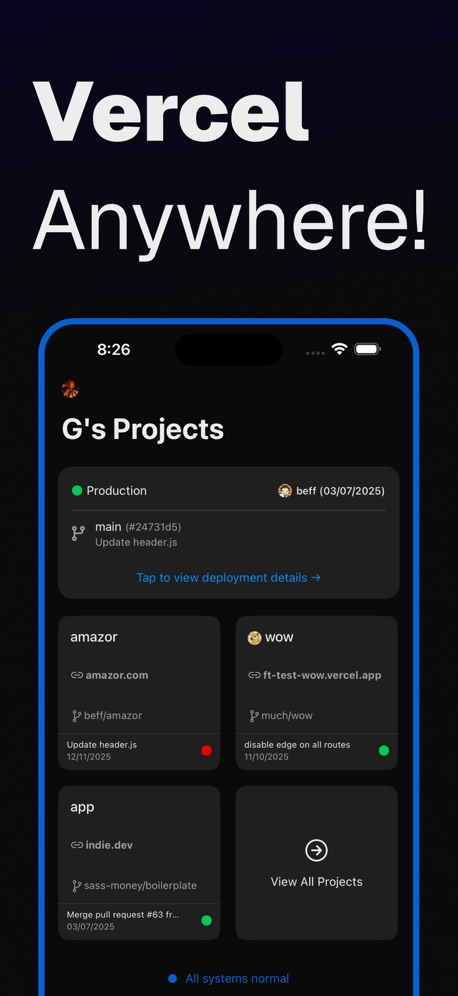
“Vercel Anywhere!”
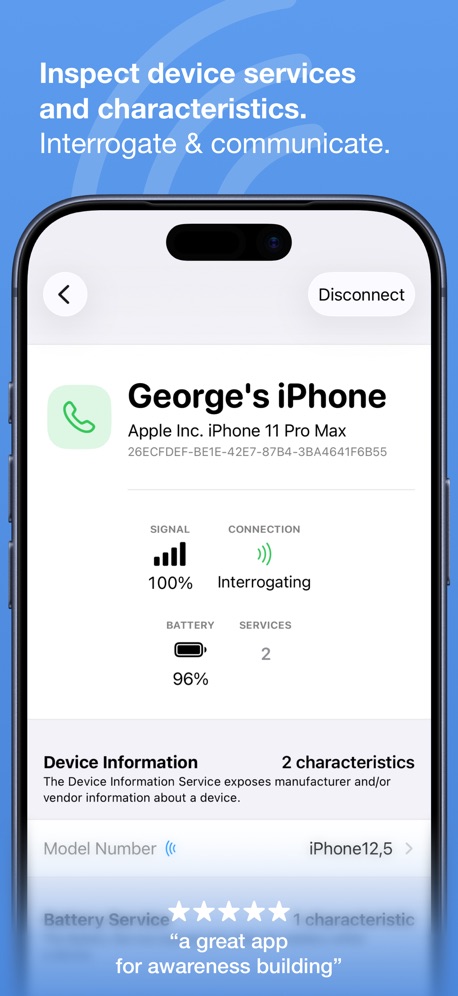
“Inspect device services and characteristics.”

“Multi Sessions”

“Take Netlify With You!”
What these screenshots say, word for word.
The words on 40 of the 71 that carry any, as each app wrote them.
“Build apps, agents, and anything”
Replit: Vibe Code with AI Fast · #4 · screenshot 1“Build from anywhere”
Kick off new agents and manage existing onesCursor · #6 · screenshot 1“Connect”
with the panel to useApps Connect · #14 · screenshot 1“That's done. Scriptable says: "The pollen count for grass is 4"”
Scriptable · #15 · screenshot 6“Unlin”
NextVPN: Fast & Secure Proxy · #18 · screenshot 1“Every machine you own, one tap away.”
T3 Code - Remote Claude & more · #19 · screenshot 2- Receive SMS
“temporary phone numbers”
Receive SMS & verification codes online. No SIM. No sign up. Ready in seconds.Temp Number | Receive SMS · #28 · screenshot 6 “Steer your Hermes agent Chat with it and watch it think and work”
Hermex · #30 · screenshot 1“Vercel Anywhere!”
Rev for Vercel · #34 · screenshot 1“Inspect device services and characteristics.”
Interrogate & communicate.“a great app for awareness building”Bluetooth Inspector · #38 · screenshot 2“Multi Sessions”
Connect to servers and switch anywhere anytimexTerminal - SSH Terminal Shell · #40 · screenshot 1“Take Netlify With You!”
Dashify for Netlify.com · #43 · screenshot 1“Keep agents running”
Reconnect without losing workMoshi: herdr/tmux on SSH/MOSH · #44 · screenshot 1“Your Hermes agent, anywhere.”
Start tasks, monitor progress, and stay in sync from your phone.Hermes Conduit · #46 · screenshot 1“Mobile IDE”
File based IDE with code editor, suggestions,and local execution. Includes a Python 3.10 interpreter, with the standard libraries, Cython and more than 100 third party pre-installed packages.Pyto IDE · #49 · screenshot 1- Zhenyi Tan
“And Editing the HTML”
Web Inspector · #52 · screenshot 4 “Code On the go”
Start coding nowOpenCode Mobile App · #57 · screenshot 1“Take N8N With You!”
N8N Automations — Nathan · #59 · screenshot 1“Access Supabase from anywhere.”
Supanator: Supabase Manager · #61 · screenshot 1“Persistent connections that even survive a device reboot. Go Mosh!”
Blink Shell, Build & Code · #67 · screenshot 1- SECURE EXITS
“Choose your secure exit”
Choose by distance, latency and stability. Selecting one returns you to Home.VPN - Feichi · #73 · screenshot 2 “system-wide Git support”
Git client - Working Copy · #75 · screenshot 1“Guest Overview”
Monitor and manage your VMs and CTs with just a few tapsProxmox VE Companion · #76 · screenshot 5“Edit your HTML”
HTML Editor · #77 · screenshot 1- CODEX RELAY
“Take Codex with you.”
Codex Relay - Remote Codex App · #96 · screenshot 1 “Collaborate in real time.”
Replit: Vibe Code with AI Fast · #4 · screenshot 6“Talk to Cursor”
Use voice mode to describe ideas and changesCursor · #6 · screenshot 2“Talk to the agent, not the laptop.”
T3 Code - Remote Claude & more · #19 · screenshot 3“Meet your bots”
Give each one a face, a model and a jobHermex · #30 · screenshot 2“Write values to set characteristics”
Respond & configure.Bluetooth Inspector · #38 · screenshot 3“Support vi/vim”
Enojy standard editor. Use arrows, ctrl and keysxTerminal - SSH Terminal Shell · #40 · screenshot 2“Talk to your terminal”
Speak into the promptMoshi: herdr/tmux on SSH/MOSH · #44 · screenshot 2“Rich markdown, beautifully rendered.”
Code, tables, math, and diagrams stay readable on the go.Hermes Conduit · #46 · screenshot 2“C Extensions and CLI tools!”
Includes the clang compiler and the llvm bitcode linker and interpreter, with a Python module that provides a project structure for compilation, as well as a bridge between Python and LLVM for importing C/C++ extensions.Pyto IDE · #49 · screenshot 2“USE EVERY CORNER OF YOUR DEVICE”
Blink Shell, Build & Code · #67 · screenshot 3“Explore All VMs & CTs”
Access your node, VMs, and CTs with ease from a single screenProxmox VE Companion · #76 · screenshot 6“Dark Mode”
HTML Editor · #77 · screenshot 3- SSH SESSIONS
“Run terminal”
Codex Relay - Remote Codex App · #96 · screenshot 2 “Point and draw”
Annotate images to give visual feedbackCursor · #6 · screenshot 3“A real terminal, in your pocket.”
T3 Code - Remote Claude & more · #19 · screenshot 4
Top ten Developer Tools apps that do it.
- #4Replit: Vibe Code with AI Fast2 of its 6 screenshots
- #6Cursor6 of its 6 screenshots
The same tactic in other categories.
| Category | Apps that do it | Screenshots | Top ten |
|---|---|---|---|
| Finance | 52% 52 of 100 | 30% 174 of 581 | 6 of 10 |
| Medical | 41% 41 of 100 | 21% 114 of 548 | 4 of 10 |
| Travel | 41% 41 of 100 | 19% 109 of 561 | 6 of 10 |
| Food & Drink | 38% 38 of 100 | 18% 96 of 540 | 4 of 10 |
| Social Networking | 37% 37 of 100 | 15% 81 of 554 | 3 of 10 |
| Utilities | 37% 37 of 100 | 14% 78 of 549 | 5 of 10 |
| Business | 36% 36 of 100 | 19% 104 of 554 | 2 of 10 |
| Lifestyle | 36% 36 of 100 | 14% 79 of 556 | 5 of 10 |
| Shopping | 34% 34 of 100 | 19% 108 of 562 | 4 of 10 |
| Navigation | 31% 31 of 99 | 14% 77 of 566 | 2 of 10 |
| Music | 31% 31 of 100 | 12% 64 of 550 | 5 of 10 |
| Reference | 31% 31 of 100 | 17% 94 of 566 | 1 of 10 |
| Education | 30% 30 of 100 | 13% 71 of 555 | 4 of 10 |
| Health & Fitness | 29% 29 of 100 | 11% 64 of 574 | 3 of 10 |
| Productivity | 26% 26 of 99 | 13% 70 of 551 | 2 of 10 |
| Developer Tools | 25% 25 of 100 | 14% 71 of 507 | 2 of 10 |
| Weather | 24% 24 of 100 | 10% 53 of 555 | 1 of 10 |
| News | 23% 23 of 98 | 10% 51 of 517 | 2 of 10 |
| Sports | 23% 23 of 100 | 9% 52 of 558 | 1 of 10 |
| Photo & Video | 22% 22 of 100 | 13% 73 of 566 | 1 of 10 |
| Entertainment | 21% 21 of 100 | 10% 52 of 544 | 0 of 10 |
| Games | 13% 13 of 100 | 6% 36 of 567 | 1 of 10 |
| Graphics & Design | 11% 11 of 99 | 3% 18 of 564 | 0 of 10 |
Related tactics.
Often on the same screenshot
- Has a subline59% of these screenshots, against 27% of all Developer Tools screenshots
- Tells you to do something62% of these screenshots, against 31% of all Developer Tools screenshots
- Subline explains the headline51% of these screenshots, against 21% of all Developer Tools screenshots
- Has a headline100% of these screenshots, against 74% of all Developer Tools screenshots
- Words at the top90% of these screenshots, against 68% of all Developer Tools screenshots
- Headline under five words70% of these screenshots, against 50% of all Developer Tools screenshots
More in layout
- Screen fills the picture99%
- Phone drawn94%
- Whole phone shown91%
- Words at the top75%
- A photograph58%
- Headline readable at thumbnail size55%
- Illustration or mascot47%
- App icon shown44%
- Headline too small to read31%
- No phone, bare screen27%
- Phone cut off at the foot26%
- Arrows or callouts21%
- Two or more screens17%
- A person in the picture15%
- Zoomed detail of the UI13%
- Phone cut off at the head12%
- Phone at an angle9%
- Words at the bottom9%
- Screen is small8%
- Watch, iPad or Mac beside it8%
- No app screen at all7%
- Words over the screen4%
- A hand holds the phone3%
Questions, answered from the chart.
How many top Developer Tools apps have App Store screenshots with left-aligned text?
Which Developer Tools apps have App Store screenshots with left-aligned text?
Should my Developer Tools app have App Store screenshots with left-aligned text?
See your own app against this.
Pagefully reads your screenshots the same way, and makes a custom product page for each search people type, from your real screens.
Preview your pages