Developer Tools app screenshots with a command headline
The headline is a command: Track your sleep, Start a session. A command starts with a verb, so the first word is what the reader can do with the app.
From the top 100 free Developer Tools apps on the US App Store, read on October 9, 2026. Screenshots are the developers’ own, shown from Apple’s servers with a link to each app.
The numbers
158 of the 507 Developer Tools screenshots read (31%) do this, across 56 of the top 100 apps (56%). 5 of the top ten do it (50%), against 51 of the other 90 (57%): the top ten do it about as often as the rest. Of the 23 categories read so far, Developer Tools is 22nd for this. It is most common in Health & Fitness (95% of apps) and least common in Weather (45%).
12 examples from the chart.
12 of the 158 Developer Tools app screenshots with a command headline, one from each app, the highest on the chart first.
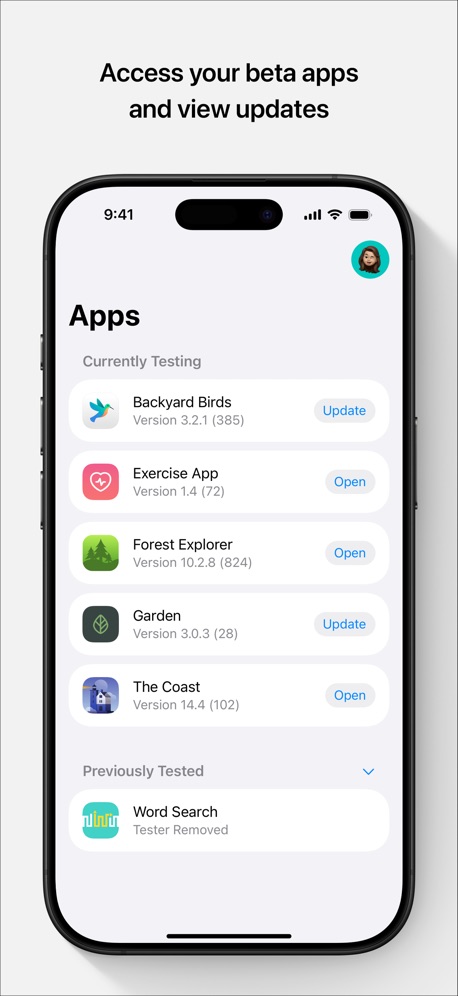
“Access your beta apps and view updates”
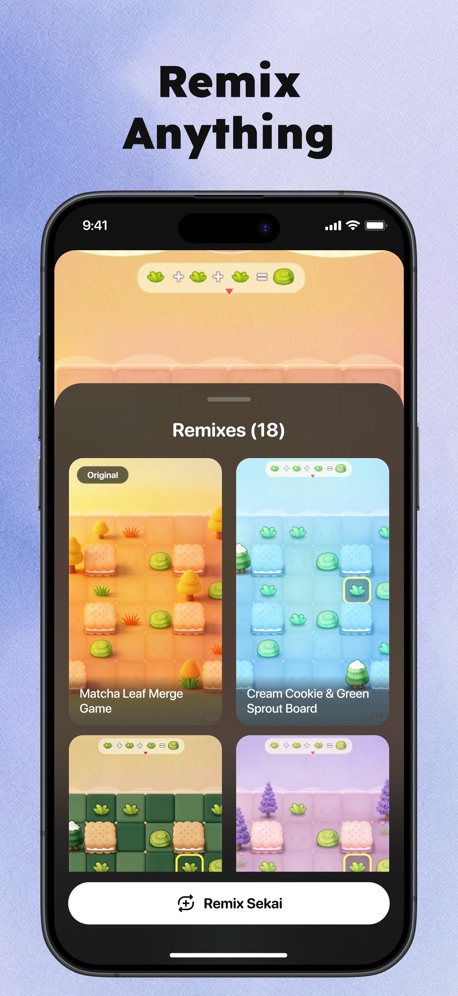
“Remix Anything”
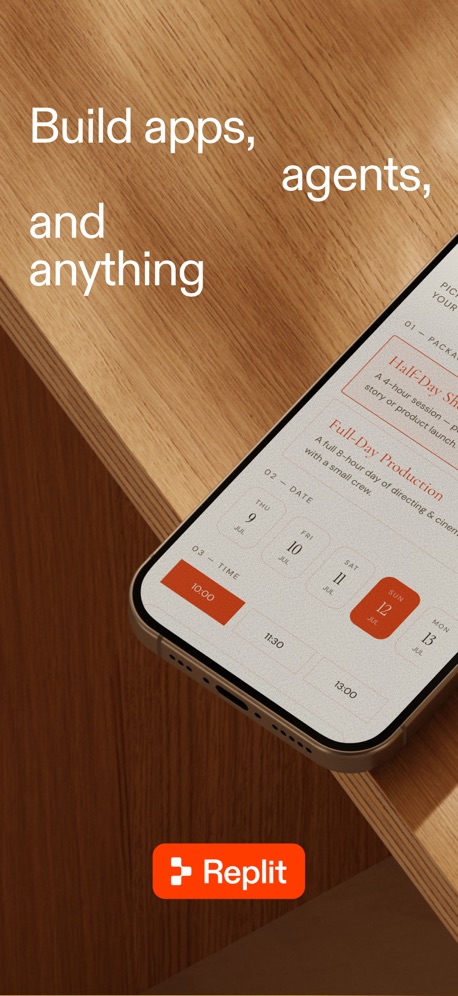
“Build apps, agents, and anything”
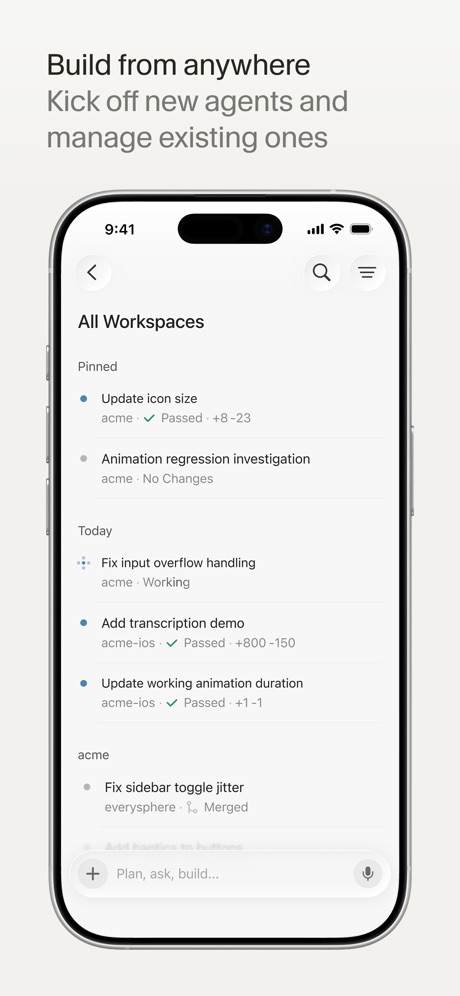
“Build from anywhere”
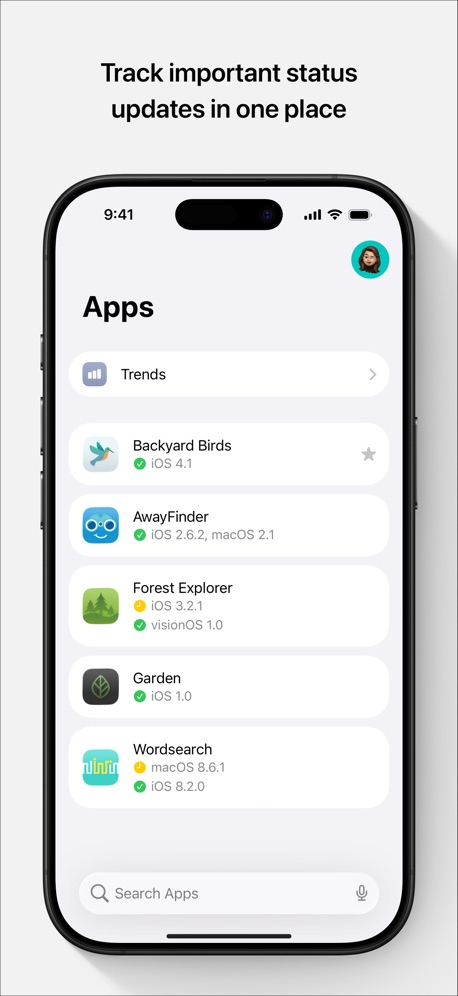
“Track important status updates in one place”

“安全管理远程文件”

“Connect”
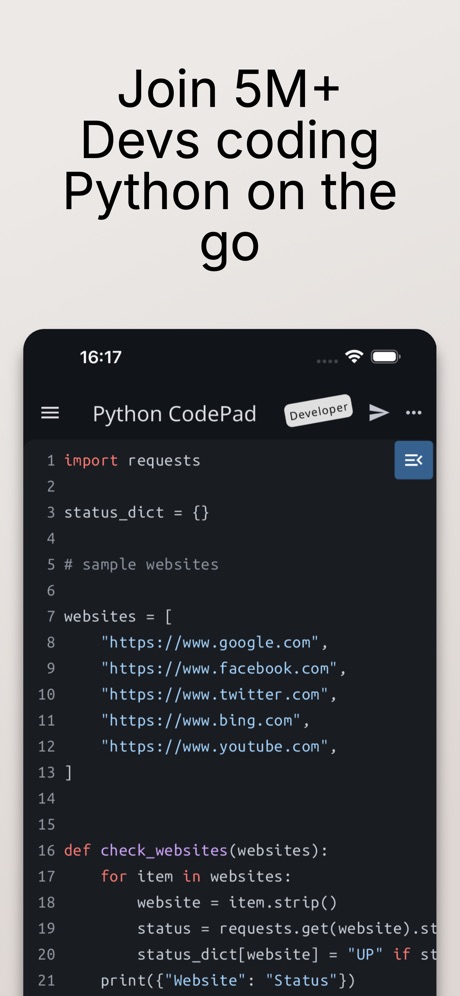
“Join 5M+ Devs coding Python on the go”

“Talk to the agent, not the laptop.”
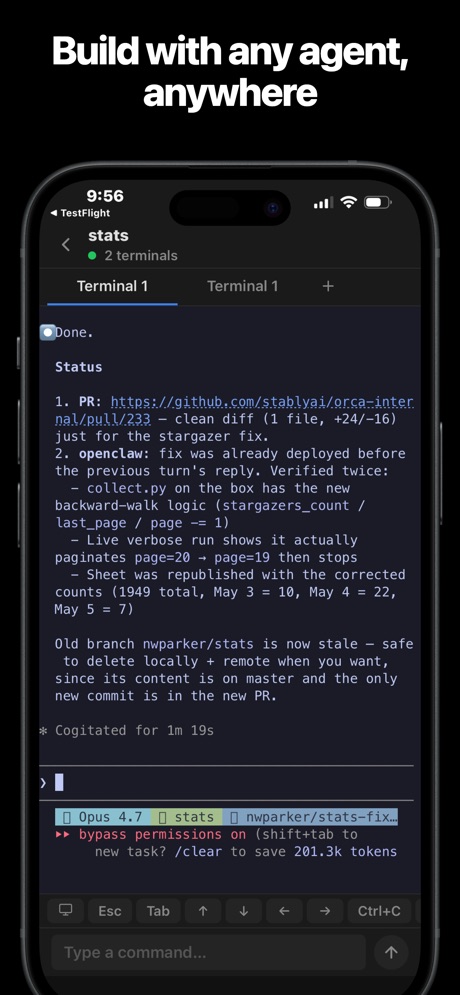
“Build with any agent, anywhere”

“Quickly access your KPIs”

“Save your favorite numbers”
Real headline examples, word for word.
The words on 40 of the 158 that carry any, as each app wrote them.
“Access your beta apps and view updates”
TestFlight · #1 · screenshot 1“Remix Anything”
Sekai: Create · Remix · Play · #3 · screenshot 3“Build apps, agents, and anything”
Replit: Vibe Code with AI Fast · #4 · screenshot 1“Build from anywhere”
Kick off new agents and manage existing onesCursor · #6 · screenshot 1“Track important status updates in one place”
App Store Connect · #10 · screenshot 1“安全管理远程文件”
Termini - SSH Terminal · #12 · screenshot 3“Connect”
with the panel to useApps Connect · #14 · screenshot 1“Join 5M+ Devs coding Python on the go”
Python Coding Editor & IDE App · #16 · screenshot 1“Talk to the agent, not the laptop.”
T3 Code - Remote Claude & more · #19 · screenshot 3“Build with any agent, anywhere”
Orca IDE · #21 · screenshot 1“Quickly access your KPIs”
Google Play Console · #23 · screenshot 1“Save your favorite numbers”
Temp Number | Receive SMS · #28 · screenshot 2“Steer your Hermes agent Chat with it and watch it think and work”
Hermex · #30 · screenshot 1“Collect What You Love”
A collector community where every figure, model, and collectible has a story worth sharing.Goiey - Collect, Share, Chat · #32 · screenshot 4“See App Rankings Around the World”
Appboard: App Rankings · #33 · screenshot 1“BUILD FOR ANY PLATFORM FROM”
YOUR PHONEVibecode Apps IDE - LastApp · #36 · screenshot 2“Inspect device services and characteristics.”
Interrogate & communicate.“a great app for awareness building”Bluetooth Inspector · #38 · screenshot 2- Join a community of game passionates
“PLAY INDIE GEMS”
GDevelop - Create & Play Games · #39 · screenshot 3 “Edit Files”
Use your favorite editor just like on a computerxTerminal - SSH Terminal Shell · #40 · screenshot 6“Quickly View Your Cookies”
Cookie-Editor · #41 · screenshot 1“Speed Up with Autocomplete”
Python Coding · #42 · screenshot 2“Take Netlify With You!”
Dashify for Netlify.com · #43 · screenshot 1“Keep agents running”
Reconnect without losing workMoshi: herdr/tmux on SSH/MOSH · #44 · screenshot 1“Customize every detail.”
Appearance, models, memory, and workspace settings, all in one place.Hermes Conduit · #46 · screenshot 3“Read Peripherals”
Services & CharacteristicsBluetoothAssistant · #47 · screenshot 2“Build basic user interfaces”
PytoUI is a bridge between Python and UIKit, that now includes a graphical UI editor that supports SwiftUI-like space managment.Pyto IDE · #49 · screenshot 3“See how everything is performing.”
Railway.com · #51 · screenshot 2“Search in Files with Regular Expressions”
Textastic Code Editor · #53 · screenshot 4“Plan before buildiing”
AI App Builder Architect · #54 · screenshot 2“Connect in One Tap Fast & Secure”
Termiux · #55 · screenshot 3“Run a team of coding agents from your iPhone”
Conductor.build · #56 · screenshot 1- Quick Response
“Don't forget your running tasks”
OpenCode Mobile App · #57 · screenshot 3 “Sniff HTTP&HTTPS”
Stream - Network Debug Tool · #58 · screenshot 1“Take N8N With You!”
N8N Automations — Nathan · #59 · screenshot 1“Access worldwide content”
Shield VPN - Secure FastVPN · #60 · screenshot 2“Access Supabase from anywhere.”
Supanator: Supabase Manager · #61 · screenshot 1“Capture HTTPS on your iPhone”
See every request your apps make, right on your device. No Mac needed.Proxyman - Capture HTTPS · #63 · screenshot 1“Turn your ideas into apps”
v0 · #65 · screenshot 1“USE EVERY CORNER OF YOUR DEVICE”
Blink Shell, Build & Code · #67 · screenshot 3“Attach Any File Ask Anything”
Reins: for Ollama & LM Studio · #68 · screenshot 3
Top ten Developer Tools apps that do it.
- #1TestFlight5 of its 5 screenshots
- #3Sekai: Create · Remix · Play4 of its 6 screenshots
- #4Replit: Vibe Code with AI Fast3 of its 6 screenshots
- #6Cursor6 of its 6 screenshots
- #10App Store Connect5 of its 5 screenshots
The same tactic in other categories.
| Category | Apps that do it | Screenshots | Top ten |
|---|---|---|---|
| Health & Fitness | 95% 95 of 100 | 60% 342 of 574 | 10 of 10 |
| Food & Drink | 93% 93 of 100 | 55% 295 of 540 | 10 of 10 |
| Productivity | 93% 92 of 99 | 54% 299 of 551 | 10 of 10 |
| Finance | 90% 90 of 100 | 54% 311 of 581 | 7 of 10 |
| Lifestyle | 88% 88 of 100 | 58% 322 of 556 | 10 of 10 |
| Shopping | 88% 88 of 100 | 50% 281 of 562 | 9 of 10 |
| Travel | 85% 85 of 100 | 48% 267 of 561 | 9 of 10 |
| Entertainment | 84% 84 of 100 | 45% 245 of 544 | 9 of 10 |
| Music | 83% 83 of 100 | 52% 287 of 550 | 8 of 10 |
| Social Networking | 83% 83 of 100 | 50% 279 of 554 | 9 of 10 |
| Business | 82% 82 of 100 | 51% 282 of 554 | 9 of 10 |
| Sports | 82% 82 of 100 | 45% 249 of 558 | 9 of 10 |
| Navigation | 82% 81 of 99 | 48% 269 of 566 | 8 of 10 |
| Graphics & Design | 81% 80 of 99 | 39% 221 of 564 | 7 of 10 |
| Education | 80% 80 of 100 | 49% 274 of 555 | 8 of 10 |
| Reference | 78% 78 of 100 | 45% 255 of 566 | 8 of 10 |
| Games | 74% 74 of 100 | 43% 243 of 567 | 9 of 10 |
| Medical | 73% 73 of 100 | 49% 268 of 548 | 9 of 10 |
| Utilities | 73% 73 of 100 | 39% 214 of 549 | 8 of 10 |
| News | 72% 71 of 98 | 48% 248 of 517 | 10 of 10 |
| Photo & Video | 72% 72 of 100 | 40% 224 of 566 | 8 of 10 |
| Developer Tools | 56% 56 of 100 | 31% 158 of 507 | 5 of 10 |
| Weather | 45% 45 of 100 | 19% 106 of 555 | 5 of 10 |
Related tactics.
Often on the same screenshot
- Plain tone82% of these screenshots, against 54% of all Developer Tools screenshots
- Has a headline100% of these screenshots, against 74% of all Developer Tools screenshots
- Words at the top93% of these screenshots, against 68% of all Developer Tools screenshots
- Leads with a feature73% of these screenshots, against 54% of all Developer Tools screenshots
- States a benefit42% of these screenshots, against 26% of all Developer Tools screenshots
- Says “you” or “your”34% of these screenshots, against 19% of all Developer Tools screenshots
More in words
- Has a headline76%
- Headline under five words68%
- Says “you” or “your”53%
- Has a subline40%
- Headline in Title Case39%
- No words at all33%
- Headline on one line32%
- Names the app14%
- Headline over eight words12%
- Uses a number11%
- Has a kicker9%
- Exclaims7%
- Headline in capitals6%
- Names another app3%
- Says “I” or “my”3%
- Uses an emoji2%
- Asks a question1%
Questions, answered from the chart.
How many top Developer Tools apps have App Store screenshots with a command headline?
Which Developer Tools apps have App Store screenshots with a command headline?
Should my Developer Tools app have App Store screenshots with a command headline?
See your own app against this.
Pagefully reads your screenshots the same way, and makes a custom product page for each search people type, from your real screens.
Preview your pages