Developer Tools app screenshots that say “you”
Speaks to the reader directly. Speaking to the reader makes the line about what they get, not about the app.
From the top 100 free Developer Tools apps on the US App Store, read on October 9, 2026. Screenshots are the developers’ own, shown from Apple’s servers with a link to each app.
The numbers
94 of the 507 Developer Tools screenshots read (19%) do this, across 53 of the top 100 apps (53%). 6 of the top ten do it (60%), against 47 of the other 90 (52%): the top ten do it about as often as the rest. Of the 23 categories read so far, Developer Tools is 21st for this. It is most common in Finance (92% of apps) and least common in Weather (31%).
12 examples from the chart.
12 of the 94 Developer Tools app screenshots that say “you”, one from each app, the highest on the chart first.
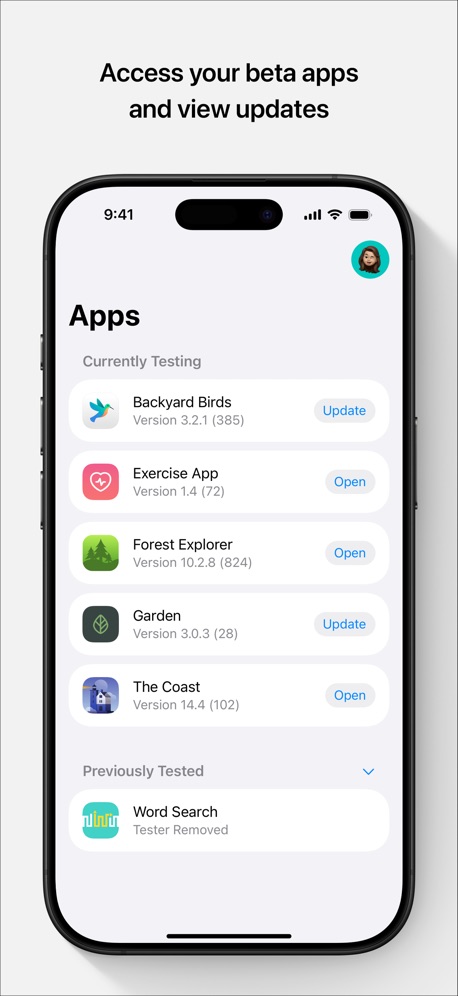
“Access your beta apps and view updates”

“Build Your Fanbase”
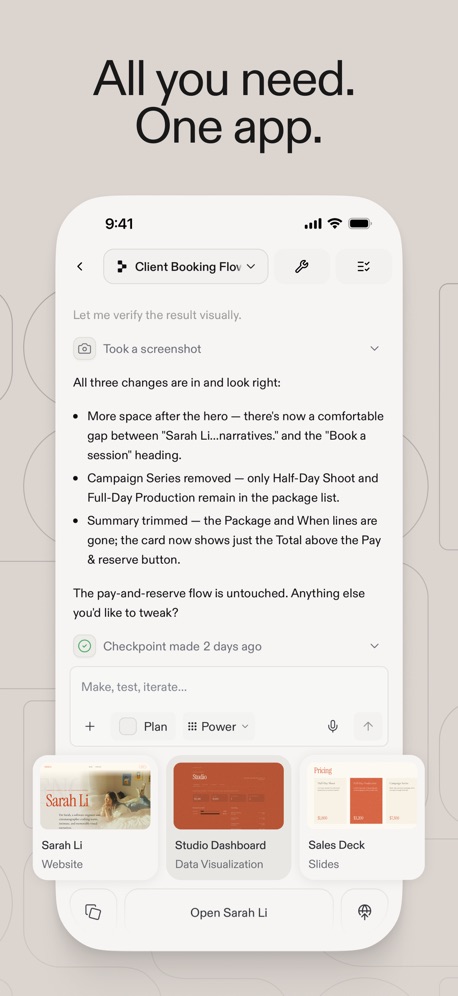
“All you need. One app.”

“Stay in the loop”

“Intelligent device configuration”
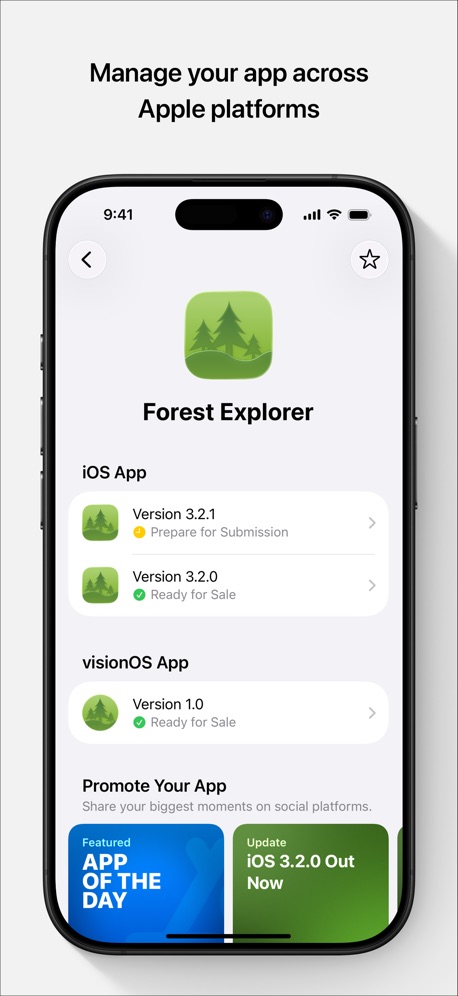
“Manage your app across Apple platforms”

“Catch mistakes instantly”
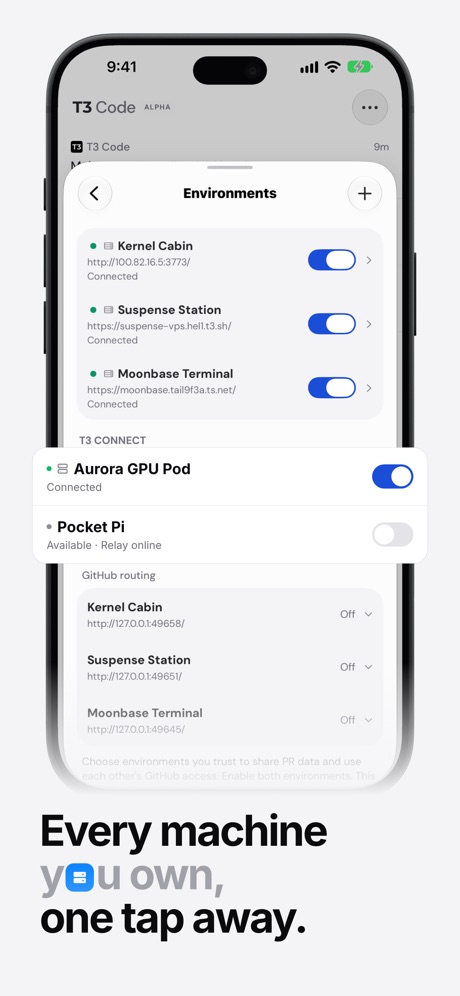
“Every machine you own, one tap away.”
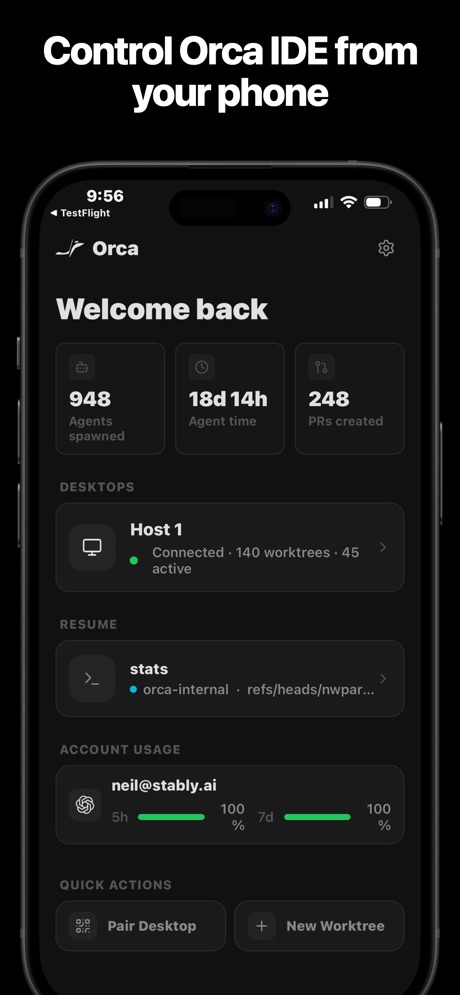
“Control Orca IDE from your phone”

“Quickly access your KPIs”

“Easy access to your files”

“Save your favorite numbers”
Real headline examples, word for word.
The words on 40 of the 94 that carry any, as each app wrote them.
“Access your beta apps and view updates”
TestFlight · #1 · screenshot 1“Build Your Fanbase”
Sekai: Create · Remix · Play · #3 · screenshot 6“All you need. One app.”
Replit: Vibe Code with AI Fast · #4 · screenshot 4“Stay in the loop”
Get notified when agents finish or need your inputCursor · #6 · screenshot 5“Intelligent device configuration”
Parameters can be adjusted according to your preferences,making security more satisfactoryO-KAM Pro · #9 · screenshot 5“Manage your app across Apple platforms”
App Store Connect · #10 · screenshot 2“Catch mistakes instantly”
Error checking as you typePython Coding Editor & IDE App · #16 · screenshot 4“Every machine you own, one tap away.”
T3 Code - Remote Claude & more · #19 · screenshot 2“Control Orca IDE from your phone”
Orca IDE · #21 · screenshot 2“Quickly access your KPIs”
Google Play Console · #23 · screenshot 1“Easy access to your files”
Local and RemoteKoder Code Editor · #26 · screenshot 2“Save your favorite numbers”
Temp Number | Receive SMS · #28 · screenshot 2“Steer your Hermes agent Chat with it and watch it think and work”
Hermex · #30 · screenshot 1“Collect What You Love”
A collector community where every figure, model, and collectible has a story worth sharing.Goiey - Collect, Share, Chat · #32 · screenshot 4“Your App Collection”
Appboard: App Rankings · #33 · screenshot 4“BUILD FOR ANY PLATFORM FROM”
YOUR PHONEVibecode Apps IDE - LastApp · #36 · screenshot 2“Bluetooth scanner finds nearby devices.”
See what's around you.“every Bluetooth enabled device around my apartment and other units”Bluetooth Inspector · #38 · screenshot 1“Snippets”
Save your favorite commonly used commandsxTerminal - SSH Terminal Shell · #40 · screenshot 3“Quickly View Your Cookies”
Cookie-Editor · #41 · screenshot 1“Customize Your Editor Freely”
Python Coding · #42 · screenshot 4“Take Netlify With You!”
Dashify for Netlify.com · #43 · screenshot 1“Talk to your terminal”
Speak into the promptMoshi: herdr/tmux on SSH/MOSH · #44 · screenshot 2“DEVICE and SENSOR Information”
View detailed information about your DEVICE.Device Monitor² · #45 · screenshot 1“Your Hermes agent, anywhere.”
Start tasks, monitor progress, and stay in sync from your phone.Hermes Conduit · #46 · screenshot 1“Graphical Debugger”
Set breakpoints and inspect the stack or run code while running with PDB or when an exception occurs on your script.Pyto IDE · #49 · screenshot 4“Your Railway projects. In your pocket.”
Railway.com · #51 · screenshot 1“Termiux”
Linux in your pocketTermiux · #55 · screenshot 1“Run a team of coding agents from your iPhone”
Conductor.build · #56 · screenshot 1- Quick Response
“Don't forget your running tasks”
OpenCode Mobile App · #57 · screenshot 3 “Take N8N With You!”
N8N Automations — Nathan · #59 · screenshot 1“Manage your database.”
Supanator: Supabase Manager · #61 · screenshot 6“Capture HTTPS on your iPhone”
See every request your apps make, right on your device. No Mac needed.Proxyman - Capture HTTPS · #63 · screenshot 1“Turn your ideas into apps”
v0 · #65 · screenshot 1“USE EVERY CORNER OF YOUR DEVICE”
Blink Shell, Build & Code · #67 · screenshot 3“Your Local AI Fully Private”
Reins: for Ollama & LM Studio · #68 · screenshot 1“MULTI-TAB EDITING FIT FOR YOUR DEVICE”
Code Editor - Compiler & IDE · #69 · screenshot 3“Edit Text File”
From your device or any cloud serviceText Editor. · #70 · screenshot 1“Build Your Own Portfolio”
Organize and manage all of your game projects in one place.GameForge AI: Code & Build · #71 · screenshot 1- SECURE EXITS
“Choose your secure exit”
Choose by distance, latency and stability. Selecting one returns you to Home.VPN - Feichi · #73 · screenshot 2 “GitHub,\nGitLab or your\nown server”
Git client - Working Copy · #75 · screenshot 2
Top ten Developer Tools apps that do it.
- #1TestFlight3 of its 5 screenshots
- #3Sekai: Create · Remix · Play1 of its 6 screenshots
- #4Replit: Vibe Code with AI Fast1 of its 6 screenshots
- #6Cursor2 of its 6 screenshots
- #9O-KAM Pro1 of its 5 screenshots
- #10App Store Connect2 of its 5 screenshots
The same tactic in other categories.
| Category | Apps that do it | Screenshots | Top ten |
|---|---|---|---|
| Finance | 92% 92 of 100 | 47% 275 of 581 | 10 of 10 |
| Food & Drink | 92% 92 of 100 | 41% 222 of 540 | 9 of 10 |
| Travel | 86% 86 of 100 | 38% 214 of 561 | 10 of 10 |
| Lifestyle | 84% 84 of 100 | 39% 216 of 556 | 9 of 10 |
| Health & Fitness | 83% 83 of 100 | 40% 232 of 574 | 8 of 10 |
| Shopping | 81% 81 of 100 | 38% 214 of 562 | 8 of 10 |
| Entertainment | 80% 80 of 100 | 32% 175 of 544 | 10 of 10 |
| Social Networking | 79% 79 of 100 | 34% 188 of 554 | 9 of 10 |
| Productivity | 78% 77 of 99 | 30% 168 of 551 | 9 of 10 |
| Medical | 74% 74 of 100 | 38% 210 of 548 | 9 of 10 |
| Sports | 74% 74 of 100 | 26% 145 of 558 | 7 of 10 |
| Business | 73% 73 of 100 | 36% 198 of 554 | 8 of 10 |
| Navigation | 68% 67 of 99 | 26% 145 of 566 | 6 of 10 |
| Music | 67% 67 of 100 | 27% 150 of 550 | 7 of 10 |
| Reference | 66% 66 of 100 | 27% 150 of 566 | 7 of 10 |
| Utilities | 66% 66 of 100 | 27% 148 of 549 | 6 of 10 |
| Education | 65% 65 of 100 | 25% 137 of 555 | 5 of 10 |
| Graphics & Design | 61% 60 of 99 | 20% 113 of 564 | 5 of 10 |
| News | 57% 56 of 98 | 22% 115 of 517 | 8 of 10 |
| Photo & Video | 55% 55 of 100 | 20% 115 of 566 | 5 of 10 |
| Developer Tools | 53% 53 of 100 | 19% 94 of 507 | 6 of 10 |
| Games | 31% 31 of 100 | 8% 43 of 567 | 5 of 10 |
| Weather | 31% 31 of 100 | 11% 62 of 555 | 3 of 10 |
Related tactics.
Often on the same screenshot
- Has a headline100% of these screenshots, against 74% of all Developer Tools screenshots
- Tells you to do something56% of these screenshots, against 31% of all Developer Tools screenshots
- States a benefit50% of these screenshots, against 26% of all Developer Tools screenshots
- Plain tone76% of these screenshots, against 54% of all Developer Tools screenshots
- Subline explains the headline39% of these screenshots, against 21% of all Developer Tools screenshots
- Words at the top87% of these screenshots, against 68% of all Developer Tools screenshots
More in words
- Has a headline76%
- Headline under five words68%
- Tells you to do something56%
- Has a subline40%
- Headline in Title Case39%
- No words at all33%
- Headline on one line32%
- Names the app14%
- Headline over eight words12%
- Uses a number11%
- Has a kicker9%
- Exclaims7%
- Headline in capitals6%
- Names another app3%
- Says “I” or “my”3%
- Uses an emoji2%
- Asks a question1%
Questions, answered from the chart.
How many top Developer Tools apps have App Store screenshots that say “you”?
Which Developer Tools apps have App Store screenshots that say “you”?
Should my Developer Tools app have App Store screenshots that say “you”?
See your own app against this.
Pagefully reads your screenshots the same way, and makes a custom product page for each search people type, from your real screens.
Preview your pages