News app screenshots that say “you”
Speaks to the reader directly. Speaking to the reader makes the line about what they get, not about the app.
From the top 98 free News apps on the US App Store, read on October 9, 2026. Screenshots are the developers’ own, shown from Apple’s servers with a link to each app.
The numbers
115 of the 517 News screenshots read (22%) do this, across 56 of the top 98 apps (57%). 8 of the top ten do it (80%), against 48 of the other 88 (55%): the top ten do it more than the rest. Of the 23 categories read so far, News is 19th for this. It is most common in Finance (92% of apps) and least common in Weather (31%).
12 examples from the chart.
12 of the 115 News app screenshots that say “you”, one from each app, the highest on the chart first.

“Join conversations you care about”
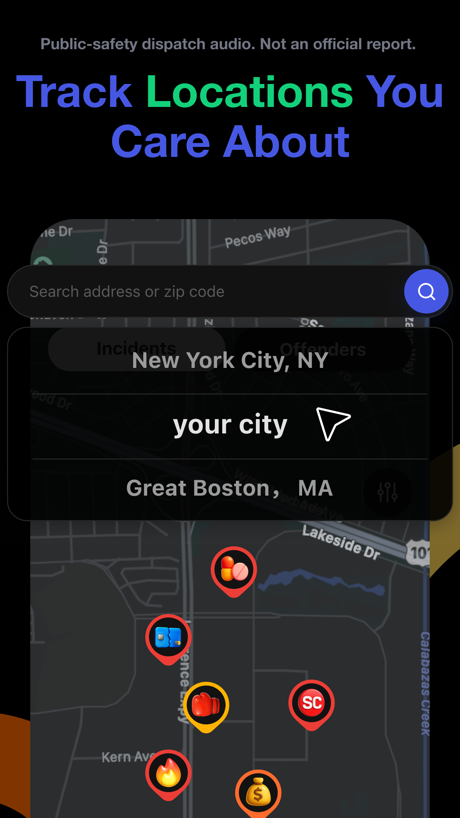
“Track Locations You Care About”

“All your subscriptions”

“Your neighborhood's safety at a glance.”
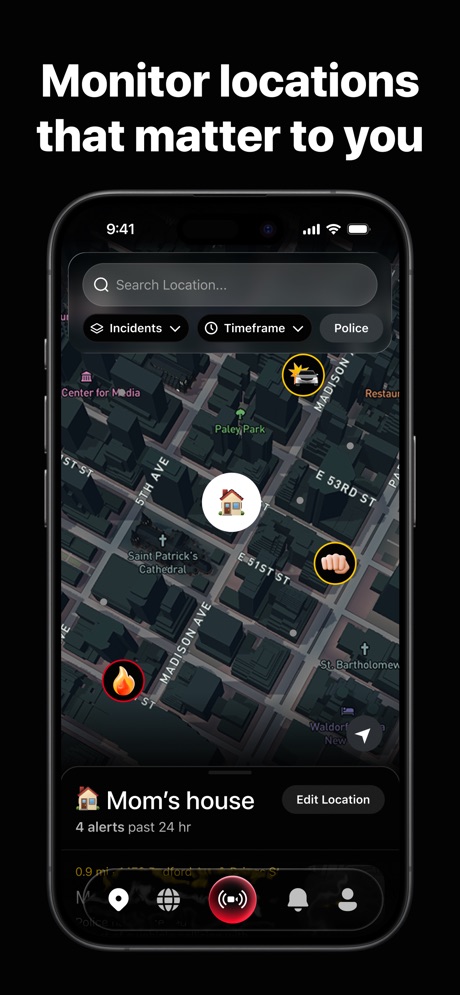
“Monitor locations that matter to you”

“Save your favorites for quick access”

“Follow your interests in the You tab.”
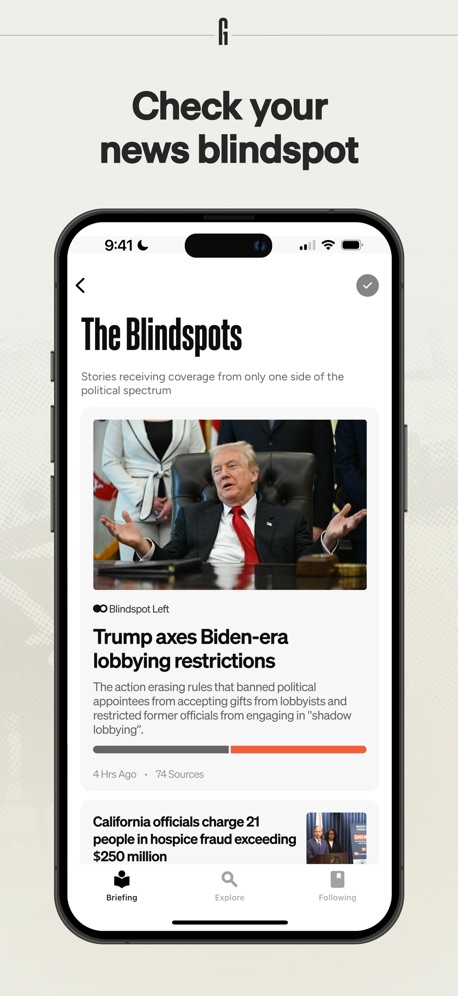
“Check your news blindspot”

“What's happening in your world?”
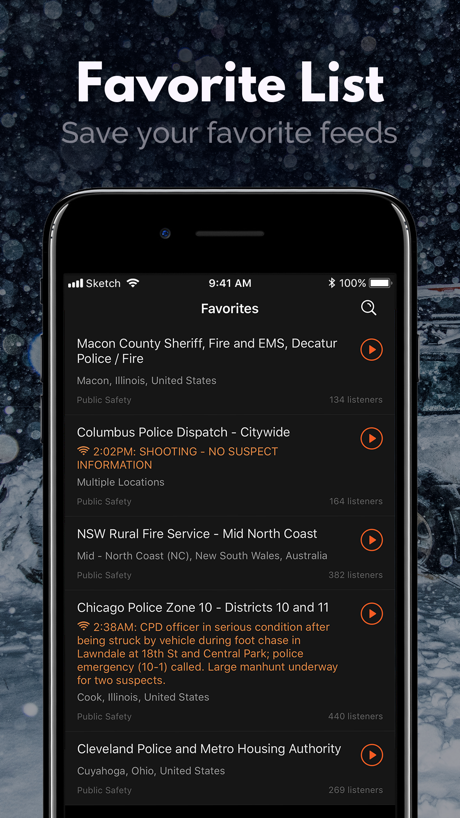
“Favorite List”

“Choose from your FOX LOCAL stations”
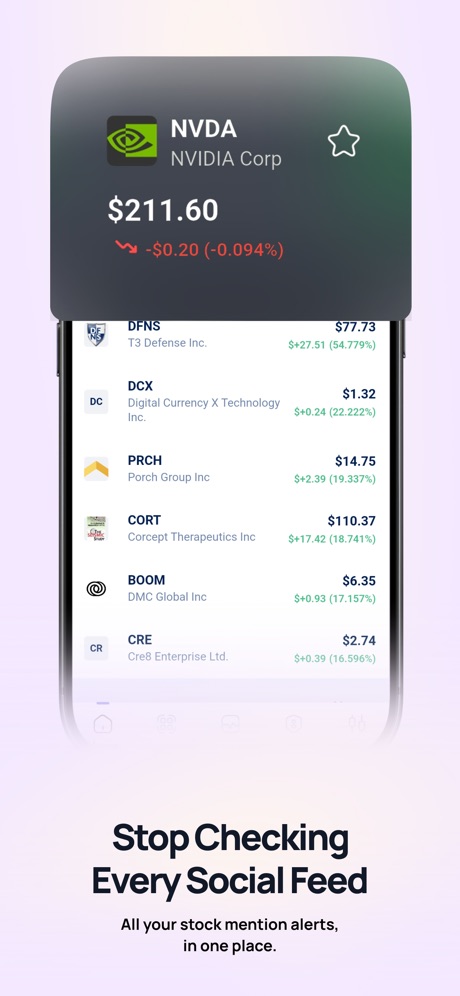
“Stop Checking Every Social Feed”
Real headline examples, word for word.
The words on 40 of the 115 that carry any, as each app wrote them.
“Join conversations you care about”
Reddit · #2 · screenshot 3- Public-safety dispatch audio. Not an official report.
“Track Locations You Care About”
CrimeRadar Dispatch Audio · #3 · screenshot 3 “All your subscriptions”
Substack · #4 · screenshot 2“Your neighborhood's safety at a glance.”
NewsBreak: Local News & Alerts · #6 · screenshot 1“Monitor locations that matter to you”
Citizen: Safety & Live Video · #7 · screenshot 5“Save your favorites for quick access”
Police Scanner Radio & Fire · #8 · screenshot 6- Personalize Today
“Follow your interests in the You tab.”
NYTimes: US and Global News · #9 · screenshot 5 “Check your news blindspot”
Ground News · #10 · screenshot 3“What's happening in your world?”
Fizz: Your Authentic Community · #11 · screenshot 1“Favorite List”
Save your favorite feedsPolice Scanner: Fire Radio · #14 · screenshot 6“Choose from your FOX LOCAL stations”
FOX LOCAL: Live News & Weather · #15 · screenshot 3“Stop Checking Every Social Feed”
All your stock mention alerts, in one place.Stocks.News-Market Alerts · #16 · screenshot 5“Trusted Journalism”
Curated in one place on your news feed.The Wall Street Journal News · #18 · screenshot 2“Trade fear for faith in 5 minutes”
“But don’t stop worshiping. Never give up in the desert. You don’t know how wide it is, and you may be almost across.”The Pour Over · #20 · screenshot 3“Add locations”
to receive the alerts most relevant to youAwareCA · #21 · screenshot 1“Always know when and where things are happening in your neighborhood.”
Neighbors by Ring · #22 · screenshot 2“Listen live to your local station”
NPR: National & Local News · #23 · screenshot 2“Your News, Your Language”
Catch up on the news in Spanish, Chinese, and more.SmartNews: Breaking News · #24 · screenshot 1“Catch up on top news with Your Briefing”
Google News · #27 · screenshot 1“host your own social room”
Clubhouse · #28 · screenshot 4“Customize Your Listening”
Podcast App & Player - Castbox · #29 · screenshot 5“Explore Your Favorite Topics”
FOX News: US & World Headlines · #31 · screenshot 3“Your Local Police Scanner”
Police Scanner: Crime Radar · #32 · screenshot 1“Your notifications, your way”
AP News · #33 · screenshot 3“Discover stories curated for you”
CNN: Live & Breaking News · #34 · screenshot 6“Preview your next listens with our AI hosts”
Podcast App · #35 · screenshot 4“Start your day with the latest podcasts”
Reuters - Breaking World News · #36 · screenshot 3“Read high-quality answers on your custom feed”
Quora · #37 · screenshot 1“Your Neighborhood's Incidents At a Glance”
Crime Radar · #38 · screenshot 1“Tease your brain with puzzles and games.”
The New Yorker · #40 · screenshot 4“Track your investments”
Bloomberg: Business News Daily · #44 · screenshot 2“Get smart suggestions in “For you”.”
The Economist: News & Analysis · #45 · screenshot 5“Watch and listen to your favorite series and podcasts.”
Daily Wire · #47 · screenshot 4- OWN THE EXPERIENCE
“MAKE WIRED YOURS”
WIRED · #49 · screenshot 2 “Follow the topics that matter to you.”
Medium: Read & Write Stories · #50 · screenshot 3“Follow interests that matter most to you”
ABC News: Live & Breaking · #52 · screenshot 3“NEWS WIDGETS”
Today's top headlines at a glance from your home screenNBC News: Breaking & US News · #53 · screenshot 5“The Day's News, Curated For You”
MS NOW: Live & Breaking News · #55 · screenshot 2- KNOW IT NOW.
“Customize push notifications to your preferences.”
Washington Post: Breaking News · #56 · screenshot 2 “Your favorite podcasts & livestreams at your fingertips”
Listen/Watch/Learn/EnjoyPodbean Podcast App & Player · #58 · screenshot 1
Top ten News apps that do it.
- #2Reddit2 of its 6 screenshots
- #3CrimeRadar Dispatch Audio1 of its 4 screenshots
- #4Substack1 of its 6 screenshots
- #6NewsBreak: Local News & Alerts4 of its 6 screenshots
- #7Citizen: Safety & Live Video1 of its 6 screenshots
- #8Police Scanner Radio & Fire1 of its 6 screenshots
- #9NYTimes: US and Global News1 of its 6 screenshots
- #10Ground News1 of its 6 screenshots
The same tactic in other categories.
| Category | Apps that do it | Screenshots | Top ten |
|---|---|---|---|
| Finance | 92% 92 of 100 | 47% 275 of 581 | 10 of 10 |
| Food & Drink | 92% 92 of 100 | 41% 222 of 540 | 9 of 10 |
| Travel | 86% 86 of 100 | 38% 214 of 561 | 10 of 10 |
| Lifestyle | 84% 84 of 100 | 39% 216 of 556 | 9 of 10 |
| Health & Fitness | 83% 83 of 100 | 40% 232 of 574 | 8 of 10 |
| Shopping | 81% 81 of 100 | 38% 214 of 562 | 8 of 10 |
| Entertainment | 80% 80 of 100 | 32% 175 of 544 | 10 of 10 |
| Social Networking | 79% 79 of 100 | 34% 188 of 554 | 9 of 10 |
| Productivity | 78% 77 of 99 | 30% 168 of 551 | 9 of 10 |
| Medical | 74% 74 of 100 | 38% 210 of 548 | 9 of 10 |
| Sports | 74% 74 of 100 | 26% 145 of 558 | 7 of 10 |
| Business | 73% 73 of 100 | 36% 198 of 554 | 8 of 10 |
| Navigation | 68% 67 of 99 | 26% 145 of 566 | 6 of 10 |
| Music | 67% 67 of 100 | 27% 150 of 550 | 7 of 10 |
| Reference | 66% 66 of 100 | 27% 150 of 566 | 7 of 10 |
| Utilities | 66% 66 of 100 | 27% 148 of 549 | 6 of 10 |
| Education | 65% 65 of 100 | 25% 137 of 555 | 5 of 10 |
| Graphics & Design | 61% 60 of 99 | 20% 113 of 564 | 5 of 10 |
| News | 57% 56 of 98 | 22% 115 of 517 | 8 of 10 |
| Photo & Video | 55% 55 of 100 | 20% 115 of 566 | 5 of 10 |
| Developer Tools | 53% 53 of 100 | 19% 94 of 507 | 6 of 10 |
| Games | 31% 31 of 100 | 8% 43 of 567 | 5 of 10 |
| Weather | 31% 31 of 100 | 11% 62 of 555 | 3 of 10 |
Related tactics.
Often on the same screenshot
- Tells you to do something70% of these screenshots, against 48% of all News screenshots
- Plain tone83% of these screenshots, against 62% of all News screenshots
- States a benefit51% of these screenshots, against 34% of all News screenshots
- Words at the top95% of these screenshots, against 78% of all News screenshots
- Has a headline100% of these screenshots, against 84% of all News screenshots
- Gradient background49% of these screenshots, against 38% of all News screenshots
More in words
- Has a headline86%
- Tells you to do something72%
- Headline under five words65%
- Has a subline45%
- No words at all30%
- Names the app24%
- Headline in Title Case22%
- Uses a number21%
- Headline on one line20%
- Headline in capitals19%
- Headline over eight words15%
- Has a kicker13%
- Says “I” or “my”13%
- Names another app2%
- Asks a question1%
- Exclaims1%
- Uses a percentage1%
- Uses an emoji1%
Questions, answered from the chart.
How many top News apps have App Store screenshots that say “you”?
Which News apps have App Store screenshots that say “you”?
Should my News app have App Store screenshots that say “you”?
See your own app against this.
Pagefully reads your screenshots the same way, and makes a custom product page for each search people type, from your real screens.
Preview your pages