Travel app screenshots with a command headline
The headline is a command: Track your sleep, Start a session. A command starts with a verb, so the first word is what the reader can do with the app.
From the top 100 free Travel apps on the US App Store, read on October 9, 2026. Screenshots are the developers’ own, shown from Apple’s servers with a link to each app.
The numbers
267 of the 561 Travel screenshots read (48%) do this, across 85 of the top 100 apps (85%). 9 of the top ten do it (90%), against 76 of the other 90 (84%): the top ten do it about as often as the rest. Of the 23 categories read so far, Travel is 7th for this. It is most common in Health & Fitness (95% of apps) and least common in Weather (45%).
12 examples from the chart.
12 of the 267 Travel app screenshots with a command headline, one from each app, the highest on the chart first.

“GO ANY- WHERE”

“Schedule ahead, leave stress behind”

“Plan one-of-a-kind trips all in one app”

“Snap and translate text with ease”

“Fly with Southwest ®”

“Book your whole trip in one app”
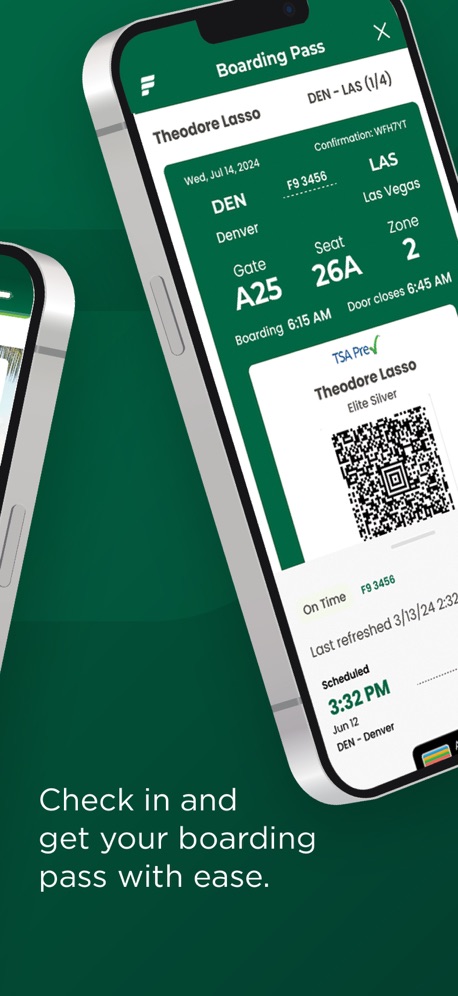
“Check in and get your boarding pass with ease.”

“Find inspiration for your next trip”
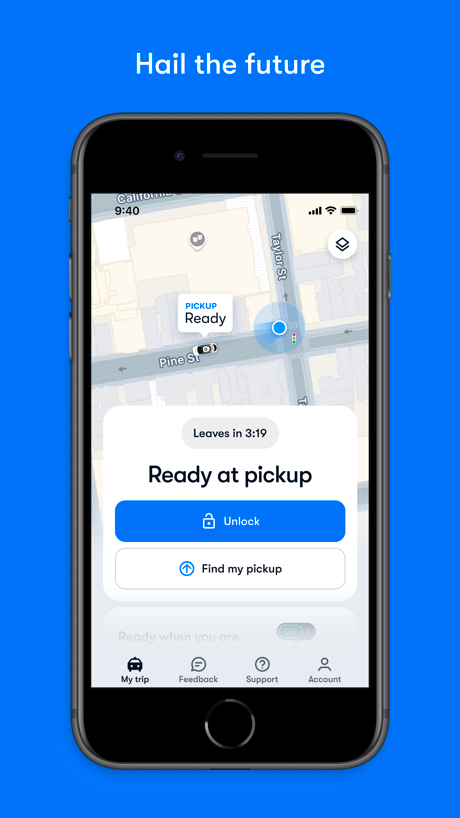
“Hail the future”
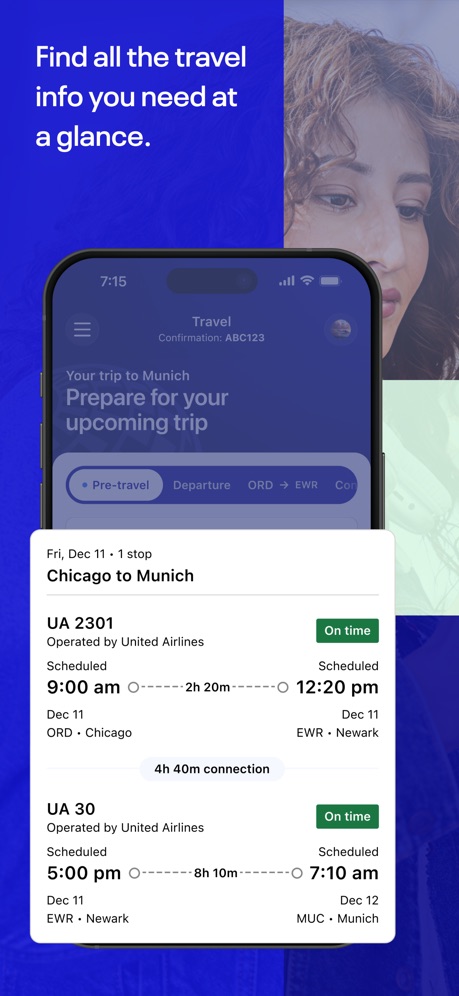
“Find all the travel info you need at a glance.”

“Bundle & Save on flights and hotels*”
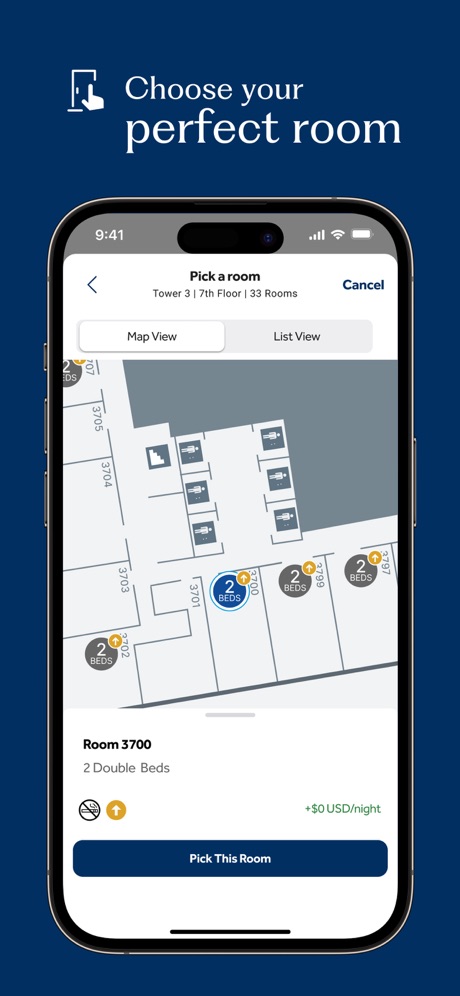
“Choose your perfect room”
Real headline examples, word for word.
The words on 40 of the 267 that carry any, as each app wrote them.
“GO ANY- WHERE”
Uber - Rides, Eats, Hotels · #1 · screenshot 2“Schedule ahead, leave stress behind”
Lyft · #2 · screenshot 6“Plan one-of-a-kind trips all in one app”
Airbnb · #3 · screenshot 1“Snap and translate text with ease”
GlobeRoam: GPS Camera Map · #4 · screenshot 3“Fly with Southwest ®”
Southwest Airlines: Travel App · #6 · screenshot 1“Book your whole trip in one app”
Booking.com: Hotels & Travel · #7 · screenshot 1“Check in and get your boarding pass with ease.”
Frontier Airlines · #8 · screenshot 2“Find inspiration for your next trip”
Fly Delta · #9 · screenshot 2“Hail the future”
Waymo · #10 · screenshot 2“Find all the travel info you need at a glance.”
United Airlines · #11 · screenshot 1“Bundle & Save on flights and hotels*”
Expedia: Hotels, Flights, Cars · #12 · screenshot 2“Choose your perfect room”
Hilton Honors: Book Hotels · #13 · screenshot 5“Open the app, Open the world”
Marriott Bonvoy: Book Hotels · #14 · screenshot 1“Book the perfect car near you”
Turo — Better car rental · #15 · screenshot 1“Get cash back on gas, groceries, and dining.”
Upside: Gas & Food Cash Back · #17 · screenshot 1“Book the option that's right for you”
Amtrak · #20 · screenshot 4“Manage Trip Details”
Any Time, AnywherePriceline - Hotel, Car, Flight · #21 · screenshot 5“Find your ride nearby”
Lime - #RideGreen · #22 · screenshot 3“Explore millions of host-free stays”
Private vacation rentalsVrbo: Vacation Rentals · #23 · screenshot 1“View personalised itineraries to compliment your travels.”
Priority Pass+ · #24 · screenshot 5“See available trucks and storage units to Rent Now”
U-Haul: Moving Made Easier® · #25 · screenshot 4“REQUEST FAVORITE DRIVERS”
Empower - Your ride, your way · #26 · screenshot 3“Check in and reach your gate quickly, no need to print.”
JetBlue · #27 · screenshot 3“Choose your look.”
Alaska Hawaiian · #28 · screenshot 2“Discover the World Beyond”
OrbiScope · #29 · screenshot 1“Discover our parks like never before”
Six Flags · #30 · screenshot 2“Search for a rental location”
Enterprise Rent-A-Car · #31 · screenshot 2“Order”
Tesla Robotaxi · #32 · screenshot 2“Book and manage your rental car anywhere at any time”
Hertz Rental Car, SUV, Van · #34 · screenshot 1“Experience the Magic”
My Disney Experience · #36 · screenshot 1“Plan your entire vacation”
Royal Caribbean International · #37 · screenshot 1“Get the app to see where you can ride”
Zoox · #38 · screenshot 2“Take Control of Your Travel Day”
CLEAR: Travel Day Planning App · #39 · screenshot 1“Experience the Magic”
Disneyland® · #40 · screenshot 1- STATUS UPDATES
“Track your trip with real-time updates”
Capital One Travel · #41 · screenshot 2 “Tap. Ride. Go.”
Your next ride is minutes awayBolt: Request a Ride · #42 · screenshot 1“Book a ride”
Grab: Taxi Ride, Food Delivery · #43 · screenshot 3“Explore New Places”
Amex Travel · #47 · screenshot 1“Book an IHG hotel in seconds”
IHG One Rewards: Book Hotels · #48 · screenshot 3“Find all the places you want to see”
GetYourGuide: Plan & Book · #49 · screenshot 3
Top ten Travel apps that do it.
- #1Uber - Rides, Eats, Hotels3 of its 6 screenshots
- #2Lyft1 of its 6 screenshots
- #3Airbnb5 of its 6 screenshots
- #4GlobeRoam: GPS Camera Map2 of its 4 screenshots
- #6Southwest Airlines: Travel App4 of its 6 screenshots
- #7Booking.com: Hotels & Travel4 of its 6 screenshots
- #8Frontier Airlines3 of its 4 screenshots
- #9Fly Delta1 of its 6 screenshots
- #10Waymo3 of its 4 screenshots
The same tactic in other categories.
| Category | Apps that do it | Screenshots | Top ten |
|---|---|---|---|
| Health & Fitness | 95% 95 of 100 | 60% 342 of 574 | 10 of 10 |
| Food & Drink | 93% 93 of 100 | 55% 295 of 540 | 10 of 10 |
| Productivity | 93% 92 of 99 | 54% 299 of 551 | 10 of 10 |
| Finance | 90% 90 of 100 | 54% 311 of 581 | 7 of 10 |
| Lifestyle | 88% 88 of 100 | 58% 322 of 556 | 10 of 10 |
| Shopping | 88% 88 of 100 | 50% 281 of 562 | 9 of 10 |
| Travel | 85% 85 of 100 | 48% 267 of 561 | 9 of 10 |
| Entertainment | 84% 84 of 100 | 45% 245 of 544 | 9 of 10 |
| Music | 83% 83 of 100 | 52% 287 of 550 | 8 of 10 |
| Social Networking | 83% 83 of 100 | 50% 279 of 554 | 9 of 10 |
| Business | 82% 82 of 100 | 51% 282 of 554 | 9 of 10 |
| Sports | 82% 82 of 100 | 45% 249 of 558 | 9 of 10 |
| Navigation | 82% 81 of 99 | 48% 269 of 566 | 8 of 10 |
| Graphics & Design | 81% 80 of 99 | 39% 221 of 564 | 7 of 10 |
| Education | 80% 80 of 100 | 49% 274 of 555 | 8 of 10 |
| Reference | 78% 78 of 100 | 45% 255 of 566 | 8 of 10 |
| Games | 74% 74 of 100 | 43% 243 of 567 | 9 of 10 |
| Medical | 73% 73 of 100 | 49% 268 of 548 | 9 of 10 |
| Utilities | 73% 73 of 100 | 39% 214 of 549 | 8 of 10 |
| News | 72% 71 of 98 | 48% 248 of 517 | 10 of 10 |
| Photo & Video | 72% 72 of 100 | 40% 224 of 566 | 8 of 10 |
| Developer Tools | 56% 56 of 100 | 31% 158 of 507 | 5 of 10 |
| Weather | 45% 45 of 100 | 19% 106 of 555 | 5 of 10 |
Related tactics.
Often on the same screenshot
- Leads with a feature61% of these screenshots, against 50% of all Travel screenshots
- Plain tone85% of these screenshots, against 75% of all Travel screenshots
- Words at the top92% of these screenshots, against 82% of all Travel screenshots
- Says “you” or “your”47% of these screenshots, against 38% of all Travel screenshots
- Has a headline100% of these screenshots, against 91% of all Travel screenshots
- Solid background43% of these screenshots, against 38% of all Travel screenshots
More in words
- Has a headline97%
- Says “you” or “your”86%
- Headline under five words74%
- Has a subline48%
- Headline in Title Case33%
- Uses a number33%
- Headline on one line28%
- No words at all28%
- Headline over eight words23%
- Names the app22%
- Says “I” or “my”19%
- Headline in capitals14%
- Has a kicker11%
- Exclaims9%
- Uses an emoji9%
- Uses a percentage5%
- Names another app2%
- Asks a question1%
Questions, answered from the chart.
How many top Travel apps have App Store screenshots with a command headline?
Which Travel apps have App Store screenshots with a command headline?
Should my Travel app have App Store screenshots with a command headline?
See your own app against this.
Pagefully reads your screenshots the same way, and makes a custom product page for each search people type, from your real screens.
Preview your pages