Developer Tools app screenshots with photography
A photograph as background or beside the screen. A photograph sets the app in the real world: the place, the activity or the result.
From the top 100 free Developer Tools apps on the US App Store, read on October 9, 2026. Screenshots are the developers’ own, shown from Apple’s servers with a link to each app.
The numbers
121 of the 507 Developer Tools screenshots read (24%) do this, across 58 of the top 100 apps (58%). 8 of the top ten do it (80%), against 50 of the other 90 (56%): the top ten do it more than the rest. Of the 23 categories read so far, Developer Tools is 21st for this. It is most common in Food & Drink (100% of apps) and least common in Games (24%).
12 examples from the chart.
12 of the 121 Developer Tools app screenshots with photography, one from each app, the highest on the chart first.
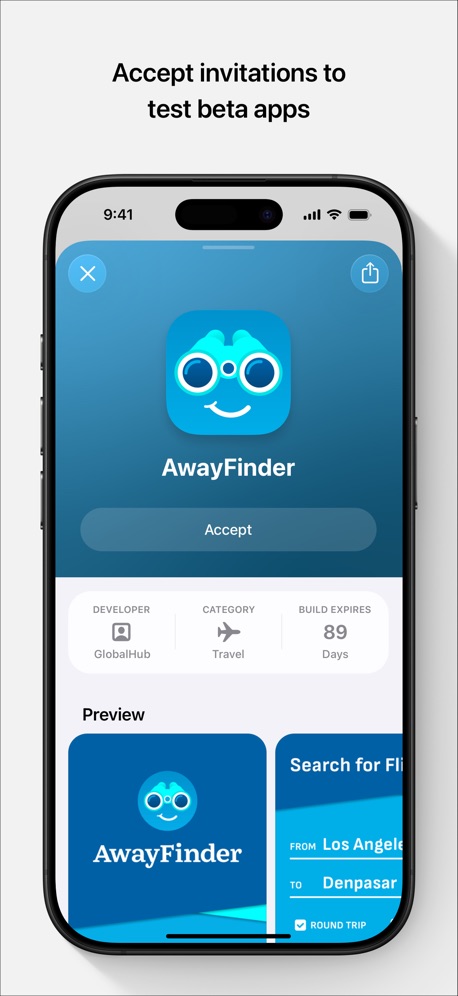
“Accept invitations to test beta apps”
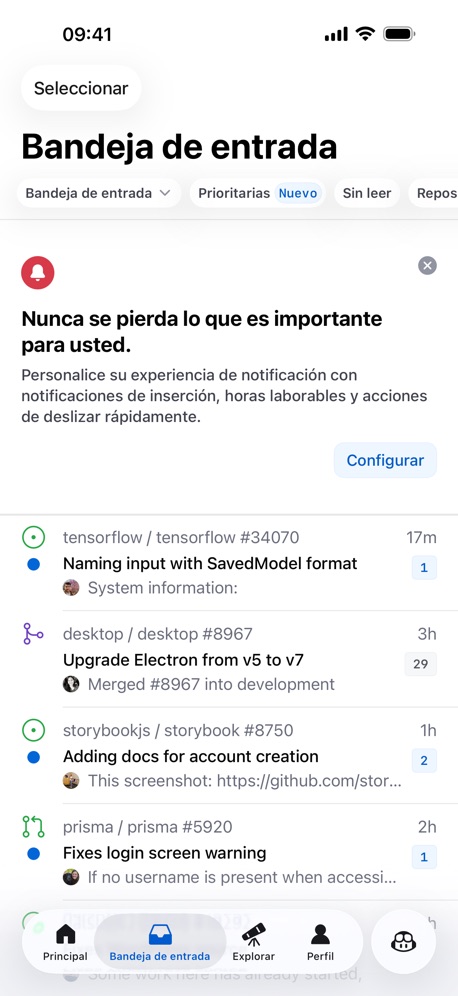

“#1 Interactive Creation Platform”
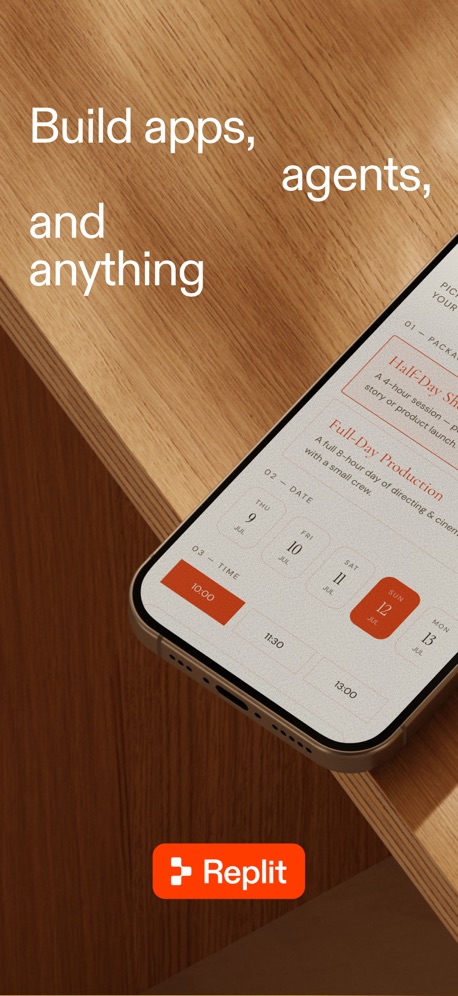
“Build apps, agents, and anything”
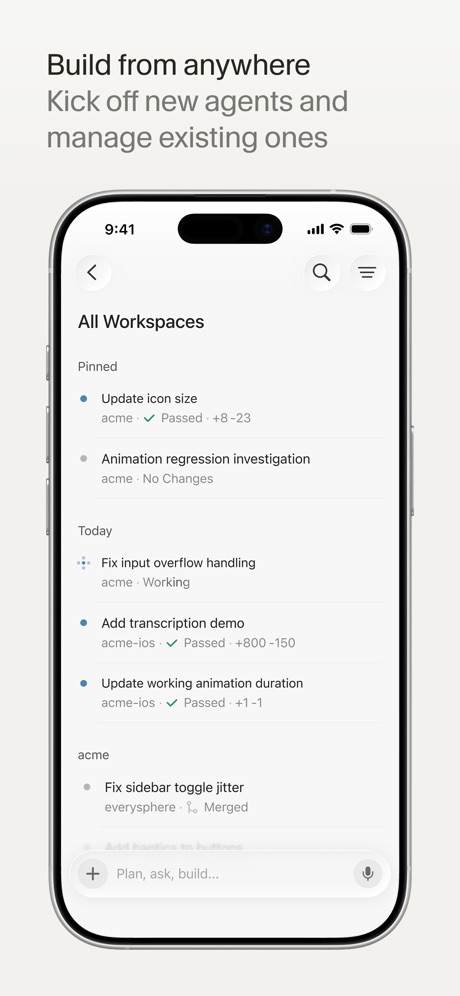
“Build from anywhere”


“Real, time HD preview”
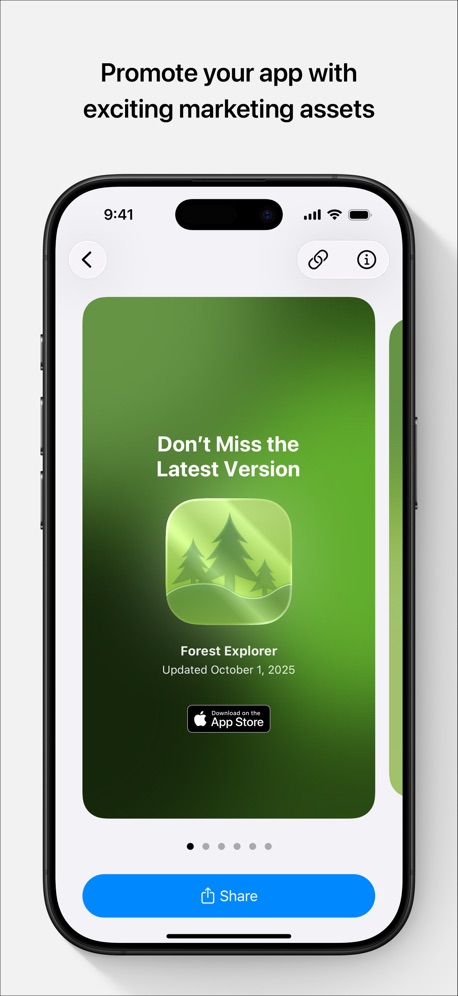
“Promote your app with exciting marketing assets”
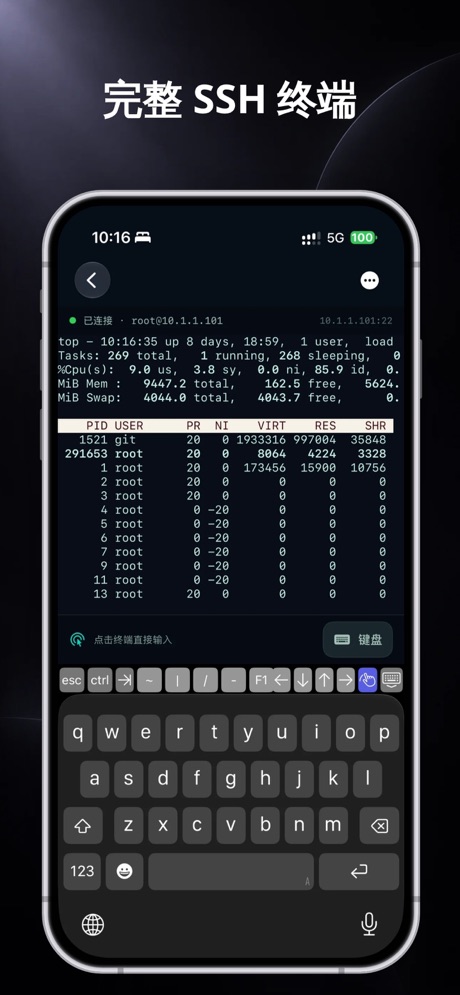
“完整 SSH 终端”

“Unlin”
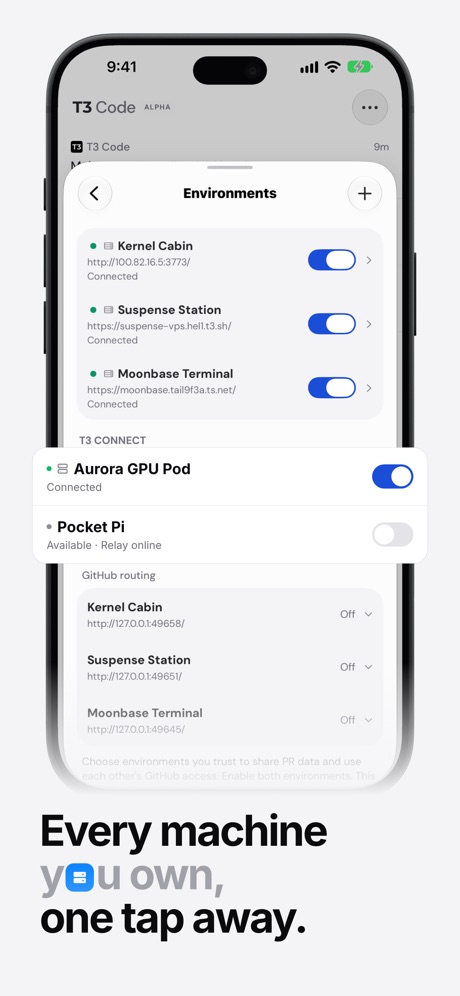
“Every machine you own, one tap away.”
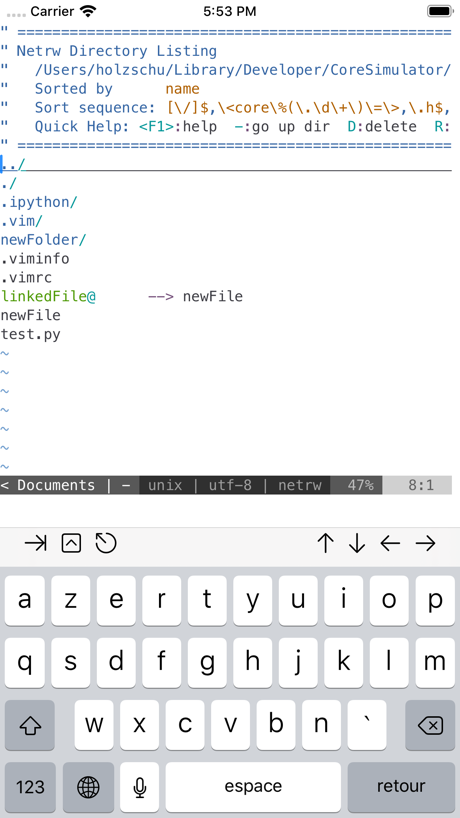
What these screenshots say, word for word.
The words on 40 of the 95 that carry any, as each app wrote them.
“Accept invitations to test beta apps”
TestFlight · #1 · screenshot 2“#1 Interactive Creation Platform”
Sekai: Create · Remix · Play · #3 · screenshot 1“Build apps, agents, and anything”
Replit: Vibe Code with AI Fast · #4 · screenshot 1“Build from anywhere”
Kick off new agents and manage existing onesCursor · #6 · screenshot 1“Real, time HD preview”
Low latency, remote monitoring with an immersive experienceO-KAM Pro · #9 · screenshot 2“Promote your app with exciting marketing assets”
App Store Connect · #10 · screenshot 3“完整 SSH 终端”
Termini - SSH Terminal · #12 · screenshot 2“Unlin”
NextVPN: Fast & Secure Proxy · #18 · screenshot 1“Every machine you own, one tap away.”
T3 Code - Remote Claude & more · #19 · screenshot 2“Build with any agent, anywhere”
Orca IDE · #21 · screenshot 1“Quickly access your KPIs”
Google Play Console · #23 · screenshot 1“Buddy”
Goiey - Collect, Share, Chat · #32 · screenshot 1“See App Rankings Around the World”
Appboard: App Rankings · #33 · screenshot 1“PROMPT TO START GOING LIVE IN UNDER 5 MINUTES”
Vibecode Apps IDE - LastApp · #36 · screenshot 1“Smart Clock Designs”
Digital Neon Night Clock · #37 · screenshot 2“Personalise the UI to rearrange and reorder the details that matter most.”
Bluetooth Inspector · #38 · screenshot 6“Multi Sessions”
Connect to servers and switch anywhere anytimexTerminal - SSH Terminal Shell · #40 · screenshot 1“Visualize Data with Charts”
Python Coding · #42 · screenshot 3“Sites”
Dashify for Netlify.com · #43 · screenshot 2“CPU, GPU & NETWORK Monitoring”
Track CPU, GPU and NETWORK usage with detailed performance metrics.Device Monitor² · #45 · screenshot 3“Rich markdown, beautifully rendered.”
Code, tables, math, and diagrams stay readable on the go.Hermes Conduit · #46 · screenshot 2“Multi-Protocol Privacy Protection”
V2Lite VPN - Super VPN Proxy · #48 · screenshot 4“Build basic user interfaces”
PytoUI is a bridge between Python and UIKit, that now includes a graphical UI editor that supports SwiftUI-like space managment.Pyto IDE · #49 · screenshot 3“Chat with your infrastructure”
Railway.com · #51 · screenshot 5“Linux Terminal”
No Setup RequiredTermiux · #55 · screenshot 2“Run a team of coding agents from your iPhone”
Conductor.build · #56 · screenshot 1“Code On the go”
Start coding nowOpenCode Mobile App · #57 · screenshot 1“Sniffing History”
Stream - Network Debug Tool · #58 · screenshot 3“Stay private online”
Shield VPN - Secure FastVPN · #60 · screenshot 3“Access Supabase from anywhere.”
Supanator: Supabase Manager · #61 · screenshot 1“Bluetooth Connect”
Bluetooth Auto Connect · #64 · screenshot 1“Turn your ideas into apps”
v0 · #65 · screenshot 1“Base set of UNIX Tools”
Blink Shell, Build & Code · #67 · screenshot 2“Your Local AI Fully Private”
Reins: for Ollama & LM Studio · #68 · screenshot 1“SYNTAX HIGHLIGHT FOR 110+ LANGUAGES”
Code Editor - Compiler & IDE · #69 · screenshot 1“Build Your Own Portfolio”
Organize and manage all of your game projects in one place.GameForge AI: Code & Build · #71 · screenshot 1“Edit with favourite apps”
Git client - Working Copy · #75 · screenshot 3“Live Preview Rendering”
HTML Editor · #77 · screenshot 2“Pyroid”
IDE for Python 3Pyroid · #80 · screenshot 1“Advanced Features”
Subtext · #85 · screenshot 1
Top ten Developer Tools apps that do it.
- #1TestFlight1 of its 5 screenshots
- #2GitHub2 of its 4 screenshots
- #3Sekai: Create · Remix · Play2 of its 6 screenshots
- #4Replit: Vibe Code with AI Fast5 of its 6 screenshots
- #6Cursor2 of its 6 screenshots
- #7Apple Developer2 of its 5 screenshots
- #9O-KAM Pro3 of its 5 screenshots
- #10App Store Connect1 of its 5 screenshots
The same tactic in other categories.
| Category | Apps that do it | Screenshots | Top ten |
|---|---|---|---|
| Food & Drink | 100% 100 of 100 | 74% 400 of 540 | 10 of 10 |
| Photo & Video | 99% 99 of 100 | 86% 488 of 566 | 10 of 10 |
| Shopping | 99% 99 of 100 | 71% 398 of 562 | 10 of 10 |
| Travel | 94% 94 of 100 | 60% 337 of 561 | 10 of 10 |
| Social Networking | 93% 93 of 100 | 64% 356 of 554 | 9 of 10 |
| News | 89% 87 of 98 | 60% 310 of 517 | 9 of 10 |
| Reference | 88% 88 of 100 | 48% 272 of 566 | 8 of 10 |
| Entertainment | 87% 87 of 100 | 62% 335 of 544 | 10 of 10 |
| Lifestyle | 86% 86 of 100 | 59% 328 of 556 | 9 of 10 |
| Music | 86% 86 of 100 | 49% 269 of 550 | 10 of 10 |
| Weather | 86% 86 of 100 | 50% 276 of 555 | 10 of 10 |
| Graphics & Design | 86% 85 of 99 | 62% 349 of 564 | 9 of 10 |
| Sports | 85% 85 of 100 | 51% 286 of 558 | 10 of 10 |
| Health & Fitness | 83% 83 of 100 | 40% 229 of 574 | 8 of 10 |
| Business | 80% 80 of 100 | 39% 215 of 554 | 9 of 10 |
| Navigation | 76% 75 of 99 | 32% 183 of 566 | 9 of 10 |
| Productivity | 76% 75 of 99 | 38% 209 of 551 | 9 of 10 |
| Medical | 74% 74 of 100 | 31% 168 of 548 | 8 of 10 |
| Utilities | 70% 70 of 100 | 35% 190 of 549 | 9 of 10 |
| Education | 64% 64 of 100 | 31% 171 of 555 | 7 of 10 |
| Developer Tools | 58% 58 of 100 | 24% 121 of 507 | 8 of 10 |
| Finance | 57% 57 of 100 | 23% 131 of 581 | 8 of 10 |
| Games | 24% 24 of 100 | 9% 49 of 567 | 1 of 10 |
Related tactics.
Often on the same screenshot
- A person in the picture19% of these screenshots, against 5% of all Developer Tools screenshots
- Plain tone63% of these screenshots, against 54% of all Developer Tools screenshots
- Phone drawn92% of these screenshots, against 85% of all Developer Tools screenshots
- Photo background9% of these screenshots, against 3% of all Developer Tools screenshots
- Solid background42% of these screenshots, against 36% of all Developer Tools screenshots
- Has a headline79% of these screenshots, against 74% of all Developer Tools screenshots
More in layout
- Screen fills the picture99%
- Phone drawn94%
- Whole phone shown91%
- Words at the top75%
- Headline readable at thumbnail size55%
- Illustration or mascot47%
- App icon shown44%
- Headline too small to read31%
- No phone, bare screen27%
- Phone cut off at the foot26%
- Words aligned left25%
- Arrows or callouts21%
- Two or more screens17%
- A person in the picture15%
- Zoomed detail of the UI13%
- Phone cut off at the head12%
- Phone at an angle9%
- Words at the bottom9%
- Screen is small8%
- Watch, iPad or Mac beside it8%
- No app screen at all7%
- Words over the screen4%
- A hand holds the phone3%
Questions, answered from the chart.
How many top Developer Tools apps have App Store screenshots with photography?
Which Developer Tools apps have App Store screenshots with photography?
Should my Developer Tools app have App Store screenshots with photography?
See your own app against this.
Pagefully reads your screenshots the same way, and makes a custom product page for each search people type, from your real screens.
Preview your pages