Developer Tools app screenshots with a solid background
One flat colour behind everything. A flat colour leaves the words and the screen as the only things to look at.
From the top 100 free Developer Tools apps on the US App Store, read on October 9, 2026. Screenshots are the developers’ own, shown from Apple’s servers with a link to each app.
The numbers
183 of the 507 Developer Tools screenshots read (36%) do this, across 58 of the top 100 apps (58%). 7 of the top ten do it (70%), against 51 of the other 90 (57%): the top ten do it more than the rest. Of the 23 categories read so far, Developer Tools is 6th for this. It is most common in Food & Drink (68% of apps) and least common in Games (20%).
12 examples from the chart.
12 of the 183 Developer Tools app screenshots with a solid background, one from each app, the highest on the chart first.
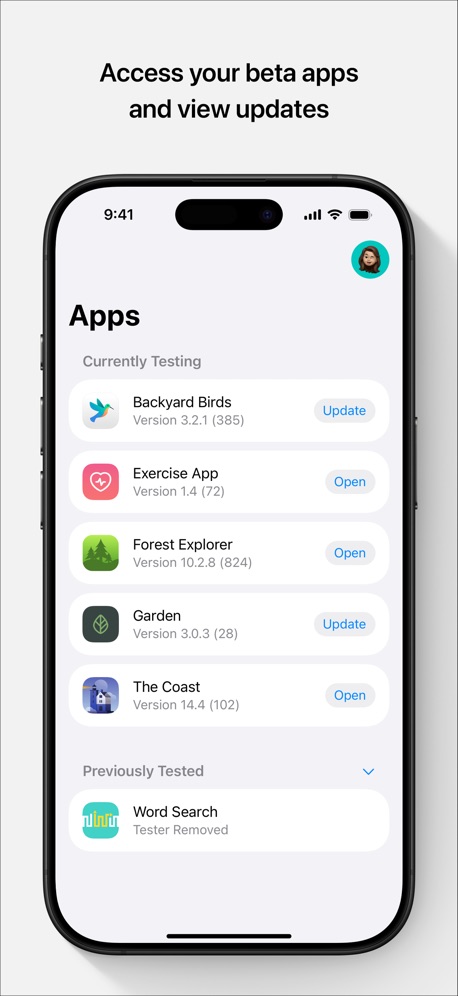
“Access your beta apps and view updates”
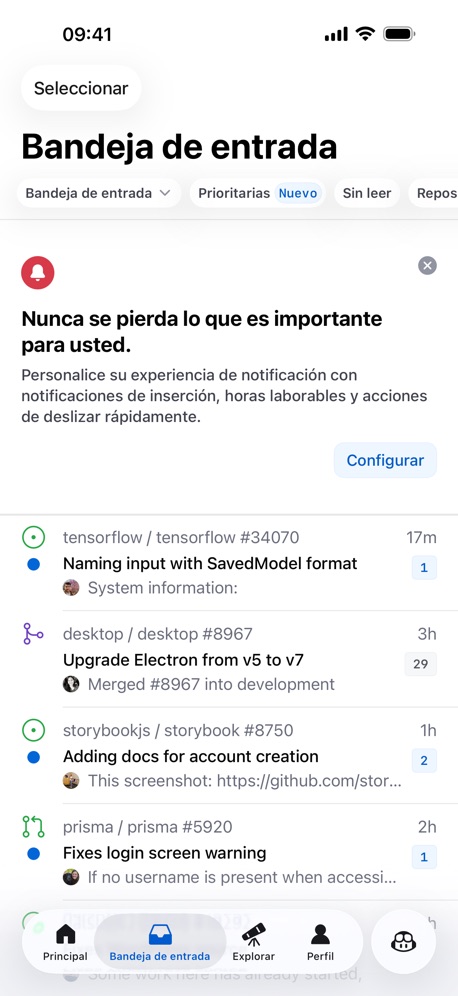
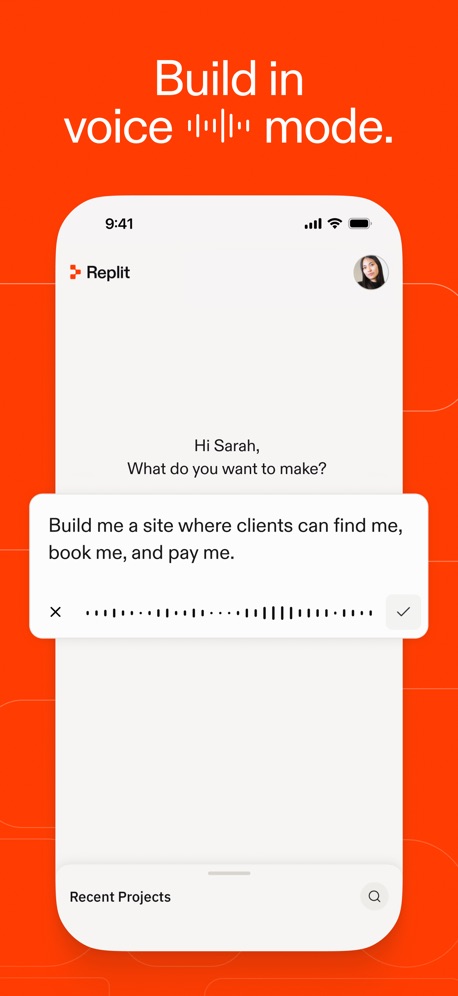
“Build in voice ▂▂▂▂▂ mode.”


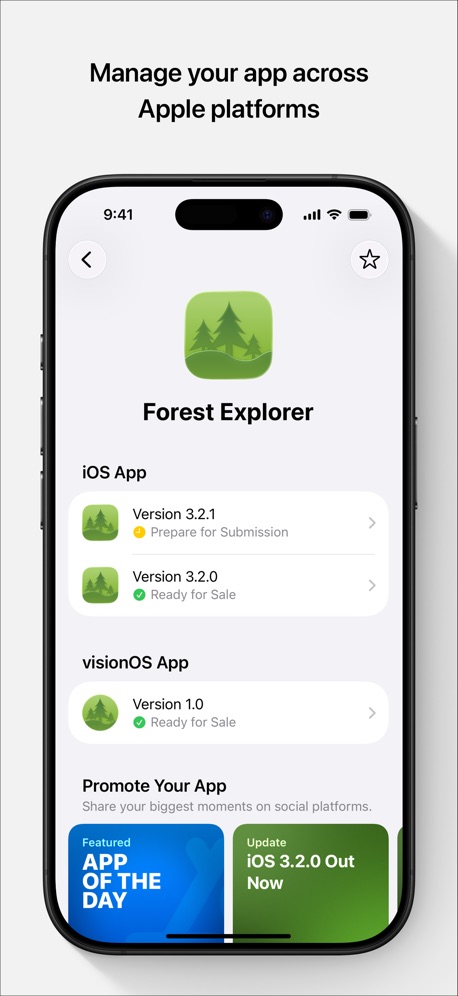
“Manage your app across Apple platforms”

“Fastest Servers”

“Connect”


“Unlin”
What these screenshots say, word for word.
The words on 40 of the 119 that carry any, as each app wrote them.
“Access your beta apps and view updates”
TestFlight · #1 · screenshot 1“Build in voice ▂▂▂▂▂ mode.”
Replit: Vibe Code with AI Fast · #4 · screenshot 3“Learn”
Learn the basics with bite-sized interactive lessons.Expo Go · #8 · screenshot 2“Manage your app across Apple platforms”
App Store Connect · #10 · screenshot 2“Fastest Servers”
ZenVPN - Free Super Fast VPN · #13 · screenshot 1“Connect”
with the panel to useApps Connect · #14 · screenshot 1“Unlin”
NextVPN: Fast & Secure Proxy · #18 · screenshot 1“Talk to the agent, not the laptop.”
T3 Code - Remote Claude & more · #19 · screenshot 3“Build with any agent, anywhere”
Orca IDE · #21 · screenshot 1“Multi Sessions”
Connect to servers and switch anywhere anytimexTerminal - SSH Terminal Shell · #40 · screenshot 1“Smart Code Editor for Python”
Python Coding · #42 · screenshot 1- Zhenyi Tan
“And Editing the HTML”
Web Inspector · #52 · screenshot 4 “Code Editor, SFTP Client, SSH Terminal”
Textastic Code Editor · #53 · screenshot 1“From Idea to App”
In minutes“Every retry costs, plan smart build once.”AI App Builder Architect · #54 · screenshot 1“Termiux”
Linux in your pocketTermiux · #55 · screenshot 1“Run a team of coding agents from your iPhone”
Conductor.build · #56 · screenshot 1- Quick Response
“Don't forget your running tasks”
OpenCode Mobile App · #57 · screenshot 3 “Take N8N With You!”
N8N Automations — Nathan · #59 · screenshot 1“One-tap to connect”
Shield VPN - Secure FastVPN · #60 · screenshot 1“Access Supabase from anywhere.”
Supanator: Supabase Manager · #61 · screenshot 1“Turn your ideas into apps”
v0 · #65 · screenshot 1“Persistent connections that even survive a device reboot. Go Mosh!”
Blink Shell, Build & Code · #67 · screenshot 1“Your Local AI Fully Private”
Reins: for Ollama & LM Studio · #68 · screenshot 1“CODE ASSIST AUTO COMPLETION”
Code Editor - Compiler & IDE · #69 · screenshot 2“Your Dashboard at a Glance”
Proxmox VE Companion · #76 · screenshot 1“Edit your HTML”
HTML Editor · #77 · screenshot 1“Advanced Features”
Subtext · #85 · screenshot 1“Spin the Wheel”
Let's Spin!Wheel of Names: Random Picker · #88 · screenshot 1“Provider-agnostic Trojan Client”
avoGate · #93 · screenshot 1- , CODE EDITS
“Edit code too.”
Codex Relay - Remote Codex App · #96 · screenshot 3 “Your Trusted SSH Client”
Since 2012 !WebSSH - Sysadmin Toolbox · #97 · screenshot 1“Rotate. Zoom. Explore.”
Inspect every angle with smooth controlsSTL & 3D Model Viewer - Mes3D · #98 · screenshot 2“Code everything, everywhere, all at once”
Happy: Codex & Claude Code App · #99 · screenshot 1“Accept invitations to test beta apps”
TestFlight · #1 · screenshot 2“All you need. One app.”
Replit: Vibe Code with AI Fast · #4 · screenshot 4“Promote your app with exciting marketing assets”
App Store Connect · #10 · screenshot 3“One Click Privacy”
ZenVPN - Free Super Fast VPN · #13 · screenshot 2“nited”
NextVPN: Fast & Secure Proxy · #18 · screenshot 2“Read every line”
before it ships.T3 Code - Remote Claude & more · #19 · screenshot 5“Control Orca IDE from your phone”
Orca IDE · #21 · screenshot 2
Top ten Developer Tools apps that do it.
- #1TestFlight4 of its 5 screenshots
- #2GitHub2 of its 4 screenshots
- #4Replit: Vibe Code with AI Fast2 of its 6 screenshots
- #5LocalDevVPN2 of its 3 screenshots
- #7Apple Developer3 of its 5 screenshots
- #8Expo Go3 of its 4 screenshots
- #10App Store Connect4 of its 5 screenshots
The same tactic in other categories.
| Category | Apps that do it | Screenshots | Top ten |
|---|---|---|---|
| Food & Drink | 68% 68 of 100 | 48% 257 of 540 | 9 of 10 |
| Medical | 68% 68 of 100 | 48% 265 of 548 | 4 of 10 |
| Education | 65% 65 of 100 | 40% 221 of 555 | 8 of 10 |
| Shopping | 63% 63 of 100 | 47% 264 of 562 | 8 of 10 |
| Finance | 60% 60 of 100 | 41% 240 of 581 | 7 of 10 |
| Business | 58% 58 of 100 | 37% 207 of 554 | 4 of 10 |
| Developer Tools | 58% 58 of 100 | 36% 183 of 507 | 7 of 10 |
| Travel | 58% 58 of 100 | 38% 211 of 561 | 5 of 10 |
| Photo & Video | 57% 57 of 100 | 42% 235 of 566 | 8 of 10 |
| Navigation | 57% 56 of 99 | 36% 206 of 566 | 7 of 10 |
| News | 54% 53 of 98 | 39% 202 of 517 | 7 of 10 |
| Productivity | 43% 43 of 99 | 34% 189 of 551 | 5 of 10 |
| Lifestyle | 43% 43 of 100 | 29% 160 of 556 | 5 of 10 |
| Utilities | 43% 43 of 100 | 25% 135 of 549 | 5 of 10 |
| Social Networking | 42% 42 of 100 | 30% 167 of 554 | 6 of 10 |
| Reference | 39% 39 of 100 | 27% 152 of 566 | 4 of 10 |
| Health & Fitness | 38% 38 of 100 | 26% 148 of 574 | 4 of 10 |
| Music | 38% 38 of 100 | 27% 149 of 550 | 7 of 10 |
| Graphics & Design | 37% 37 of 99 | 23% 129 of 564 | 4 of 10 |
| Sports | 32% 32 of 100 | 17% 96 of 558 | 3 of 10 |
| Weather | 30% 30 of 100 | 14% 75 of 555 | 6 of 10 |
| Entertainment | 25% 25 of 100 | 13% 73 of 544 | 2 of 10 |
| Games | 20% 20 of 100 | 12% 69 of 567 | 2 of 10 |
Related tactics.
Often on the same screenshot
- Black, white or grey63% of these screenshots, against 54% of all Developer Tools screenshots
- No words at all35% of these screenshots, against 26% of all Developer Tools screenshots
- High contrast words28% of these screenshots, against 22% of all Developer Tools screenshots
- A photograph28% of these screenshots, against 24% of all Developer Tools screenshots
- Headline in Title Case23% of these screenshots, against 20% of all Developer Tools screenshots
- Headline too small to read14% of these screenshots, against 11% of all Developer Tools screenshots
More in look
- Black, white or grey68%
- Light60%
- Dark55%
- Gradient background55%
- Blue42%
- A word in a different colour38%
- High contrast words37%
- Background is the icon’s colour31%
- Low contrast words29%
- The app itself is the background23%
- Rounded headline type15%
- Teal13%
- Orange12%
- Pattern or texture10%
- Green9%
- Photo background6%
- Yellow5%
- Condensed or display type4%
- Red3%
- Pink2%
- Purple2%
- Serif headline2%
Questions, answered from the chart.
How many top Developer Tools apps have App Store screenshots with a solid background?
Which Developer Tools apps have App Store screenshots with a solid background?
Should my Developer Tools app have App Store screenshots with a solid background?
See your own app against this.
Pagefully reads your screenshots the same way, and makes a custom product page for each search people type, from your real screens.
Preview your pages