Developer Tools app screenshots with rounded type
A rounded, friendly typeface. Rounded letterforms read as soft and informal.
From the top 100 free Developer Tools apps on the US App Store, read on October 9, 2026. Screenshots are the developers’ own, shown from Apple’s servers with a link to each app.
The numbers
33 of the 507 Developer Tools screenshots read (7%) do this, across 15 of the top 100 apps (15%). 1 of the top ten do it (10%), against 14 of the other 90 (16%): the top ten do it about as often as the rest. Of the 23 categories read so far, Developer Tools is 14th for this. It is most common in Games (66% of apps) and least common in News (7%).
12 examples from the chart.
12 of the 33 Developer Tools app screenshots with rounded type, one from each app, the highest on the chart first.

“Create Instantly”
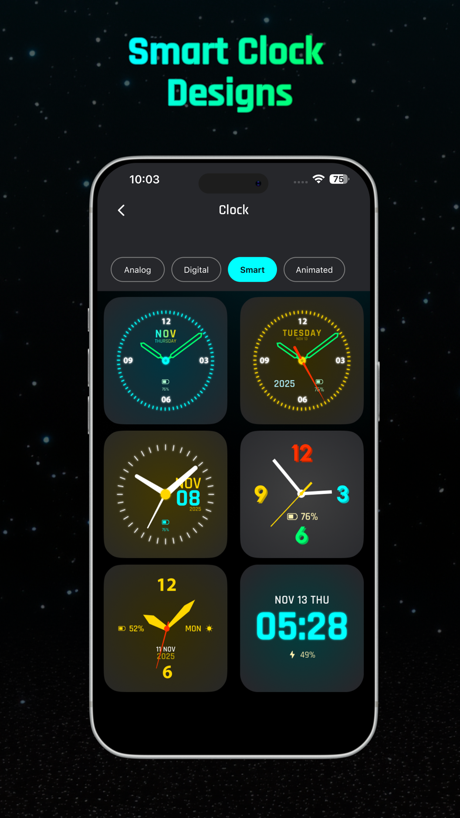
“Smart Clock Designs”
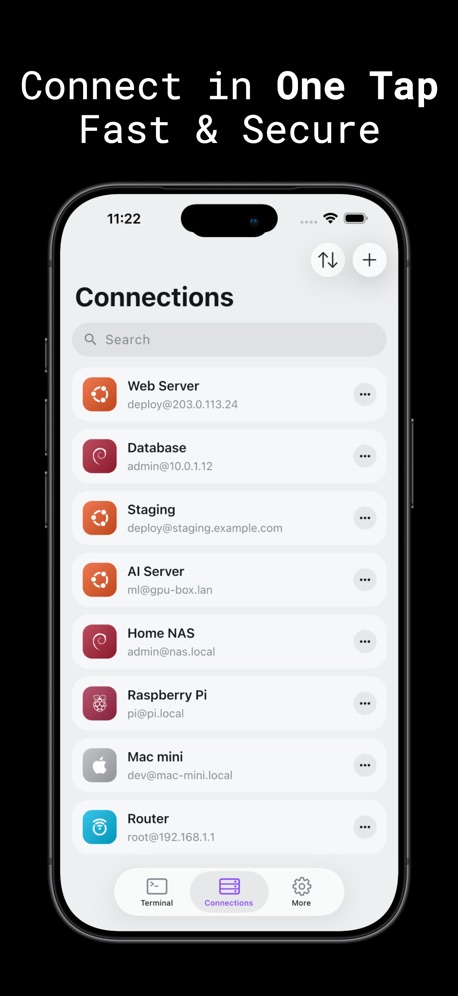
“Connect in One Tap Fast & Secure”

“Persistent connections that even survive a device reboot. Go Mosh!”
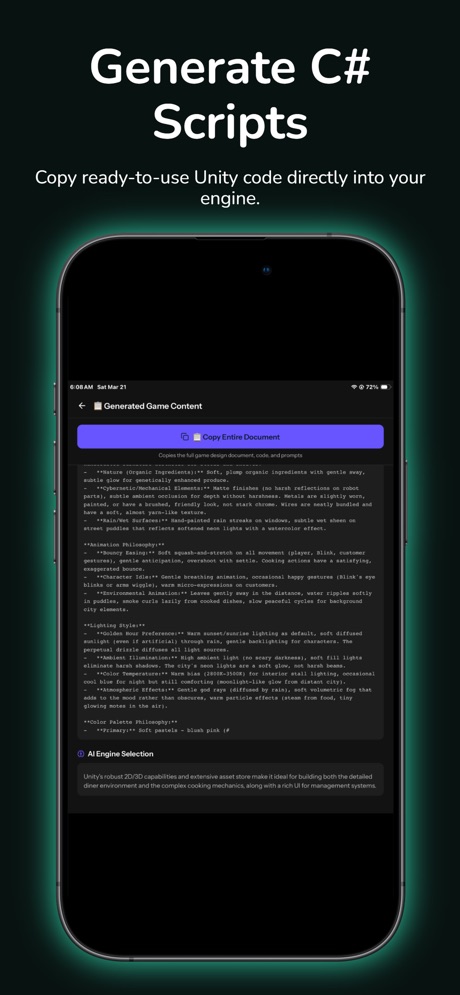
“Generate C# Scripts”

“Rich & Visual Output”
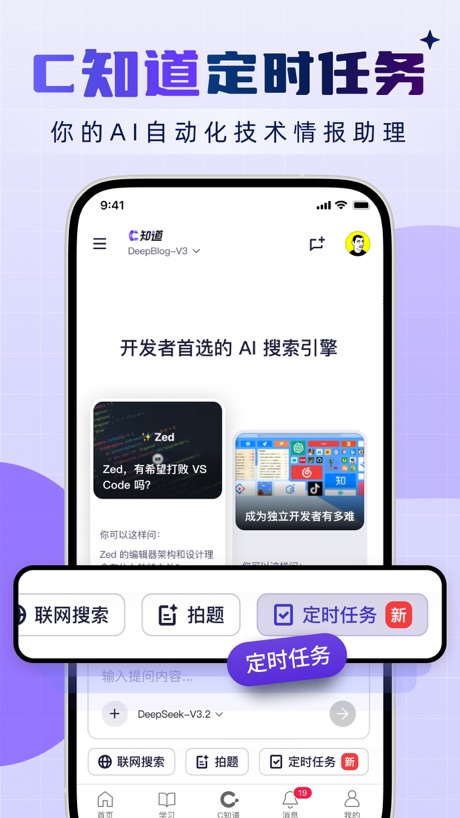
“C知道定时任务”

“Spin the Wheel”
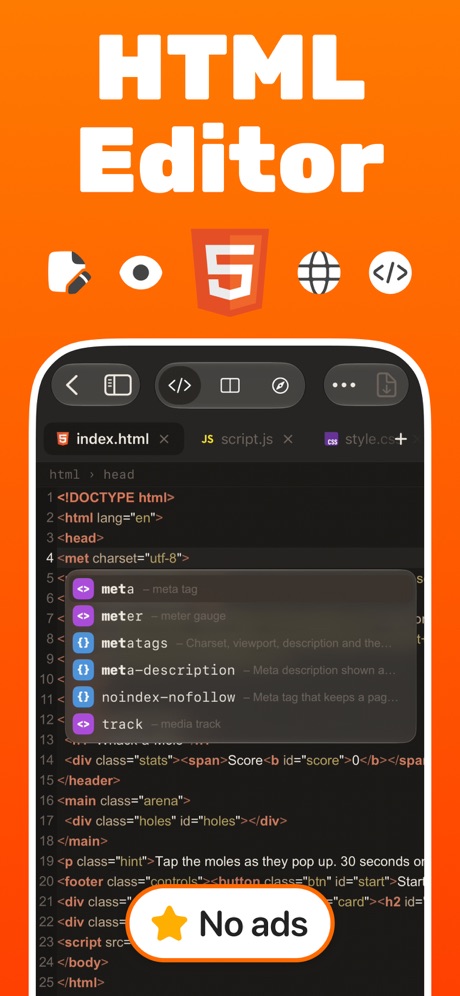
“HTML Editor”

“Learn Coding through exploring labs.”
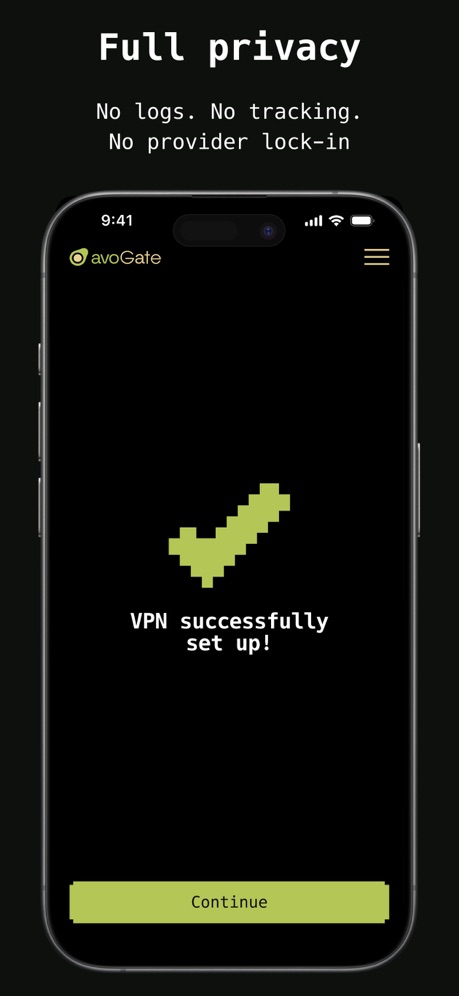
“Full privacy”
What these screenshots say, word for word.
The words on all 32 that carry any, as each app wrote them.
“Create Instantly”
Sekai: Create · Remix · Play · #3 · screenshot 2“Smart Clock Designs”
Digital Neon Night Clock · #37 · screenshot 2“Connect in One Tap Fast & Secure”
Termiux · #55 · screenshot 3“ulw! ulw! ulw! Sisyphus”
OpenCode Mobile App · #57 · screenshot 5“Persistent connections that even survive a device reboot. Go Mosh!”
Blink Shell, Build & Code · #67 · screenshot 1“Generate C# Scripts”
Copy ready-to-use Unity code directly into your engine.GameForge AI: Code & Build · #71 · screenshot 2“Rich & Visual Output”
From Console to Charts.Pyroid · #80 · screenshot 3“C知道定时任务”
你的AI自动化技术情报助理CSDN-技术开发者社区 · #87 · screenshot 2“Spin the Wheel”
Let's Spin!Wheel of Names: Random Picker · #88 · screenshot 1“HTML Editor”
HTML Viewer : Editor & Creator · #90 · screenshot 1“Learn Coding through exploring labs.”
Spck Editor · #92 · screenshot 1“Full privacy”
No logs. No tracking. No provider lock-inavoGate · #93 · screenshot 3“Your Trusted SSH Client”
Since 2012 !WebSSH - Sysadmin Toolbox · #97 · screenshot 1“Rotate. Zoom. Explore.”
Inspect every angle with smooth controlsSTL & 3D Model Viewer - Mes3D · #98 · screenshot 2“Code everything, everywhere, all at once”
Happy: Codex & Claude Code App · #99 · screenshot 1“Custom Keyboard”
Set it your wayTermiux · #55 · screenshot 6“Use hardware keyboards. Customize Ctrl, Alt, Caps, Shift.”
Blink Shell, Build & Code · #67 · screenshot 4“Deep World Building”
Create Great Mechanics, Lore, and Characters instantlyGameForge AI: Code & Build · #71 · screenshot 3“Pick a Number Pick a Number”
Wheel of Names: Random Picker · #88 · screenshot 2“Live Preview”
HTML Viewer : Editor & Creator · #90 · screenshot 2“Power of Git versioning in your hands.”
Spck Editor · #92 · screenshot 3“Privacy.\nPeriod.”
iCloud on Demand\nNo Analytics\nNo AdsWebSSH - Sysadmin Toolbox · #97 · screenshot 2“Multiple Viewing Modes”
Switch between perspective and orthographic viewsSTL & 3D Model Viewer - Mes3D · #98 · screenshot 3“Card Picker Who's First?”
Wheel of Names: Random Picker · #88 · screenshot 3“Multiple - Themes Search & Replace Custom Font & Size Shortcuts & Tree View”
HTML Viewer : Editor & Creator · #90 · screenshot 3“Preview web apps on a remote host.”
Spck Editor · #92 · screenshot 5“PRO Features One Purchase”
Yours ForeverWebSSH - Sysadmin Toolbox · #97 · screenshot 3“Wheel of Name”
Random name PickersWheel of Names: Random Picker · #88 · screenshot 4“Manage Multiple Files”
HTML Viewer : Editor & Creator · #90 · screenshot 4“Intuitive and fast file navigation.”
Spck Editor · #92 · screenshot 6“More than SSH”
Your All-in-One Sysadmin ToolboxWebSSH - Sysadmin Toolbox · #97 · screenshot 4“Team Shuffle Create Teams”
Wheel of Names: Random Picker · #88 · screenshot 6
Top ten Developer Tools apps that do it.
- #3Sekai: Create · Remix · Play1 of its 6 screenshots
The same tactic in other categories.
| Category | Apps that do it | Screenshots | Top ten |
|---|---|---|---|
| Games | 66% 66 of 100 | 41% 232 of 567 | 8 of 10 |
| Graphics & Design | 32% 32 of 99 | 18% 101 of 564 | 2 of 10 |
| Education | 32% 32 of 100 | 17% 97 of 555 | 3 of 10 |
| Social Networking | 30% 30 of 100 | 13% 73 of 554 | 3 of 10 |
| Food & Drink | 26% 26 of 100 | 14% 74 of 540 | 2 of 10 |
| Photo & Video | 25% 25 of 100 | 8% 44 of 566 | 2 of 10 |
| Lifestyle | 23% 23 of 100 | 8% 45 of 556 | 0 of 10 |
| Navigation | 21% 21 of 99 | 8% 44 of 566 | 3 of 10 |
| Music | 19% 19 of 100 | 9% 47 of 550 | 1 of 10 |
| Travel | 19% 19 of 100 | 8% 43 of 561 | 0 of 10 |
| Health & Fitness | 18% 18 of 100 | 7% 41 of 574 | 1 of 10 |
| Shopping | 18% 18 of 100 | 6% 31 of 562 | 2 of 10 |
| Entertainment | 16% 16 of 100 | 4% 23 of 544 | 1 of 10 |
| Developer Tools | 15% 15 of 100 | 7% 33 of 507 | 1 of 10 |
| Medical | 15% 15 of 100 | 5% 26 of 548 | 0 of 10 |
| Finance | 14% 14 of 100 | 5% 28 of 581 | 2 of 10 |
| Utilities | 14% 14 of 100 | 5% 26 of 549 | 0 of 10 |
| Weather | 14% 14 of 100 | 6% 33 of 555 | 3 of 10 |
| Reference | 12% 12 of 100 | 5% 31 of 566 | 0 of 10 |
| Productivity | 11% 11 of 99 | 4% 20 of 551 | 0 of 10 |
| Sports | 9% 9 of 100 | 3% 15 of 558 | 1 of 10 |
| Business | 8% 8 of 100 | 2% 10 of 554 | 1 of 10 |
| News | 7% 7 of 98 | 3% 13 of 517 | 2 of 10 |
Related tactics.
Often on the same screenshot
- Headline in Title Case48% of these screenshots, against 20% of all Developer Tools screenshots
- Orange30% of these screenshots, against 6% of all Developer Tools screenshots
- Has a headline97% of these screenshots, against 74% of all Developer Tools screenshots
- Headline readable at thumbnail size52% of these screenshots, against 28% of all Developer Tools screenshots
- Words at the top91% of these screenshots, against 68% of all Developer Tools screenshots
- Leads with a feature76% of these screenshots, against 54% of all Developer Tools screenshots
More in look
- Black, white or grey68%
- Light60%
- Solid background58%
- Dark55%
- Gradient background55%
- Blue42%
- A word in a different colour38%
- High contrast words37%
- Background is the icon’s colour31%
- Low contrast words29%
- The app itself is the background23%
- Teal13%
- Orange12%
- Pattern or texture10%
- Green9%
- Photo background6%
- Yellow5%
- Condensed or display type4%
- Red3%
- Pink2%
- Purple2%
- Serif headline2%
Questions, answered from the chart.
How many top Developer Tools apps have App Store screenshots with rounded type?
Which Developer Tools apps have App Store screenshots with rounded type?
Should my Developer Tools app have App Store screenshots with rounded type?
See your own app against this.
Pagefully reads your screenshots the same way, and makes a custom product page for each search people type, from your real screens.
Preview your pages