Orange Developer Tools app screenshots
Orange is the main colour.
From the top 100 free Developer Tools apps on the US App Store, read on October 9, 2026. Screenshots are the developers’ own, shown from Apple’s servers with a link to each app.
The numbers
32 of the 507 Developer Tools screenshots read (6%) do this, across 12 of the top 100 apps (12%). 1 of the top ten do it (10%), against 11 of the other 90 (12%): the top ten do it about as often as the rest. Of the 23 categories read so far, Developer Tools is 23rd for this. It is most common in Photo & Video (69% of apps) and least common in Developer Tools (12%).
12 examples from the chart.
12 of the 32 orange Developer Tools app screenshots, one from each app, the highest on the chart first.
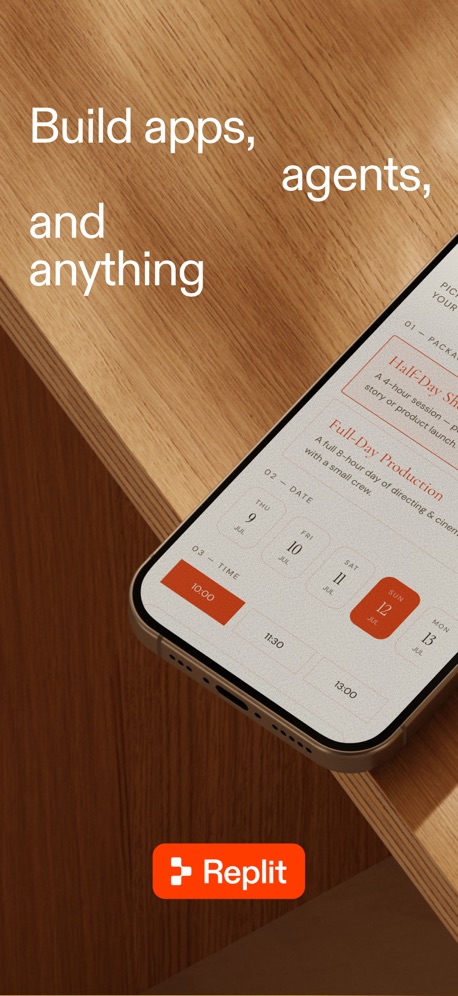
“Build apps, agents, and anything”


“Quickly View Your Cookies”

“C Extensions and CLI tools!”
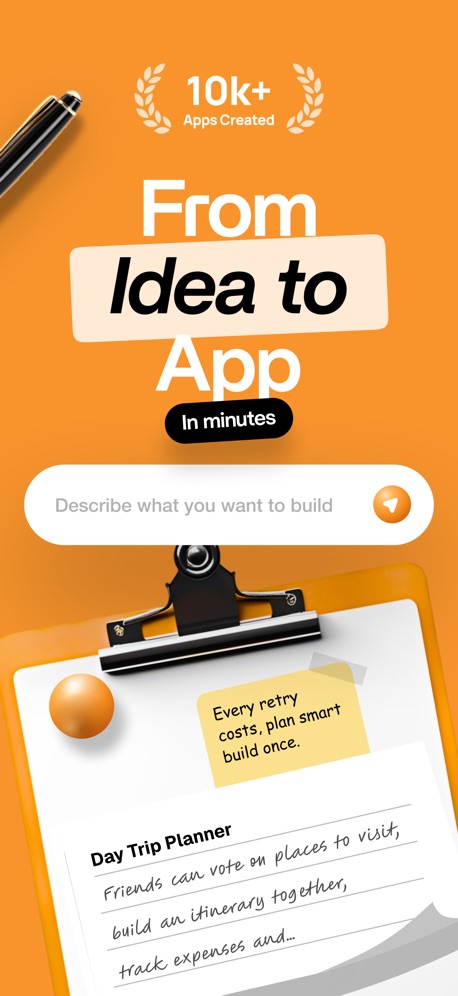
“From Idea to App”

“Don't forget your running tasks”

“Pause and edit with Breakpoint”

“Spin the Wheel”

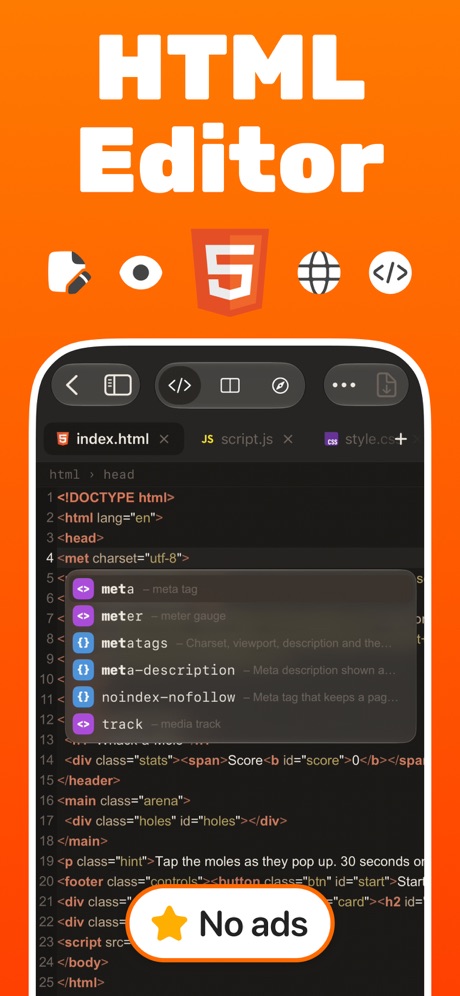
“HTML Editor”

“PRO Features One Purchase”
What these screenshots say, word for word.
The words on all 29 that carry any, as each app wrote them.
“Build apps, agents, and anything”
Replit: Vibe Code with AI Fast · #4 · screenshot 1“That's done. Scriptable says: "The pollen count for grass is 4"”
Scriptable · #15 · screenshot 6“Quickly View Your Cookies”
Cookie-Editor · #41 · screenshot 1“C Extensions and CLI tools!”
Includes the clang compiler and the llvm bitcode linker and interpreter, with a Python module that provides a project structure for compilation, as well as a bridge between Python and LLVM for importing C/C++ extensions.Pyto IDE · #49 · screenshot 2“From Idea to App”
In minutes“Every retry costs, plan smart build once.”AI App Builder Architect · #54 · screenshot 1- Quick Response
“Don't forget your running tasks”
OpenCode Mobile App · #57 · screenshot 3 “Pause and edit with Breakpoint”
Change a request or response before it goes through.Proxyman - Capture HTTPS · #63 · screenshot 5“Spin the Wheel”
Let's Spin!Wheel of Names: Random Picker · #88 · screenshot 1“HTML Editor”
HTML Viewer : Editor & Creator · #90 · screenshot 1“PRO Features One Purchase”
Yours ForeverWebSSH - Sysadmin Toolbox · #97 · screenshot 3“from anywhere.”
Replit: Vibe Code with AI Fast · #4 · screenshot 2“Advance Editing Options”
Cookie-Editor · #41 · screenshot 2“Plan before buildiing”
AI App Builder Architect · #54 · screenshot 2“Pick a Number Pick a Number”
Wheel of Names: Random Picker · #88 · screenshot 2“Live Preview”
HTML Viewer : Editor & Creator · #90 · screenshot 2“Preview ↗ edge to edge.”
Replit: Vibe Code with AI Fast · #4 · screenshot 5“Export and Import Cookies”
Cookie-Editor · #41 · screenshot 3“Waste less AI Credits”
AI App Builder Architect · #54 · screenshot 3“Card Picker Who's First?”
Wheel of Names: Random Picker · #88 · screenshot 3“Multiple - Themes Search & Replace Custom Font & Size Shortcuts & Tree View”
HTML Viewer : Editor & Creator · #90 · screenshot 3“The Original Cookie-Editor”
Cookie-Editor · #41 · screenshot 4“Skip the UI guesswork”
AI App Builder Architect · #54 · screenshot 4“Wheel of Name”
Random name PickersWheel of Names: Random Picker · #88 · screenshot 4“Manage Multiple Files”
HTML Viewer : Editor & Creator · #90 · screenshot 4- In seconds
“Go from idea to build-ready”
"A mobile app for planning day trips with friends. with voting options and"AI App Builder Architect · #54 · screenshot 5 “Flip a Coin”
Lucky CoinWheel of Names: Random Picker · #88 · screenshot 5“Loved By Many”
“I've tried a few HTML editors on iOS, and most of them either feel outdated or overloaded with unnecessary features. This one is different.”HTML Viewer : Editor & Creator · #90 · screenshot 5“Build with a complete”
blueprint.AI App Builder Architect · #54 · screenshot 6“Team Shuffle Create Teams”
Wheel of Names: Random Picker · #88 · screenshot 6
Top ten Developer Tools apps that do it.
- #4Replit: Vibe Code with AI Fast3 of its 6 screenshots
The same tactic in other categories.
| Category | Apps that do it | Screenshots | Top ten |
|---|---|---|---|
| Photo & Video | 69% 69 of 100 | 33% 186 of 566 | 5 of 10 |
| Graphics & Design | 58% 57 of 99 | 24% 136 of 564 | 5 of 10 |
| Food & Drink | 54% 54 of 100 | 29% 157 of 540 | 4 of 10 |
| Games | 49% 49 of 100 | 28% 156 of 567 | 4 of 10 |
| Shopping | 46% 46 of 100 | 19% 106 of 562 | 6 of 10 |
| Reference | 40% 40 of 100 | 19% 109 of 566 | 4 of 10 |
| Entertainment | 39% 39 of 100 | 14% 77 of 544 | 5 of 10 |
| Education | 34% 34 of 100 | 13% 71 of 555 | 3 of 10 |
| Social Networking | 32% 32 of 100 | 12% 64 of 554 | 2 of 10 |
| Music | 29% 29 of 100 | 10% 54 of 550 | 3 of 10 |
| Health & Fitness | 28% 28 of 100 | 11% 63 of 574 | 3 of 10 |
| Medical | 27% 27 of 100 | 9% 52 of 548 | 3 of 10 |
| Lifestyle | 26% 26 of 100 | 6% 35 of 556 | 6 of 10 |
| Travel | 22% 22 of 100 | 7% 37 of 561 | 3 of 10 |
| Navigation | 20% 20 of 99 | 6% 33 of 566 | 4 of 10 |
| Weather | 20% 20 of 100 | 5% 25 of 555 | 3 of 10 |
| Productivity | 19% 19 of 99 | 5% 30 of 551 | 1 of 10 |
| News | 18% 18 of 98 | 9% 47 of 517 | 2 of 10 |
| Sports | 17% 17 of 100 | 9% 52 of 558 | 1 of 10 |
| Business | 16% 16 of 100 | 7% 40 of 554 | 0 of 10 |
| Finance | 16% 16 of 100 | 4% 21 of 581 | 3 of 10 |
| Utilities | 16% 16 of 100 | 5% 28 of 549 | 0 of 10 |
| Developer Tools | 12% 12 of 100 | 6% 32 of 507 | 1 of 10 |
Related tactics.
Often on the same screenshot
- Background is the icon’s colour53% of these screenshots, against 23% of all Developer Tools screenshots
- Headline in Title Case47% of these screenshots, against 20% of all Developer Tools screenshots
- High contrast words47% of these screenshots, against 22% of all Developer Tools screenshots
- Rounded headline type31% of these screenshots, against 7% of all Developer Tools screenshots
- Illustration or mascot41% of these screenshots, against 22% of all Developer Tools screenshots
- Has a headline91% of these screenshots, against 74% of all Developer Tools screenshots
More in look
- Black, white or grey68%
- Light60%
- Solid background58%
- Dark55%
- Gradient background55%
- Blue42%
- A word in a different colour38%
- High contrast words37%
- Background is the icon’s colour31%
- Low contrast words29%
- The app itself is the background23%
- Rounded headline type15%
- Teal13%
- Pattern or texture10%
- Green9%
- Photo background6%
- Yellow5%
- Condensed or display type4%
- Red3%
- Pink2%
- Purple2%
- Serif headline2%
Questions, answered from the chart.
How many top Developer Tools apps have orange App Store screenshots?
Which Developer Tools apps have orange App Store screenshots?
Should my Developer Tools app have orange App Store screenshots?
See your own app against this.
Pagefully reads your screenshots the same way, and makes a custom product page for each search people type, from your real screens.
Preview your pages