Developer Tools app screenshots with a photo background
A photograph behind the screen. A photograph behind the screen sets a scene, and the words need enough contrast to be read over it.
From the top 100 free Developer Tools apps on the US App Store, read on October 9, 2026. Screenshots are the developers’ own, shown from Apple’s servers with a link to each app.
The numbers
14 of the 507 Developer Tools screenshots read (3%) do this, across 6 of the top 100 apps (6%). 1 of the top ten do it (10%), against 5 of the other 90 (6%): the top ten do it about as often as the rest. Of the 23 categories read so far, Developer Tools is 23rd for this. It is most common in Weather (46% of apps) and least common in Developer Tools (6%).
12 examples from the chart.
12 of the 14 Developer Tools app screenshots with a photo background, one from each app, the highest on the chart first.
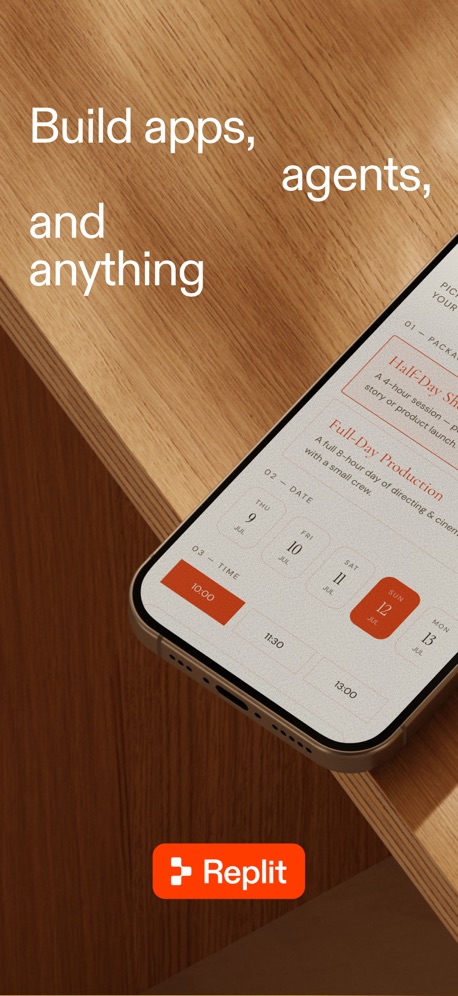
“Build apps, agents, and anything”

“安全管理远程文件”
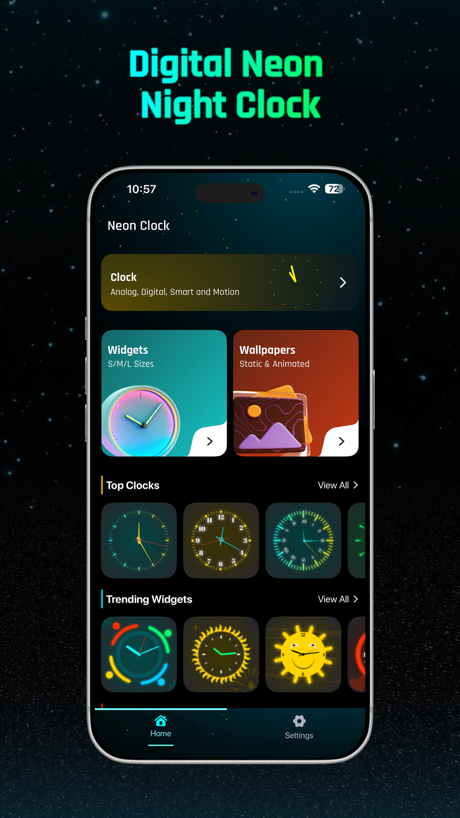
“Digital Neon Night Clock”

“Use hardware keyboards. Customize Ctrl, Alt, Caps, Shift.”


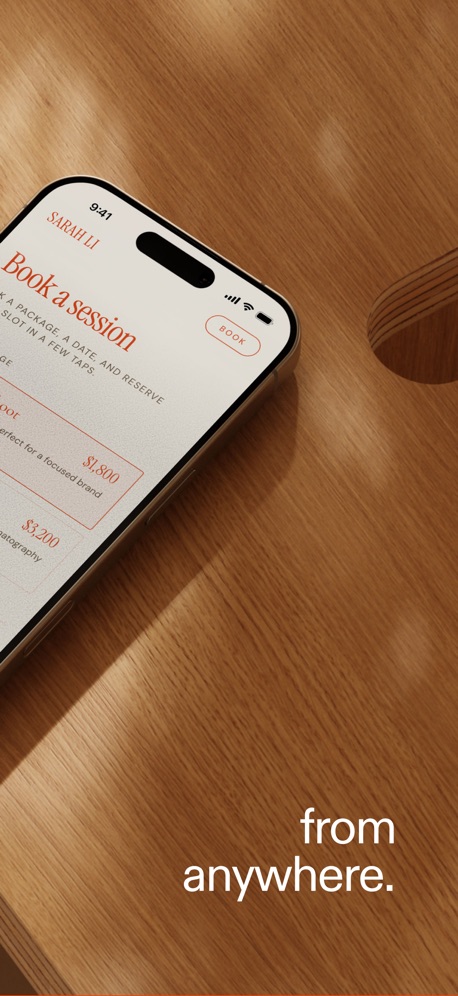
“from anywhere.”

“Linux 命令,随查随用”
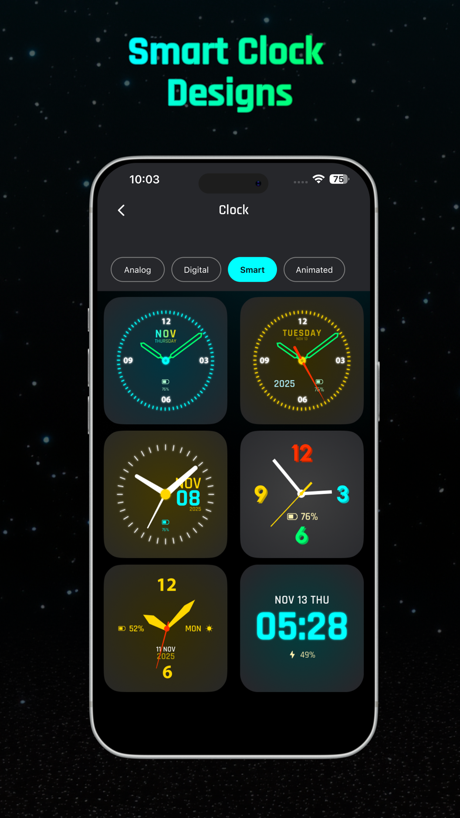
“Smart Clock Designs”
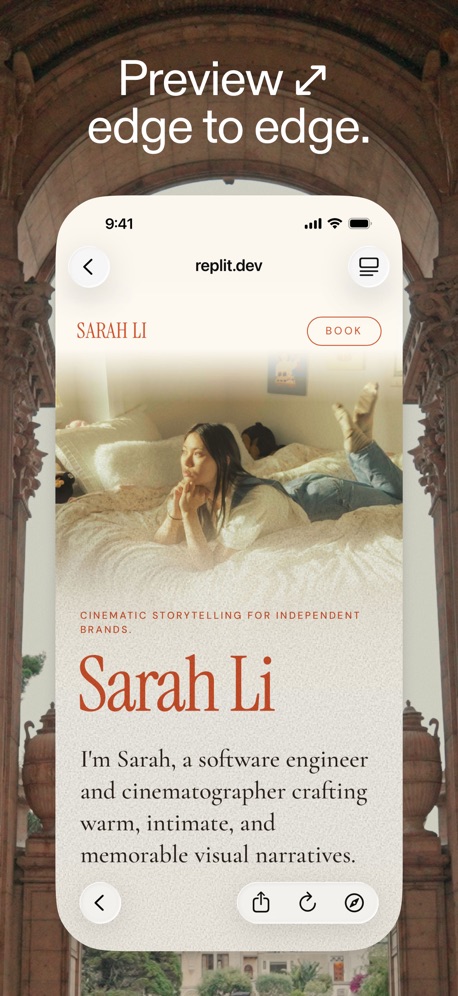
“Preview ↗ edge to edge.”
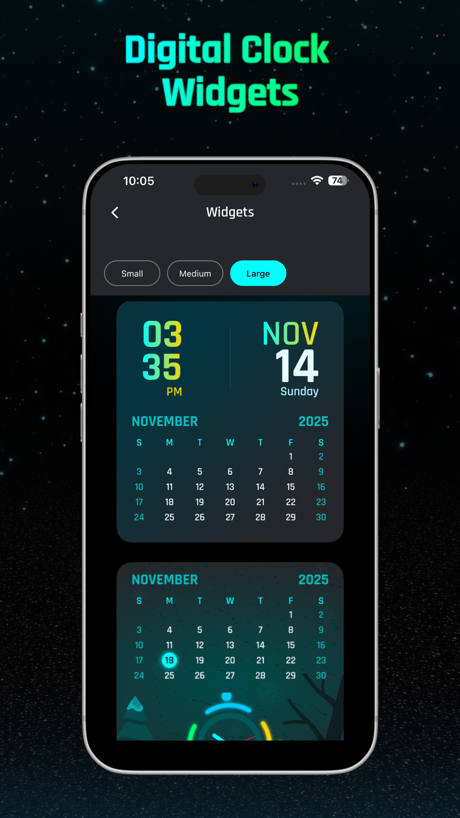
“Digital Clock Widgets”
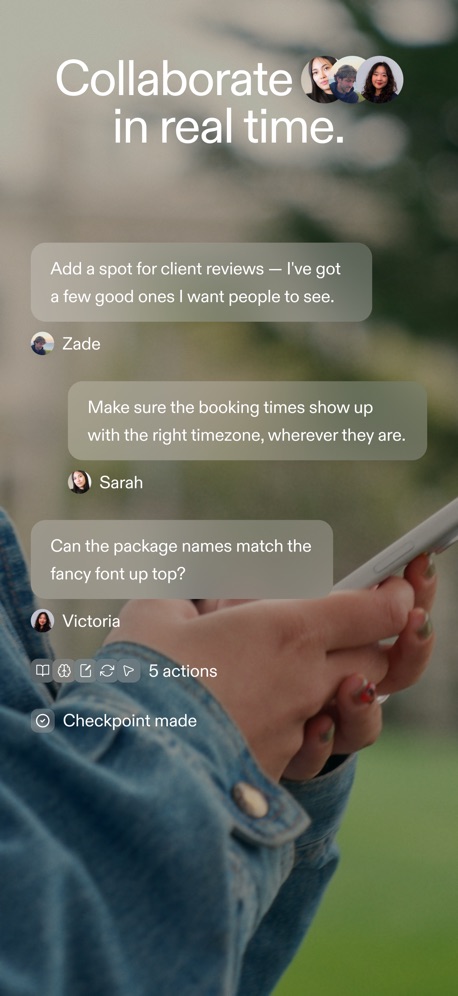
“Collaborate in real time.”
What these screenshots say, word for word.
The words on all 12 that carry any, as each app wrote them.
“Build apps, agents, and anything”
Replit: Vibe Code with AI Fast · #4 · screenshot 1“安全管理远程文件”
Termini - SSH Terminal · #12 · screenshot 3“Digital Neon Night Clock”
Digital Neon Night Clock · #37 · screenshot 1“Use hardware keyboards. Customize Ctrl, Alt, Caps, Shift.”
Blink Shell, Build & Code · #67 · screenshot 4“from anywhere.”
Replit: Vibe Code with AI Fast · #4 · screenshot 2“Linux 命令,随查随用”
Termini - SSH Terminal · #12 · screenshot 6“Smart Clock Designs”
Digital Neon Night Clock · #37 · screenshot 2“Preview ↗ edge to edge.”
Replit: Vibe Code with AI Fast · #4 · screenshot 5“Digital Clock Widgets”
Digital Neon Night Clock · #37 · screenshot 4“Collaborate in real time.”
Replit: Vibe Code with AI Fast · #4 · screenshot 6“Customize Widgets Easily”
Digital Neon Night Clock · #37 · screenshot 5“Digital Neon Clocks”
Digital Neon Night Clock · #37 · screenshot 6
Top ten Developer Tools apps that do it.
- #4Replit: Vibe Code with AI Fast4 of its 6 screenshots
The same tactic in other categories.
| Category | Apps that do it | Screenshots | Top ten |
|---|---|---|---|
| Weather | 46% 46 of 100 | 30% 166 of 555 | 5 of 10 |
| Shopping | 40% 40 of 100 | 16% 92 of 562 | 2 of 10 |
| Travel | 39% 39 of 100 | 25% 138 of 561 | 5 of 10 |
| Lifestyle | 36% 36 of 100 | 17% 92 of 556 | 6 of 10 |
| Food & Drink | 33% 33 of 100 | 15% 81 of 540 | 4 of 10 |
| Sports | 33% 33 of 100 | 16% 92 of 558 | 4 of 10 |
| Entertainment | 31% 31 of 100 | 14% 76 of 544 | 3 of 10 |
| Games | 31% 31 of 100 | 12% 67 of 567 | 3 of 10 |
| Navigation | 30% 30 of 99 | 13% 74 of 566 | 3 of 10 |
| Graphics & Design | 28% 28 of 99 | 11% 61 of 564 | 3 of 10 |
| Reference | 27% 27 of 100 | 11% 60 of 566 | 2 of 10 |
| Music | 26% 26 of 100 | 9% 47 of 550 | 2 of 10 |
| Photo & Video | 26% 26 of 100 | 10% 59 of 566 | 0 of 10 |
| Productivity | 20% 20 of 99 | 8% 46 of 551 | 2 of 10 |
| Social Networking | 19% 19 of 100 | 9% 48 of 554 | 2 of 10 |
| Health & Fitness | 18% 18 of 100 | 7% 43 of 574 | 2 of 10 |
| Business | 17% 17 of 100 | 6% 33 of 554 | 2 of 10 |
| Education | 15% 15 of 100 | 5% 27 of 555 | 0 of 10 |
| News | 14% 14 of 98 | 9% 45 of 517 | 1 of 10 |
| Finance | 14% 14 of 100 | 6% 32 of 581 | 3 of 10 |
| Utilities | 13% 13 of 100 | 5% 25 of 549 | 2 of 10 |
| Medical | 11% 11 of 100 | 3% 17 of 548 | 2 of 10 |
| Developer Tools | 6% 6 of 100 | 3% 14 of 507 | 1 of 10 |
Related tactics.
Often on the same screenshot
- A photograph79% of these screenshots, against 24% of all Developer Tools screenshots
- Plain tone86% of these screenshots, against 54% of all Developer Tools screenshots
- Headline under five words71% of these screenshots, against 50% of all Developer Tools screenshots
- Screen is small21% of these screenshots, against 2% of all Developer Tools screenshots
- Phone cut off at the head21% of these screenshots, against 3% of all Developer Tools screenshots
- A person in the picture21% of these screenshots, against 5% of all Developer Tools screenshots
More in look
- Black, white or grey68%
- Light60%
- Solid background58%
- Dark55%
- Gradient background55%
- Blue42%
- A word in a different colour38%
- High contrast words37%
- Background is the icon’s colour31%
- Low contrast words29%
- The app itself is the background23%
- Rounded headline type15%
- Teal13%
- Orange12%
- Pattern or texture10%
- Green9%
- Yellow5%
- Condensed or display type4%
- Red3%
- Pink2%
- Purple2%
- Serif headline2%
Questions, answered from the chart.
How many top Developer Tools apps have App Store screenshots with a photo background?
Which Developer Tools apps have App Store screenshots with a photo background?
Should my Developer Tools app have App Store screenshots with a photo background?
See your own app against this.
Pagefully reads your screenshots the same way, and makes a custom product page for each search people type, from your real screens.
Preview your pages