Developer Tools app screenshots with low-contrast text
The headline sits close to its background in brightness. Words close to their background in brightness are harder to read, most of all at small sizes.
From the top 100 free Developer Tools apps on the US App Store, read on October 9, 2026. Screenshots are the developers’ own, shown from Apple’s servers with a link to each app.
The numbers
64 of the 507 Developer Tools screenshots read (13%) do this, across 29 of the top 100 apps (29%). 3 of the top ten do it (30%), against 26 of the other 90 (29%): the top ten do it about as often as the rest. Of the 23 categories read so far, Developer Tools is 17th for this. It is most common in Education (45% of apps) and least common in Games (16%).
12 examples from the chart.
12 of the 64 Developer Tools app screenshots with low-contrast text, one from each app, the highest on the chart first.
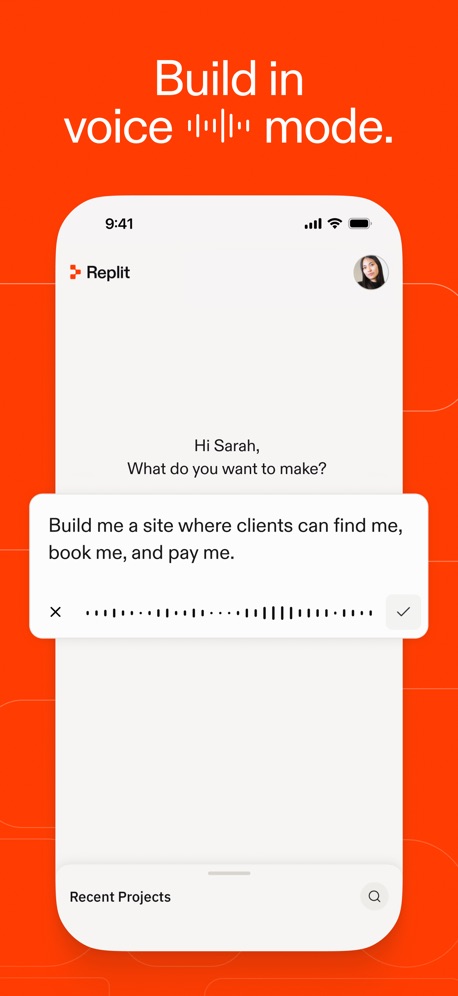
“Build in voice ▂▂▂▂▂ mode.”

“Talk to Cursor”

“Learn”

“Connect”
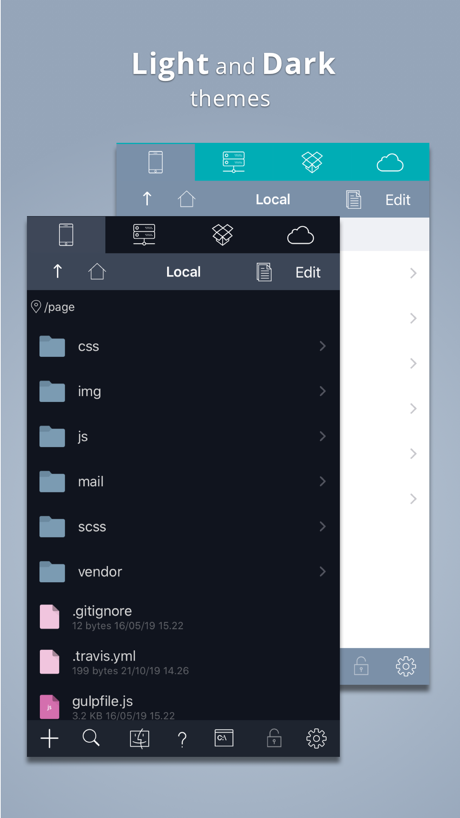
“Light and Dark”

“Phone numbers from around the world”

“Together”
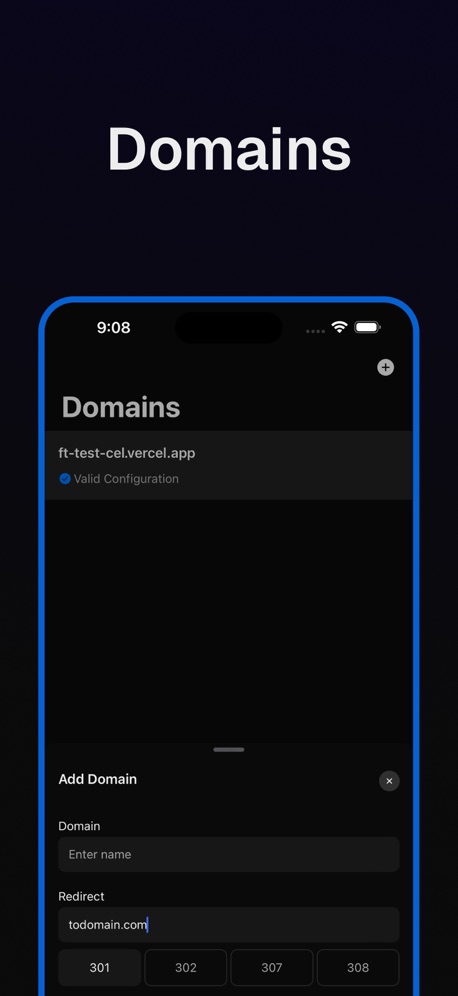
“Domains”
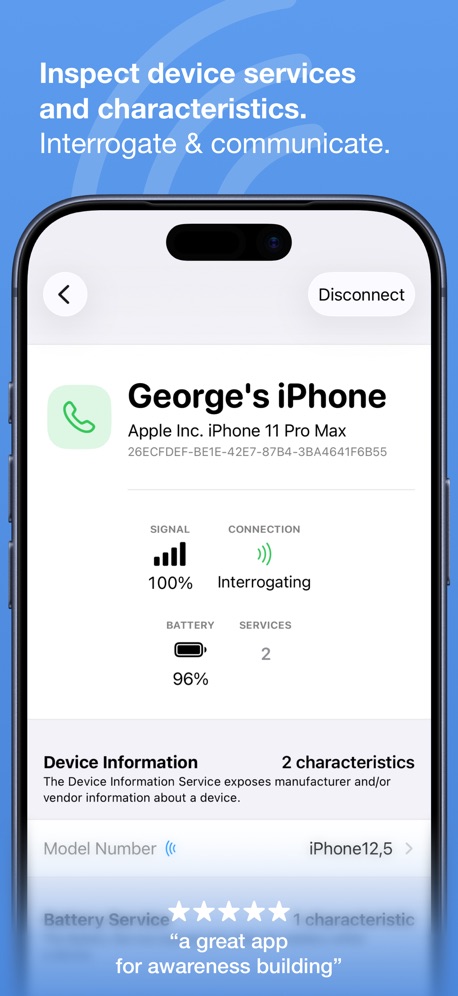
“Inspect device services and characteristics.”

“Multi Sessions”

“Smart Code Editor for Python”

“Take Netlify With You!”
What these screenshots say, word for word.
The words on 40 of the 64 that carry any, as each app wrote them.
“Build in voice ▂▂▂▂▂ mode.”
Replit: Vibe Code with AI Fast · #4 · screenshot 3“Talk to Cursor”
Use voice mode to describe ideas and changesCursor · #6 · screenshot 2“Learn”
Learn the basics with bite-sized interactive lessons.Expo Go · #8 · screenshot 2“Connect”
with the panel to useApps Connect · #14 · screenshot 1“Light and Dark”
themesKoder Code Editor · #26 · screenshot 1“Phone numbers from around the world”
Temp Number | Receive SMS · #28 · screenshot 1“Together”
Goiey - Collect, Share, Chat · #32 · screenshot 3“Domains”
Rev for Vercel · #34 · screenshot 5“Inspect device services and characteristics.”
Interrogate & communicate.“a great app for awareness building”Bluetooth Inspector · #38 · screenshot 2“Multi Sessions”
Connect to servers and switch anywhere anytimexTerminal - SSH Terminal Shell · #40 · screenshot 1“Smart Code Editor for Python”
Python Coding · #42 · screenshot 1“Take Netlify With You!”
Dashify for Netlify.com · #43 · screenshot 1“Bluetooth Assistant”
Multi, Device SupportBluetoothAssistant · #47 · screenshot 1“Mobile IDE”
File based IDE with code editor, suggestions,and local execution. Includes a Python 3.10 interpreter, with the standard libraries, Cython and more than 100 third party pre-installed packages.Pyto IDE · #49 · screenshot 1- Zhenyi Tan
“And Editing the HTML”
Web Inspector · #52 · screenshot 4 “Search in Files with Regular Expressions”
Textastic Code Editor · #53 · screenshot 4“Termiux”
Linux in your pocketTermiux · #55 · screenshot 1“Edit and merge”
Conductor.build · #56 · screenshot 4“ulw! ulw! ulw! Sisyphus”
OpenCode Mobile App · #57 · screenshot 5“Sniff HTTP&HTTPS”
Stream - Network Debug Tool · #58 · screenshot 1“Executions”
N8N Automations — Nathan · #59 · screenshot 5“Inspect requests and responses”
URL, headers, query, cookies and timing in one clear view.Proxyman - Capture HTTPS · #63 · screenshot 2“Base set of UNIX Tools”
Blink Shell, Build & Code · #67 · screenshot 2“Dark Mode”
HTML Editor · #77 · screenshot 3“Pyroid”
IDE for Python 3Pyroid · #80 · screenshot 1“Supabase Go”
SECURE MANAGEMENT TERMINALSupabase Go · #82 · screenshot 1“Project based notifications”
Netli.fyi: Netlify Client · #83 · screenshot 4“Advanced Features”
Subtext · #85 · screenshot 1“PRO Features One Purchase”
Yours ForeverWebSSH - Sysadmin Toolbox · #97 · screenshot 3“Easy access to your files”
Local and RemoteKoder Code Editor · #26 · screenshot 2“Write values to set characteristics”
Respond & configure.Bluetooth Inspector · #38 · screenshot 3“Snippets”
Save your favorite commonly used commandsxTerminal - SSH Terminal Shell · #40 · screenshot 3“Sites”
Dashify for Netlify.com · #43 · screenshot 2“Read Peripherals”
Services & CharacteristicsBluetoothAssistant · #47 · screenshot 2“Build basic user interfaces”
PytoUI is a bridge between Python and UIKit, that now includes a graphical UI editor that supports SwiftUI-like space managment.Pyto IDE · #49 · screenshot 3“Request Replay”
Stream - Network Debug Tool · #58 · screenshot 2“Rewrite traffic without code”
Swap hosts, headers, status codes and bodies with rules.Proxyman - Capture HTTPS · #63 · screenshot 6“Use hardware keyboards. Customize Ctrl, Alt, Caps, Shift.”
Blink Shell, Build & Code · #67 · screenshot 4“Code With AI.”
Understand your code faster with built-in AI assistance.Pyroid · #80 · screenshot 2“Manage Access”
Your console is connected via a Personal Access Token (PAT) for secure management.Supabase Go · #82 · screenshot 4
Top ten Developer Tools apps that do it.
- #4Replit: Vibe Code with AI Fast1 of its 6 screenshots
- #6Cursor1 of its 6 screenshots
- #8Expo Go1 of its 4 screenshots
The same tactic in other categories.
| Category | Apps that do it | Screenshots | Top ten |
|---|---|---|---|
| Education | 45% 45 of 100 | 18% 102 of 555 | 6 of 10 |
| Social Networking | 45% 45 of 100 | 21% 117 of 554 | 7 of 10 |
| Health & Fitness | 44% 44 of 100 | 18% 102 of 574 | 2 of 10 |
| Utilities | 42% 42 of 100 | 17% 92 of 549 | 3 of 10 |
| Medical | 41% 41 of 100 | 24% 129 of 548 | 5 of 10 |
| Travel | 41% 41 of 100 | 17% 93 of 561 | 3 of 10 |
| Productivity | 40% 40 of 99 | 19% 106 of 551 | 4 of 10 |
| Photo & Video | 38% 38 of 100 | 18% 101 of 566 | 3 of 10 |
| Business | 37% 37 of 100 | 21% 114 of 554 | 6 of 10 |
| Lifestyle | 37% 37 of 100 | 18% 102 of 556 | 3 of 10 |
| Music | 36% 36 of 100 | 12% 67 of 550 | 5 of 10 |
| Shopping | 36% 36 of 100 | 15% 86 of 562 | 3 of 10 |
| Food & Drink | 33% 33 of 100 | 13% 71 of 540 | 5 of 10 |
| Entertainment | 32% 32 of 100 | 12% 65 of 544 | 2 of 10 |
| Finance | 31% 31 of 100 | 12% 67 of 581 | 4 of 10 |
| Reference | 30% 30 of 100 | 13% 71 of 566 | 3 of 10 |
| Developer Tools | 29% 29 of 100 | 13% 64 of 507 | 3 of 10 |
| Graphics & Design | 27% 27 of 99 | 11% 64 of 564 | 1 of 10 |
| Navigation | 27% 27 of 99 | 13% 74 of 566 | 3 of 10 |
| News | 26% 25 of 98 | 11% 57 of 517 | 3 of 10 |
| Sports | 20% 20 of 100 | 8% 47 of 558 | 3 of 10 |
| Weather | 20% 20 of 100 | 7% 41 of 555 | 3 of 10 |
| Games | 16% 16 of 100 | 6% 33 of 567 | 3 of 10 |
Related tactics.
Often on the same screenshot
- Headline under five words84% of these screenshots, against 50% of all Developer Tools screenshots
- Blue58% of these screenshots, against 26% of all Developer Tools screenshots
- Has a subline55% of these screenshots, against 27% of all Developer Tools screenshots
- Words at the top95% of these screenshots, against 68% of all Developer Tools screenshots
- Has a headline100% of these screenshots, against 74% of all Developer Tools screenshots
- Leads with a feature80% of these screenshots, against 54% of all Developer Tools screenshots
More in look
- Black, white or grey68%
- Light60%
- Solid background58%
- Dark55%
- Gradient background55%
- Blue42%
- A word in a different colour38%
- High contrast words37%
- Background is the icon’s colour31%
- The app itself is the background23%
- Rounded headline type15%
- Teal13%
- Orange12%
- Pattern or texture10%
- Green9%
- Photo background6%
- Yellow5%
- Condensed or display type4%
- Red3%
- Pink2%
- Purple2%
- Serif headline2%
Questions, answered from the chart.
How many top Developer Tools apps have App Store screenshots with low-contrast text?
Which Developer Tools apps have App Store screenshots with low-contrast text?
Should my Developer Tools app have App Store screenshots with low-contrast text?
See your own app against this.
Pagefully reads your screenshots the same way, and makes a custom product page for each search people type, from your real screens.
Preview your pages