Graphics & Design app screenshots with low-contrast text
The headline sits close to its background in brightness. Words close to their background in brightness are harder to read, most of all at small sizes.
From the top 99 free Graphics & Design apps on the US App Store, read on October 9, 2026. Screenshots are the developers’ own, shown from Apple’s servers with a link to each app.
The numbers
64 of the 564 Graphics & Design screenshots read (11%) do this, across 27 of the top 99 apps (27%). 1 of the top ten do it (10%), against 26 of the other 89 (29%): the top ten do it less than the rest. Of the 23 categories read so far, Graphics & Design is 18th for this. It is most common in Education (45% of apps) and least common in Games (16%).
12 examples from the chart.
12 of the 64 Graphics & Design app screenshots with low-contrast text, one from each app, the highest on the chart first.

“Use a camera”

“OS27 Extra Large Widgets”

“AI VIRAL VIDEOS”
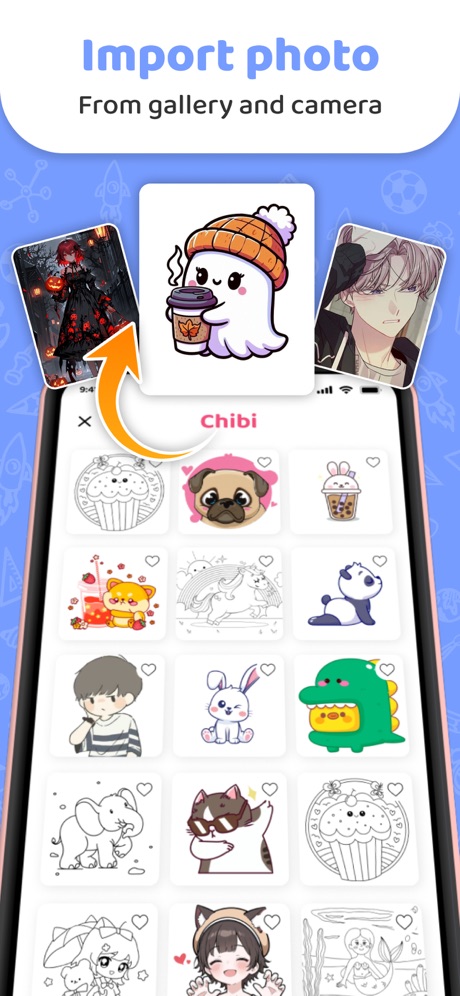
“Import photo”

“Various Theme Collections”

“Collage Maker”

“1000+ Aesthetic Themes”

“Learn to draw together”
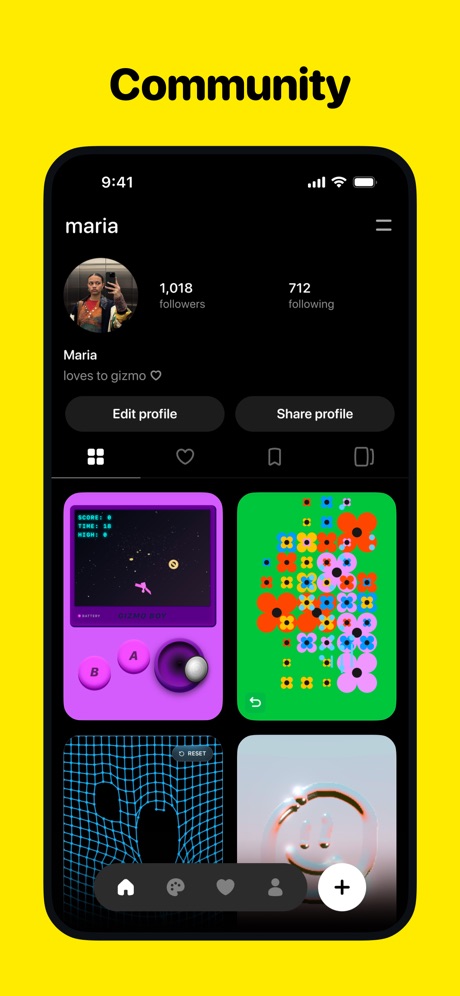
“Community”

“Make Your Battery Yours”
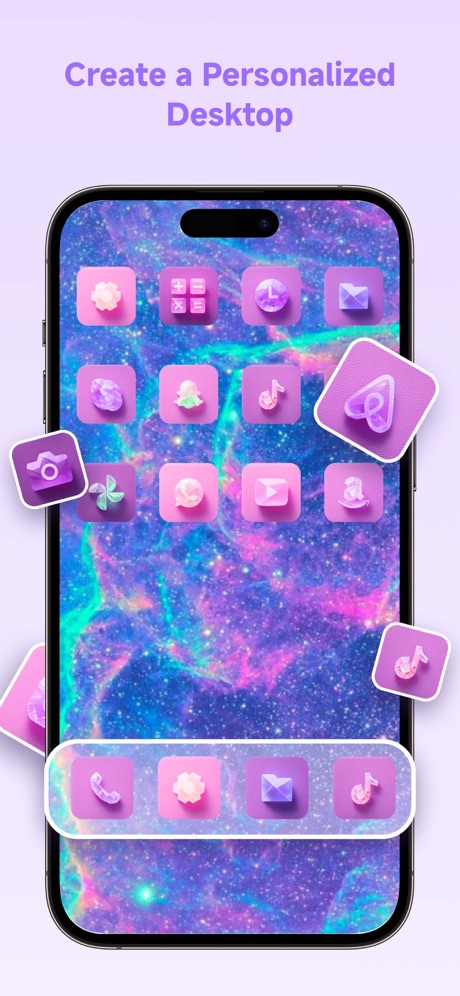
“Create a Personalized Desktop”

“Use Any Projector”
What these screenshots say, word for word.
The words on 40 of the 64 that carry any, as each app wrote them.
“Use a camera”
to drawAR Drawing: Sketch & Paint · #6 · screenshot 1“OS27 Extra Large Widgets”
iScreen - Widgets & Wallpaper · #11 · screenshot 3“AI VIRAL VIDEOS”
Pose: AI Photo Video Generator · #14 · screenshot 2“Import photo”
From gallery and cameraArtrace: AR Drawing & Sketch · #18 · screenshot 5“Various Theme Collections”
ThemeArt: Widgets & App icons · #21 · screenshot 1“Collage Maker”
Layout - Photo Collage Maker · #23 · screenshot 3“1000+ Aesthetic Themes”
Themie: Wallpapers & Theme · #24 · screenshot 1“Learn to draw together”
withArtmate: Drawing Together · #32 · screenshot 1“Community”
Pocket: Make Gizmos · #35 · screenshot 2“Make Your Battery Yours”
Emoji Battery Charging · #38 · screenshot 1“Create a Personalized Desktop”
Themes: Wallpaper & Widgets · #40 · screenshot 1“Use Any Projector”
Lazy Lighting · #46 · screenshot 3"I use FlipaClip to make millions of people laugh!"
@RICO ANIMATIONSFlipaClip: Draw 2D Animation · #52 · screenshot 6“Body Reshape”
Body Editor. · #53 · screenshot 1“WALLPAPERS THAT WOW”
ThemeX: App Icons & My Widgets · #54 · screenshot 5“View Figma Design, Slides, FigJam, and Make files anywhere”
Figma · #59 · screenshot 1“Aesthetic themes for iPhone”
WidgetClub:Widget, Theme, Icon · #63 · screenshot 1“MIndblowing Dynamic Island”
Handy - Live Widget Wallpaper · #64 · screenshot 4“• Anime drawing • Learn how to draw • Trace & Sketch • 500+ Templates”
AR Drawing Sketch AI - ArtEasy · #72 · screenshot 2- Realistic 3D Preview
“Virtual Try-On Tattoos”
Tattoo Design Try On - Tatship · #74 · screenshot 2 “Popular theme are available”
Select image and mount your phone on tripod & keep it standby while trace.iland - 4K Wallpapers · #75 · screenshot 1“Swipemoji”
AI Emojis AppAI Emoji: Swipemoji · #78 · screenshot 1“Cyberpunk Themes”
iThemes - Widgets & Wallpaper · #84 · screenshot 4“Powered by Tsubaki.2. More beautiful than ever.”
Every detail, perfectly rendered.PixAI - AI Anime Art Generator · #86 · screenshot 3“Vintage water color texture”
Boon: AI Logo Maker & Design · #90 · screenshot 2“#1 App for acrylic painting”
ArtCoach:Learn to Draw & Paint · #97 · screenshot 1“Add magic to your everyday life”
yes&: AI Video & Camera · #100 · screenshot 3“Dynamic Panel”
iScreen - Widgets & Wallpaper · #11 · screenshot 4“Stylish Widgets For You”
ThemeArt: Widgets & App icons · #21 · screenshot 2“Unique Widgets”
Themie: Wallpapers & Theme · #24 · screenshot 4“Create Private Room Draw”
Artmate: Drawing Together · #32 · screenshot 3“Playlists”
Pocket: Make Gizmos · #35 · screenshot 5“Pick a Cute Battery Icon”
Emoji Battery Charging · #38 · screenshot 2“A Fresh Look, Every Day”
Themes: Wallpaper & Widgets · #40 · screenshot 2“100+ Visuals”
Lazy Lighting · #46 · screenshot 4“Give and get feedback on the go”
Figma · #59 · screenshot 2“App Icon Changer”
Change icons at once No more Shortcut appWidgetClub:Widget, Theme, Icon · #63 · screenshot 3“Swipe Right to Save”
"Cold, but make it cute"; "I'm baby' but also high fashion"; "Sweet but spiky" (visible caption suggestion quotes)AI Emoji: Swipemoji · #78 · screenshot 2“Richly styled widgets”
iThemes - Widgets & Wallpaper · #84 · screenshot 6“Natural light. Luminous atmosphere.”
Mood and ambience, rendered flawlessly.PixAI - AI Anime Art Generator · #86 · screenshot 4
Top ten Graphics & Design apps that do it.
- #6AR Drawing: Sketch & Paint1 of its 6 screenshots
The same tactic in other categories.
| Category | Apps that do it | Screenshots | Top ten |
|---|---|---|---|
| Education | 45% 45 of 100 | 18% 102 of 555 | 6 of 10 |
| Social Networking | 45% 45 of 100 | 21% 117 of 554 | 7 of 10 |
| Health & Fitness | 44% 44 of 100 | 18% 102 of 574 | 2 of 10 |
| Utilities | 42% 42 of 100 | 17% 92 of 549 | 3 of 10 |
| Medical | 41% 41 of 100 | 24% 129 of 548 | 5 of 10 |
| Travel | 41% 41 of 100 | 17% 93 of 561 | 3 of 10 |
| Productivity | 40% 40 of 99 | 19% 106 of 551 | 4 of 10 |
| Photo & Video | 38% 38 of 100 | 18% 101 of 566 | 3 of 10 |
| Business | 37% 37 of 100 | 21% 114 of 554 | 6 of 10 |
| Lifestyle | 37% 37 of 100 | 18% 102 of 556 | 3 of 10 |
| Music | 36% 36 of 100 | 12% 67 of 550 | 5 of 10 |
| Shopping | 36% 36 of 100 | 15% 86 of 562 | 3 of 10 |
| Food & Drink | 33% 33 of 100 | 13% 71 of 540 | 5 of 10 |
| Entertainment | 32% 32 of 100 | 12% 65 of 544 | 2 of 10 |
| Finance | 31% 31 of 100 | 12% 67 of 581 | 4 of 10 |
| Reference | 30% 30 of 100 | 13% 71 of 566 | 3 of 10 |
| Developer Tools | 29% 29 of 100 | 13% 64 of 507 | 3 of 10 |
| Graphics & Design | 27% 27 of 99 | 11% 64 of 564 | 1 of 10 |
| Navigation | 27% 27 of 99 | 13% 74 of 566 | 3 of 10 |
| News | 26% 25 of 98 | 11% 57 of 517 | 3 of 10 |
| Sports | 20% 20 of 100 | 8% 47 of 558 | 3 of 10 |
| Weather | 20% 20 of 100 | 7% 41 of 555 | 3 of 10 |
| Games | 16% 16 of 100 | 6% 33 of 567 | 3 of 10 |
Related tactics.
Often on the same screenshot
- Rounded headline type48% of these screenshots, against 18% of all Graphics & Design screenshots
- Illustration or mascot75% of these screenshots, against 50% of all Graphics & Design screenshots
- Light72% of these screenshots, against 48% of all Graphics & Design screenshots
- Headline on one line34% of these screenshots, against 14% of all Graphics & Design screenshots
- Gradient background77% of these screenshots, against 60% of all Graphics & Design screenshots
- Headline under five words81% of these screenshots, against 69% of all Graphics & Design screenshots
More in look
- Gradient background77%
- High contrast words65%
- Orange58%
- Black, white or grey56%
- Light56%
- Background is the icon’s colour54%
- Dark54%
- A word in a different colour53%
- Blue48%
- Solid background37%
- Rounded headline type32%
- Red31%
- Photo background28%
- Pink27%
- Purple24%
- Teal20%
- Pattern or texture14%
- Green13%
- Serif headline10%
- Yellow10%
- Condensed or display type8%
- The app itself is the background6%
Questions, answered from the chart.
How many top Graphics & Design apps have App Store screenshots with low-contrast text?
Which Graphics & Design apps have App Store screenshots with low-contrast text?
Should my Graphics & Design app have App Store screenshots with low-contrast text?
See your own app against this.
Pagefully reads your screenshots the same way, and makes a custom product page for each search people type, from your real screens.
Preview your pages