Music app screenshots with low-contrast text
The headline sits close to its background in brightness. Words close to their background in brightness are harder to read, most of all at small sizes.
From the top 100 free Music apps on the US App Store, read on October 9, 2026. Screenshots are the developers’ own, shown from Apple’s servers with a link to each app.
The numbers
67 of the 550 Music screenshots read (12%) do this, across 36 of the top 100 apps (36%). 5 of the top ten do it (50%), against 31 of the other 90 (34%): the top ten do it more than the rest. Of the 23 categories read so far, Music is 11th for this. It is most common in Education (45% of apps) and least common in Games (16%).
12 examples from the chart.
12 of the 67 Music app screenshots with low-contrast text, one from each app, the highest on the chart first.

“Make any song you can imagine”

“Stay current with new releases”

“Name any song in seconds”

“Listen Offline”

“Where your ideas become music”

“Find any song, artist, or playlist instantly”
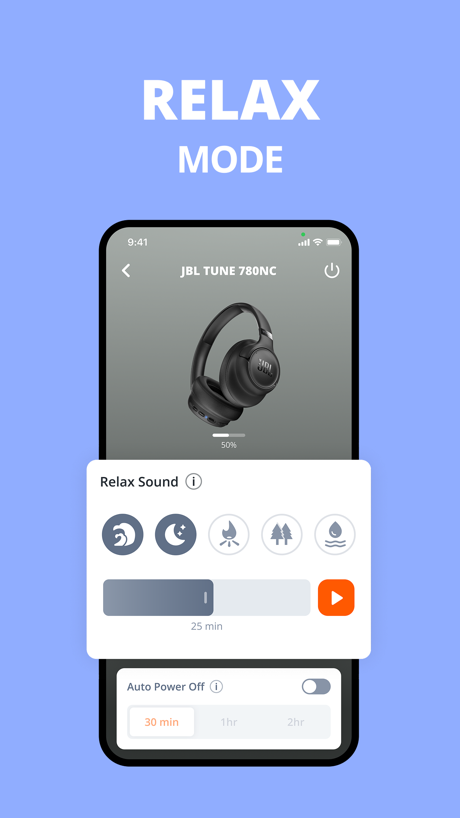
“RELAX MODE”
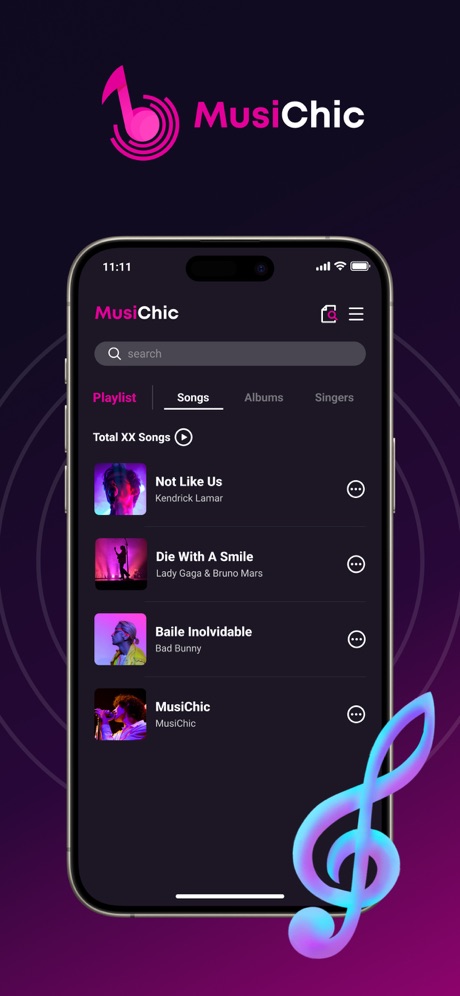
“MusiChic”

“Switch sound modes at any time”

“Immersive Music Listening”

“SIRIUSXM ON CARPLAY”
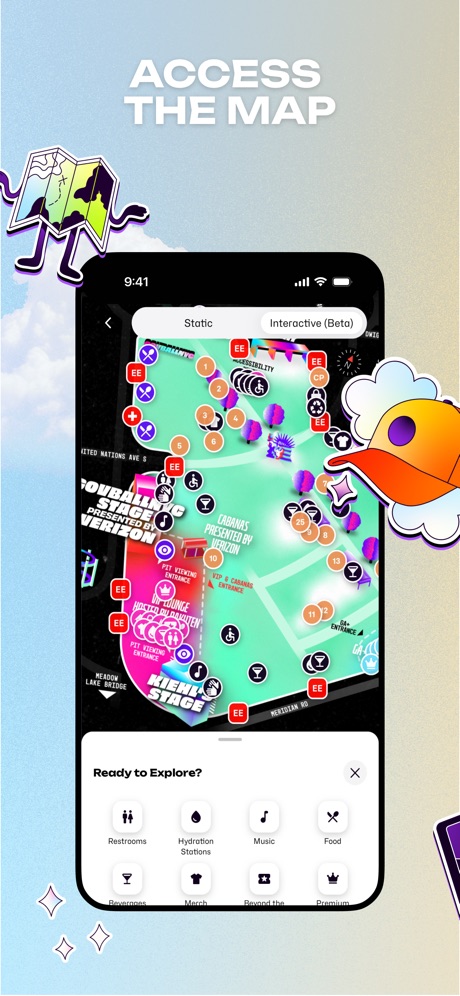
“ACCESS THE MAP”
What these screenshots say, word for word.
The words on 40 of the 67 that carry any, as each app wrote them.
“Make any song you can imagine”
Suno - AI Songs, Music, Lyrics · #2 · screenshot 1“Stay current with new releases”
YouTube Music · #3 · screenshot 3“Name any song in seconds”
Shazam: Find Music & Concerts · #5 · screenshot 1“Listen Offline”
Amazon Music: Songs & Podcasts · #6 · screenshot 6“Where your ideas become music”
BandLab – Music Maker & Beats · #8 · screenshot 1“Find any song, artist, or playlist instantly”
Music : Cloud Music Streaming · #12 · screenshot 4“RELAX MODE”
JBL Headphones · #14 · screenshot 3“MusiChic”
MusiChic-Offline Music Player · #16 · screenshot 1“Switch sound modes at any time”
Shokz · #17 · screenshot 2“Immersive Music Listening”
Tunecho Music-Play Offline · #18 · screenshot 3“SIRIUSXM ON CARPLAY”
Your favourite audio. Seamlessly on the road.SiriusXM: Music, Sports & News · #20 · screenshot 6“ACCESS THE MAP”
Festiverse · #21 · screenshot 6“Find your voice”
Simply Sing: My Singing App · #23 · screenshot 2“Enjoy Lossless Music”
Musiboot: Get Lossless Music · #27 · screenshot 3“Master new skills”
Edjing Mix: DJ Music Mixer App · #28 · screenshot 3“PRESETS”
Save and access your favorite stations, artists, playlists & podcastsiHeart: Radio, Music, Podcasts · #29 · screenshot 4“Create ringtones from your favorite songs”
ClipTone: Ringtone & AI Cover · #30 · screenshot 2“JBL PORTABLE”
* Former JBL Connect App NEW ARRIVALJBL Portable · #31 · screenshot 1“Record Voice, Sound, Anything Fun”
Reverse Audio: Sing Challenge · #35 · screenshot 2“Play AMI Trivia for FREE and put your knowledge to the test!”
AMI Play · #37 · screenshot 4“Play recording”
Reverse Audio · #41 · screenshot 2“Play Songs You Love”
Piano ٞ · #42 · screenshot 2“Choose from over 1 million songs”
Strum - Play Guitar · #47 · screenshot 2“Get tickets from official sellers”
Bandsintown Concerts · #49 · screenshot 1“It works!”
Tried so many steps but its not working then I found this app! Its working again and I can recharge my phone again“Tried so many steps but its not working then I found this app! Its working again and I can recharge my phone again”Clear Wave · #52 · screenshot 2“Unlimited Music Streaming”
MusiPlayer - Music X Streaming · #55 · screenshot 2“See chords instantly”
Moises: The Musician's App · #56 · screenshot 4“Simple Radio”
as simple as it getsSimple Radio - FM AM Stations · #64 · screenshot 2“MUSIC FOR EVERY MOOD”
TuneIn Radio: Music & Sports · #65 · screenshot 4“Large Font Mode”
Radio App - FM Radio Stations · #69 · screenshot 6“Transpose in seconds”
MuseScore-Sheet Music & Chords · #72 · screenshot 6“Chords”
Most songs have alternative Chords view in addition to Tab PlayerSongsterr Tabs & Chords · #74 · screenshot 4“Listen to Music”
EverywhereMelodista Music Offline Player · #86 · screenshot 4“MEZQUITE”
Mezquite Diatonic Accordion · #91 · screenshot 4“TUNE MIC EFFECT”
JBL PartyBox · #93 · screenshot 5“The app designed specifically for classical.”
Included with an Apple Music subscription.Apple Music Classical · #97 · screenshot 1“Adjust the genre, lyrics, and more”
Suno - AI Songs, Music, Lyrics · #2 · screenshot 2“Discover music around you”
Shazam: Find Music & Concerts · #5 · screenshot 2“Connect to two devices”
Shokz · #17 · screenshot 3“Nail songs you love”
Simply Sing: My Singing App · #23 · screenshot 3
Top ten Music apps that do it.
- #2Suno - AI Songs, Music, Lyrics6 of its 6 screenshots
- #3YouTube Music1 of its 5 screenshots
- #5Shazam: Find Music & Concerts4 of its 6 screenshots
- #6Amazon Music: Songs & Podcasts1 of its 6 screenshots
- #8BandLab – Music Maker & Beats1 of its 6 screenshots
The same tactic in other categories.
| Category | Apps that do it | Screenshots | Top ten |
|---|---|---|---|
| Education | 45% 45 of 100 | 18% 102 of 555 | 6 of 10 |
| Social Networking | 45% 45 of 100 | 21% 117 of 554 | 7 of 10 |
| Health & Fitness | 44% 44 of 100 | 18% 102 of 574 | 2 of 10 |
| Utilities | 42% 42 of 100 | 17% 92 of 549 | 3 of 10 |
| Medical | 41% 41 of 100 | 24% 129 of 548 | 5 of 10 |
| Travel | 41% 41 of 100 | 17% 93 of 561 | 3 of 10 |
| Productivity | 40% 40 of 99 | 19% 106 of 551 | 4 of 10 |
| Photo & Video | 38% 38 of 100 | 18% 101 of 566 | 3 of 10 |
| Business | 37% 37 of 100 | 21% 114 of 554 | 6 of 10 |
| Lifestyle | 37% 37 of 100 | 18% 102 of 556 | 3 of 10 |
| Music | 36% 36 of 100 | 12% 67 of 550 | 5 of 10 |
| Shopping | 36% 36 of 100 | 15% 86 of 562 | 3 of 10 |
| Food & Drink | 33% 33 of 100 | 13% 71 of 540 | 5 of 10 |
| Entertainment | 32% 32 of 100 | 12% 65 of 544 | 2 of 10 |
| Finance | 31% 31 of 100 | 12% 67 of 581 | 4 of 10 |
| Reference | 30% 30 of 100 | 13% 71 of 566 | 3 of 10 |
| Developer Tools | 29% 29 of 100 | 13% 64 of 507 | 3 of 10 |
| Graphics & Design | 27% 27 of 99 | 11% 64 of 564 | 1 of 10 |
| Navigation | 27% 27 of 99 | 13% 74 of 566 | 3 of 10 |
| News | 26% 25 of 98 | 11% 57 of 517 | 3 of 10 |
| Sports | 20% 20 of 100 | 8% 47 of 558 | 3 of 10 |
| Weather | 20% 20 of 100 | 7% 41 of 555 | 3 of 10 |
| Games | 16% 16 of 100 | 6% 33 of 567 | 3 of 10 |
Related tactics.
Often on the same screenshot
- Red27% of these screenshots, against 7% of all Music screenshots
- Headline on one line27% of these screenshots, against 11% of all Music screenshots
- Plain tone87% of these screenshots, against 71% of all Music screenshots
- Light39% of these screenshots, against 24% of all Music screenshots
- Leads with a feature76% of these screenshots, against 62% of all Music screenshots
- Has a headline100% of these screenshots, against 90% of all Music screenshots
More in look
- Gradient background73%
- Dark71%
- Background is the icon’s colour62%
- High contrast words57%
- A word in a different colour47%
- Black, white or grey46%
- Solid background38%
- Blue37%
- Light35%
- Orange29%
- Photo background26%
- Teal21%
- Red19%
- Rounded headline type19%
- Purple17%
- Pattern or texture15%
- Pink13%
- Condensed or display type10%
- Green10%
- Yellow7%
- The app itself is the background6%
- Serif headline5%
Questions, answered from the chart.
How many top Music apps have App Store screenshots with low-contrast text?
Which Music apps have App Store screenshots with low-contrast text?
Should my Music app have App Store screenshots with low-contrast text?
See your own app against this.
Pagefully reads your screenshots the same way, and makes a custom product page for each search people type, from your real screens.
Preview your pages