Music app screenshots with rounded type
A rounded, friendly typeface. Rounded letterforms read as soft and informal.
From the top 100 free Music apps on the US App Store, read on October 9, 2026. Screenshots are the developers’ own, shown from Apple’s servers with a link to each app.
The numbers
47 of the 550 Music screenshots read (9%) do this, across 19 of the top 100 apps (19%). 1 of the top ten do it (10%), against 18 of the other 90 (20%): the top ten do it less than the rest. Of the 23 categories read so far, Music is 9th for this. It is most common in Games (66% of apps) and least common in News (7%).
12 examples from the chart.
12 of the 47 Music app screenshots with rounded type, one from each app, the highest on the chart first.

“Save Data - 10 Million Offline Songs”
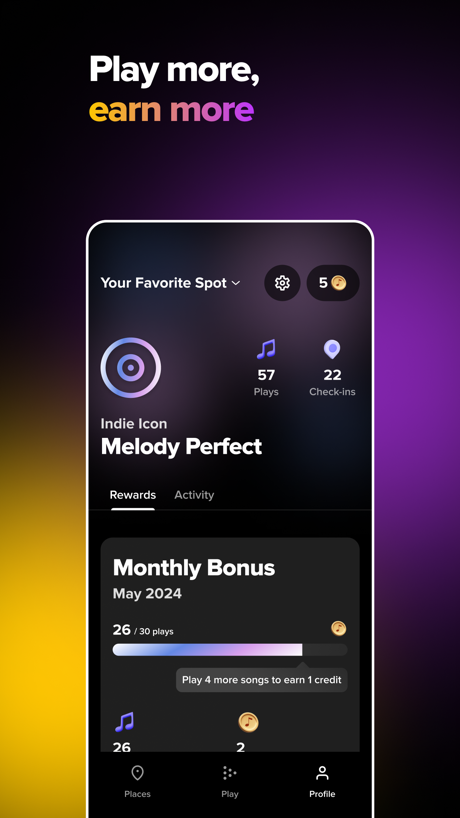
“Play more, earn more”

“PERSONALIZATION”

“Feel more confident with every song”

“Play the music you love”
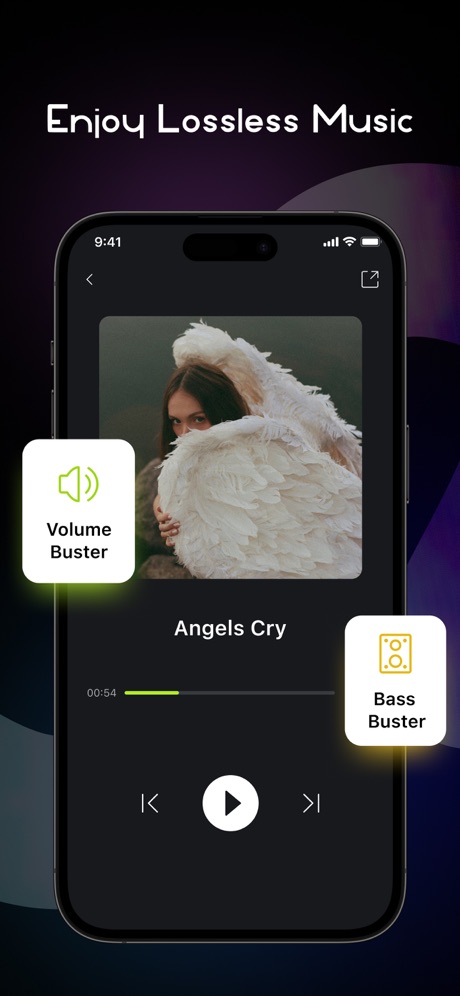
“Enjoy Lossless Music”

“Be the first to know about new shows”

“24/7·365”

“SNOOP ON REPEATERS”

“Speaker Test”

“Music, news, talk & sports.”

“Practice in your own rhythm”
What these screenshots say, word for word.
The words on 40 of the 47 that carry any, as each app wrote them.
“Save Data - 10 Million Offline Songs”
Audiomack - Play Music Offline · #9 · screenshot 2“Play more, earn more”
TouchTunes: Jukebox Music · #11 · screenshot 3“PERSONALIZATION”
We personalize what plays next, just for you.Pandora: Music & Podcasts · #15 · screenshot 3“Feel more confident with every song”
Simply Sing: My Singing App · #23 · screenshot 1“Play the music you love”
Piano: Keyboard Lessons & Game · #24 · screenshot 2“Enjoy Lossless Music”
Musiboot: Get Lossless Music · #27 · screenshot 3“Be the first to know about new shows”
Bandsintown Concerts · #49 · screenshot 6“24/7·365”
MusiPlayer - Music X Streaming · #55 · screenshot 1“SNOOP ON REPEATERS”
Airbuds Widget · #58 · screenshot 3“Speaker Test”
Speaker Cleaner: Eject Water · #61 · screenshot 5“Music, news, talk & sports.”
Simple Radio - FM AM Stations · #64 · screenshot 1“Practice in your own rhythm”
MuseScore-Sheet Music & Chords · #72 · screenshot 2“Pick your instrument”
Guitar Tuner - Simply Tune · #73 · screenshot 2“Request the music you want to hear”
Rockbot - Request Music · #79 · screenshot 3“Join viral reverse singing challenge”
Reverse Audio: Funny Voice · #80 · screenshot 1- Built by people from
“Connecting Us Through Music”
EQUALS - Music Social Network · #83 · screenshot 1 “Your Go-To Karaoke, Battle & Quiz Party Experience”
KaraFun: Karaoke, Battle, Quiz · #89 · screenshot 1“Audio Editor”
Fix, Enhance, MixSoundLab - Audio Editor · #98 · screenshot 1“Volume up with on Click”
Volume Booster - EQ Amplifier · #100 · screenshot 2“PODCASTS”
Discover podcasts that speak to you.Pandora: Music & Podcasts · #15 · screenshot 4“Find your voice”
Simply Sing: My Singing App · #23 · screenshot 2“Challenge yourself on any songs”
Piano: Keyboard Lessons & Game · #24 · screenshot 4“Powerful & Smart music player”
MusiPlayer - Music X Streaming · #55 · screenshot 6“Simple Radio”
as simple as it getsSimple Radio - FM AM Stations · #64 · screenshot 2“Play your favorite songs”
Guitar Tuner - Simply Tune · #73 · screenshot 3“Instant reverse audio tool”
Reverse Audio: Funny Voice · #80 · screenshot 2“Personalize Your Sound”
KaraFun: Karaoke, Battle, Quiz · #89 · screenshot 3“Separate vocals & instruments”
SoundLab - Audio Editor · #98 · screenshot 2“Multi Scene 3D Surround”
Volume +200%Volume Booster - EQ Amplifier · #100 · screenshot 5“Nail songs you love”
Simply Sing: My Singing App · #23 · screenshot 3“Discover more than 90,000 stations”
Simple Radio - FM AM Stations · #64 · screenshot 3“Choose from Alternate tunings”
Guitar Tuner - Simply Tune · #73 · screenshot 4“Try more creative sound effects”
Reverse Audio: Funny Voice · #80 · screenshot 3“Battle, singing game with scoring”
KaraFun: Karaoke, Battle, Quiz · #89 · screenshot 6“Record, Monitor,”
Pocket Recording StudioSoundLab - Audio Editor · #98 · screenshot 3“Grow with singing tips”
Simply Sing: My Singing App · #23 · screenshot 4“Works with CarPlay & Apple Watch”
Simple Radio - FM AM Stations · #64 · screenshot 4“Play iconic riffs”
Guitar Tuner - Simply Tune · #73 · screenshot 5“Explore trending singing challenge”
Reverse Audio: Funny Voice · #80 · screenshot 4“Separate voice and background”
From songs, interviews, voice memosSoundLab - Audio Editor · #98 · screenshot 4
Top ten Music apps that do it.
- #9Audiomack - Play Music Offline1 of its 5 screenshots
The same tactic in other categories.
| Category | Apps that do it | Screenshots | Top ten |
|---|---|---|---|
| Games | 66% 66 of 100 | 41% 232 of 567 | 8 of 10 |
| Graphics & Design | 32% 32 of 99 | 18% 101 of 564 | 2 of 10 |
| Education | 32% 32 of 100 | 17% 97 of 555 | 3 of 10 |
| Social Networking | 30% 30 of 100 | 13% 73 of 554 | 3 of 10 |
| Food & Drink | 26% 26 of 100 | 14% 74 of 540 | 2 of 10 |
| Photo & Video | 25% 25 of 100 | 8% 44 of 566 | 2 of 10 |
| Lifestyle | 23% 23 of 100 | 8% 45 of 556 | 0 of 10 |
| Navigation | 21% 21 of 99 | 8% 44 of 566 | 3 of 10 |
| Music | 19% 19 of 100 | 9% 47 of 550 | 1 of 10 |
| Travel | 19% 19 of 100 | 8% 43 of 561 | 0 of 10 |
| Health & Fitness | 18% 18 of 100 | 7% 41 of 574 | 1 of 10 |
| Shopping | 18% 18 of 100 | 6% 31 of 562 | 2 of 10 |
| Entertainment | 16% 16 of 100 | 4% 23 of 544 | 1 of 10 |
| Developer Tools | 15% 15 of 100 | 7% 33 of 507 | 1 of 10 |
| Medical | 15% 15 of 100 | 5% 26 of 548 | 0 of 10 |
| Finance | 14% 14 of 100 | 5% 28 of 581 | 2 of 10 |
| Utilities | 14% 14 of 100 | 5% 26 of 549 | 0 of 10 |
| Weather | 14% 14 of 100 | 6% 33 of 555 | 3 of 10 |
| Reference | 12% 12 of 100 | 5% 31 of 566 | 0 of 10 |
| Productivity | 11% 11 of 99 | 4% 20 of 551 | 0 of 10 |
| Sports | 9% 9 of 100 | 3% 15 of 558 | 1 of 10 |
| Business | 8% 8 of 100 | 2% 10 of 554 | 1 of 10 |
| News | 7% 7 of 98 | 3% 13 of 517 | 2 of 10 |
Related tactics.
Often on the same screenshot
- Purple30% of these screenshots, against 12% of all Music screenshots
- Words at the top100% of these screenshots, against 82% of all Music screenshots
- Phone drawn98% of these screenshots, against 87% of all Music screenshots
- Has a headline100% of these screenshots, against 90% of all Music screenshots
- Plain tone81% of these screenshots, against 71% of all Music screenshots
- Tells you to do something62% of these screenshots, against 52% of all Music screenshots
More in look
- Gradient background73%
- Dark71%
- Background is the icon’s colour62%
- High contrast words57%
- A word in a different colour47%
- Black, white or grey46%
- Solid background38%
- Blue37%
- Low contrast words36%
- Light35%
- Orange29%
- Photo background26%
- Teal21%
- Red19%
- Purple17%
- Pattern or texture15%
- Pink13%
- Condensed or display type10%
- Green10%
- Yellow7%
- The app itself is the background6%
- Serif headline5%
Questions, answered from the chart.
How many top Music apps have App Store screenshots with rounded type?
Which Music apps have App Store screenshots with rounded type?
Should my Music app have App Store screenshots with rounded type?
See your own app against this.
Pagefully reads your screenshots the same way, and makes a custom product page for each search people type, from your real screens.
Preview your pages