Developer Tools app screenshots with a light background
A light picture overall. The App Store follows the device’s light or dark appearance, so a light screenshot stands out in one and blends into the other.
From the top 100 free Developer Tools apps on the US App Store, read on October 9, 2026. Screenshots are the developers’ own, shown from Apple’s servers with a link to each app.
The numbers
245 of the 507 Developer Tools screenshots read (48%) do this, across 60 of the top 100 apps (60%). 9 of the top ten do it (90%), against 51 of the other 90 (57%): the top ten do it more than the rest. Of the 23 categories read so far, Developer Tools is 15th for this. It is most common in Shopping (90% of apps) and least common in Entertainment (25%).
12 examples from the chart.
12 of the 245 Developer Tools app screenshots with a light background, one from each app, the highest on the chart first.
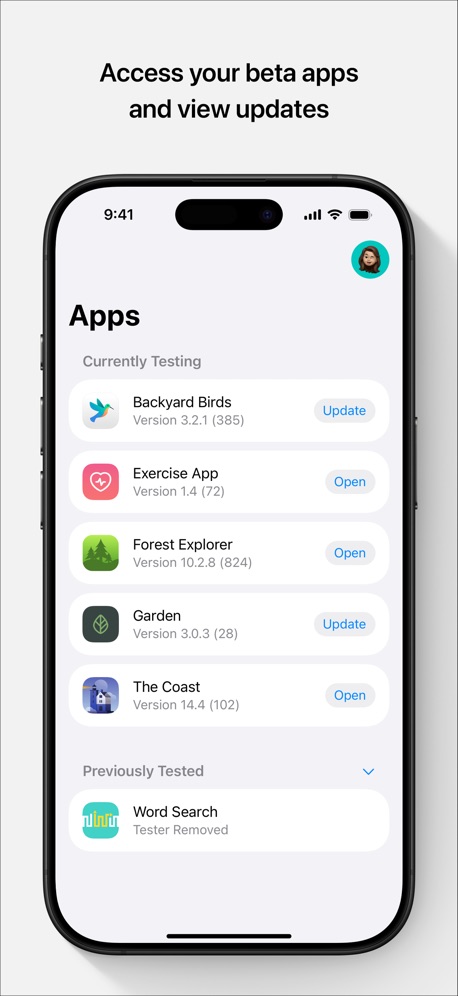
“Access your beta apps and view updates”
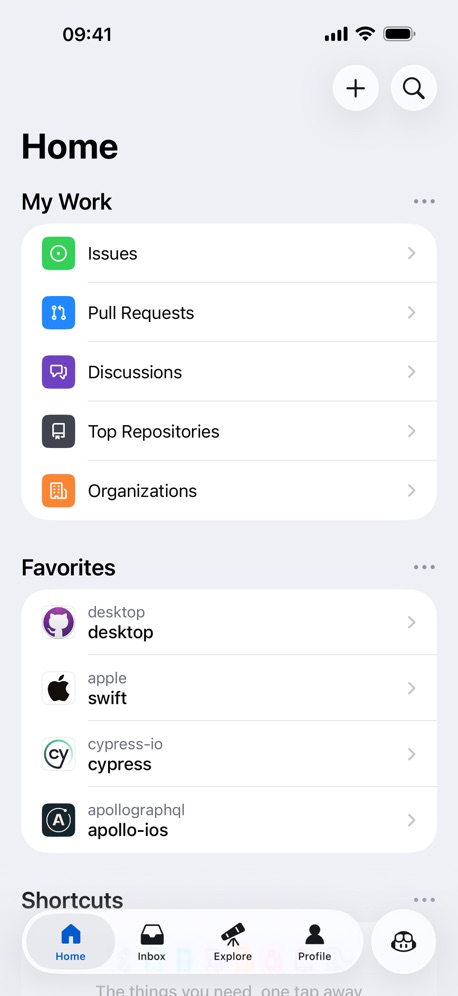

“#1 Interactive Creation Platform”
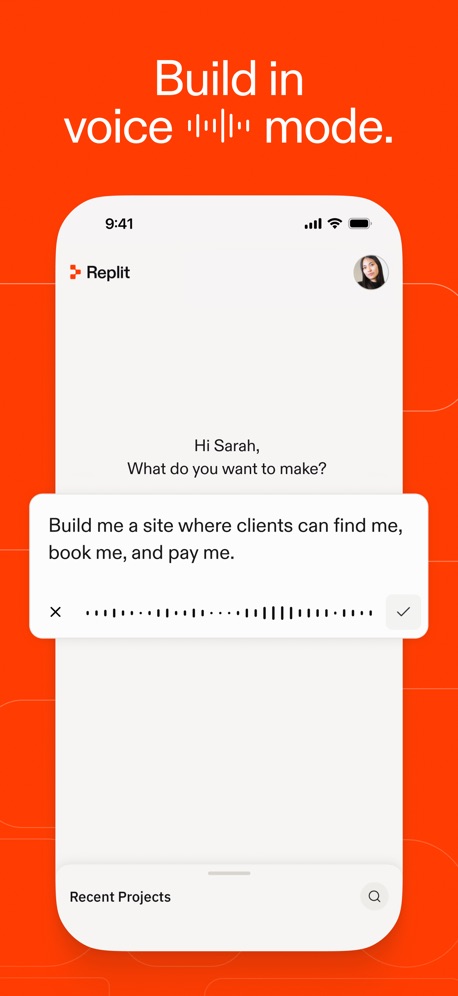
“Build in voice ▂▂▂▂▂ mode.”
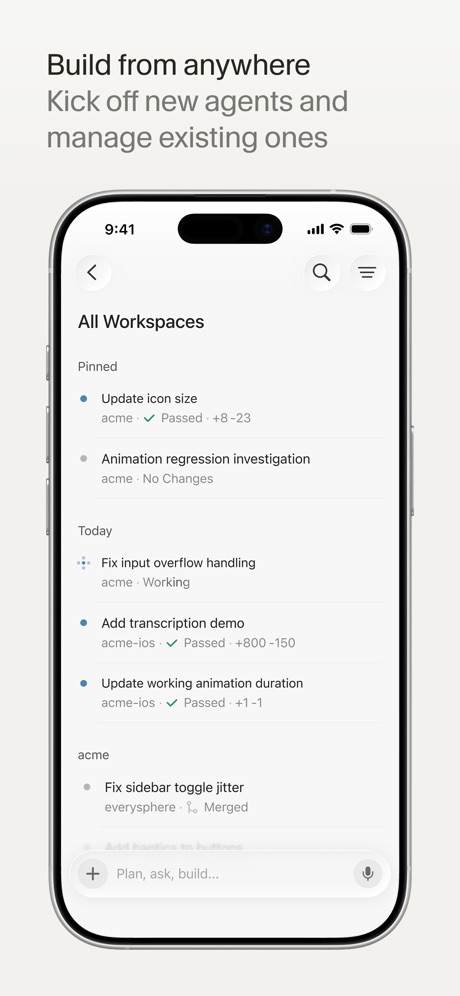
“Build from anywhere”


“Home Efficient Management”
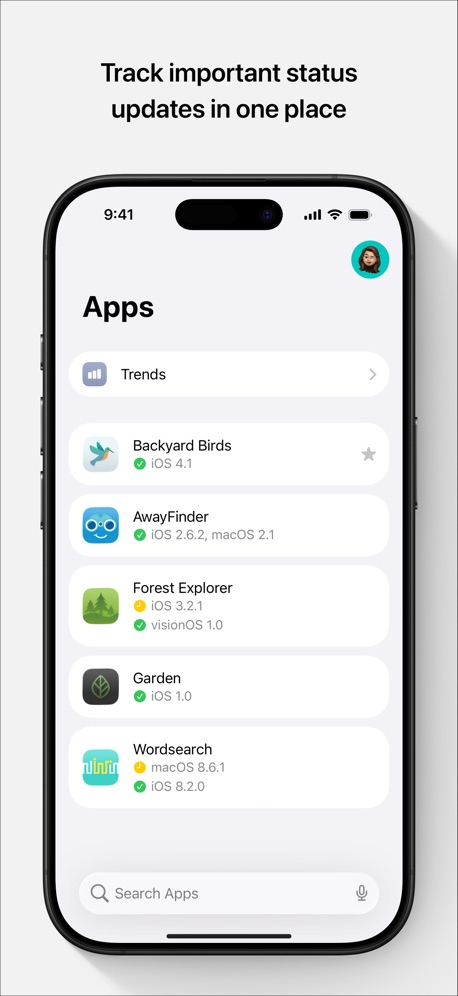
“Track important status updates in one place”

“Fastest Servers”

“Connect”

What these screenshots say, word for word.
The words on 40 of the 165 that carry any, as each app wrote them.
“Access your beta apps and view updates”
TestFlight · #1 · screenshot 1“#1 Interactive Creation Platform”
Sekai: Create · Remix · Play · #3 · screenshot 1“Build in voice ▂▂▂▂▂ mode.”
Replit: Vibe Code with AI Fast · #4 · screenshot 3“Build from anywhere”
Kick off new agents and manage existing onesCursor · #6 · screenshot 1“Learn”
Learn the basics with bite-sized interactive lessons.Expo Go · #8 · screenshot 2“Home Efficient Management”
Unified management of multiple devices, clear status at a glanceO-KAM Pro · #9 · screenshot 1“Track important status updates in one place”
App Store Connect · #10 · screenshot 1“Fastest Servers”
ZenVPN - Free Super Fast VPN · #13 · screenshot 1“Connect”
with the panel to useApps Connect · #14 · screenshot 1“Catch mistakes instantly”
Error checking as you typePython Coding Editor & IDE App · #16 · screenshot 4“nited”
NextVPN: Fast & Secure Proxy · #18 · screenshot 2“Every agent, every machine, one inbox.”
T3 Code - Remote Claude & more · #19 · screenshot 1“Quickly access your KPIs”
Google Play Console · #23 · screenshot 1“Easy access to your files”
Local and RemoteKoder Code Editor · #26 · screenshot 2“Phone numbers from around the world”
Temp Number | Receive SMS · #28 · screenshot 1“Support”
Goiey - Collect, Share, Chat · #32 · screenshot 2“Explore Global App Trends”
Appboard: App Rankings · #33 · screenshot 2“REAL-TIME TESTING ALL BUILD VERSIONS IN YOUR PHONE”
FOR ALL SYSTEMSVibecode Apps IDE - LastApp · #36 · screenshot 3“Bluetooth scanner finds nearby devices.”
See what's around you.“every Bluetooth enabled device around my apartment and other units”Bluetooth Inspector · #38 · screenshot 1“Snippets”
Save your favorite commonly used commandsxTerminal - SSH Terminal Shell · #40 · screenshot 3“Advance Editing Options”
Cookie-Editor · #41 · screenshot 2“Smart Code Editor for Python”
Python Coding · #42 · screenshot 1“Bluetooth Assistant”
Multi, Device SupportBluetoothAssistant · #47 · screenshot 1“Reach Everywhere Unlimited Traffic”
V2Lite VPN - Super VPN Proxy · #48 · screenshot 1“Mobile IDE”
File based IDE with code editor, suggestions,and local execution. Includes a Python 3.10 interpreter, with the standard libraries, Cython and more than 100 third party pre-installed packages.Pyto IDE · #49 · screenshot 1“Code Editor, SFTP Client, SSH Terminal”
Textastic Code Editor · #53 · screenshot 1“From Idea to App”
In minutes“Every retry costs, plan smart build once.”AI App Builder Architect · #54 · screenshot 1“Sniff HTTP&HTTPS”
Stream - Network Debug Tool · #58 · screenshot 1“One-tap to connect”
Shield VPN - Secure FastVPN · #60 · screenshot 1“Agentic AI, from query to deploy.”
Supanator: Supabase Manager · #61 · screenshot 2“Capture HTTPS on your iPhone”
See every request your apps make, right on your device. No Mac needed.Proxyman - Capture HTTPS · #63 · screenshot 1“Bluetooth Connect”
Wire-free pairing made simpleBluetooth Auto Connect · #64 · screenshot 2“Base set of UNIX Tools”
Blink Shell, Build & Code · #67 · screenshot 2“Your Local AI Fully Private”
Reins: for Ollama & LM Studio · #68 · screenshot 1“Edit Text File”
From your device or any cloud serviceText Editor. · #70 · screenshot 1“GitHub,\nGitLab or your\nown server”
Git client - Working Copy · #75 · screenshot 2“Bring 3D Worlds to Life”
Xogot: Godot for iPad & iPhone · #79 · screenshot 1“Your whole account on one screen”
Cloudflare Remote · #81 · screenshot 1“Netlify in your pocket”
Monitor and control every deploy, build, and domain, from your phone, with push alerts and home-screen widgets.Netli.fyi: Netlify Client · #83 · screenshot 1“Work with plain text, code or markup files”
Subtext · #85 · screenshot 3
Top ten Developer Tools apps that do it.
- #1TestFlight5 of its 5 screenshots
- #2GitHub3 of its 4 screenshots
- #3Sekai: Create · Remix · Play2 of its 6 screenshots
- #4Replit: Vibe Code with AI Fast2 of its 6 screenshots
- #6Cursor5 of its 6 screenshots
- #7Apple Developer5 of its 5 screenshots
- #8Expo Go2 of its 4 screenshots
- #9O-KAM Pro5 of its 5 screenshots
- #10App Store Connect5 of its 5 screenshots
The same tactic in other categories.
| Category | Apps that do it | Screenshots | Top ten |
|---|---|---|---|
| Shopping | 90% 90 of 100 | 67% 374 of 562 | 9 of 10 |
| Business | 86% 86 of 100 | 71% 396 of 554 | 9 of 10 |
| Education | 86% 86 of 100 | 66% 364 of 555 | 9 of 10 |
| Food & Drink | 86% 86 of 100 | 66% 354 of 540 | 8 of 10 |
| Medical | 85% 85 of 100 | 73% 398 of 548 | 9 of 10 |
| Productivity | 85% 84 of 99 | 67% 371 of 551 | 9 of 10 |
| Lifestyle | 81% 81 of 100 | 59% 328 of 556 | 9 of 10 |
| Finance | 78% 78 of 100 | 59% 343 of 581 | 8 of 10 |
| Health & Fitness | 78% 78 of 100 | 61% 352 of 574 | 7 of 10 |
| Travel | 73% 73 of 100 | 54% 301 of 561 | 6 of 10 |
| Reference | 71% 71 of 100 | 51% 290 of 566 | 8 of 10 |
| Utilities | 71% 71 of 100 | 55% 304 of 549 | 9 of 10 |
| Navigation | 65% 64 of 99 | 47% 265 of 566 | 7 of 10 |
| Social Networking | 61% 61 of 100 | 45% 252 of 554 | 7 of 10 |
| Developer Tools | 60% 60 of 100 | 48% 245 of 507 | 9 of 10 |
| News | 58% 57 of 98 | 41% 214 of 517 | 6 of 10 |
| Graphics & Design | 56% 55 of 99 | 48% 268 of 564 | 4 of 10 |
| Photo & Video | 50% 50 of 100 | 32% 179 of 566 | 5 of 10 |
| Games | 48% 48 of 100 | 31% 176 of 567 | 7 of 10 |
| Weather | 43% 43 of 100 | 25% 140 of 555 | 4 of 10 |
| Sports | 38% 38 of 100 | 25% 137 of 558 | 1 of 10 |
| Music | 35% 35 of 100 | 24% 133 of 550 | 1 of 10 |
| Entertainment | 25% 25 of 100 | 15% 82 of 544 | 1 of 10 |
Related tactics.
Often on the same screenshot
- No words at all33% of these screenshots, against 26% of all Developer Tools screenshots
- Blue31% of these screenshots, against 26% of all Developer Tools screenshots
- Background is the icon’s colour29% of these screenshots, against 23% of all Developer Tools screenshots
- App icon shown22% of these screenshots, against 17% of all Developer Tools screenshots
- Screen fills the picture91% of these screenshots, against 88% of all Developer Tools screenshots
- Headline on one line20% of these screenshots, against 16% of all Developer Tools screenshots
More in look
- Black, white or grey68%
- Solid background58%
- Dark55%
- Gradient background55%
- Blue42%
- A word in a different colour38%
- High contrast words37%
- Background is the icon’s colour31%
- Low contrast words29%
- The app itself is the background23%
- Rounded headline type15%
- Teal13%
- Orange12%
- Pattern or texture10%
- Green9%
- Photo background6%
- Yellow5%
- Condensed or display type4%
- Red3%
- Pink2%
- Purple2%
- Serif headline2%
Questions, answered from the chart.
How many top Developer Tools apps have App Store screenshots with a light background?
Which Developer Tools apps have App Store screenshots with a light background?
Should my Developer Tools app have App Store screenshots with a light background?
See your own app against this.
Pagefully reads your screenshots the same way, and makes a custom product page for each search people type, from your real screens.
Preview your pages