Developer Tools app screenshots with a top-cropped phone
The device runs off the top edge. Cropping the device at the top shows the lower part of the screen larger: tab bars, buttons, keyboards.
From the top 100 free Developer Tools apps on the US App Store, read on October 9, 2026. Screenshots are the developers’ own, shown from Apple’s servers with a link to each app.
The numbers
15 of the 507 Developer Tools screenshots read (3%) do this, across 12 of the top 100 apps (12%). 1 of the top ten do it (10%), against 11 of the other 90 (12%): the top ten do it about as often as the rest. Of the 23 categories read so far, Developer Tools is 18th for this. It is most common in Finance (30% of apps) and least common in Games (3%).
12 examples from the chart.
12 of the 15 Developer Tools app screenshots with a top-cropped phone, one from each app, the highest on the chart first.
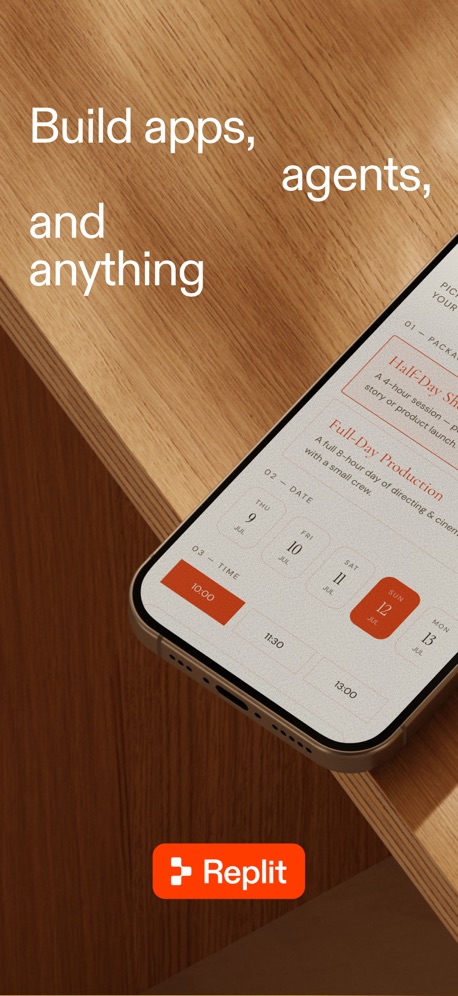
“Build apps, agents, and anything”


“Unlin”

“Start a project from anywhere”
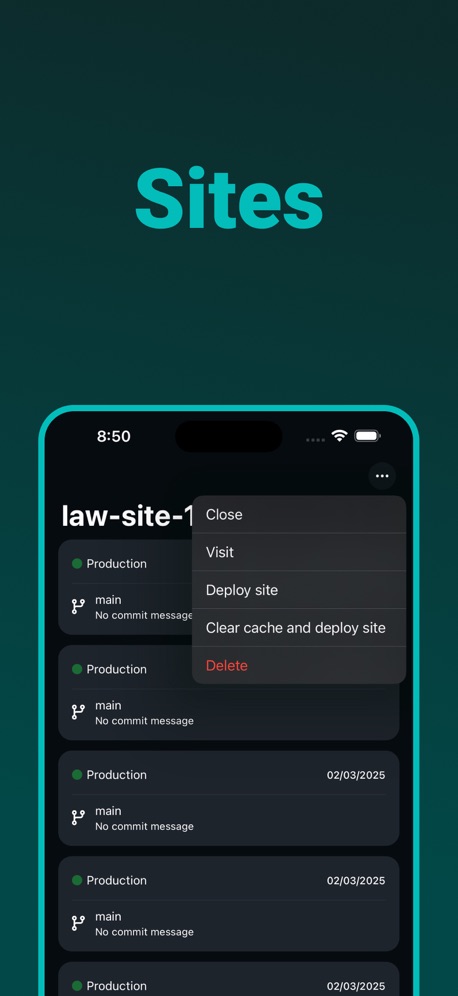
“Sites”
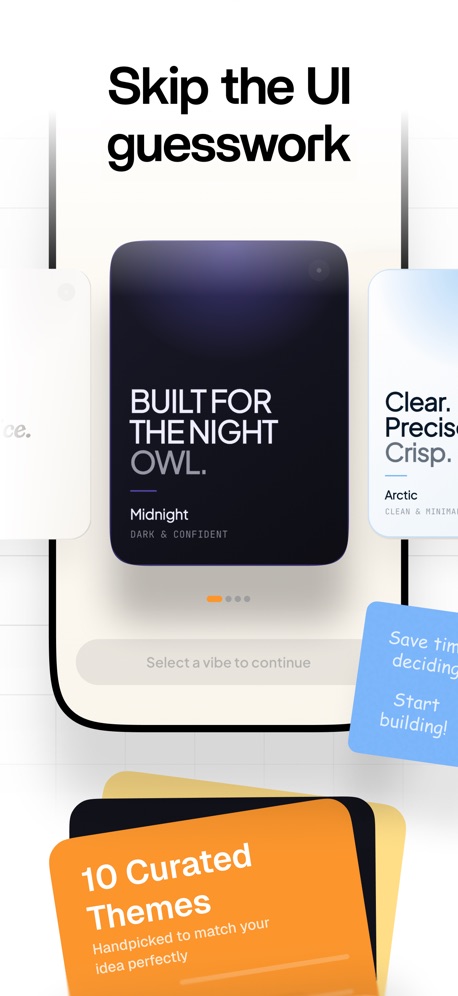
“Skip the UI guesswork”
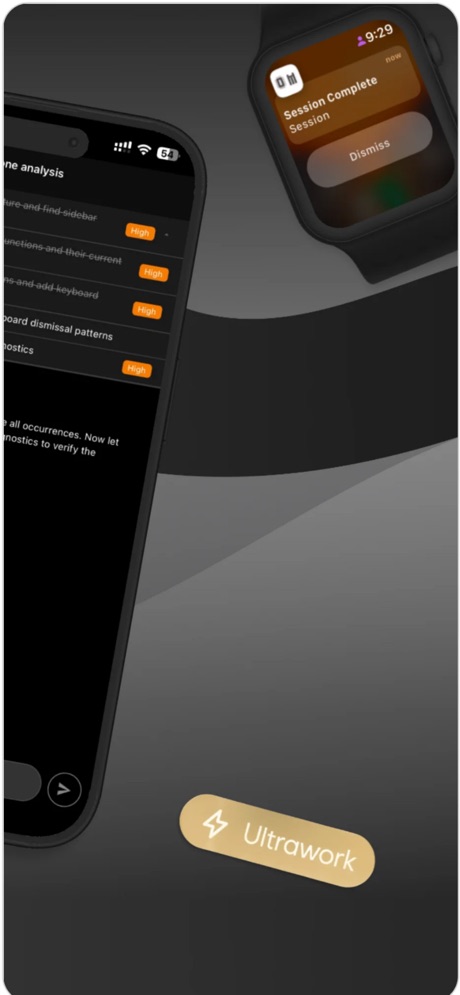

“Use hardware keyboards. Customize Ctrl, Alt, Caps, Shift.”

“Dark Mode”

“Real-time deploy & build status across all sites”

“Manage Multiple Files”

“Check the page from your your phone.”
What these screenshots say, word for word.
The words on all 13 that carry any, as each app wrote them.
“Build apps, agents, and anything”
Replit: Vibe Code with AI Fast · #4 · screenshot 1“Unlin”
NextVPN: Fast & Secure Proxy · #18 · screenshot 1“Start a project from anywhere”
Orca IDE · #21 · screenshot 4“Sites”
Dashify for Netlify.com · #43 · screenshot 2“Skip the UI guesswork”
AI App Builder Architect · #54 · screenshot 4“Use hardware keyboards. Customize Ctrl, Alt, Caps, Shift.”
Blink Shell, Build & Code · #67 · screenshot 4“Dark Mode”
HTML Editor · #77 · screenshot 3- Netli.fyi
“Real-time deploy & build status across all sites”
Push notifications for when deploy starts, succeeds, or failsNetli.fyi: Netlify Client · #83 · screenshot 3 “Manage Multiple Files”
HTML Viewer : Editor & Creator · #90 · screenshot 4- WEB CHANGES
“Check the page from your your phone.”
Codex Relay - Remote Codex App · #96 · screenshot 6 “from anywhere.”
Replit: Vibe Code with AI Fast · #4 · screenshot 2“Build with a complete”
blueprint.AI App Builder Architect · #54 · screenshot 6“Use external display as separate terminal”
Blink Shell, Build & Code · #67 · screenshot 5
Top ten Developer Tools apps that do it.
- #4Replit: Vibe Code with AI Fast2 of its 6 screenshots
The same tactic in other categories.
| Category | Apps that do it | Screenshots | Top ten |
|---|---|---|---|
| Finance | 30% 30 of 100 | 7% 43 of 581 | 2 of 10 |
| Food & Drink | 26% 26 of 100 | 6% 35 of 540 | 2 of 10 |
| Music | 25% 25 of 100 | 5% 26 of 550 | 2 of 10 |
| Business | 24% 24 of 100 | 6% 33 of 554 | 2 of 10 |
| Travel | 24% 24 of 100 | 6% 33 of 561 | 4 of 10 |
| Health & Fitness | 23% 23 of 100 | 5% 31 of 574 | 2 of 10 |
| Lifestyle | 23% 23 of 100 | 5% 26 of 556 | 3 of 10 |
| Sports | 22% 22 of 100 | 4% 25 of 558 | 0 of 10 |
| Utilities | 22% 22 of 100 | 5% 28 of 549 | 2 of 10 |
| Navigation | 21% 21 of 99 | 5% 26 of 566 | 1 of 10 |
| Entertainment | 20% 20 of 100 | 5% 27 of 544 | 0 of 10 |
| Productivity | 19% 19 of 99 | 4% 23 of 551 | 3 of 10 |
| Reference | 19% 19 of 100 | 5% 26 of 566 | 1 of 10 |
| Education | 18% 18 of 100 | 4% 23 of 555 | 2 of 10 |
| Social Networking | 18% 18 of 100 | 4% 24 of 554 | 2 of 10 |
| News | 16% 16 of 98 | 4% 21 of 517 | 2 of 10 |
| Graphics & Design | 13% 13 of 99 | 3% 15 of 564 | 1 of 10 |
| Developer Tools | 12% 12 of 100 | 3% 15 of 507 | 1 of 10 |
| Medical | 12% 12 of 100 | 2% 13 of 548 | 1 of 10 |
| Photo & Video | 12% 12 of 100 | 2% 14 of 566 | 1 of 10 |
| Shopping | 9% 9 of 100 | 2% 9 of 562 | 3 of 10 |
| Weather | 7% 7 of 100 | 2% 9 of 555 | 1 of 10 |
| Games | 3% 3 of 100 | 1% 4 of 567 | 0 of 10 |
Related tactics.
Often on the same screenshot
- Screen is small40% of these screenshots, against 2% of all Developer Tools screenshots
- Orange33% of these screenshots, against 6% of all Developer Tools screenshots
- Words aligned left40% of these screenshots, against 14% of all Developer Tools screenshots
- Plain tone80% of these screenshots, against 54% of all Developer Tools screenshots
- Background is the icon’s colour47% of these screenshots, against 23% of all Developer Tools screenshots
- Tells you to do something53% of these screenshots, against 31% of all Developer Tools screenshots
More in layout
- Screen fills the picture99%
- Phone drawn94%
- Whole phone shown91%
- Words at the top75%
- A photograph58%
- Headline readable at thumbnail size55%
- Illustration or mascot47%
- App icon shown44%
- Headline too small to read31%
- No phone, bare screen27%
- Phone cut off at the foot26%
- Words aligned left25%
- Arrows or callouts21%
- Two or more screens17%
- A person in the picture15%
- Zoomed detail of the UI13%
- Phone at an angle9%
- Words at the bottom9%
- Screen is small8%
- Watch, iPad or Mac beside it8%
- No app screen at all7%
- Words over the screen4%
- A hand holds the phone3%
Questions, answered from the chart.
How many top Developer Tools apps have App Store screenshots with a top-cropped phone?
Which Developer Tools apps have App Store screenshots with a top-cropped phone?
Should my Developer Tools app have App Store screenshots with a top-cropped phone?
See your own app against this.
Pagefully reads your screenshots the same way, and makes a custom product page for each search people type, from your real screens.
Preview your pages