App Store screenshots with a top-cropped phone
The device runs off the top edge. Cropping the device at the top shows the lower part of the screen larger: tab bars, buttons, keyboards.
From the top free apps in 23 categories of the US App Store, last read on October 9, 2026. Screenshots are the developers’ own, shown from Apple’s servers with a link to each app.
The numbers
529 of the 12745 screenshots read (4%) do this, across 418 of the 2295 top apps in 23 App Store categories (18%). 38 of the 230 apps in a top ten do it (17%), against 380 of the other 2065 (18%): the top ten do it about as often as the rest. It is most common in Finance (30% of apps) and least common in Games (3%).
By category, most to least.
The share of each category’s top apps with App Store screenshots with a top-cropped phone. Each category opens its own page, with every example and headline.
| Category | Apps that do it | Screenshots | Top ten |
|---|---|---|---|
| Finance | 30% 30 of 100 | 7% 43 of 581 | 2 of 10 |
| Food & Drink | 26% 26 of 100 | 6% 35 of 540 | 2 of 10 |
| Music | 25% 25 of 100 | 5% 26 of 550 | 2 of 10 |
| Business | 24% 24 of 100 | 6% 33 of 554 | 2 of 10 |
| Travel | 24% 24 of 100 | 6% 33 of 561 | 4 of 10 |
| Health & Fitness | 23% 23 of 100 | 5% 31 of 574 | 2 of 10 |
| Lifestyle | 23% 23 of 100 | 5% 26 of 556 | 3 of 10 |
| Sports | 22% 22 of 100 | 4% 25 of 558 | 0 of 10 |
| Utilities | 22% 22 of 100 | 5% 28 of 549 | 2 of 10 |
| Navigation | 21% 21 of 99 | 5% 26 of 566 | 1 of 10 |
| Entertainment | 20% 20 of 100 | 5% 27 of 544 | 0 of 10 |
| Productivity | 19% 19 of 99 | 4% 23 of 551 | 3 of 10 |
| Reference | 19% 19 of 100 | 5% 26 of 566 | 1 of 10 |
| Education | 18% 18 of 100 | 4% 23 of 555 | 2 of 10 |
| Social Networking | 18% 18 of 100 | 4% 24 of 554 | 2 of 10 |
| News | 16% 16 of 98 | 4% 21 of 517 | 2 of 10 |
| Graphics & Design | 13% 13 of 99 | 3% 15 of 564 | 1 of 10 |
| Developer Tools | 12% 12 of 100 | 3% 15 of 507 | 1 of 10 |
| Medical | 12% 12 of 100 | 2% 13 of 548 | 1 of 10 |
| Photo & Video | 12% 12 of 100 | 2% 14 of 566 | 1 of 10 |
| Shopping | 9% 9 of 100 | 2% 9 of 562 | 3 of 10 |
| Weather | 7% 7 of 100 | 2% 9 of 555 | 1 of 10 |
| Games | 3% 3 of 100 | 1% 4 of 567 | 0 of 10 |
Examples from each category.
Up to 6 from each category, from the apps highest on its chart.
Finance 43 examples · 30% of apps

“Manage your subscriptions all in one app.”

“Securely bank, save and invest with Chase Mobile.”
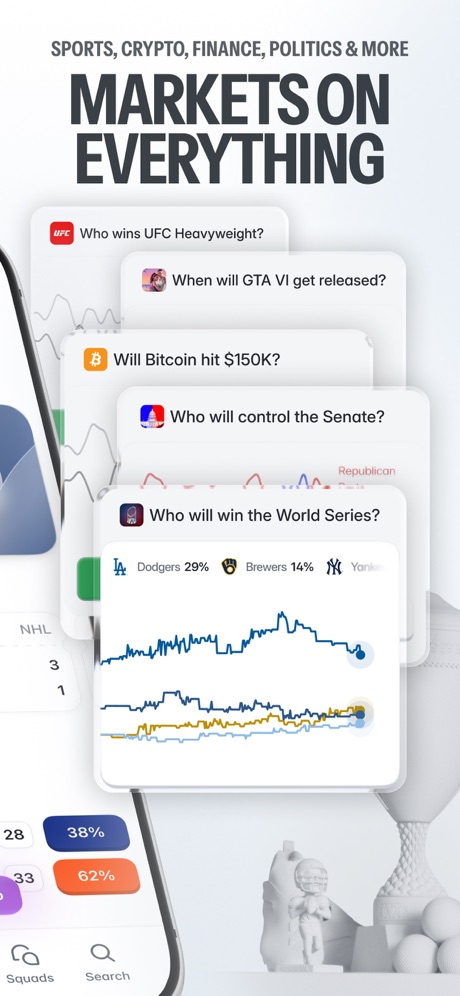
“MARKETS ON EVERYTHING”

“Choose flexible payments”

“Set your investing on repeat”

“Get more value out of the cards in your wallet with Cards Optimizer”
Food & Drink 35 examples · 26% of apps

“AN APP OF YOUR OWN.”

“TURN UP THE HEAT”

“EASY DELIVERY”

“SCORE THE BEST DEALS”

“Exclusive Offers”

Music 26 examples · 25% of apps

“IMPORT YOUR PLAYLISTS AND LIKES”

“Where your ideas become music”

“No surprise fees at the end”

“EVERY MOOD, EVERY MOMENT, AD-FREE.”

“Feel more confident with every song”

Business 33 examples · 24% of apps

“Chat your way to better opportunities”

“One app that helps you get more done”

“Make deliveries more predictable with real-time updates.”

“Share tracking results & other content”

“Verify it's you with login details”

“Organise your conversations”
Travel 33 examples · 24% of apps

“Real-time updates with Live Activities”

“The NEW Frontier at your fingertips.”


“Get going, on your terms”

“Get live updates on your lock screen and Apple Watch.”
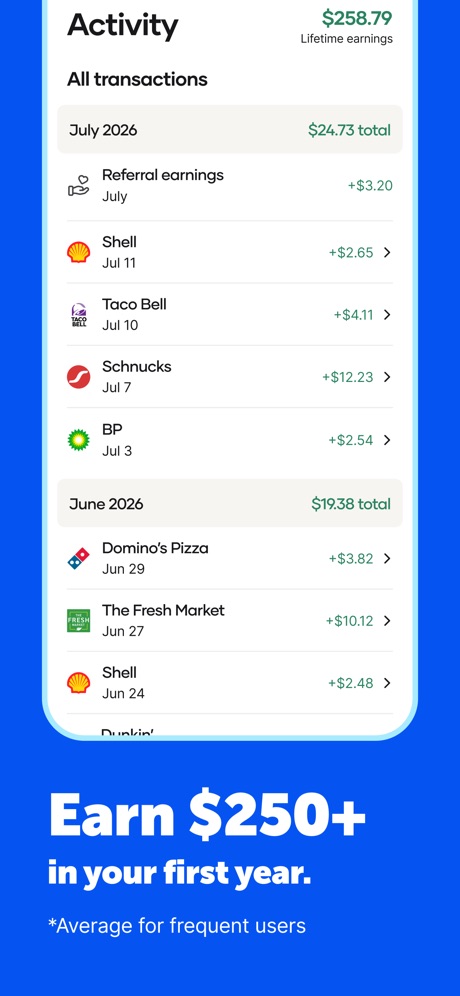
“Earn $250+”
Health & Fitness 31 examples · 23% of apps

“Log and track symptoms”

“New race every day”
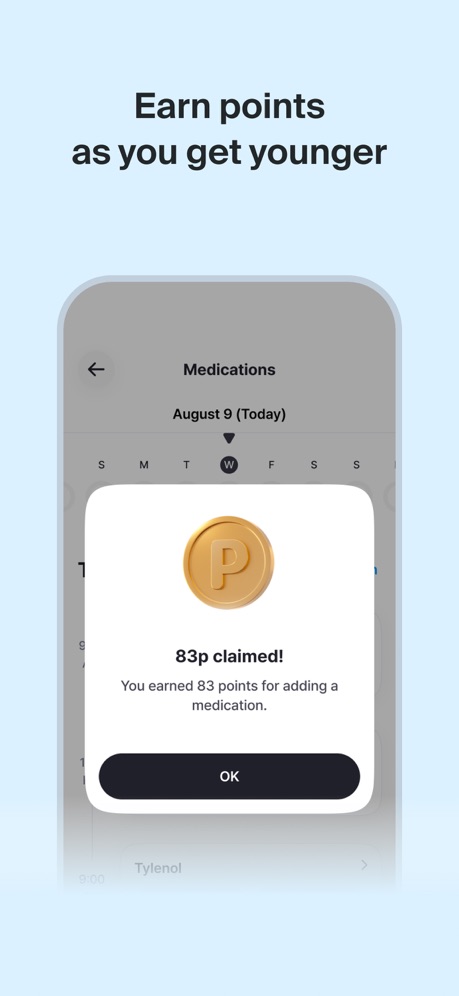
“Earn points as you get younger”

“Access your ID card”

“Check your energy level”

“Change your thoughts, change your life”
Lifestyle 26 examples · 23% of apps
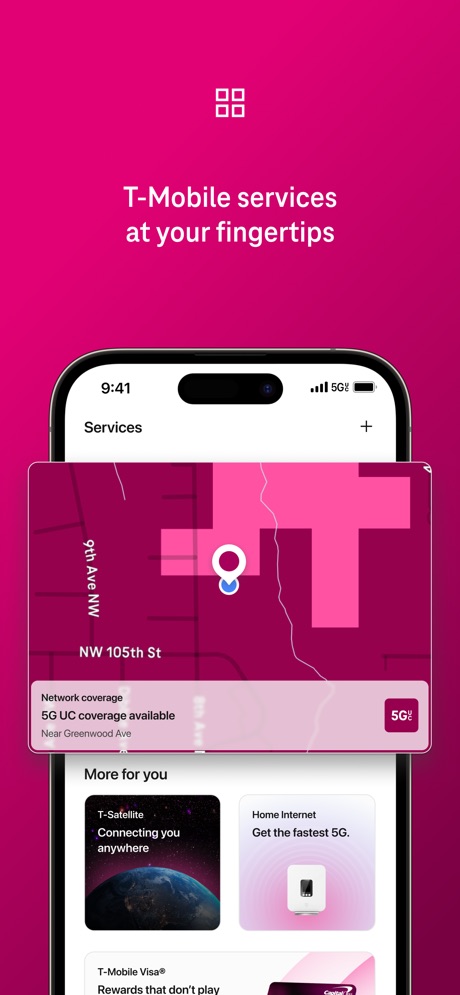
“T-Mobile services at your fingertips”

“Keep the Party Going”

“Get a sense of who they are”

“ACTIVITIES FOR TODAY, ENRICHMENT FOR WHAT'S NEXT”

“Left the car unlocked?”
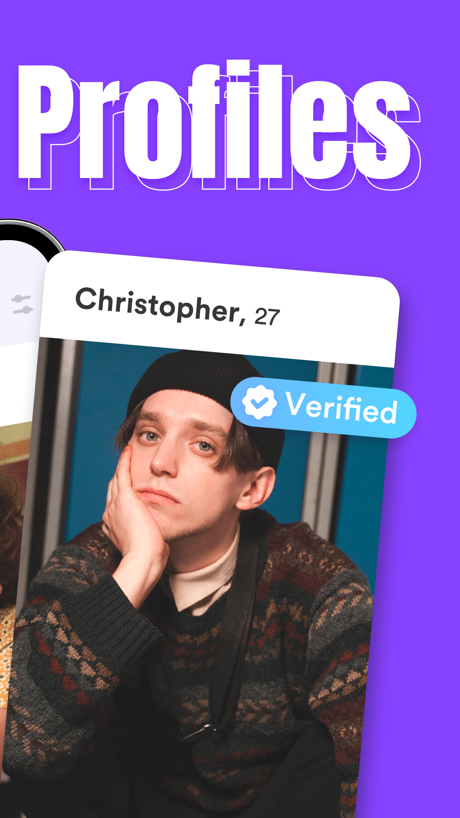
“Profiles”
Sports 25 examples · 22% of apps

“MOBILE TICKETS”

“Follow your favorite players”

“GET CHATS, MEDIA SHARING, & POLLS IN ONE PLACE”

“Linemate Bet Smarter. Not Harder.”
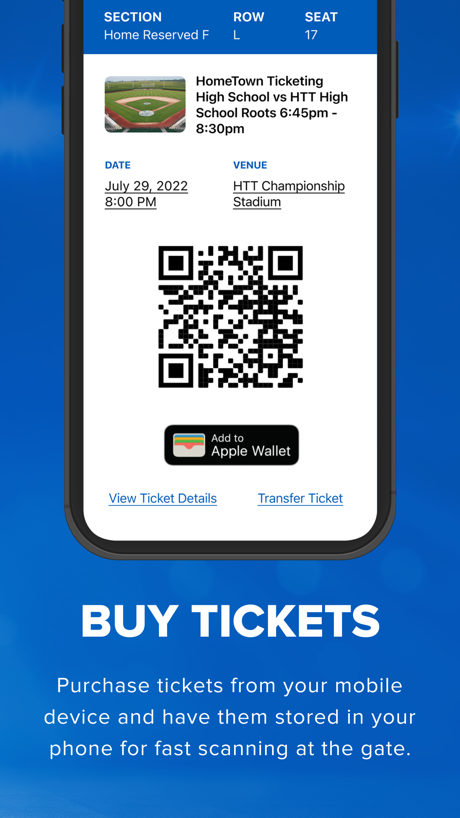
“BUY TICKETS”

“ENTER FOR LESS. PLAY FOR MORE.”
Utilities 28 examples · 22% of apps

“Comfortable Touchpad”

“Pay your bill in seconds”

“See, hear, and speak right from your smartphone”

“Secure Your Account With 2FA”

“lists and testing capabilities”

“See who's calling you”
Navigation 26 examples · 21% of apps


“Find parking that works for you”

“GPS Locati”
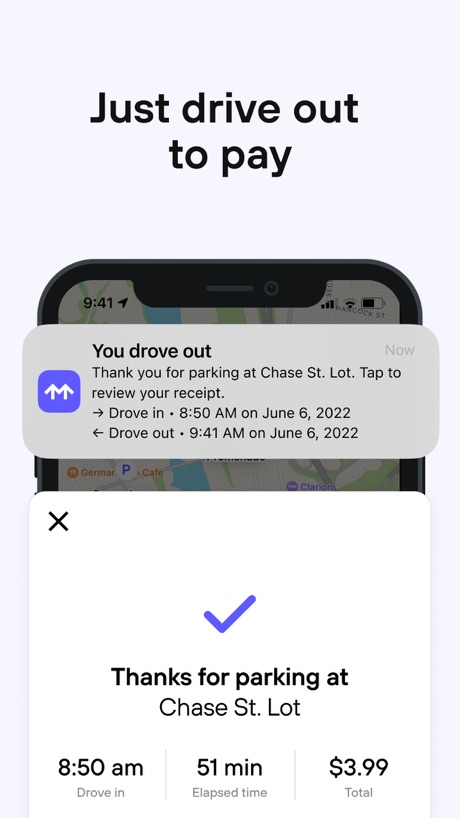
“Just drive out to pay”

“28 min 32 min 37 min 39 min 0 min”

“Find places while driving OTR”
Entertainment 27 examples · 20% of apps

“Premium Immersive Drama Series”

“Diverse Content Selection”

“KEEP TRACK OF EVERYTHING YOU LOVE IN MY NETFLIX”
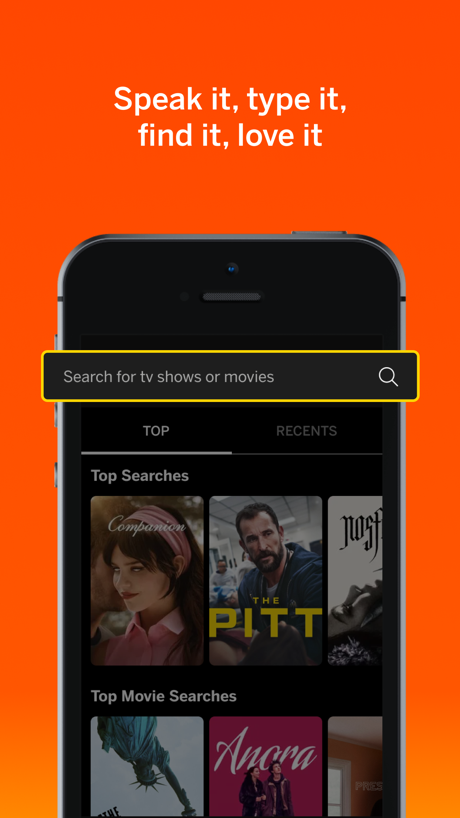
“Speak it, type it, find it, love it”

“Find the best ticket deals”

“Find your faves with ease”
Productivity 23 examples · 19% of apps

“One home for all your mail”

“Single sign-on for your work or school accounts”
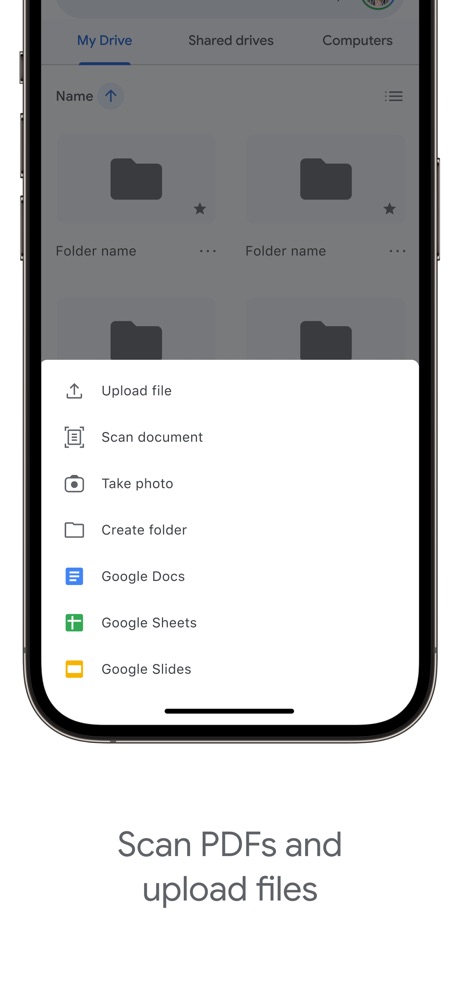
“Scan PDFs and upload files”

“Tasks and events, all in one place”

“Get specific with Pro Search”

“SET GOALS”
Reference 26 examples · 19% of apps

“Scan and Search quickly”

“You decide what distracts”
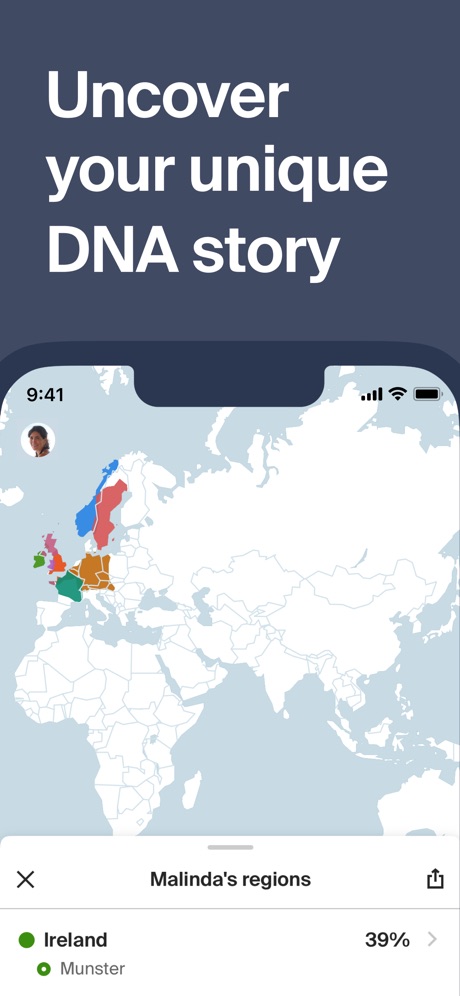
“Uncover your unique DNA story”

“Add knowledge to your Home Screen”

“TYPA - Free Restock Alerts App”

“Chat about burning questions”
Education 23 examples · 18% of apps
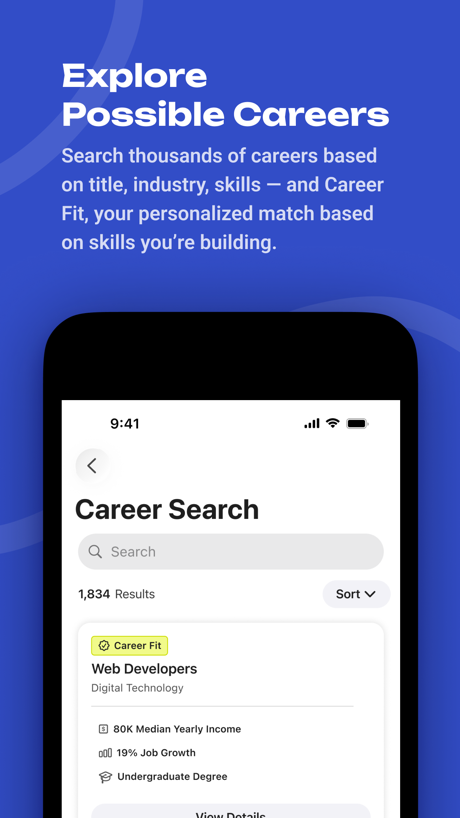
“Explore Possible Careers”

“get feedback without fear”

“Replace doom scrolling with microlearning”

“Share content from your favorite tools”

“Early Education Platform”

Social Networking 24 examples · 18% of apps

“GROUP CHAT THAT'S FUN”

“Save your favorite finds to shop later”

“Stay Close By with Live Chats”

“The private second phone number app”
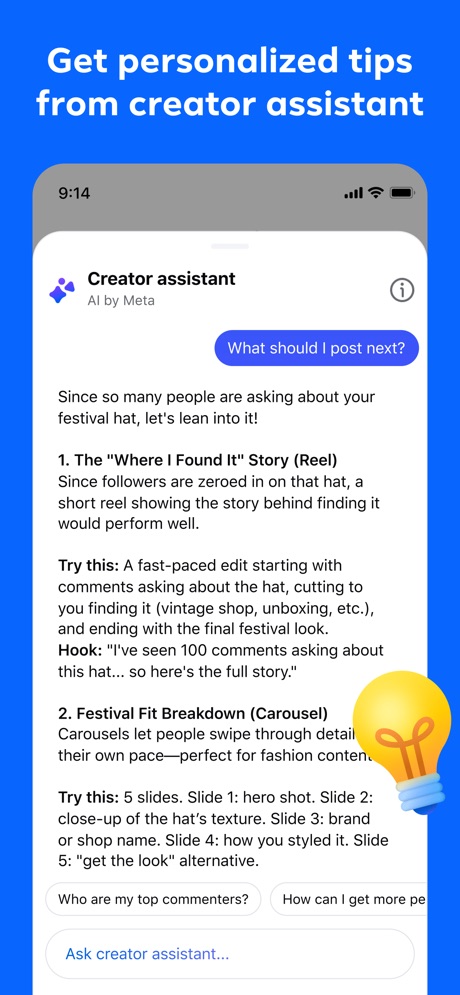
“Get personalized tips from creator assistant”

“Find what you’re into”
News 21 examples · 16% of apps

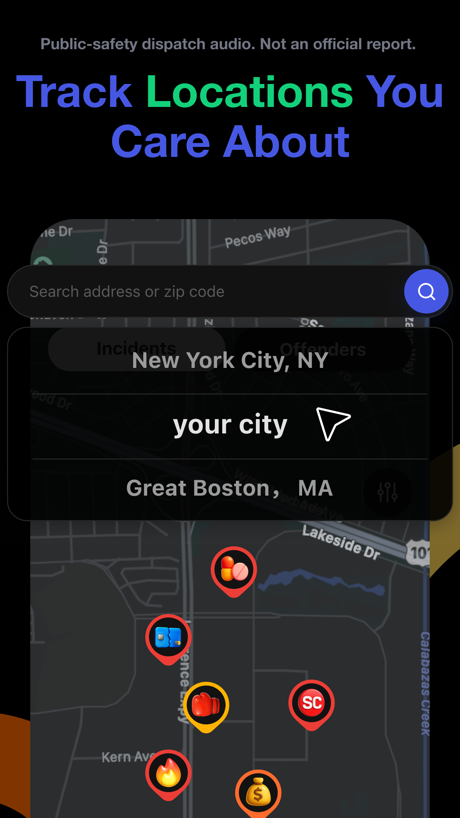
“Track Locations You Care About”

“Local weather, forcasts, and radar”

“Read to Me”

“Listen live to your local station”

“explore live audio chat rooms”
Graphics & Design 15 examples · 13% of apps

“Explore Stunning Wallpapers”

“LockScreen Widget”
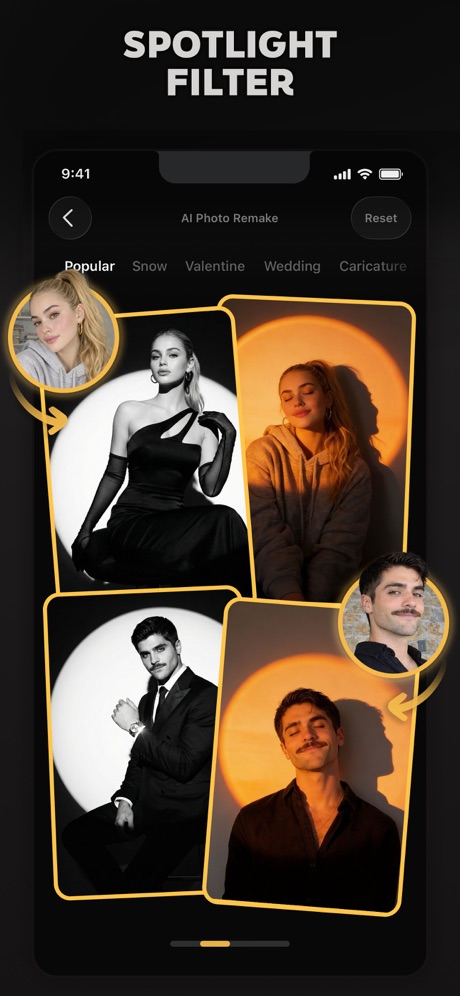
“SPOTLIGHT FILTER”

“Resize content for social”

“100+ Wallpaper”
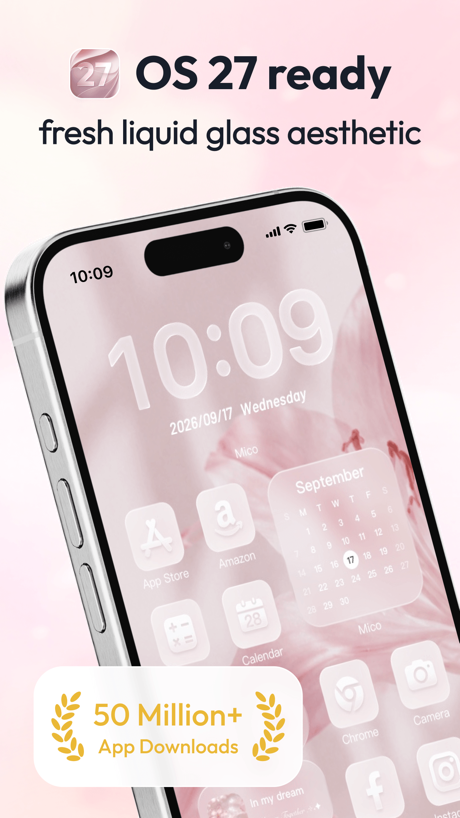
“OS 27 ready”
Developer Tools 15 examples · 12% of apps
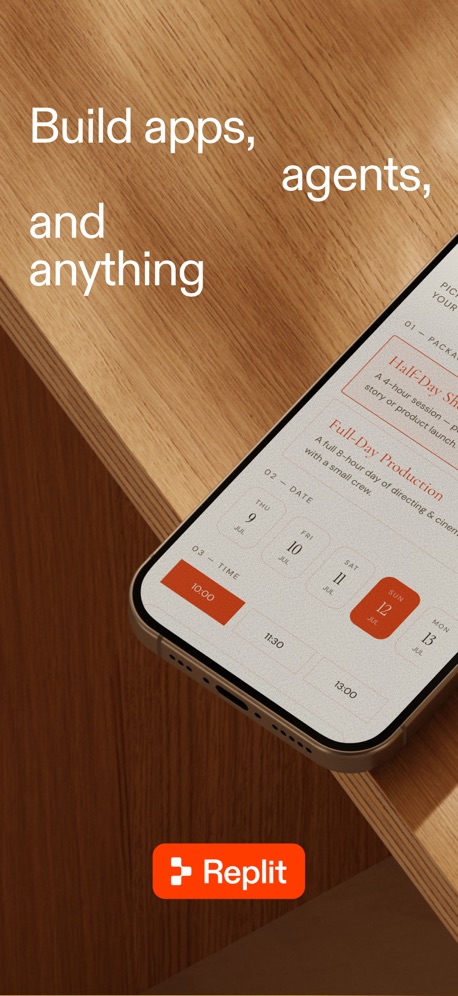
“Build apps, agents, and anything”


“Unlin”

“Start a project from anywhere”
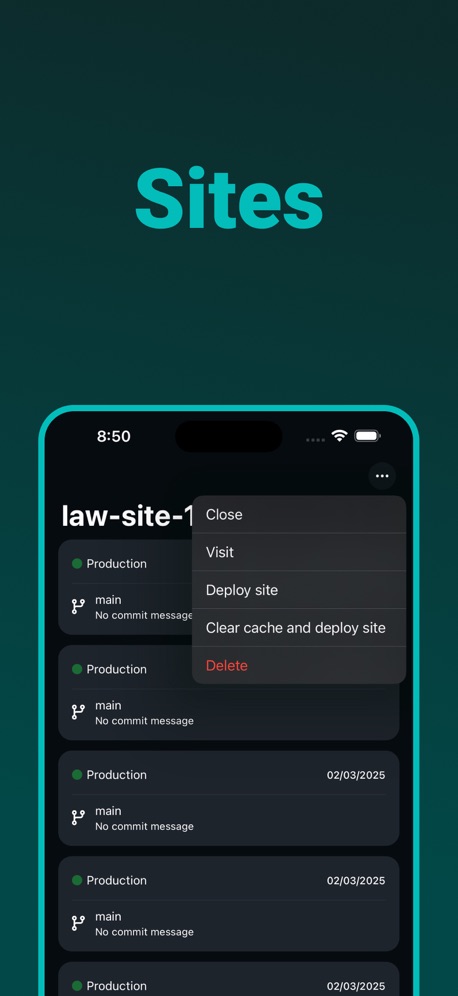
“Sites”
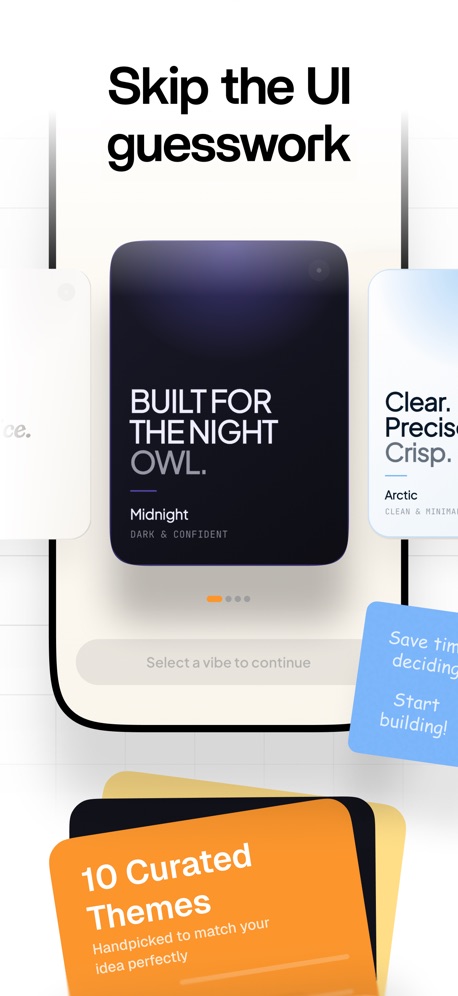
“Skip the UI guesswork”
Medical 13 examples · 12% of apps

“Estimate costs to plan ahead”

“View your lab results with MyQuest”

“Meet face to face”

“Get expert care, 100% online”

“Healthcare designed for you”

“Convenient,”
Photo & Video 14 examples · 12% of apps

“AI Video”

“Secure media-sharing for family, education, nonprofits, businesses”

“Your photos everywhere”

“Saved From The Drafts”

“SESSION”

“Enhance your photos' quality.”
Shopping 9 examples · 9% of apps
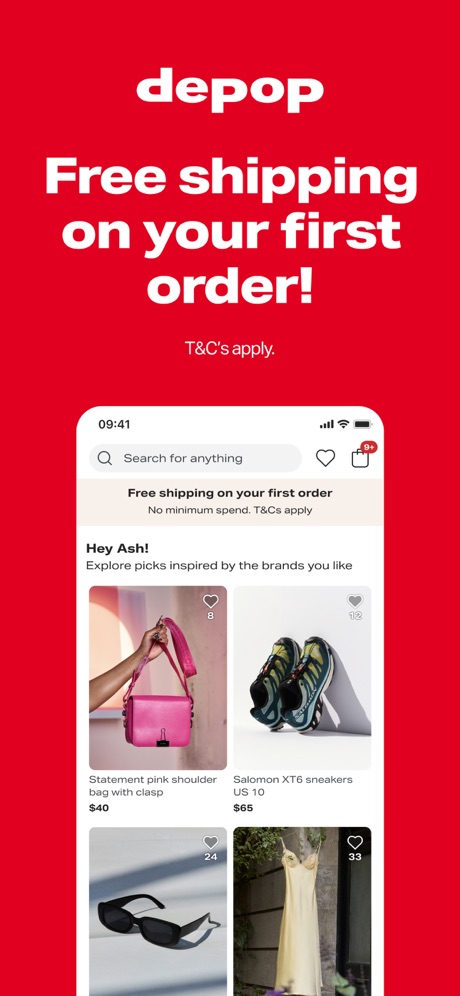
“Free shipping on your first order!”


“Free shopping rewards you can redeem for free gift cards”

“Shop Your Favorite Brands”

“No Hidden Fees. Just Smarter Spending!”
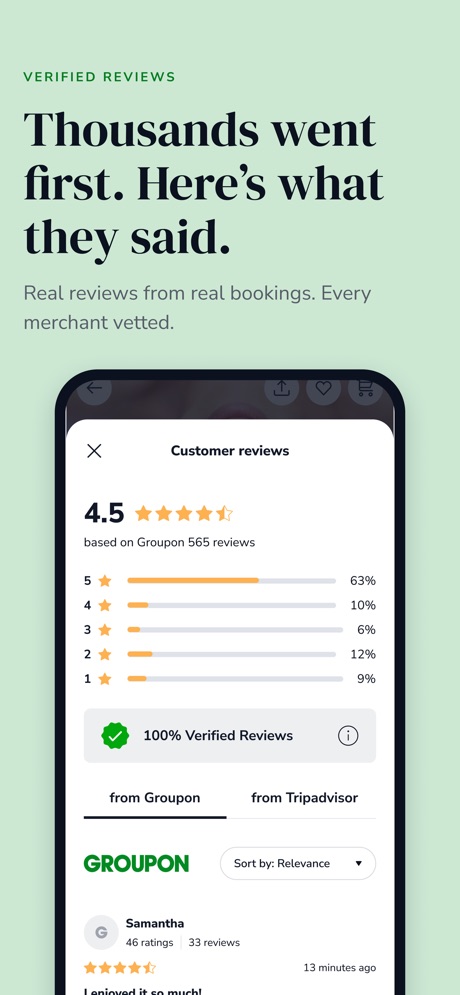
“Thousands went first. Here's what they said.”
Weather 9 examples · 7% of apps

“Experience Daily Video Forecasts & Weather Related Content”

“TEMPERATURE & MUCH MORE”
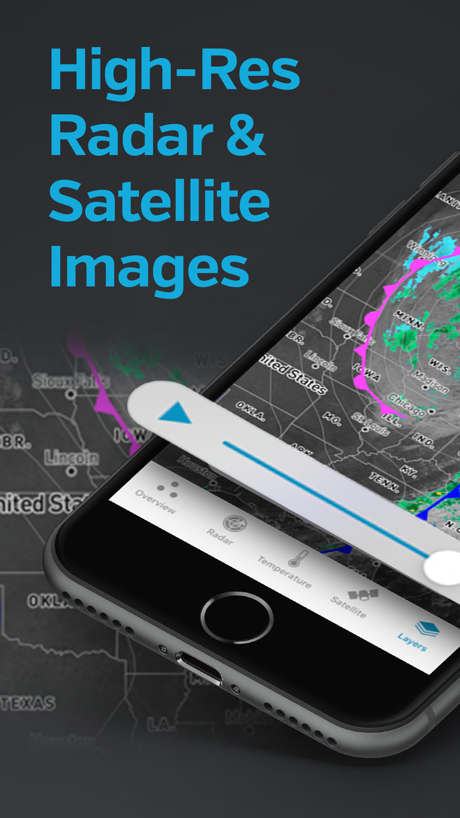
“High-Res Radar & Satellite Images”

“Find the best time to leave”

“Weather Alerts at the Right Time”
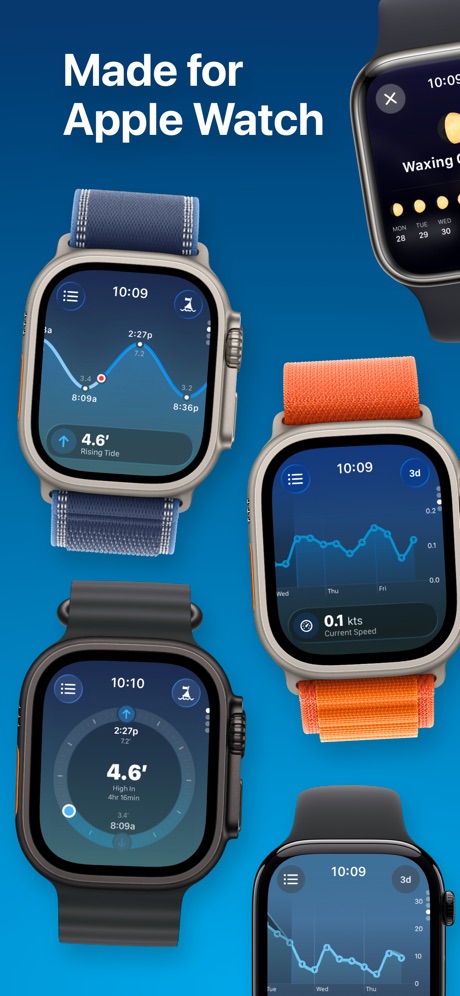
“Made for Apple Watch”
Games 4 examples · 3% of apps

“REVIEW”

“Improve with WordleBot.”


Related tactics.
Often on the same screenshot
- Phone drawn100% of these screenshots, against 82% of every screenshot read
- Words at the bottom23% of these screenshots, against 7% of every screenshot read
- Headline readable at thumbnail size42% of these screenshots, against 31% of every screenshot read
- Two or more screens16% of these screenshots, against 6% of every screenshot read
- Screen is small13% of these screenshots, against 3% of every screenshot read
- Gradient background54% of these screenshots, against 45% of every screenshot read
More in layout
- Screen fills the picture99%
- Phone drawn94%
- Whole phone shown88%
- Words at the top88%
- A photograph80%
- Illustration or mascot69%
- Headline readable at thumbnail size68%
- A person in the picture57%
- Phone cut off at the foot45%
- Headline too small to read44%
- App icon shown42%
- Arrows or callouts42%
- No phone, bare screen34%
- Words aligned left30%
- A hand holds the phone24%
- Two or more screens23%
- Zoomed detail of the UI22%
- No app screen at all18%
- Words at the bottom17%
- Phone at an angle17%
- Screen is small15%
- Watch, iPad or Mac beside it11%
- Words over the screen9%
- Continues into the next screenshotunder 1%
Questions, answered from the chart.
How common are App Store screenshots with a top-cropped phone?
Which App Store categories have the most App Store screenshots with a top-cropped phone?
Should my app have App Store screenshots with a top-cropped phone?
See your own app against this.
Pagefully reads your screenshots the same way, and makes a custom product page for each search people type, from your real screens.
Preview your pages