App Store screenshots with two or more phones
More than one device or screen in the picture. Two screens in one picture can show a before and after, two steps of a flow, or two features at once.
From the top free apps in 23 categories of the US App Store, last read on October 9, 2026. Screenshots are the developers’ own, shown from Apple’s servers with a link to each app.
The numbers
807 of the 12745 screenshots read (6%) do this, across 529 of the 2295 top apps in 23 App Store categories (23%). 49 of the 230 apps in a top ten do it (21%), against 480 of the other 2065 (23%): the top ten do it about as often as the rest. It is most common in Graphics & Design (55% of apps) and least common in Shopping (8%).
By category, most to least.
The share of each category’s top apps with App Store screenshots with two or more phones. Each category opens its own page, with every example and headline.
| Category | Apps that do it | Screenshots | Top ten |
|---|---|---|---|
| Graphics & Design | 55% 54 of 99 | 15% 87 of 564 | 6 of 10 |
| Entertainment | 40% 40 of 100 | 11% 60 of 544 | 2 of 10 |
| Utilities | 31% 31 of 100 | 10% 54 of 549 | 3 of 10 |
| Education | 27% 27 of 100 | 9% 50 of 555 | 2 of 10 |
| Photo & Video | 27% 27 of 100 | 7% 41 of 566 | 2 of 10 |
| Social Networking | 27% 27 of 100 | 7% 40 of 554 | 2 of 10 |
| Music | 26% 26 of 100 | 7% 38 of 550 | 1 of 10 |
| Food & Drink | 25% 25 of 100 | 7% 39 of 540 | 2 of 10 |
| Health & Fitness | 24% 24 of 100 | 6% 37 of 574 | 2 of 10 |
| Lifestyle | 23% 23 of 100 | 6% 31 of 556 | 4 of 10 |
| Business | 22% 22 of 100 | 5% 30 of 554 | 1 of 10 |
| News | 21% 21 of 98 | 6% 29 of 517 | 2 of 10 |
| Reference | 21% 21 of 100 | 5% 30 of 566 | 1 of 10 |
| Sports | 21% 21 of 100 | 6% 33 of 558 | 1 of 10 |
| Productivity | 20% 20 of 99 | 4% 24 of 551 | 1 of 10 |
| Finance | 20% 20 of 100 | 5% 31 of 581 | 1 of 10 |
| Games | 18% 18 of 100 | 4% 23 of 567 | 1 of 10 |
| Developer Tools | 17% 17 of 100 | 5% 26 of 507 | 3 of 10 |
| Travel | 17% 17 of 100 | 4% 23 of 561 | 4 of 10 |
| Navigation | 15% 15 of 99 | 4% 21 of 566 | 2 of 10 |
| Weather | 13% 13 of 100 | 5% 28 of 555 | 2 of 10 |
| Medical | 12% 12 of 100 | 4% 21 of 548 | 3 of 10 |
| Shopping | 8% 8 of 100 | 2% 11 of 562 | 1 of 10 |
Examples from each category.
Up to 6 from each category, from the apps highest on its chart.
Graphics & Design 87 examples · 55% of apps

“Smiley 4K Live Wallpapers”

“Image Creation”

“Drawing Lessons”
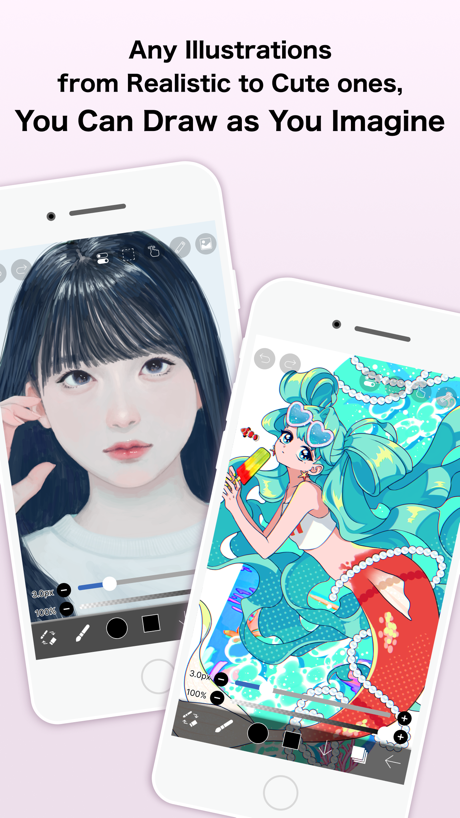
“Any Illustrations from Realistic to Cute ones, You Can Draw as You Imagine”


“Customize Live Wallpaper”
Entertainment 60 examples · 40% of apps

“1000+ episodes”

“Play games on TV, with your phone as the controller.”

“Diverse Content Selection”

“EASILY DISCOVER YOUR FAVORITES ANYWHERE, ANYTIME”

“The official Roku remote, always in your hand”

“Iconic Entertainment Like No Other”
Utilities 54 examples · 31% of apps
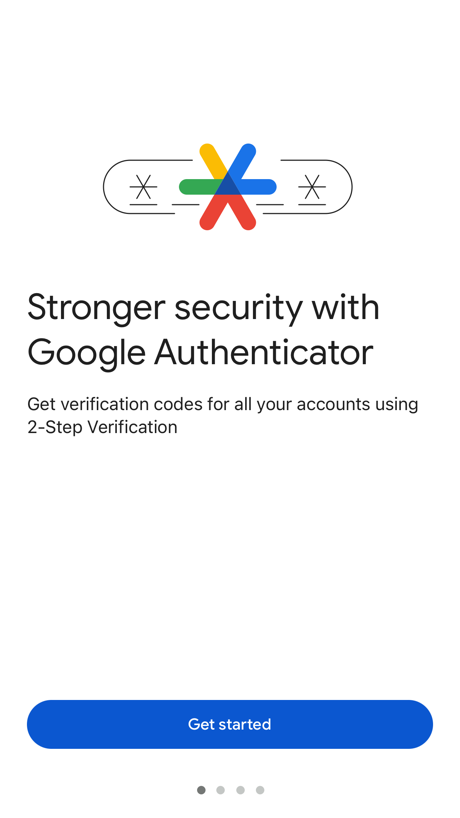
“Stronger security with Google Authenticator”

“Govee”

“Cast Image to TV”

“Scan QR Code With Authenticator App”

“Settings tailored to your changing scene.”

“How to apply for an ETA”
Education 50 examples · 27% of apps
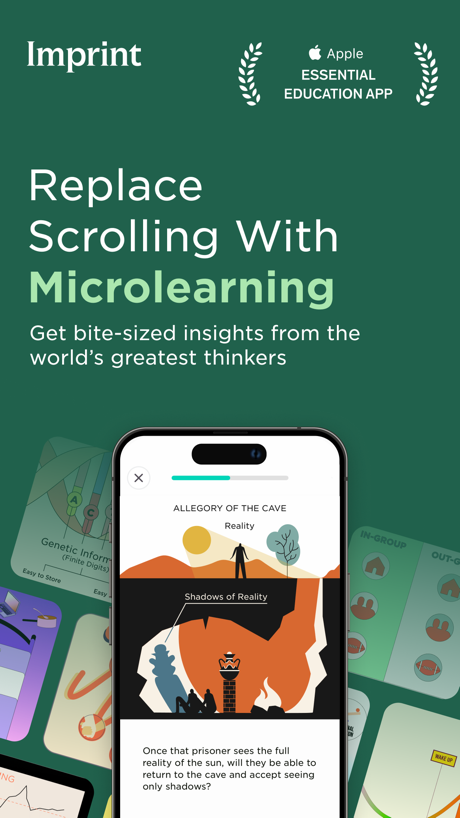
“Replace Scrolling With Microlearning”
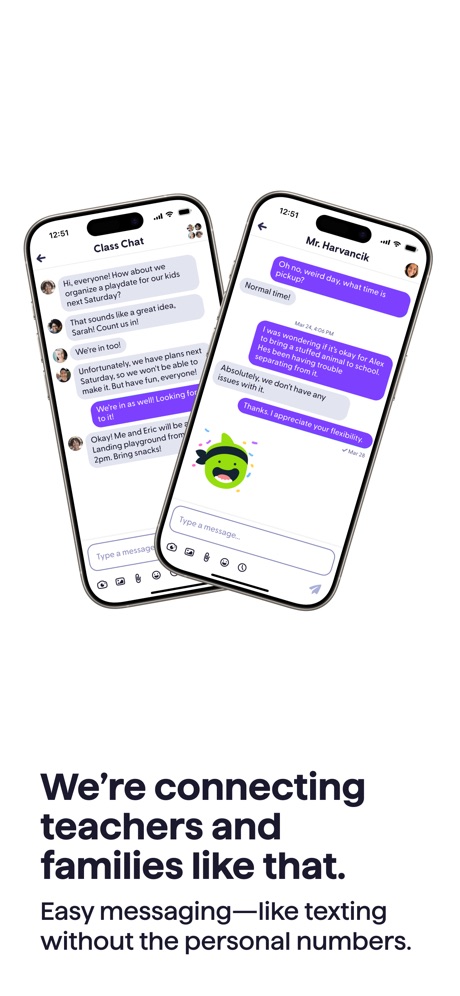
“We're connecting teachers and families like that.”

“Translate messages automatically between 90+ languages”

“Welcome to the new ParentVUE. The following will take you through a tour of some of the new features.”

“Clear Visual Explanations”

“Lingokids”
Photo & Video 41 examples · 27% of apps

“Timeless”

“Design anything”

“Remove & replace with AI”

“AI Video GENERATOR #1”
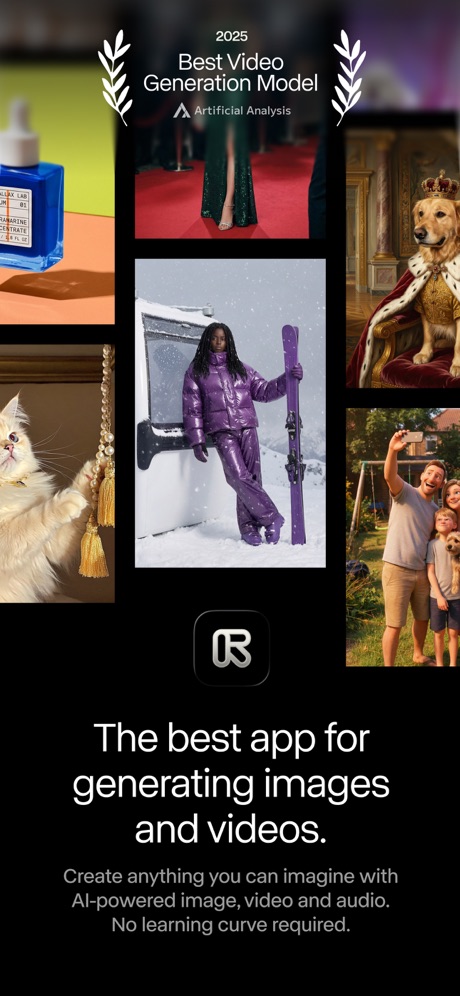
“The best app for generating images and videos.”

“Keep it in the Circle”
Social Networking 40 examples · 27% of apps

“WHEREVER YOU GAME”
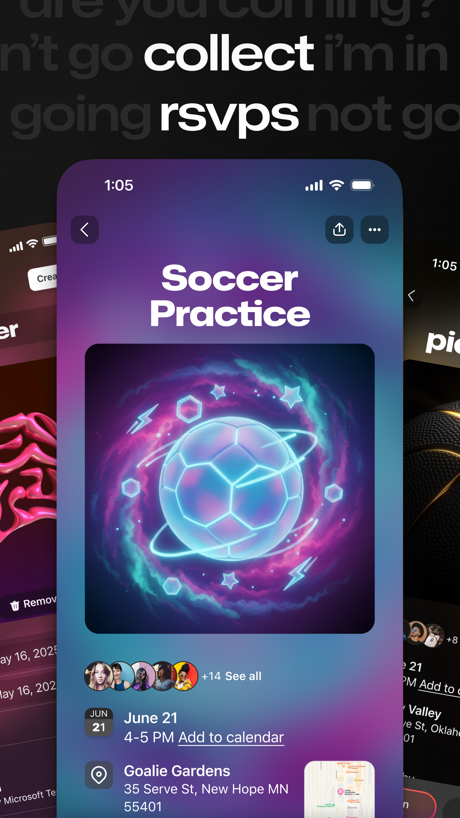
“collect rsvps”

“Meet anywhere on any device”

“Organize your group on BAND!”

“Watch 24 Hour Livestreams”
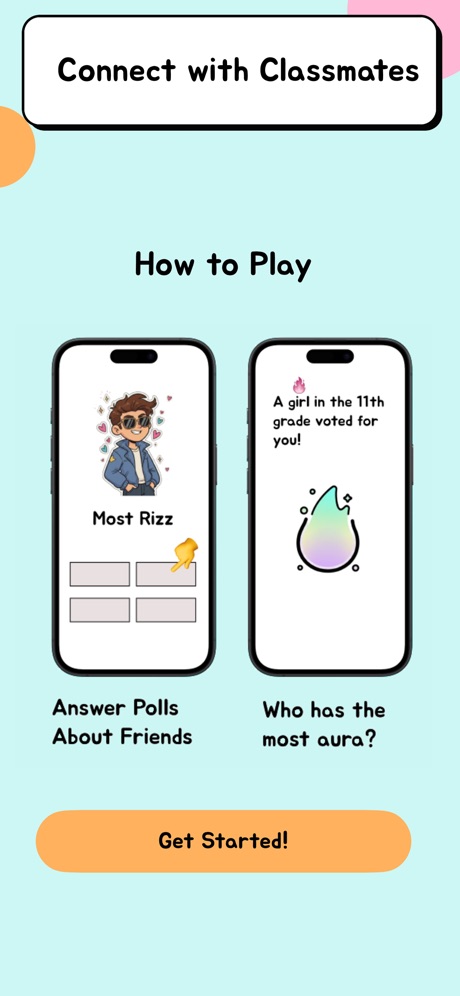
“Connect with Classmates How to Play”
Music 38 examples · 26% of apps

“IMPORT YOUR PLAYLISTS AND LIKES”

“Play Music”
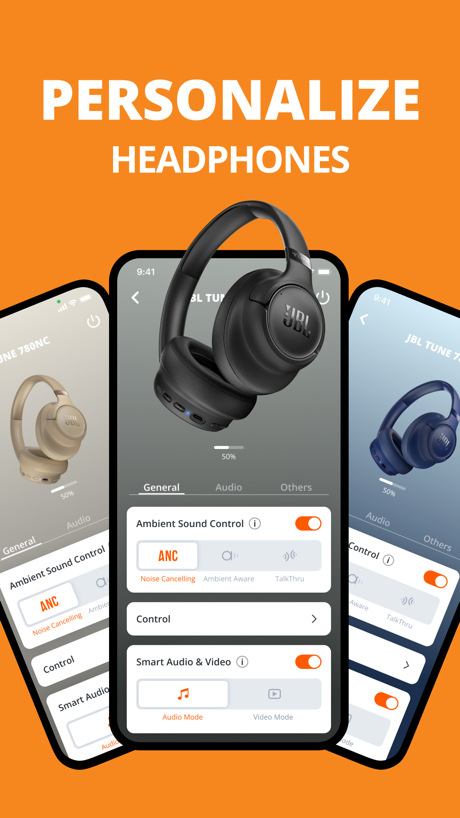
“PERSONALIZE”

“FOR YOU”

“Connect to two devices”

“Immersive Music Listening”
Food & Drink 39 examples · 25% of apps

“CUSTOMIZE YOUR DRINK”

“Scan and pay with saved cards”

“Free Food & Drinks Rewards”
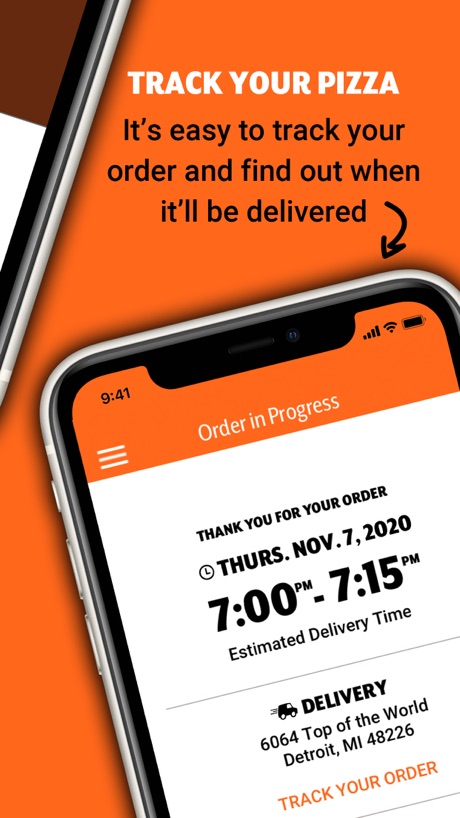
“TRACK YOUR PIZZA”

“GET ✦ EXCLUSIVE ✦ OFFERS + REWARDS”

“Explore THE MENU”
Health & Fitness 37 examples · 24% of apps

“Apple Watch App of the Year”

“Log your activities . . .”

“GET STRONGER, WITH A PLAN.”

“Smart workouts built just for you”
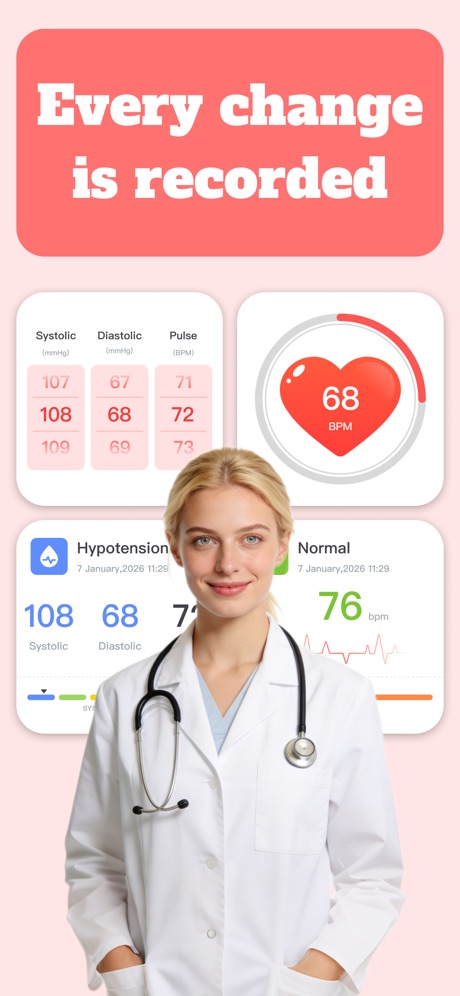
“Every change is recorded”
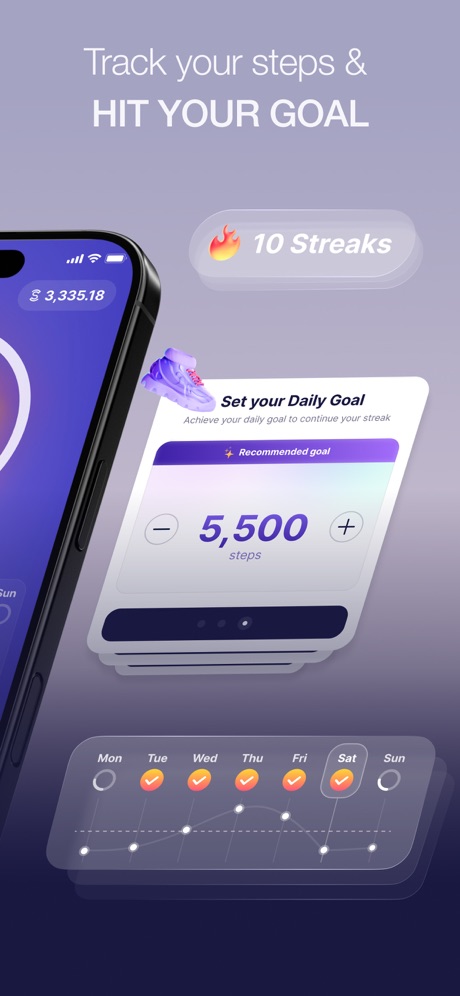
“Track your steps & HIT YOUR GOAL”
Lifestyle 31 examples · 23% of apps

“Make it yours”

“Peace of mind while you are away.”
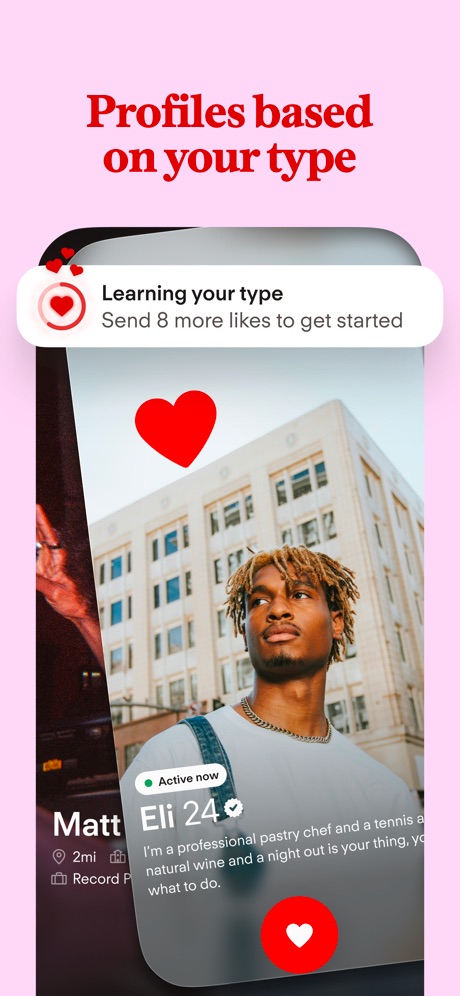
“Profiles based on your type”

“Build your smart home with SmartThings”
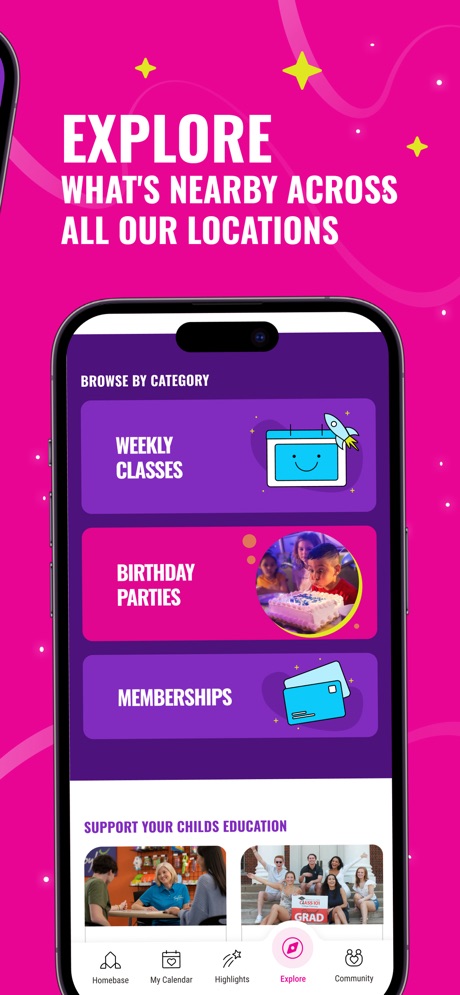
“EXPLORE WHAT'S NEARBY ACROSS ALL OUR LOCATIONS”

“Find TOP PROS nearby”
Business 30 examples · 22% of apps

“Sign in using push notifications on your phone or watch”
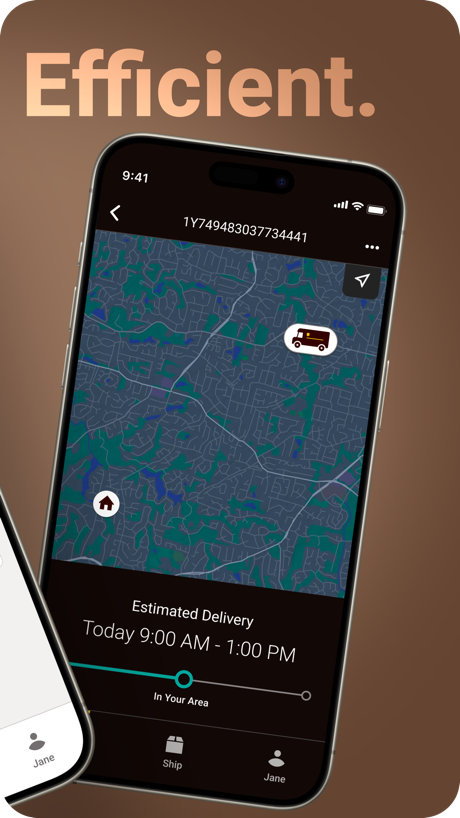
“Efficient.”

“One digital space to work on your docs.”

“Tap an image of your mail to view it larger in landscape mode”

“Quickly approve logins with push notifications”

“Complete onboarding tasks”
News 29 examples · 21% of apps

“Be the first to know.”

“The app for every today.”

“Local weather, forcasts, and radar”

“Trusted Journalism”

“Stay updated”

“Podcast App”
Reference 30 examples · 21% of apps
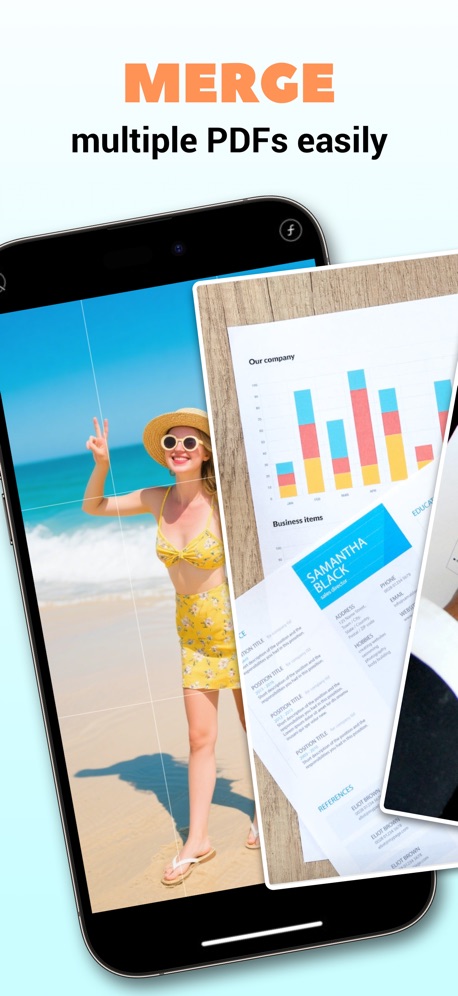
“MERGE”
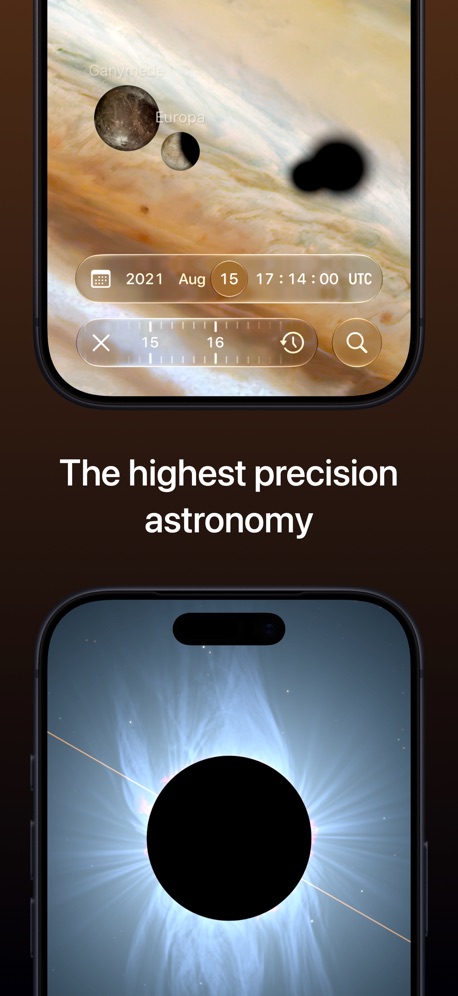
“The highest precision astronomy”

“Step-by-step ID guidance”
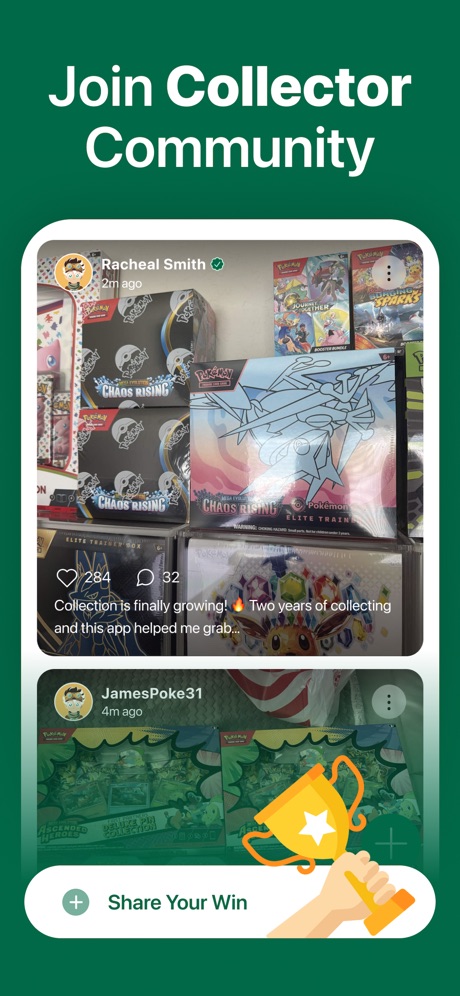
“Join Collector Community”
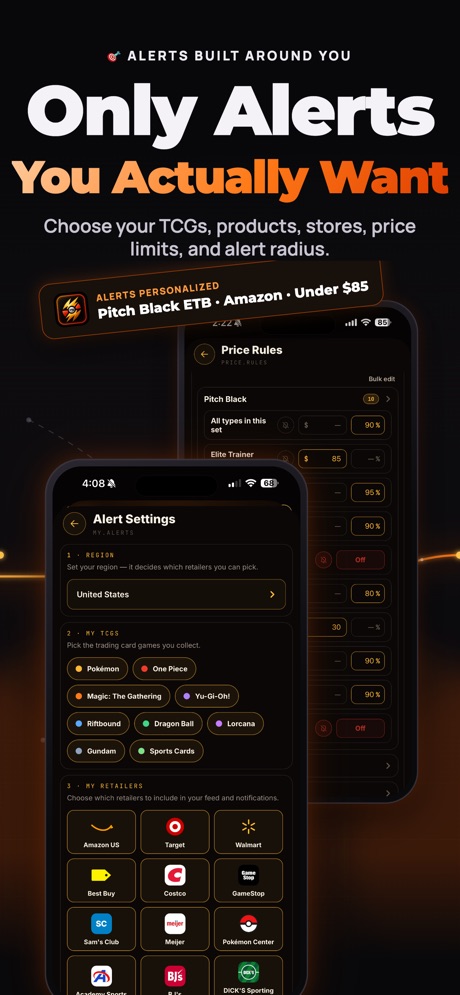
“Only Alerts You Actually Want”

“Travel anywhere, understand everything”
Sports 33 examples · 21% of apps

“SO MANY WAYS TO PARLAY ON SPORTSBOOK”

“there FOR EVERY MOMENT”
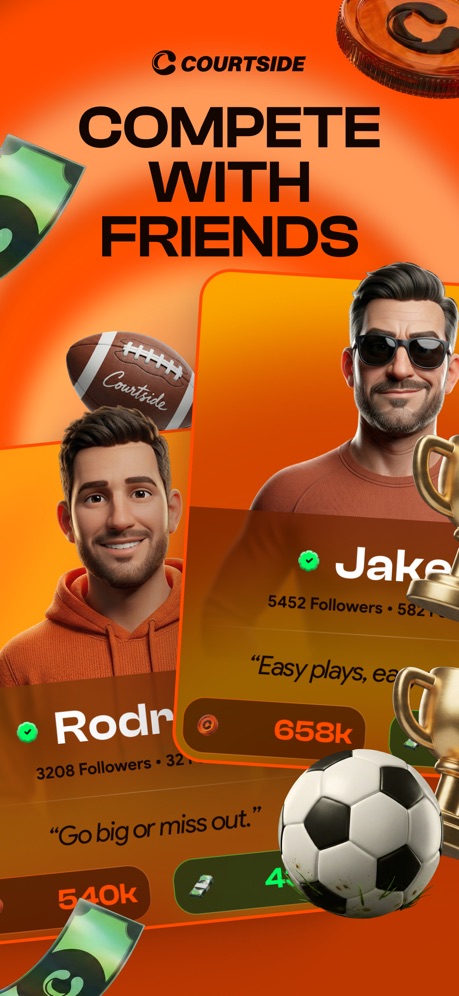
“COMPETE WITH FRIENDS”

“ATHLETE & TEAM PROFILES”

“AT&T STADIUM”

“STREAM GAMES HANDS-FREE”
Productivity 24 examples · 20% of apps

“From to-dos to done with Cowork”

“All day, all night”

“Take and make the call”
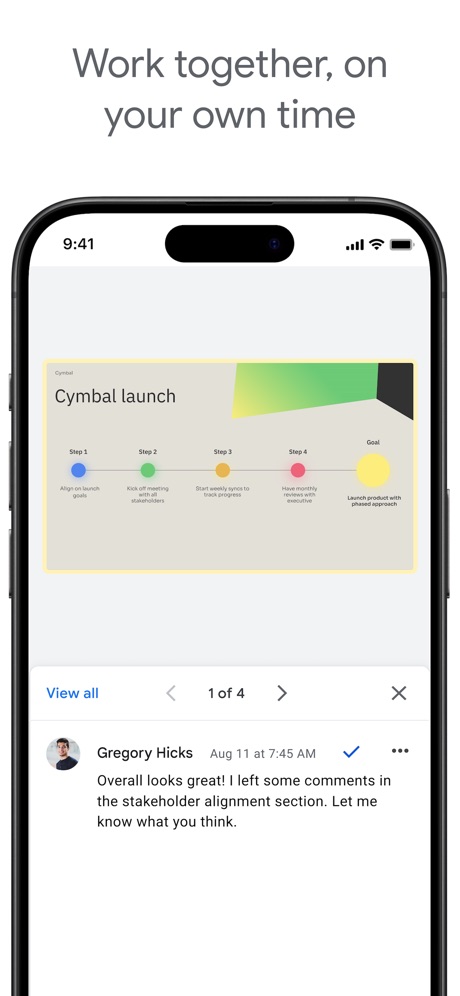
“Work together, on your own time”
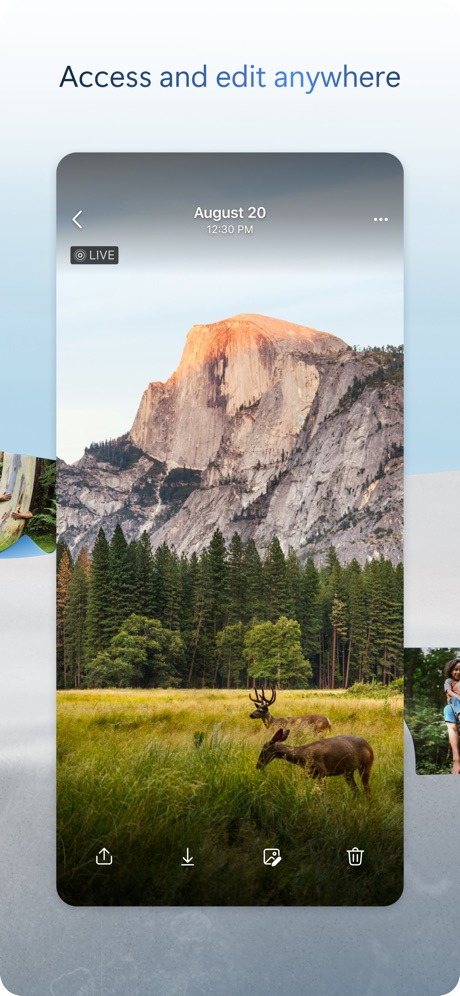
“Access and edit anywhere”
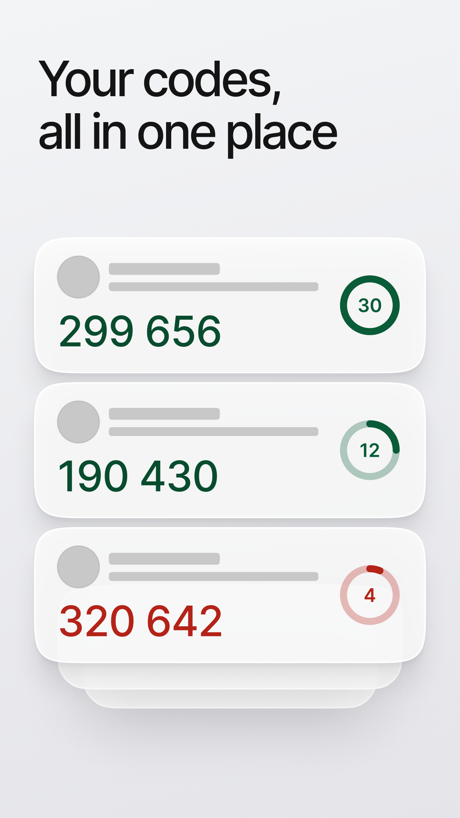
“Your codes, all in one place”
Finance 31 examples · 20% of apps

“Securely bank, save and invest with Chase Mobile.”
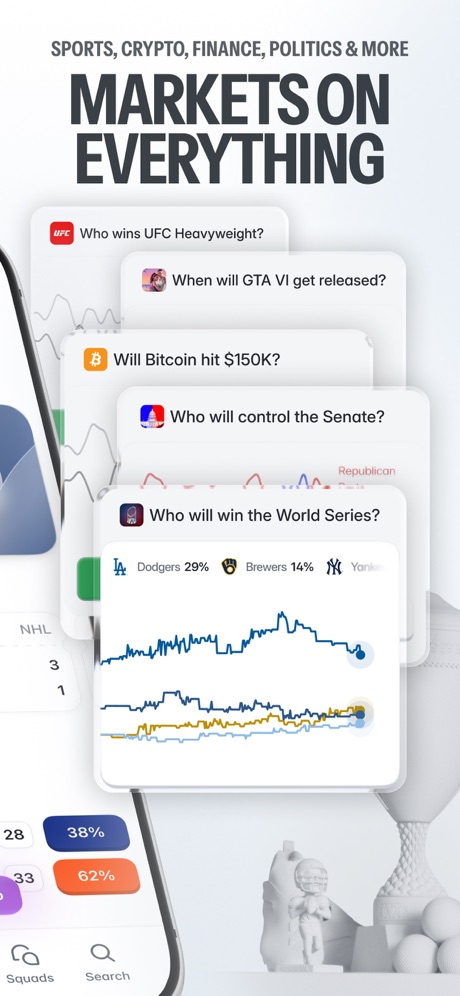
“MARKETS ON EVERYTHING”

“Be in control of your daily finances”

“Schedule payments”
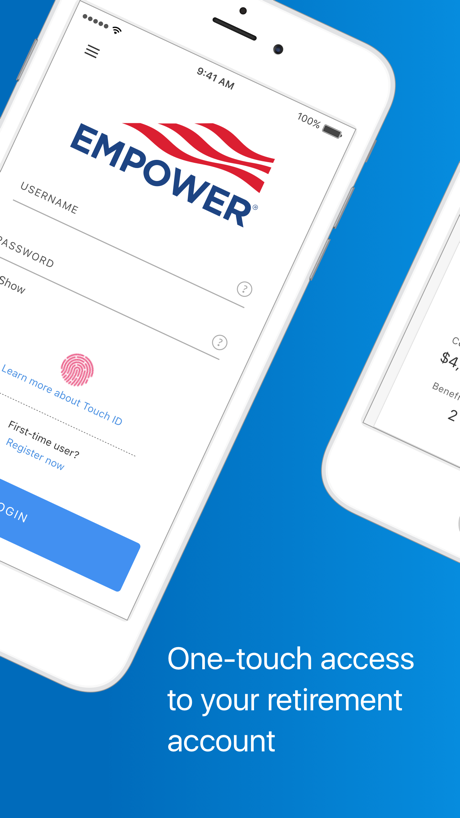
“One-touch access to your retirement account”

“Know”
Games 23 examples · 18% of apps

“Endless ways to be together”

“New Life”

“Many games, one app.”

“MULTIPLE LEVELS TO PLAY”

“Thousands of puzzles to play!”

“Level Up at Your Pace”
Developer Tools 26 examples · 17% of apps

“#1 Interactive Creation Platform”
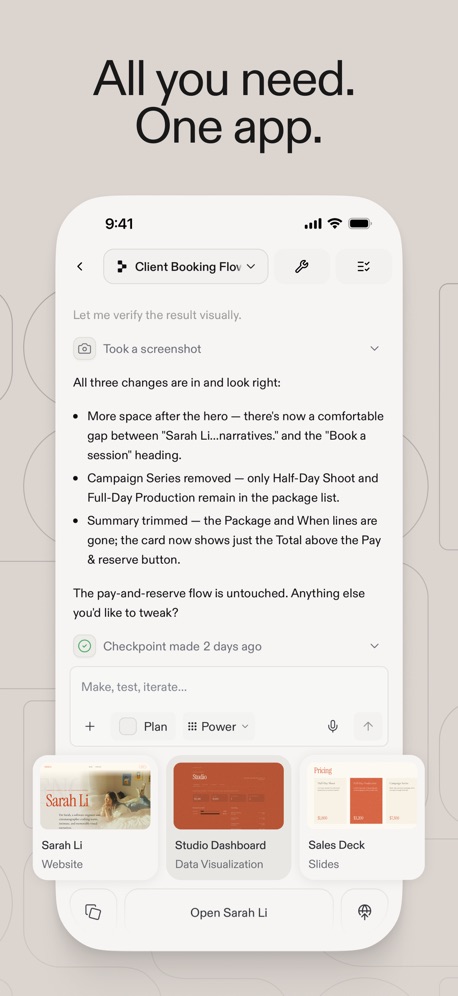
“All you need. One app.”

“AI intelligent service”

“nited”
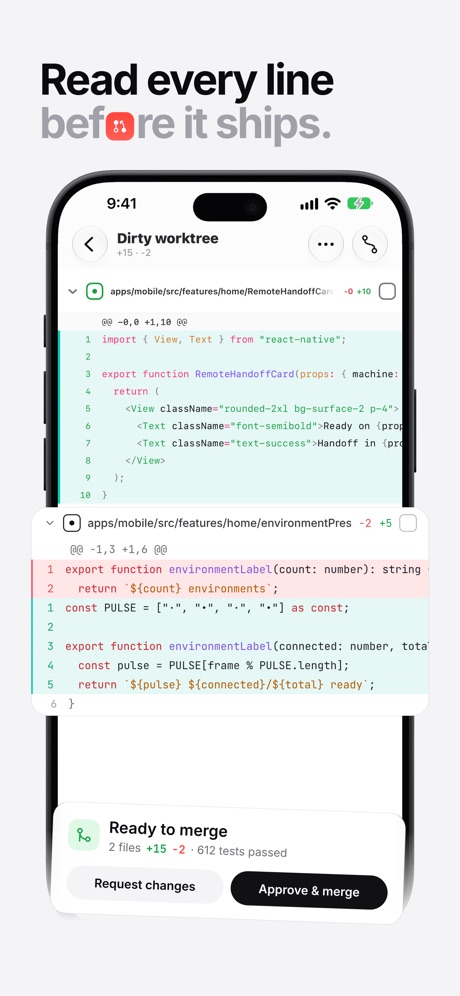
“Read every line”
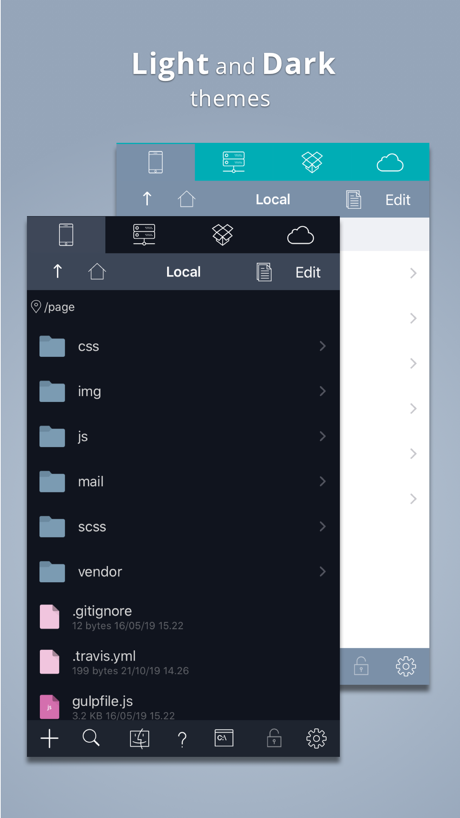
“Light and Dark”
Travel 23 examples · 17% of apps

“Snap and translate text with ease”

“Real-time updates with Live Activities”
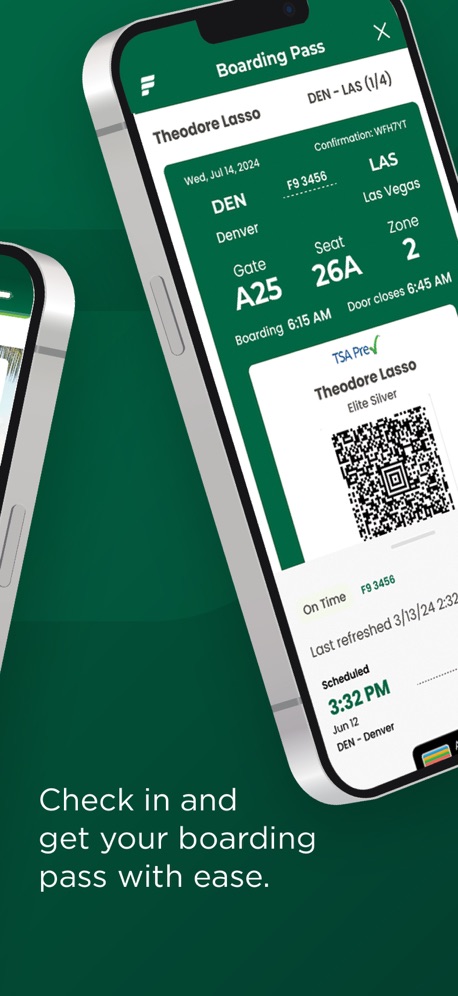
“Check in and get your boarding pass with ease.”

“Real-time flight updates at your fingertips”

“Get live updates on your lock screen and Apple Watch.”
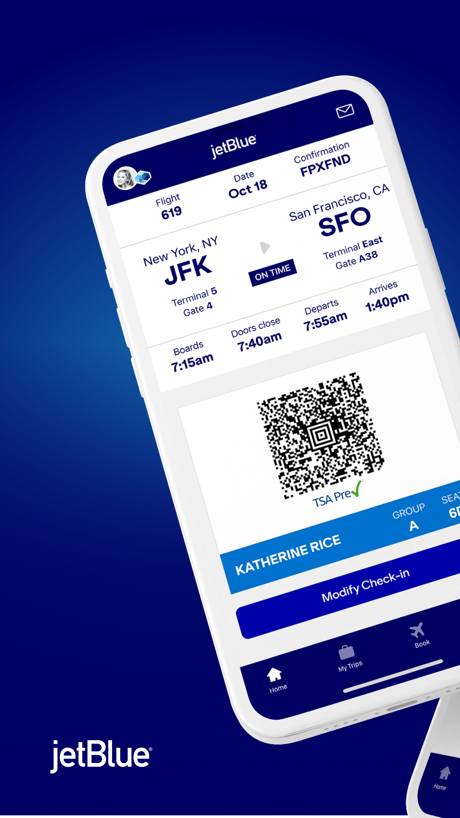
Navigation 21 examples · 15% of apps
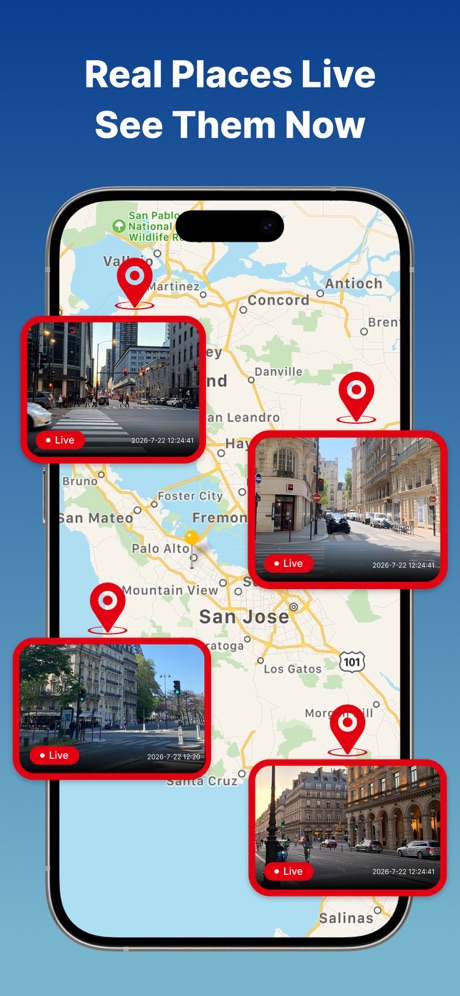
“Real Places Live See Them Now”
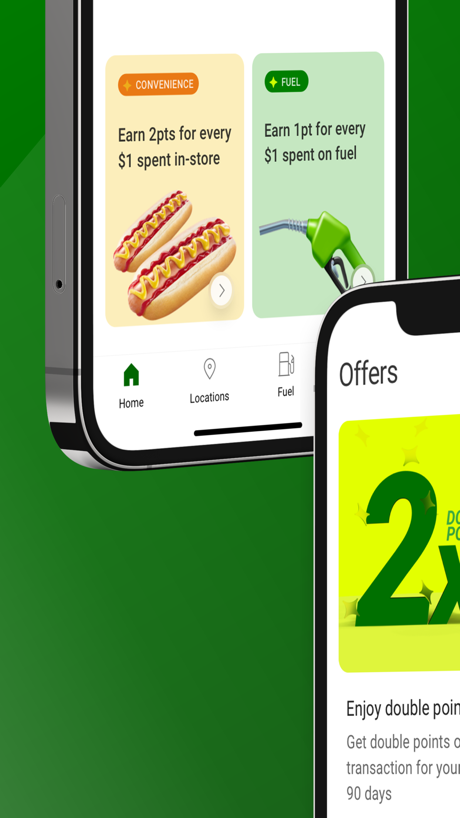

“Connect with friends by Code”

“Add Your Vehicles”

“See Nearby Lines”

“Drive Together with Convoy”
Weather 28 examples · 13% of apps
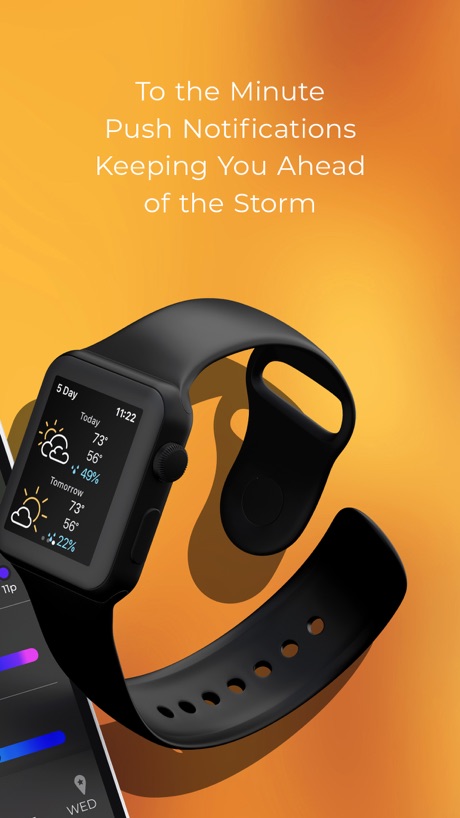
“To the Minute Push Notifications Keeping You Ahead of the Storm”

“Rain & Snow”

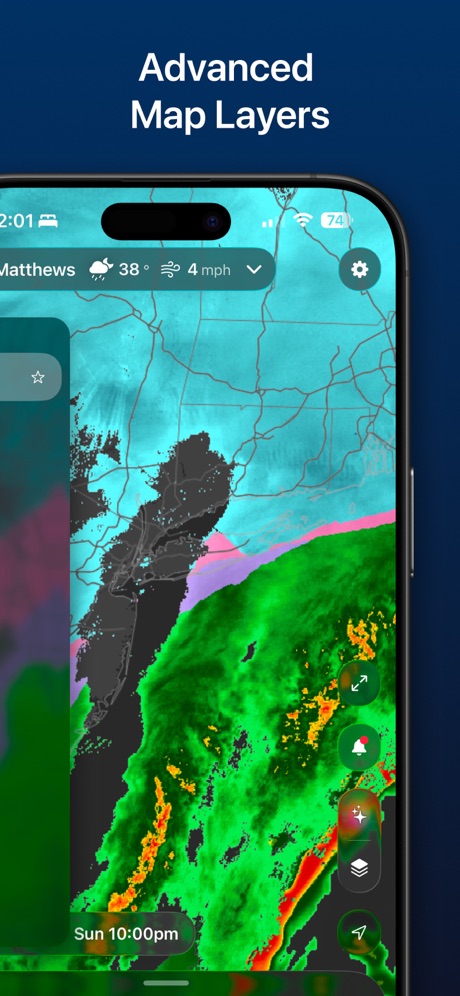
“Advanced Map Layers”
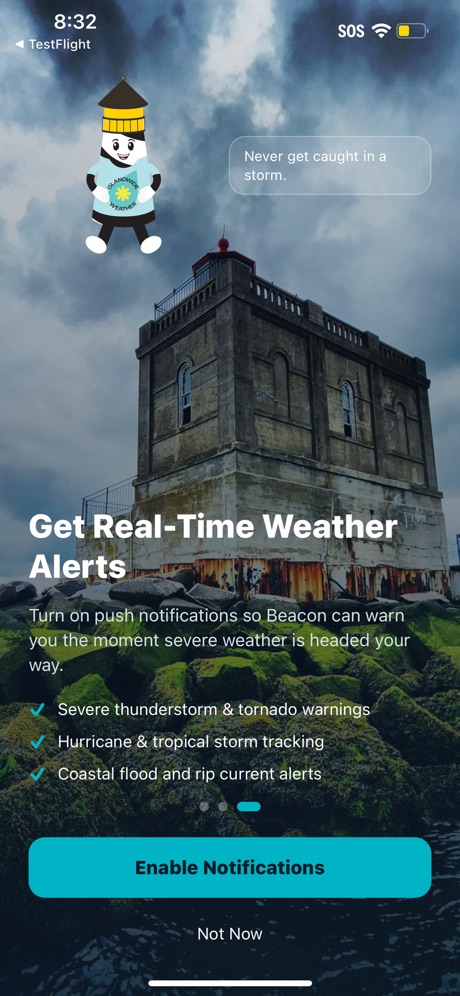
“Get Real-Time Weather Alerts”

“Up to 5 Locations”
Medical 21 examples · 12% of apps

“Refill and manage prescriptions for yourself and others”

“Manage Multiple Accounts & Access Your Family's Health Information”

“Track your sleep therapy with your Resmed AirSense™ or AirCurve™ machine”

“Get Predictability Back in Your Day”
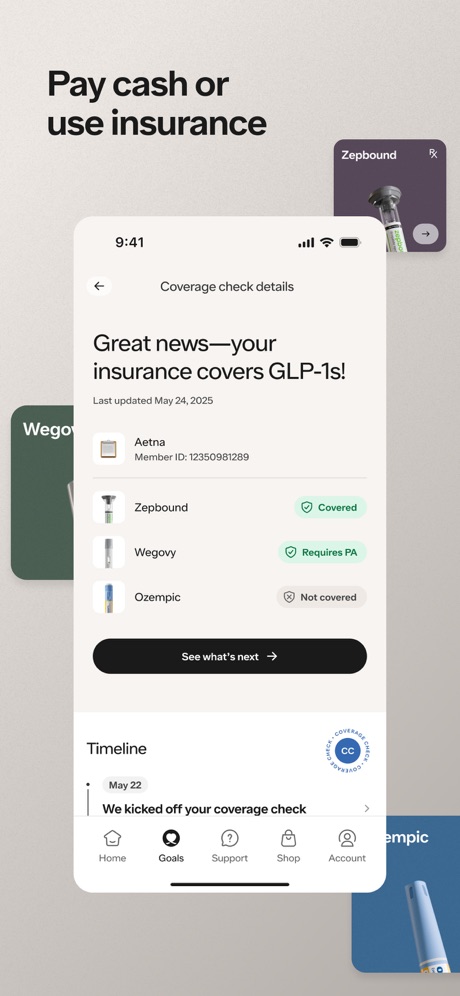
“Pay cash or use insurance”

“Get expert recommendations”
Shopping 11 examples · 8% of apps
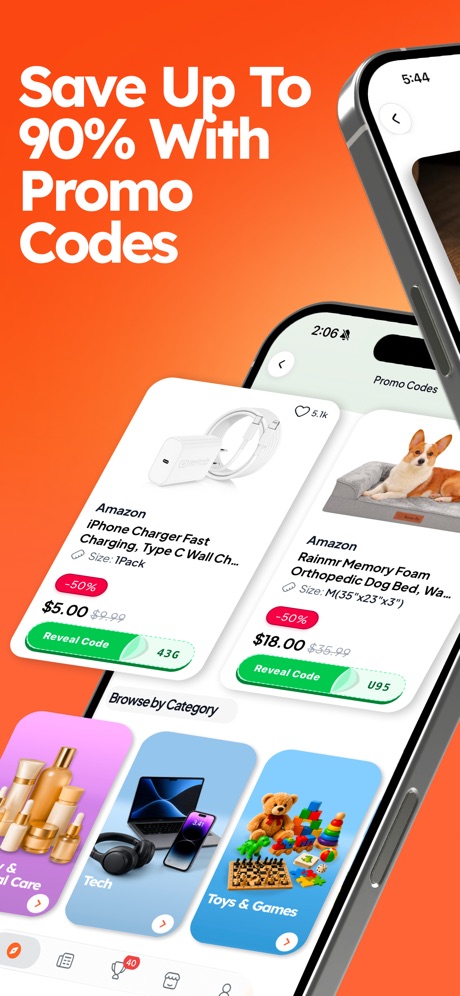
“Save Up To 90% With Promo Codes”

“Choose how you earn”
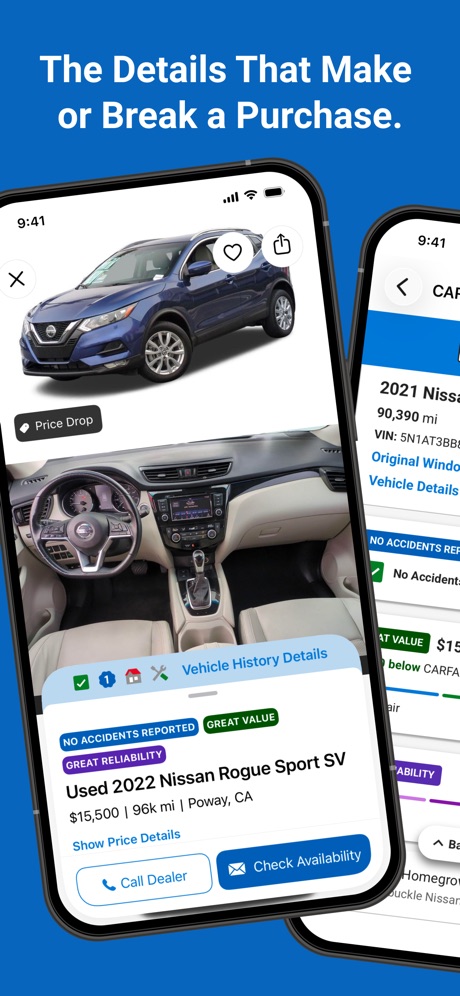
“The Details That Make or Break a Purchase.”

“50,000”

“Search”

“HOTTEST RELEASES HOTTEST RELEASES HOTTEST RELEASES HOTTEST RELEASES”
Related tactics.
Often on the same screenshot
- Watch, iPad or Mac beside it27% of these screenshots, against 3% of every screenshot read
- Phone at an angle21% of these screenshots, against 4% of every screenshot read
- Gradient background58% of these screenshots, against 45% of every screenshot read
- A photograph56% of these screenshots, against 48% of every screenshot read
- Phone cut off at the head11% of these screenshots, against 4% of every screenshot read
- Zoomed detail of the UI12% of these screenshots, against 6% of every screenshot read
More in layout
- Screen fills the picture99%
- Phone drawn94%
- Whole phone shown88%
- Words at the top88%
- A photograph80%
- Illustration or mascot69%
- Headline readable at thumbnail size68%
- A person in the picture57%
- Phone cut off at the foot45%
- Headline too small to read44%
- App icon shown42%
- Arrows or callouts42%
- No phone, bare screen34%
- Words aligned left30%
- A hand holds the phone24%
- Zoomed detail of the UI22%
- Phone cut off at the head18%
- No app screen at all18%
- Words at the bottom17%
- Phone at an angle17%
- Screen is small15%
- Watch, iPad or Mac beside it11%
- Words over the screen9%
- Continues into the next screenshotunder 1%
Questions, answered from the chart.
How common are App Store screenshots with two or more phones?
Which App Store categories have the most App Store screenshots with two or more phones?
Should my app have App Store screenshots with two or more phones?
See your own app against this.
Pagefully reads your screenshots the same way, and makes a custom product page for each search people type, from your real screens.
Preview your pages