Productivity app screenshots with two or more phones
More than one device or screen in the picture. Two screens in one picture can show a before and after, two steps of a flow, or two features at once.
From the top 99 free Productivity apps on the US App Store, read on October 9, 2026. Screenshots are the developers’ own, shown from Apple’s servers with a link to each app.
The numbers
24 of the 551 Productivity screenshots read (4%) do this, across 20 of the top 99 apps (20%). 1 of the top ten do it (10%), against 19 of the other 89 (21%): the top ten do it less than the rest. Of the 23 categories read so far, Productivity is 15th for this. It is most common in Graphics & Design (55% of apps) and least common in Shopping (8%).
12 examples from the chart.
12 of the 24 Productivity app screenshots with two or more phones, one from each app, the highest on the chart first.

“From to-dos to done with Cowork”

“All day, all night”

“Take and make the call”
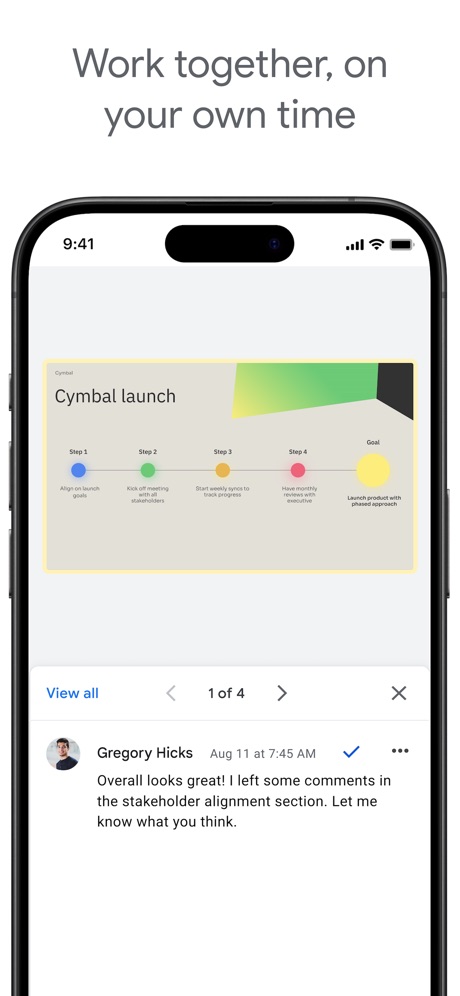
“Work together, on your own time”
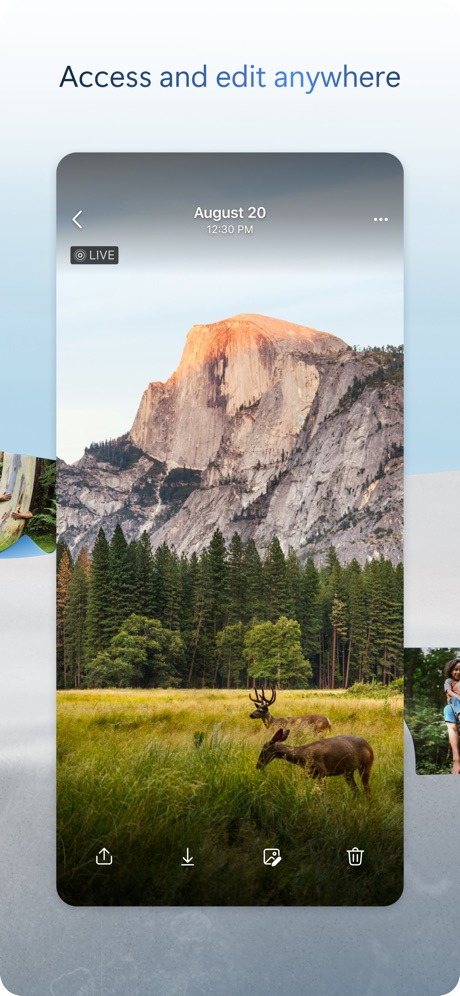
“Access and edit anywhere”
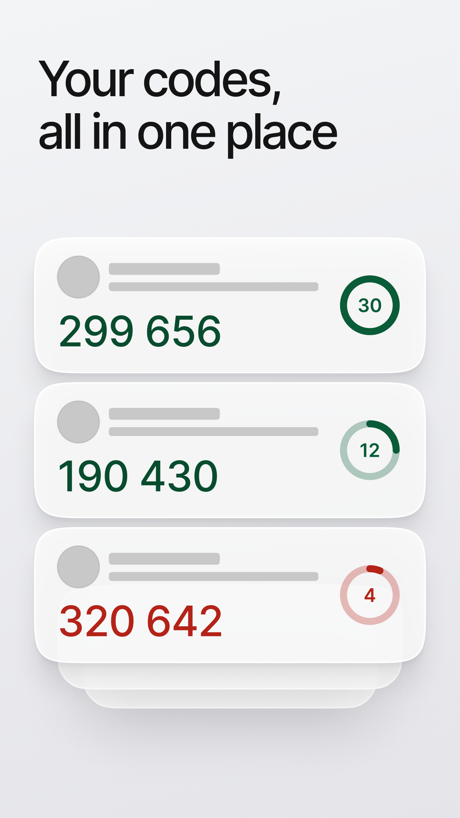
“Your codes, all in one place”

“App Blocking”

“Writing suggestions are a tap away”

“SocialLite”

“Analyze responses with charts”
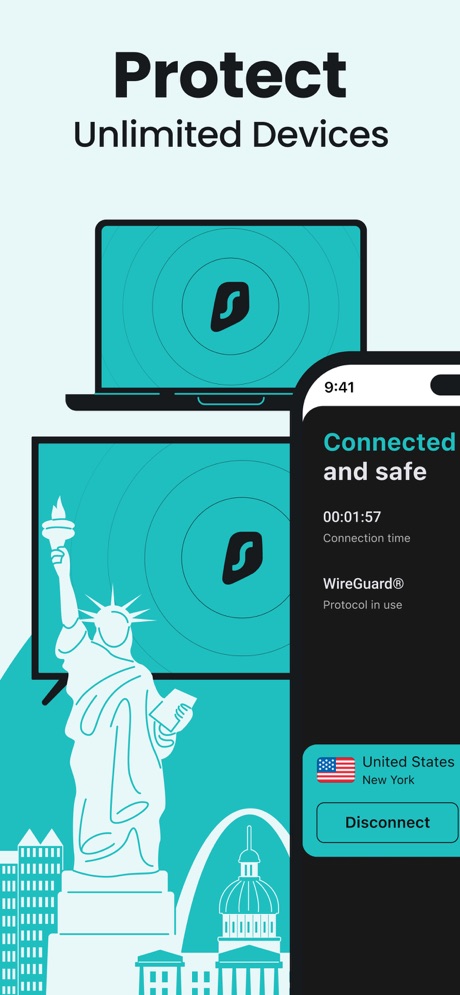
“Protect”

“Take your notes anywhere”
What these screenshots say, word for word.
The words on all 24 that carry any, as each app wrote them.
“From to-dos to done with Cowork”
Microsoft Copilot · #7 · screenshot 5“All day, all night”
Microsoft Outlook · #11 · screenshot 6“Take and make the call”
Link to Windows · #18 · screenshot 1“Work together, on your own time”
Google Slides · #20 · screenshot 2“Access and edit anywhere”
Microsoft OneDrive · #23 · screenshot 6“Your codes, all in one place”
ID.me Authenticator · #32 · screenshot 2- BETTER
“App Blocking”
BePresent: Screen Time Control · #33 · screenshot 2 “Writing suggestions are a tap away”
Grammarly: AI Keyboard & Voice · #40 · screenshot 2“SocialLite”
Trusted by 1M+ peopleSocialLite-Block Reels&Shorts · #50 · screenshot 1“Analyze responses with charts”
Forms for Google Docs · #55 · screenshot 3“Protect”
Unlimited DevicesSurfshark VPN: Fast & Secure · #60 · screenshot 6“Take your notes anywhere”
Sync across phone, watch and desktopGranola - AI Meeting Notes · #65 · screenshot 6“Sync & Back Up Across All Your Devices”
Authenticator App · #70 · screenshot 6“Create and view tasks from Gmail”
Google Tasks: Get Things Done · #80 · screenshot 3“Sync Across Devices”
ChatOn AI - Chat Bot Assistant · #89 · screenshot 6“Choose between calendar and list view for collection schedules.”
WasteConnect+ · #93 · screenshot 2“Protect all your devices”
VPN Proxy Master - Super VPN · #94 · screenshot 6“Unlimited Devices, One VPN”
Protect every phone, laptop, and tablet, no restrictionsVPN Windscribe: Fast & Secure · #95 · screenshot 1“access everywhere”
Structured: Daily Planner Todo · #98 · screenshot 6“Connect with a Business or Community You Love”
Spaces: Follow Businesses · #99 · screenshot 2“SET GOALS”
And Build Streaks!BePresent: Screen Time Control · #33 · screenshot 4“Accessible across Google Workspace”
Google Tasks: Get Things Done · #80 · screenshot 5- CLIMB
“the Digital Detox Leaderboard!”
BePresent: Screen Time Control · #33 · screenshot 5 - FOCUS
“With Others for Motivation”
BePresent: Screen Time Control · #33 · screenshot 6
Top ten Productivity apps that do it.
- #7Microsoft Copilot1 of its 6 screenshots
The same tactic in other categories.
| Category | Apps that do it | Screenshots | Top ten |
|---|---|---|---|
| Graphics & Design | 55% 54 of 99 | 15% 87 of 564 | 6 of 10 |
| Entertainment | 40% 40 of 100 | 11% 60 of 544 | 2 of 10 |
| Utilities | 31% 31 of 100 | 10% 54 of 549 | 3 of 10 |
| Education | 27% 27 of 100 | 9% 50 of 555 | 2 of 10 |
| Photo & Video | 27% 27 of 100 | 7% 41 of 566 | 2 of 10 |
| Social Networking | 27% 27 of 100 | 7% 40 of 554 | 2 of 10 |
| Music | 26% 26 of 100 | 7% 38 of 550 | 1 of 10 |
| Food & Drink | 25% 25 of 100 | 7% 39 of 540 | 2 of 10 |
| Health & Fitness | 24% 24 of 100 | 6% 37 of 574 | 2 of 10 |
| Lifestyle | 23% 23 of 100 | 6% 31 of 556 | 4 of 10 |
| Business | 22% 22 of 100 | 5% 30 of 554 | 1 of 10 |
| News | 21% 21 of 98 | 6% 29 of 517 | 2 of 10 |
| Reference | 21% 21 of 100 | 5% 30 of 566 | 1 of 10 |
| Sports | 21% 21 of 100 | 6% 33 of 558 | 1 of 10 |
| Productivity | 20% 20 of 99 | 4% 24 of 551 | 1 of 10 |
| Finance | 20% 20 of 100 | 5% 31 of 581 | 1 of 10 |
| Games | 18% 18 of 100 | 4% 23 of 567 | 1 of 10 |
| Developer Tools | 17% 17 of 100 | 5% 26 of 507 | 3 of 10 |
| Travel | 17% 17 of 100 | 4% 23 of 561 | 4 of 10 |
| Navigation | 15% 15 of 99 | 4% 21 of 566 | 2 of 10 |
| Weather | 13% 13 of 100 | 5% 28 of 555 | 2 of 10 |
| Medical | 12% 12 of 100 | 4% 21 of 548 | 3 of 10 |
| Shopping | 8% 8 of 100 | 2% 11 of 562 | 1 of 10 |
Related tactics.
Often on the same screenshot
- Watch, iPad or Mac beside it38% of these screenshots, against 3% of all Productivity screenshots
- Phone cut off at the head21% of these screenshots, against 4% of all Productivity screenshots
- High contrast words33% of these screenshots, against 20% of all Productivity screenshots
- Headline under five words63% of these screenshots, against 49% of all Productivity screenshots
- Teal21% of these screenshots, against 8% of all Productivity screenshots
- Has a kicker13% of these screenshots, against 2% of all Productivity screenshots
More in layout
- Screen fills the picture100%
- Phone drawn99%
- Words at the top98%
- Whole phone shown91%
- A photograph76%
- Illustration or mascot73%
- Headline readable at thumbnail size72%
- A person in the picture63%
- Headline too small to read59%
- Phone cut off at the foot53%
- App icon shown52%
- Arrows or callouts45%
- Words aligned left26%
- No app screen at all23%
- No phone, bare screen20%
- Phone cut off at the head19%
- Zoomed detail of the UI17%
- Screen is small15%
- Watch, iPad or Mac beside it13%
- A hand holds the phone12%
- Words at the bottom12%
- Phone at an angle11%
- Words over the screen7%
Questions, answered from the chart.
How many top Productivity apps have App Store screenshots with two or more phones?
Which Productivity apps have App Store screenshots with two or more phones?
Should my Productivity app have App Store screenshots with two or more phones?
See your own app against this.
Pagefully reads your screenshots the same way, and makes a custom product page for each search people type, from your real screens.
Preview your pages