Productivity app screenshots without a phone frame
The app’s screen edge to edge, with no device body. Without a device body, the app’s screen can be shown larger in the same space.
From the top 99 free Productivity apps on the US App Store, read on October 9, 2026. Screenshots are the developers’ own, shown from Apple’s servers with a link to each app.
The numbers
38 of the 551 Productivity screenshots read (7%) do this, across 20 of the top 99 apps (20%). 2 of the top ten do it (20%), against 18 of the other 89 (20%): the top ten do it about as often as the rest. Of the 23 categories read so far, Productivity is 23rd for this. It is most common in Games (90% of apps) and least common in Productivity (20%).
12 examples from the chart.
12 of the 38 Productivity app screenshots without a phone frame, one from each app, the highest on the chart first.

“Plug in your everyday tools”

“Connected to your Microsoft apps”
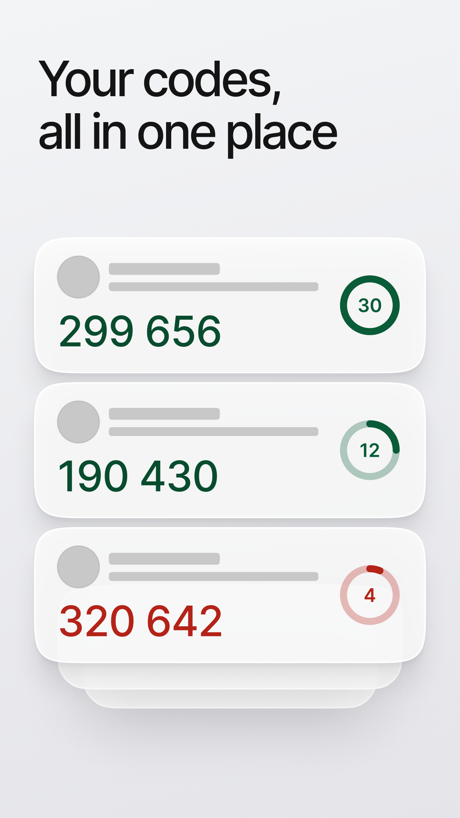
“Your codes, all in one place”

“Never take notes again”

“We stop spam calls before they reach you.”

“Snap & Solve”

“Voice Translate Speak Naturally, Translate Instantly”
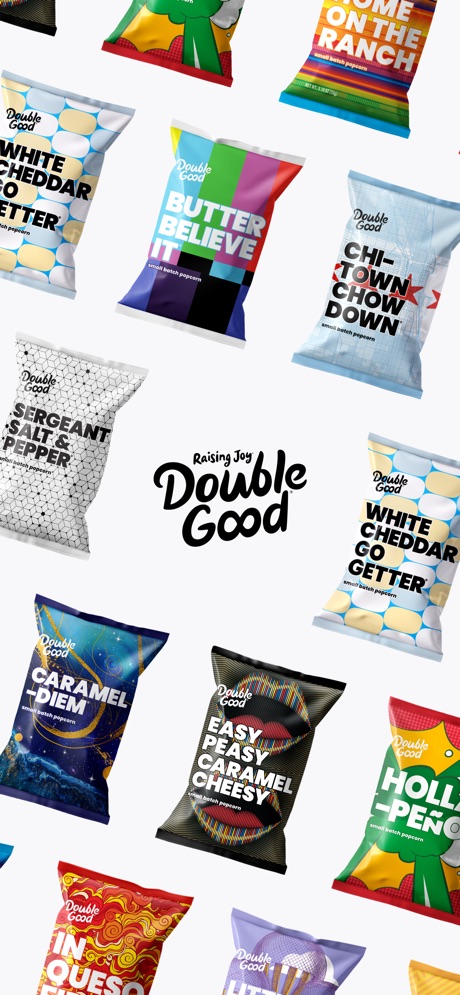

“Google Form with Friend Group”

“Connected agreements.”

“AI Image Generator”
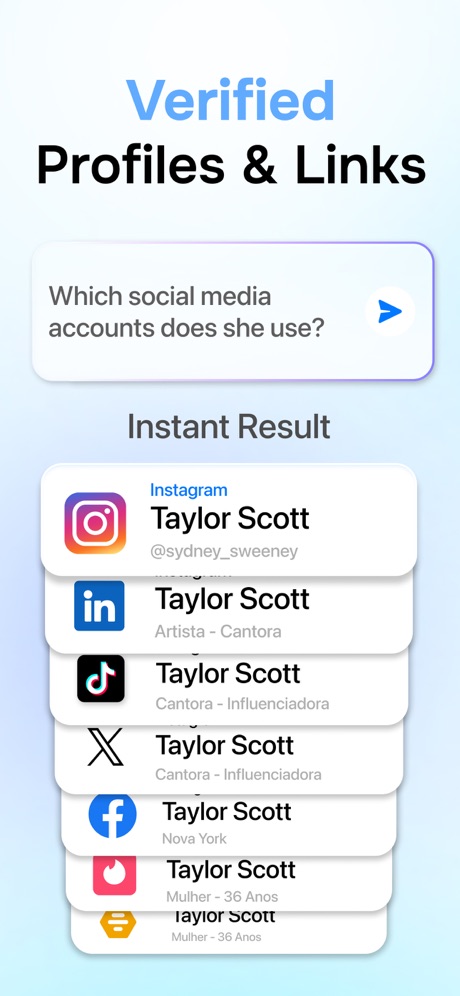
“Verified Profiles & Links”
What these screenshots say, word for word.
The words on all 30 that carry any, as each app wrote them.
“Plug in your everyday tools”
Claude by Anthropic · #4 · screenshot 3“Connected to your Microsoft apps”
Microsoft Copilot · #7 · screenshot 2“Your codes, all in one place”
ID.me Authenticator · #32 · screenshot 2“Never take notes again”
When recording with (mic icon) Summary AISummary - AI Note Taker · #35 · screenshot 1“We stop spam calls before they reach you.”
Call Guard screens every unknown caller, so spam doesn't reach you.Cloaked: Protect your privacy · #42 · screenshot 4“Snap & Solve”
Find the volume of the hollow cylinder in terms of r and h.Chatbot AI Assistant - Genie · #47 · screenshot 4“Voice Translate Speak Naturally, Translate Instantly”
TranslateAll: Live Translator · #49 · screenshot 3"The most awesome snack we've ever tried."
Chicago Tribune“The most awesome snack we've ever tried.”Double Good · #53 · screenshot 6“Google Form with Friend Group”
Forms for Google Docs · #55 · screenshot 2“Connected agreements.”
Docusign - Upload & Sign Docs · #59 · screenshot 2“AI Image Generator”
Chatbot App: AI Assistant · #63 · screenshot 3“Verified Profiles & Links”
Which social media accounts does she use?OneSearch: DeepSearch Finder · #68 · screenshot 5“Multiple Import Options”
Authenticator App · #70 · screenshot 5“#1 AI Chat”
Built on:AI Chat Assistant – ChatNow · #74 · screenshot 1“PARK SMARTER”
powered by · IPS groupPark Smarter · #77 · screenshot 1“One tap. Total focus.”
Opal: Screen Time Control · #85 · screenshot 5“The Best AI Tools in One App”
ChatOn AI - Chat Bot Assistant · #89 · screenshot 1“Trusted by Many”
Hated by a fewVPN Windscribe: Fast & Secure · #95 · screenshot 5- IIElevenReader
“Listen to anything”
ElevenReader: Read Books Aloud · #96 · screenshot 1 “Turn ideas into downloadable files”
Claude by Anthropic · #4 · screenshot 5“Quickly find files and information”
Microsoft Copilot · #7 · screenshot 6“Approve sign-ins with a tap”
ID.me Authenticator · #32 · screenshot 4“AI-powered Insights”
Summary - AI Note Taker · #35 · screenshot 3“VPN to browse without being tracked.”
One tap hides your location and encrypts your traffic, on any network.Cloaked: Protect your privacy · #42 · screenshot 6“Analyze responses with charts”
Forms for Google Docs · #55 · screenshot 3“Talk to AI Freely”
Chatbot App: AI Assistant · #63 · screenshot 4“Generate Images”
AI Chat Assistant – ChatNow · #74 · screenshot 3“AI Image Generator”
ChatOn AI - Chat Bot Assistant · #89 · screenshot 3- Read aloud
“200K+ audiobooks”
& ebooks“Gives me the feeeels”ElevenReader: Read Books Aloud · #96 · screenshot 3 “Talk with AI in Voice Chat”
AI Chat Assistant – ChatNow · #74 · screenshot 5
Top ten Productivity apps that do it.
- #4Claude by Anthropic2 of its 6 screenshots
- #7Microsoft Copilot2 of its 6 screenshots
The same tactic in other categories.
| Category | Apps that do it | Screenshots | Top ten |
|---|---|---|---|
| Games | 90% 90 of 100 | 76% 432 of 567 | 8 of 10 |
| Weather | 47% 47 of 100 | 25% 141 of 555 | 3 of 10 |
| Photo & Video | 42% 42 of 100 | 23% 128 of 566 | 1 of 10 |
| Education | 40% 40 of 100 | 18% 98 of 555 | 3 of 10 |
| Entertainment | 40% 40 of 100 | 12% 67 of 544 | 4 of 10 |
| Shopping | 39% 39 of 100 | 11% 63 of 562 | 4 of 10 |
| Graphics & Design | 38% 38 of 99 | 13% 73 of 564 | 3 of 10 |
| News | 35% 34 of 98 | 16% 81 of 517 | 4 of 10 |
| Travel | 32% 32 of 100 | 12% 66 of 561 | 3 of 10 |
| Health & Fitness | 31% 31 of 100 | 10% 57 of 574 | 3 of 10 |
| Lifestyle | 31% 31 of 100 | 10% 54 of 556 | 5 of 10 |
| Sports | 30% 30 of 100 | 11% 64 of 558 | 4 of 10 |
| Business | 29% 29 of 100 | 12% 65 of 554 | 2 of 10 |
| Developer Tools | 27% 27 of 100 | 14% 71 of 507 | 5 of 10 |
| Music | 27% 27 of 100 | 9% 52 of 550 | 2 of 10 |
| Reference | 27% 27 of 100 | 9% 50 of 566 | 5 of 10 |
| Medical | 26% 26 of 100 | 12% 68 of 548 | 1 of 10 |
| Social Networking | 26% 26 of 100 | 7% 40 of 554 | 1 of 10 |
| Utilities | 26% 26 of 100 | 8% 45 of 549 | 1 of 10 |
| Food & Drink | 24% 24 of 100 | 8% 43 of 540 | 5 of 10 |
| Navigation | 23% 23 of 99 | 6% 36 of 566 | 3 of 10 |
| Finance | 23% 23 of 100 | 7% 38 of 581 | 5 of 10 |
| Productivity | 20% 20 of 99 | 7% 38 of 551 | 2 of 10 |
Related tactics.
Often on the same screenshot
- Orange24% of these screenshots, against 5% of all Productivity screenshots
- No words at all21% of these screenshots, against 3% of all Productivity screenshots
- Screen fills the picture92% of these screenshots, against 76% of all Productivity screenshots
- The app itself is the background16% of these screenshots, against 1% of all Productivity screenshots
- Dark29% of these screenshots, against 16% of all Productivity screenshots
- Photo background18% of these screenshots, against 8% of all Productivity screenshots
More in layout
- Screen fills the picture100%
- Phone drawn99%
- Words at the top98%
- Whole phone shown91%
- A photograph76%
- Illustration or mascot73%
- Headline readable at thumbnail size72%
- A person in the picture63%
- Headline too small to read59%
- Phone cut off at the foot53%
- App icon shown52%
- Arrows or callouts45%
- Words aligned left26%
- No app screen at all23%
- Two or more screens20%
- Phone cut off at the head19%
- Zoomed detail of the UI17%
- Screen is small15%
- Watch, iPad or Mac beside it13%
- A hand holds the phone12%
- Words at the bottom12%
- Phone at an angle11%
- Words over the screen7%
Questions, answered from the chart.
How many top Productivity apps have App Store screenshots without a phone frame?
Which Productivity apps have App Store screenshots without a phone frame?
Should my Productivity app have App Store screenshots without a phone frame?
See your own app against this.
Pagefully reads your screenshots the same way, and makes a custom product page for each search people type, from your real screens.
Preview your pages