Productivity app screenshots with people
A photograph or drawing of a person. A person shows who the app is for, or the moment in which it is used.
From the top 99 free Productivity apps on the US App Store, read on October 9, 2026. Screenshots are the developers’ own, shown from Apple’s servers with a link to each app.
The numbers
122 of the 551 Productivity screenshots read (22%) do this, across 62 of the top 99 apps (63%). 8 of the top ten do it (80%), against 54 of the other 89 (61%): the top ten do it more than the rest. Of the 23 categories read so far, Productivity is 10th for this. It is most common in Photo & Video (90% of apps) and least common in Developer Tools (15%).
12 examples from the chart.
12 of the 122 Productivity app screenshots with people, one from each app, the highest on the chart first.

“Edit your look”

“Generate and edit videos with Gemini Omni”
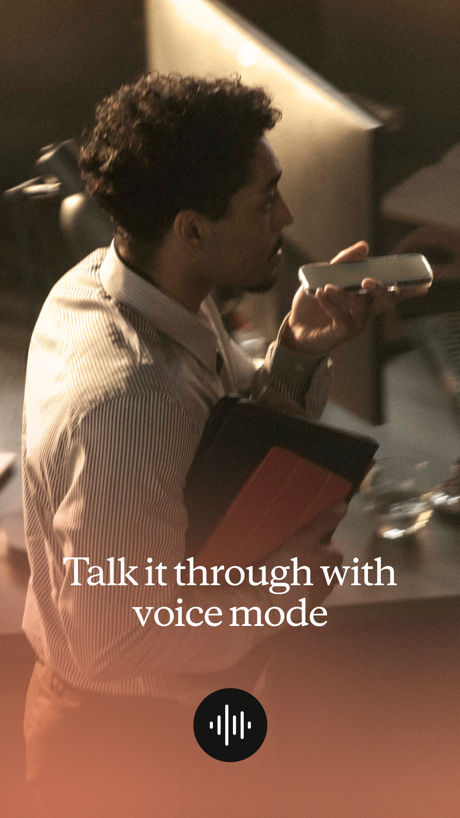
“Talk it through with voice mode”

“Powerful search”
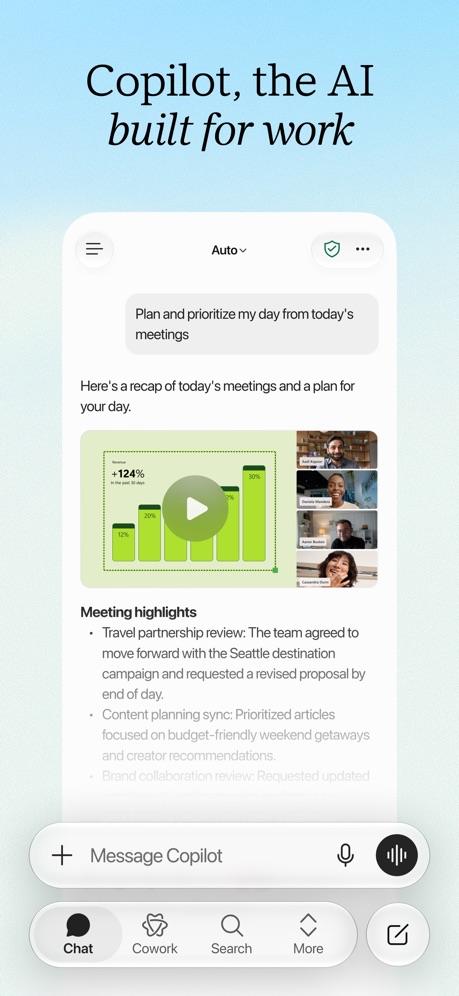
“Copilot, the AI built for work”
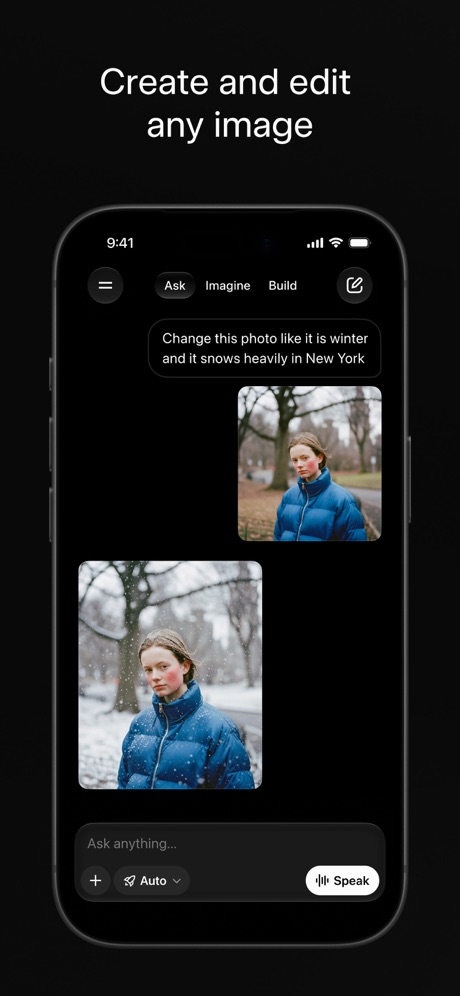
“Create and edit any image”

“Edit and share multiple file types”

“Collaborate and comment on files in real time”

“Recap extra-long email threads”

“Work together in real time”
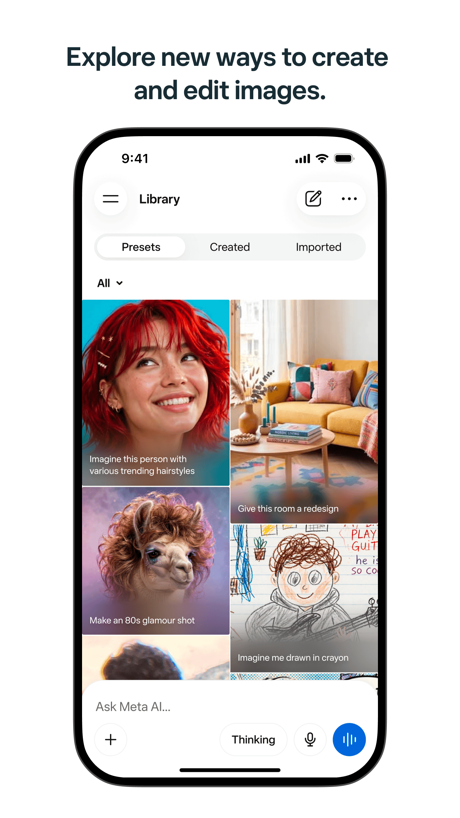
“Explore new ways to create and edit images.”
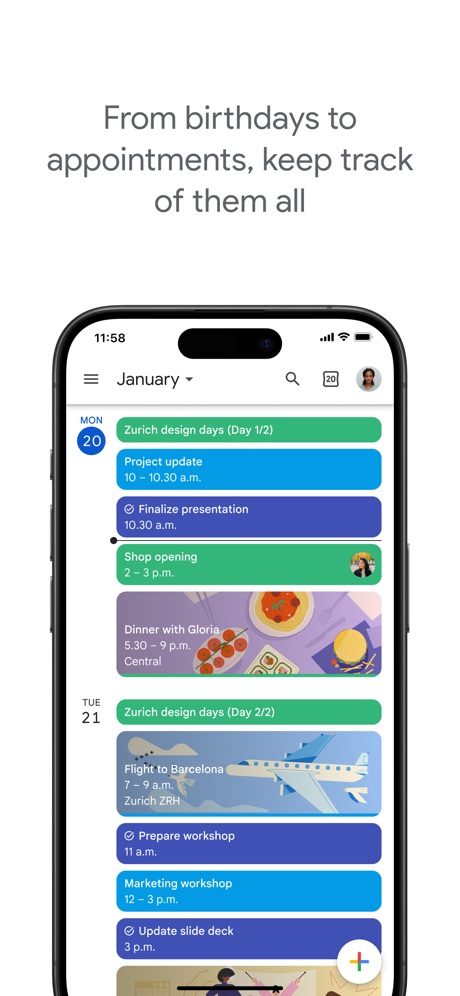
“From birthdays to appointments, keep track of them all”
What these screenshots say, word for word.
The words on 40 of the 118 that carry any, as each app wrote them.
“Edit your look”
ChatGPT · #2 · screenshot 4“Generate and edit videos with Gemini Omni”
Google Gemini · #3 · screenshot 1“Talk it through with voice mode”
Claude by Anthropic · #4 · screenshot 2“Powerful search”
finds the emails you needGmail - Email by Google · #5 · screenshot 4“Copilot, the AI built for work”
Microsoft Copilot · #7 · screenshot 1“Create and edit any image”
Grok AI · #8 · screenshot 1“Edit and share multiple file types”
Google Docs · #9 · screenshot 2“Collaborate and comment on files in real time”
Google Drive · #10 · screenshot 4“Recap extra-long email threads”
Microsoft Outlook · #11 · screenshot 3“Work together in real time”
Google Sheets · #13 · screenshot 1“Explore new ways to create and edit images.”
Meta AI · #16 · screenshot 5“From birthdays to appointments, keep track of them all”
Google Calendar: Get Organized · #17 · screenshot 1“Take and make the call”
Link to Windows · #18 · screenshot 1“Collaborate in real-time”
Microsoft Excel · #19 · screenshot 6“Present to anyone, from any device”
Google Slides · #20 · screenshot 1“Designed to simplify your life”
Yahoo Mail: Your Email & Inbox · #21 · screenshot 1“A new home for photos”
Microsoft OneDrive · #23 · screenshot 1“Make beautiful presentations”
Microsoft PowerPoint · #27 · screenshot 3- Dropbox
“Save and organize your files securely”
Dropbox: Cloud Storage Backup · #28 · screenshot 1 “Take control of your call with one tap”
Google Voice · #29 · screenshot 2- NEVER
“Doomscroll Again”
With RemindersBePresent: Screen Time Control · #33 · screenshot 3 “Create and view your notebooks”
Gemini Notebook · #34 · screenshot 2“Link your Saturn and Snapchat accounts”
Saturn Calendar · #37 · screenshot 3- customize your
“Home Screen”
Widgetsmith · #38 · screenshot 1 “Read 3x Faster by Listening”
Speechify – Text to Speech PDF · #39 · screenshot 1“Choose the right words”
Grammarly: AI Keyboard & Voice · #40 · screenshot 3“We protect what matters most, your privacy and safety.”
Cloaked finds your exposure, removes it, and guards what matters - for you and your family.Cloaked: Protect your privacy · #42 · screenshot 1“AI Image Creation”
TeraBox: 1TB Cloud & AI Space · #45 · screenshot 5“AI Image Generator”
Chatbot AI Assistant - Genie · #47 · screenshot 3“Your life, beautifully organized.”
Notion: Notes, Tasks, AI · #48 · screenshot 1“Text Translate”
Instantly Understand Any TextTranslateAll: Live Translator · #49 · screenshot 2“YouTube without Shorts”
SocialLite-Block Reels&Shorts · #50 · screenshot 4“Photo Print And Edit”
Smart Printer App℠ for HP · · #51 · screenshot 5“Back up the important things on your phone.”
Google One · #52 · screenshot 1“Join and create Fundraisers”
Double Good · #53 · screenshot 2“REMOVE Duplicates Fast”
Photo Recovery: Deleted Files · #54 · screenshot 2“Google Form with Friend Group”
Forms for Google Docs · #55 · screenshot 2“Get notified”
whenever you have a visitor or deliveryButterflyMX · #57 · screenshot 2“Dictation without the mistakes”
Wispr Flow: AI Voice Keyboard · #58 · screenshot 1“Know who's signed what. And when.”
Docusign - Upload & Sign Docs · #59 · screenshot 3
Top ten Productivity apps that do it.
- #2ChatGPT1 of its 6 screenshots
- #3Google Gemini2 of its 6 screenshots
- #4Claude by Anthropic2 of its 6 screenshots
- #5Gmail - Email by Google1 of its 6 screenshots
- #7Microsoft Copilot2 of its 6 screenshots
- #8Grok AI2 of its 5 screenshots
- #9Google Docs2 of its 4 screenshots
- #10Google Drive1 of its 5 screenshots
The same tactic in other categories.
| Category | Apps that do it | Screenshots | Top ten |
|---|---|---|---|
| Photo & Video | 90% 90 of 100 | 72% 408 of 566 | 10 of 10 |
| Social Networking | 86% 86 of 100 | 54% 298 of 554 | 9 of 10 |
| Entertainment | 85% 85 of 100 | 49% 265 of 544 | 9 of 10 |
| Lifestyle | 74% 74 of 100 | 36% 201 of 556 | 8 of 10 |
| Sports | 70% 70 of 100 | 27% 148 of 558 | 9 of 10 |
| News | 67% 66 of 98 | 30% 156 of 517 | 7 of 10 |
| Shopping | 67% 67 of 100 | 31% 172 of 562 | 8 of 10 |
| Graphics & Design | 65% 64 of 99 | 34% 194 of 564 | 8 of 10 |
| Health & Fitness | 63% 63 of 100 | 26% 150 of 574 | 4 of 10 |
| Productivity | 63% 62 of 99 | 22% 122 of 551 | 8 of 10 |
| Business | 62% 62 of 100 | 26% 143 of 554 | 8 of 10 |
| Education | 62% 62 of 100 | 28% 153 of 555 | 5 of 10 |
| Medical | 60% 60 of 100 | 22% 123 of 548 | 6 of 10 |
| Music | 59% 59 of 100 | 27% 149 of 550 | 7 of 10 |
| Travel | 55% 55 of 100 | 22% 121 of 561 | 9 of 10 |
| Games | 53% 53 of 100 | 27% 155 of 567 | 2 of 10 |
| Reference | 50% 50 of 100 | 18% 102 of 566 | 6 of 10 |
| Utilities | 43% 43 of 100 | 16% 86 of 549 | 6 of 10 |
| Finance | 36% 36 of 100 | 10% 57 of 581 | 8 of 10 |
| Food & Drink | 33% 33 of 100 | 10% 54 of 540 | 6 of 10 |
| Navigation | 31% 31 of 99 | 8% 48 of 566 | 4 of 10 |
| Weather | 19% 19 of 100 | 6% 31 of 555 | 3 of 10 |
| Developer Tools | 15% 15 of 100 | 5% 26 of 507 | 4 of 10 |
Related tactics.
Often on the same screenshot
- A photograph84% of these screenshots, against 38% of all Productivity screenshots
- A word in a different colour38% of these screenshots, against 26% of all Productivity screenshots
- Screen fills the picture83% of these screenshots, against 76% of all Productivity screenshots
- Headline under five words55% of these screenshots, against 49% of all Productivity screenshots
- Arrows or callouts20% of these screenshots, against 15% of all Productivity screenshots
- Low contrast words25% of these screenshots, against 19% of all Productivity screenshots
More in layout
- Screen fills the picture100%
- Phone drawn99%
- Words at the top98%
- Whole phone shown91%
- A photograph76%
- Illustration or mascot73%
- Headline readable at thumbnail size72%
- Headline too small to read59%
- Phone cut off at the foot53%
- App icon shown52%
- Arrows or callouts45%
- Words aligned left26%
- No app screen at all23%
- No phone, bare screen20%
- Two or more screens20%
- Phone cut off at the head19%
- Zoomed detail of the UI17%
- Screen is small15%
- Watch, iPad or Mac beside it13%
- A hand holds the phone12%
- Words at the bottom12%
- Phone at an angle11%
- Words over the screen7%
Questions, answered from the chart.
How many top Productivity apps have App Store screenshots with people?
Which Productivity apps have App Store screenshots with people?
Should my Productivity app have App Store screenshots with people?
See your own app against this.
Pagefully reads your screenshots the same way, and makes a custom product page for each search people type, from your real screens.
Preview your pages