Productivity app screenshots with text at the top
The headline sits above the screen. The words are read first, and the screen below shows what they mean.
From the top 99 free Productivity apps on the US App Store, read on October 9, 2026. Screenshots are the developers’ own, shown from Apple’s servers with a link to each app.
The numbers
501 of the 551 Productivity screenshots read (91%) do this, across 97 of the top 99 apps (98%). 10 of the top ten do it (100%), against 87 of the other 89 (98%): the top ten do it about as often as the rest. Of the 23 categories read so far, Productivity is 2nd for this. It is most common in Health & Fitness (99% of apps) and least common in Games (33%).
12 examples from the chart.
12 of the 501 Productivity app screenshots with text at the top, one from each app, the highest on the chart first.
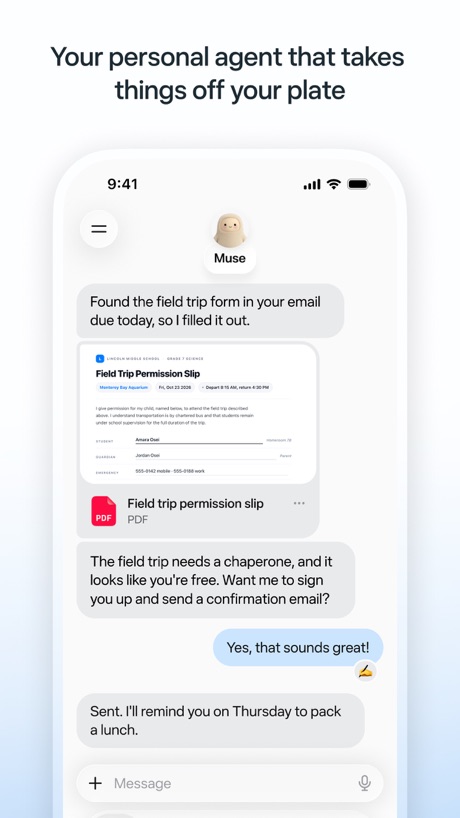
“Your personal agent that takes things off your plate”

“Create new worlds”

“Generate and edit videos with Gemini Omni”

“Get useful answers wherever you are”

“Get the best of Gmail on iPhone”

“Greater security across your accounts”
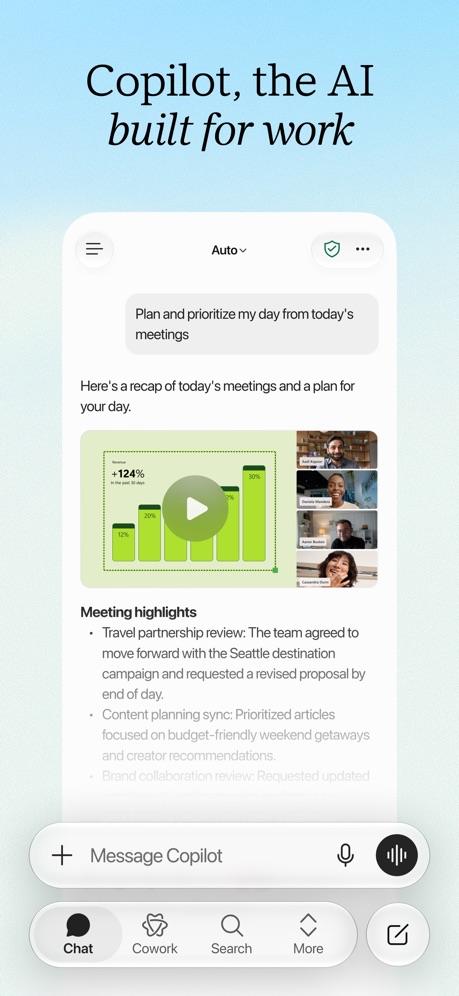
“Copilot, the AI built for work”
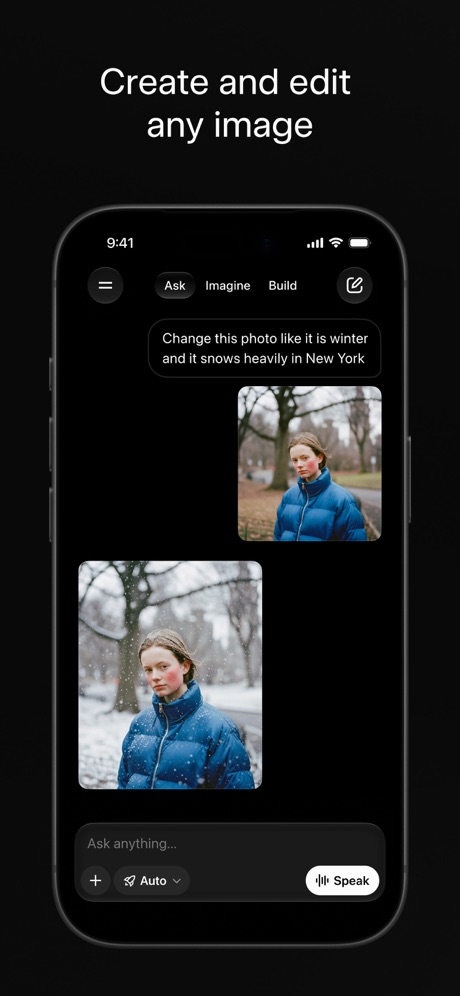
“Create and edit any image”

“Create anywhere, anytime - even offline”

“Store and access your content from anywhere”

“Everyday email and calendar”

“Your team of always-on agents that finish the work”
What these screenshots say, word for word.
The words on 40 of the 501 that carry any, as each app wrote them.
“Your personal agent that takes things off your plate”
Muse from Meta · #1 · screenshot 1“Create new worlds”
ChatGPT · #2 · screenshot 1“Generate and edit videos with Gemini Omni”
Google Gemini · #3 · screenshot 1“Get useful answers wherever you are”
Claude by Anthropic · #4 · screenshot 1“Get the best of Gmail on iPhone”
Gmail - Email by Google · #5 · screenshot 1“Greater security across your accounts”
Microsoft Authenticator · #6 · screenshot 1“Copilot, the AI built for work”
Microsoft Copilot · #7 · screenshot 1“Create and edit any image”
Grok AI · #8 · screenshot 1“Create anywhere, anytime - even offline”
Google Docs · #9 · screenshot 1“Store and access your content from anywhere”
Google Drive · #10 · screenshot 1“Everyday email and calendar”
Microsoft Outlook · #11 · screenshot 1“Your team of always-on agents that finish the work”
Grok Bot · #12 · screenshot 1“Work together in real time”
Google Sheets · #13 · screenshot 1“Make your words shine”
Microsoft Word · #14 · screenshot 1“Access your favorite content anywhere, anytime”
VPN - Super Unlimited Proxy · #15 · screenshot 1“Get daily briefings, research topics, and more.”
Meta AI · #16 · screenshot 1“From birthdays to appointments, keep track of them all”
Google Calendar: Get Organized · #17 · screenshot 1“Take and make the call”
Link to Windows · #18 · screenshot 1“Get insights on your data”
Microsoft Excel · #19 · screenshot 1“Present to anyone, from any device”
Google Slides · #20 · screenshot 1“Bulk-delete emails by sender”
Yahoo Mail: Your Email & Inbox · #21 · screenshot 2“Your HP devices, all in one place”
HP · #22 · screenshot 1“A new home for photos”
Microsoft OneDrive · #23 · screenshot 1“GET REAL-TIME RECOMMENDATIONS AT YOUR FINGERTIPS”
Smart Home Manager · #24 · screenshot 1“SCAN”
with your PhoneCamScanner - PDF Scanner App · #25 · screenshot 1“One Tap”
Secure Your PrivacyVPN - Fast & Secure VPN ™ · #26 · screenshot 1“Enhance your storytelling”
Microsoft PowerPoint · #27 · screenshot 1- Dropbox
“Save and organize your files securely”
Dropbox: Cloud Storage Backup · #28 · screenshot 1 “Easily check calls, messages and voicemail”
Google Voice · #29 · screenshot 1“Manage multiple accounts”
PingID · #30 · screenshot 1“Search like never before”
Perplexity - AI Search & Chat · #31 · screenshot 1“A simpler way to stay secure”
ID.me Authenticator · #32 · screenshot 1- RECLAIM
“Your Screen Time”
BePresent: Screen Time Control · #33 · screenshot 1 “Create podcast-style overviews with your AI research assistant 🤖”
The new app is hereGemini Notebook · #34 · screenshot 1“Never take notes again”
When recording with (mic icon) Summary AISummary - AI Note Taker · #35 · screenshot 1“YOUR AI ASSISTANT”
INTO THE UNKNOWNDeepSeek - AI Assistant · #36 · screenshot 1“The calendar for you and your friends”
Saturn Calendar · #37 · screenshot 1- customize your
“Home Screen”
Widgetsmith · #38 · screenshot 1 “Read 3x Faster by Listening”
Speechify – Text to Speech PDF · #39 · screenshot 1“Trusted by 40 million people every day”
Grammarly: AI Keyboard & Voice · #40 · screenshot 1
Top ten Productivity apps that do it.
- #1Muse from Meta6 of its 6 screenshots
- #2ChatGPT6 of its 6 screenshots
- #3Google Gemini6 of its 6 screenshots
- #4Claude by Anthropic5 of its 6 screenshots
- #5Gmail - Email by Google6 of its 6 screenshots
- #6Microsoft Authenticator5 of its 6 screenshots
- #7Microsoft Copilot6 of its 6 screenshots
- #8Grok AI5 of its 5 screenshots
- #9Google Docs4 of its 4 screenshots
- #10Google Drive4 of its 5 screenshots
The same tactic in other categories.
| Category | Apps that do it | Screenshots | Top ten |
|---|---|---|---|
| Health & Fitness | 99% 99 of 100 | 91% 525 of 574 | 10 of 10 |
| Productivity | 98% 97 of 99 | 91% 501 of 551 | 10 of 10 |
| Food & Drink | 96% 96 of 100 | 74% 402 of 540 | 10 of 10 |
| Social Networking | 96% 96 of 100 | 88% 486 of 554 | 10 of 10 |
| Finance | 95% 95 of 100 | 88% 511 of 581 | 9 of 10 |
| Shopping | 95% 95 of 100 | 84% 470 of 562 | 10 of 10 |
| Travel | 95% 95 of 100 | 82% 462 of 561 | 10 of 10 |
| Lifestyle | 94% 94 of 100 | 84% 469 of 556 | 10 of 10 |
| Photo & Video | 94% 94 of 100 | 91% 517 of 566 | 10 of 10 |
| Utilities | 94% 94 of 100 | 86% 471 of 549 | 10 of 10 |
| Graphics & Design | 94% 93 of 99 | 90% 507 of 564 | 9 of 10 |
| Entertainment | 93% 93 of 100 | 86% 466 of 544 | 10 of 10 |
| Music | 93% 93 of 100 | 82% 452 of 550 | 9 of 10 |
| Sports | 92% 92 of 100 | 84% 469 of 558 | 10 of 10 |
| Navigation | 92% 91 of 99 | 85% 479 of 566 | 9 of 10 |
| Reference | 91% 91 of 100 | 85% 481 of 566 | 9 of 10 |
| Business | 87% 87 of 100 | 81% 448 of 554 | 9 of 10 |
| Education | 85% 85 of 100 | 80% 443 of 555 | 8 of 10 |
| News | 83% 81 of 98 | 78% 401 of 517 | 10 of 10 |
| Medical | 81% 81 of 100 | 75% 412 of 548 | 10 of 10 |
| Developer Tools | 75% 75 of 100 | 68% 347 of 507 | 6 of 10 |
| Weather | 62% 62 of 100 | 59% 328 of 555 | 7 of 10 |
| Games | 33% 33 of 100 | 27% 153 of 567 | 4 of 10 |
Related tactics.
Often on the same screenshot
- Has a headline100% of these screenshots, against 97% of all Productivity screenshots
- Tells you to do something57% of these screenshots, against 54% of all Productivity screenshots
- Plain tone89% of these screenshots, against 86% of all Productivity screenshots
- States a benefit51% of these screenshots, against 48% of all Productivity screenshots
- Leads with a feature65% of these screenshots, against 63% of all Productivity screenshots
- Phone drawn90% of these screenshots, against 88% of all Productivity screenshots
More in layout
- Screen fills the picture100%
- Phone drawn99%
- Whole phone shown91%
- A photograph76%
- Illustration or mascot73%
- Headline readable at thumbnail size72%
- A person in the picture63%
- Headline too small to read59%
- Phone cut off at the foot53%
- App icon shown52%
- Arrows or callouts45%
- Words aligned left26%
- No app screen at all23%
- No phone, bare screen20%
- Two or more screens20%
- Phone cut off at the head19%
- Zoomed detail of the UI17%
- Screen is small15%
- Watch, iPad or Mac beside it13%
- A hand holds the phone12%
- Words at the bottom12%
- Phone at an angle11%
- Words over the screen7%
Questions, answered from the chart.
How many top Productivity apps have App Store screenshots with text at the top?
Which Productivity apps have App Store screenshots with text at the top?
Should my Productivity app have App Store screenshots with text at the top?
See your own app against this.
Pagefully reads your screenshots the same way, and makes a custom product page for each search people type, from your real screens.
Preview your pages