Productivity app screenshots with tiny headlines
The headline is under a twentieth of the picture’s height. Small type can be read on the product page at full size, and is hard to read in search results.
From the top 99 free Productivity apps on the US App Store, read on October 9, 2026. Screenshots are the developers’ own, shown from Apple’s servers with a link to each app.
The numbers
102 of the 551 Productivity screenshots read (19%) do this, across 58 of the top 99 apps (59%). 8 of the top ten do it (80%), against 50 of the other 89 (56%): the top ten do it more than the rest. Of the 23 categories read so far, Productivity is 2nd for this. It is most common in Health & Fitness (64% of apps) and least common in Games (17%).
12 examples from the chart.
12 of the 102 Productivity app screenshots with tiny headlines, one from each app, the highest on the chart first.
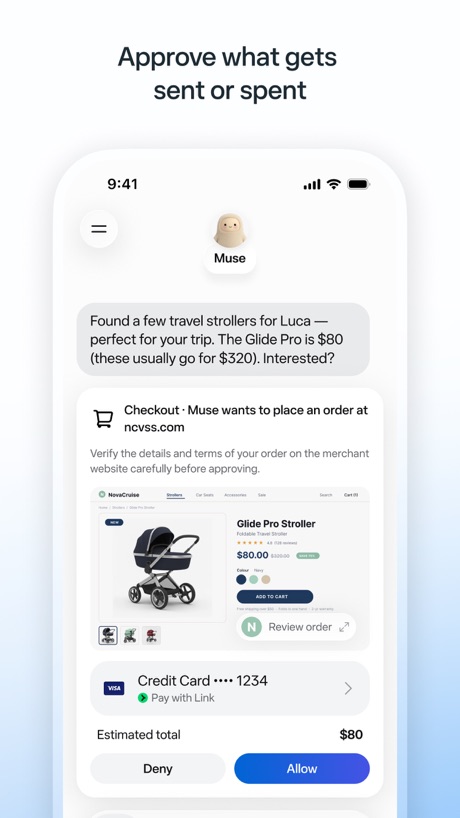
“Approve what gets sent or spent”

“Create new worlds”

“Generate and edit videos with Gemini Omni”

“Sort your mail”

“Use Authenticator to sign in”

“Chat and learn something new”

“Edit and share multiple file types”

“Collaborate and comment on files in real time”

“Recap extra-long email threads”

“Work with many at once”
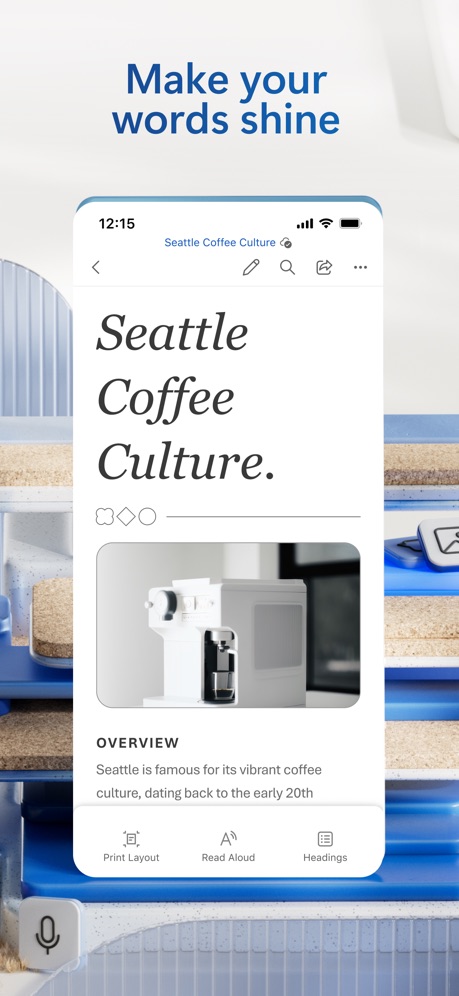
“Make your words shine”
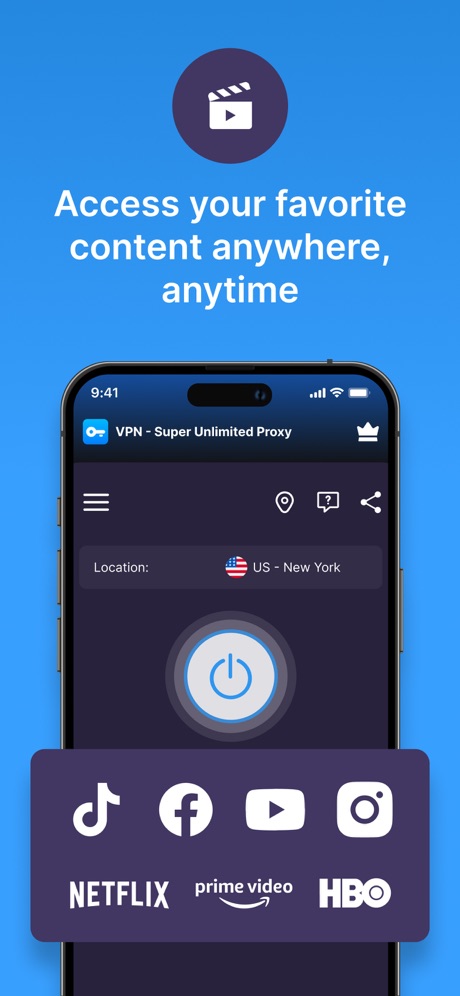
“Access your favorite content anywhere, anytime”
What these screenshots say, word for word.
The words on 40 of the 102 that carry any, as each app wrote them.
“Approve what gets sent or spent”
Muse from Meta · #1 · screenshot 2“Create new worlds”
ChatGPT · #2 · screenshot 1“Generate and edit videos with Gemini Omni”
Google Gemini · #3 · screenshot 1“Sort your mail”
with a tabbed inboxGmail - Email by Google · #5 · screenshot 2“Use Authenticator to sign in”
Microsoft Authenticator · #6 · screenshot 3“Chat and learn something new”
Grok AI · #8 · screenshot 2“Edit and share multiple file types”
Google Docs · #9 · screenshot 2“Collaborate and comment on files in real time”
Google Drive · #10 · screenshot 4“Recap extra-long email threads”
Microsoft Outlook · #11 · screenshot 3“Work with many at once”
Grok Bot · #12 · screenshot 2“Make your words shine”
Microsoft Word · #14 · screenshot 1“Access your favorite content anywhere, anytime”
VPN - Super Unlimited Proxy · #15 · screenshot 1“Go hands-free with AI glasses.”
Meta AI · #16 · screenshot 4“Quickly create and schedule events”
Google Calendar: Get Organized · #17 · screenshot 2“Manage complex data tasks”
Microsoft Excel · #19 · screenshot 3“Create and review presentations, now also in Dark mode”
Google Slides · #20 · screenshot 5“Scan and share in a snap”
HP · #22 · screenshot 4“Easily find memories”
Microsoft OneDrive · #23 · screenshot 4“SCAN”
with your PhoneCamScanner - PDF Scanner App · #25 · screenshot 1“Present & share your stories”
Microsoft PowerPoint · #27 · screenshot 2“Share files and photos securely - up to 100GB”
Dropbox: Cloud Storage Backup · #28 · screenshot 5“Take control of your call with one tap”
Google Voice · #29 · screenshot 2“Authenticate using a passcode”
PingID · #30 · screenshot 2“Create & join audio discussions to learn on the go 🚆”
Gemini Notebook · #34 · screenshot 4“Understand images, discover more”
DeepSeek - AI Assistant · #36 · screenshot 2“Stay on track throughout the day”
Saturn Calendar · #37 · screenshot 2“Scan Any Page, Hear It Read”
Speechify – Text to Speech PDF · #39 · screenshot 6“Access the World with Ease”
X-VPN: VPN Fast & Secure · #41 · screenshot 3“Quickly submit maintenance requests and check the status.”
FolioSpace Online Portal · #43 · screenshot 3“Precise cutting”
Keep only part you wantRingtones Maker - the ring app · #44 · screenshot 3“Auto-capture virtual meeting notes using OtterPilot”
Otter Transcribe Voice Notes · #46 · screenshot 2“AI Video Generator”
Chatbot AI Assistant - Genie · #47 · screenshot 6“Manage your storage across Google Photos, Google Drive, Gmail, and more.”
Google One · #52 · screenshot 2"The most awesome snack we've ever tried."
Chicago Tribune“The most awesome snack we've ever tried.”Double Good · #53 · screenshot 6“CLEAN”
Inbox & Delete SpamsPhoto Recovery: Deleted Files · #54 · screenshot 6“ButterflyMX”
Property access made simpleButterflyMX · #57 · screenshot 1“Perfect voice to text inside any app”
Wispr Flow: AI Voice Keyboard · #58 · screenshot 2“Enjoy”
4500+ servers, now with 790+ in the USSurfshark VPN: Fast & Secure · #60 · screenshot 3“Transfer files securely with a link or email”
WeTransfer: Transfer Files · #62 · screenshot 3“Talk to AI Freely”
Chatbot App: AI Assistant · #63 · screenshot 4
Top ten Productivity apps that do it.
- #1Muse from Meta3 of its 6 screenshots
- #2ChatGPT3 of its 6 screenshots
- #3Google Gemini3 of its 6 screenshots
- #5Gmail - Email by Google1 of its 6 screenshots
- #6Microsoft Authenticator1 of its 6 screenshots
- #8Grok AI2 of its 5 screenshots
- #9Google Docs1 of its 4 screenshots
- #10Google Drive1 of its 5 screenshots
The same tactic in other categories.
| Category | Apps that do it | Screenshots | Top ten |
|---|---|---|---|
| Health & Fitness | 64% 64 of 100 | 18% 104 of 574 | 5 of 10 |
| Productivity | 59% 58 of 99 | 19% 102 of 551 | 8 of 10 |
| Entertainment | 57% 57 of 100 | 17% 94 of 544 | 7 of 10 |
| Social Networking | 56% 56 of 100 | 17% 95 of 554 | 7 of 10 |
| Photo & Video | 53% 53 of 100 | 17% 94 of 566 | 5 of 10 |
| Business | 51% 51 of 100 | 16% 91 of 554 | 7 of 10 |
| Navigation | 49% 49 of 99 | 15% 83 of 566 | 4 of 10 |
| Education | 49% 49 of 100 | 12% 68 of 555 | 3 of 10 |
| Finance | 49% 49 of 100 | 11% 66 of 581 | 3 of 10 |
| Travel | 48% 48 of 100 | 13% 71 of 561 | 6 of 10 |
| Medical | 43% 43 of 100 | 15% 81 of 548 | 5 of 10 |
| Music | 42% 42 of 100 | 11% 62 of 550 | 6 of 10 |
| Reference | 42% 42 of 100 | 11% 63 of 566 | 3 of 10 |
| Lifestyle | 41% 41 of 100 | 13% 72 of 556 | 5 of 10 |
| Graphics & Design | 40% 40 of 99 | 11% 61 of 564 | 6 of 10 |
| Sports | 39% 39 of 100 | 13% 72 of 558 | 3 of 10 |
| Utilities | 39% 39 of 100 | 12% 68 of 549 | 6 of 10 |
| News | 38% 37 of 98 | 13% 66 of 517 | 5 of 10 |
| Food & Drink | 37% 37 of 100 | 11% 61 of 540 | 5 of 10 |
| Shopping | 37% 37 of 100 | 13% 72 of 562 | 2 of 10 |
| Developer Tools | 31% 31 of 100 | 11% 56 of 507 | 4 of 10 |
| Weather | 31% 31 of 100 | 10% 53 of 555 | 6 of 10 |
| Games | 17% 17 of 100 | 4% 20 of 567 | 3 of 10 |
Related tactics.
Often on the same screenshot
- Whole phone shown79% of these screenshots, against 59% of all Productivity screenshots
- Screen fills the picture90% of these screenshots, against 76% of all Productivity screenshots
- Low contrast words32% of these screenshots, against 19% of all Productivity screenshots
- Tells you to do something67% of these screenshots, against 54% of all Productivity screenshots
- Plain tone92% of these screenshots, against 86% of all Productivity screenshots
- Words at the top97% of these screenshots, against 91% of all Productivity screenshots
More in layout
- Screen fills the picture100%
- Phone drawn99%
- Words at the top98%
- Whole phone shown91%
- A photograph76%
- Illustration or mascot73%
- Headline readable at thumbnail size72%
- A person in the picture63%
- Phone cut off at the foot53%
- App icon shown52%
- Arrows or callouts45%
- Words aligned left26%
- No app screen at all23%
- No phone, bare screen20%
- Two or more screens20%
- Phone cut off at the head19%
- Zoomed detail of the UI17%
- Screen is small15%
- Watch, iPad or Mac beside it13%
- A hand holds the phone12%
- Words at the bottom12%
- Phone at an angle11%
- Words over the screen7%
Questions, answered from the chart.
How many top Productivity apps have App Store screenshots with tiny headlines?
Which Productivity apps have App Store screenshots with tiny headlines?
Should my Productivity app have App Store screenshots with tiny headlines?
See your own app against this.
Pagefully reads your screenshots the same way, and makes a custom product page for each search people type, from your real screens.
Preview your pages