Productivity app screenshots with a highlighted word
One word of the headline is coloured or highlighted. Colouring one word tells the reader which word matters if they read only one.
From the top 99 free Productivity apps on the US App Store, read on October 9, 2026. Screenshots are the developers’ own, shown from Apple’s servers with a link to each app.
The numbers
141 of the 551 Productivity screenshots read (26%) do this, across 47 of the top 99 apps (47%). 3 of the top ten do it (30%), against 44 of the other 89 (49%): the top ten do it less than the rest. Of the 23 categories read so far, Productivity is 11th for this. It is most common in Education (56% of apps) and least common in Medical (31%).
12 examples from the chart.
12 of the 141 Productivity app screenshots with a highlighted word, one from each app, the highest on the chart first.

“Generate and edit videos with Gemini Omni”
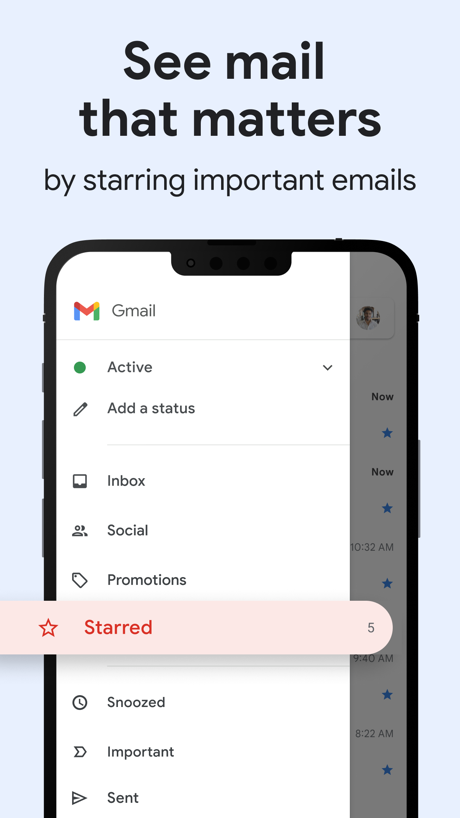
“See mail that matters”

“Create anywhere, anytime - even offline”
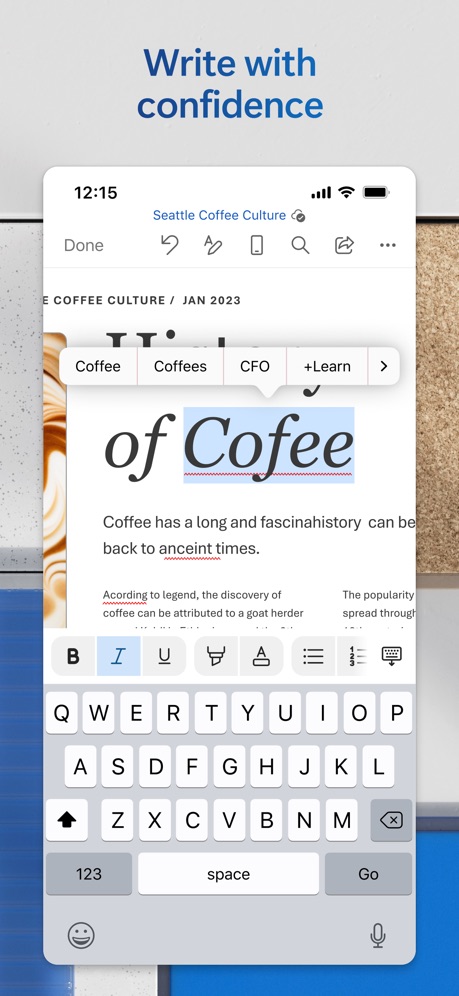
“Write with confidence”

“Share memories that matter”

“SAVE”

“Fastest”

“Read quality stories every day”

“Your Screen Time”
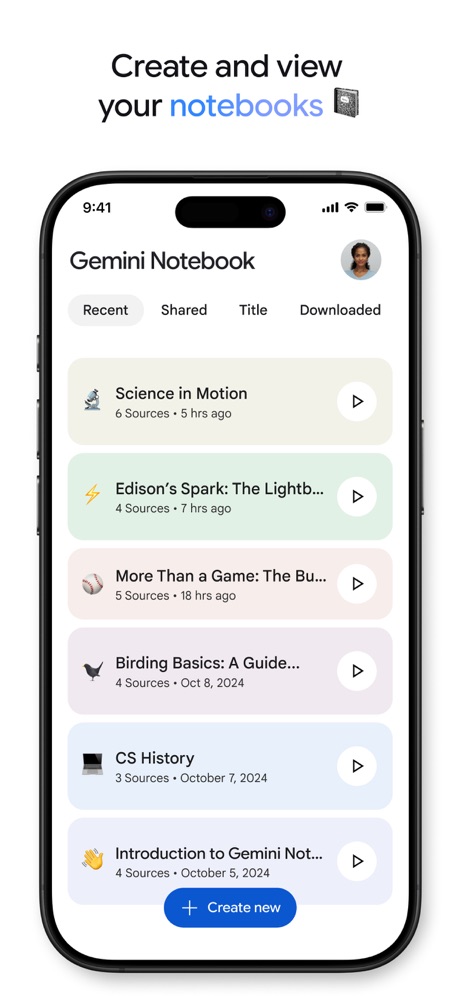
“Create and view your notebooks”

“Home Screen”

“Read 3x Faster by Listening”
What these screenshots say, word for word.
The words on 40 of the 141 that carry any, as each app wrote them.
“Generate and edit videos with Gemini Omni”
Google Gemini · #3 · screenshot 1“See mail that matters”
by starring important emailsGmail - Email by Google · #5 · screenshot 6“Create anywhere, anytime - even offline”
Google Docs · #9 · screenshot 1“Write with confidence”
Microsoft Word · #14 · screenshot 4“Share memories that matter”
Microsoft OneDrive · #23 · screenshot 3“SAVE”
as PDF,Word,TXT,JPG or ExcelCamScanner - PDF Scanner App · #25 · screenshot 2“Fastest”
Unlimited Speed & BandwidthVPN - Fast & Secure VPN ™ · #26 · screenshot 3“Read quality stories every day”
Perplexity - AI Search & Chat · #31 · screenshot 3- RECLAIM
“Your Screen Time”
BePresent: Screen Time Control · #33 · screenshot 1 “Create and view your notebooks”
Gemini Notebook · #34 · screenshot 2- customize your
“Home Screen”
Widgetsmith · #38 · screenshot 1 “Read 3x Faster by Listening”
Speechify – Text to Speech PDF · #39 · screenshot 1“Trusted by 40 million people every day”
Grammarly: AI Keyboard & Voice · #40 · screenshot 1“No-Logs Policy Verified”
Assessed by one of the Big Four audit firmsX-VPN: VPN Fast & Secure · #41 · screenshot 1“We protect what matters most, your privacy and safety.”
Cloaked finds your exposure, removes it, and guards what matters - for you and your family.Cloaked: Protect your privacy · #42 · screenshot 1“Image Analysis”
Chatbot AI Assistant - Genie · #47 · screenshot 5- TranslateAll: Live Translator
“Translate All Languages, Connect the World”
TranslateAll: Live Translator · #49 · screenshot 1 “SocialLite”
Trusted by 1M+ peopleSocialLite-Block Reels&Shorts · #50 · screenshot 1“SMART PRINTER APP”
App Store App of the DaySmart Printer App℠ for HP · · #51 · screenshot 1“Join and create Fundraisers”
Double Good · #53 · screenshot 2“RECOVER Deleted Photos”
Photo Recovery: Deleted Files · #54 · screenshot 1“Google Form with Friend Group”
Forms for Google Docs · #55 · screenshot 2“Introducing Workcloud Shift”
Workcloud Shift · #56 · screenshot 1“Get notified”
whenever you have a visitor or deliveryButterflyMX · #57 · screenshot 2“Unlock VPN”
Unlimited Browsing with high-speedSurfshark VPN: Fast & Secure · #60 · screenshot 4“Fun & Reliable”
Charge Win: Win Rewards · #61 · screenshot 1“Study Smarter with AI Tutor”
Chatbot App: AI Assistant · #63 · screenshot 5“Super Fast & Ultra Simple VPN”
VPN Hotspot Shield: Wifi Proxy · #64 · screenshot 1“Deep Search Know More”
OneSearch: DeepSearch Finder · #68 · screenshot 1“Shared Calendar App”
TimeTree: Shared Calendar · #69 · screenshot 1“Recommended”
for popular services and social mediaAuthenticator App · #70 · screenshot 2“Hands free note taking”
Google Keep - Notes and lists · #71 · screenshot 4“Convert”
Easily Convert FilesOffice Word:Edit Word Document · #73 · screenshot 6“Ask AI Anything”
AI Chat Assistant – ChatNow · #74 · screenshot 2“One Click Cache Cleanning”
AI Easy Cleaner · #76 · screenshot 1“Word”
Read, Edit, and ShareOffice Word: Edit Document · #78 · screenshot 1“1Password will remember every last detail for you.”
1Password: Password Manager · #81 · screenshot 2“Dive deeper into your progress.”
Opal: Screen Time Control · #85 · screenshot 4“AI Image Generator”
ChatOn AI - Chat Bot Assistant · #89 · screenshot 3“Made for real life”
Support for everyday questions and bigger moments.Dola AI: Smart Personal Helper · #90 · screenshot 2
Top ten Productivity apps that do it.
- #3Google Gemini6 of its 6 screenshots
- #5Gmail - Email by Google1 of its 6 screenshots
- #9Google Docs3 of its 4 screenshots
The same tactic in other categories.
| Category | Apps that do it | Screenshots | Top ten |
|---|---|---|---|
| Education | 56% 56 of 100 | 29% 160 of 555 | 6 of 10 |
| Shopping | 56% 56 of 100 | 24% 133 of 562 | 5 of 10 |
| Finance | 53% 53 of 100 | 27% 154 of 581 | 3 of 10 |
| Food & Drink | 53% 53 of 100 | 28% 153 of 540 | 7 of 10 |
| Reference | 53% 53 of 100 | 30% 167 of 566 | 5 of 10 |
| Graphics & Design | 53% 52 of 99 | 27% 153 of 564 | 6 of 10 |
| Utilities | 52% 52 of 100 | 27% 148 of 549 | 8 of 10 |
| Entertainment | 51% 51 of 100 | 29% 156 of 544 | 4 of 10 |
| Sports | 50% 50 of 100 | 28% 154 of 558 | 5 of 10 |
| Photo & Video | 48% 48 of 100 | 21% 119 of 566 | 5 of 10 |
| Productivity | 47% 47 of 99 | 26% 141 of 551 | 3 of 10 |
| Games | 47% 47 of 100 | 24% 136 of 567 | 3 of 10 |
| Music | 47% 47 of 100 | 23% 125 of 550 | 3 of 10 |
| Social Networking | 46% 46 of 100 | 21% 115 of 554 | 4 of 10 |
| Lifestyle | 43% 43 of 100 | 19% 106 of 556 | 3 of 10 |
| News | 43% 42 of 98 | 19% 97 of 517 | 5 of 10 |
| Navigation | 40% 40 of 99 | 23% 130 of 566 | 3 of 10 |
| Health & Fitness | 39% 39 of 100 | 21% 120 of 574 | 4 of 10 |
| Developer Tools | 38% 38 of 100 | 17% 84 of 507 | 3 of 10 |
| Weather | 38% 38 of 100 | 14% 79 of 555 | 3 of 10 |
| Business | 37% 37 of 100 | 20% 112 of 554 | 3 of 10 |
| Travel | 37% 37 of 100 | 12% 70 of 561 | 3 of 10 |
| Medical | 31% 31 of 100 | 17% 92 of 548 | 5 of 10 |
Related tactics.
Often on the same screenshot
- Headline under five words65% of these screenshots, against 49% of all Productivity screenshots
- Arrows or callouts29% of these screenshots, against 15% of all Productivity screenshots
- A person in the picture33% of these screenshots, against 22% of all Productivity screenshots
- Headline in Title Case28% of these screenshots, against 19% of all Productivity screenshots
- Has a subline29% of these screenshots, against 20% of all Productivity screenshots
- High contrast words28% of these screenshots, against 20% of all Productivity screenshots
More in look
- Light85%
- Gradient background65%
- Background is the icon’s colour60%
- Black, white or grey60%
- Blue47%
- Solid background43%
- Low contrast words40%
- High contrast words36%
- Dark33%
- Photo background20%
- Orange19%
- Pattern or texture16%
- Teal16%
- Rounded headline type11%
- Green9%
- Serif headline8%
- Purple6%
- Red6%
- Yellow4%
- Pink3%
- The app itself is the background2%
Questions, answered from the chart.
How many top Productivity apps have App Store screenshots with a highlighted word?
Which Productivity apps have App Store screenshots with a highlighted word?
Should my Productivity app have App Store screenshots with a highlighted word?
See your own app against this.
Pagefully reads your screenshots the same way, and makes a custom product page for each search people type, from your real screens.
Preview your pages