Title case Productivity app screenshot headlines
Every main word capitalised.
From the top 99 free Productivity apps on the US App Store, read on October 9, 2026. Screenshots are the developers’ own, shown from Apple’s servers with a link to each app.
The numbers
104 of the 551 Productivity screenshots read (19%) do this, across 32 of the top 99 apps (32%). 0 of the top ten do it (0%), against 32 of the other 89 (36%): the top ten do it less than the rest. Of the 23 categories read so far, Productivity is 16th for this. It is most common in Graphics & Design (62% of apps) and least common in Business (16%).
12 examples from the chart.
12 of the 104 title case Productivity app screenshot headlines, one from each app, the highest on the chart first.

“See Key Info and Take Action”

“Your Screen Time”
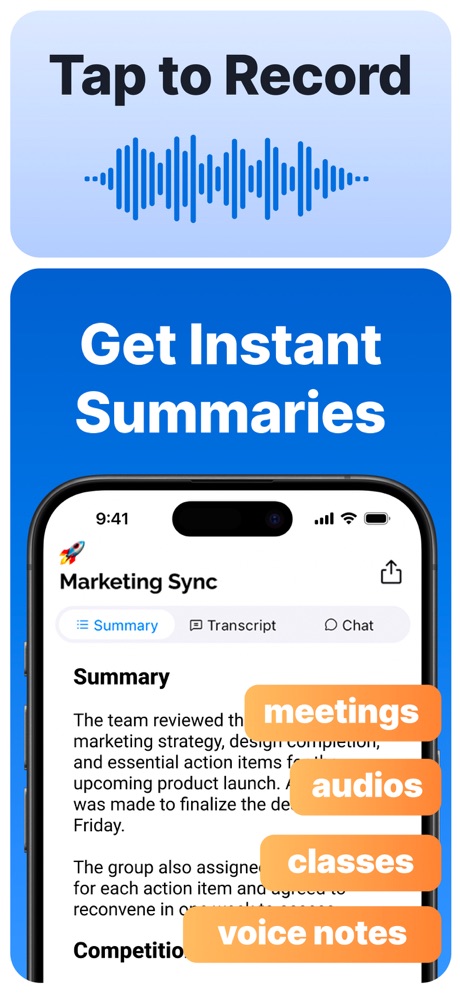
“Tap to Record Get Instant Summaries”

“Read 3x Faster by Listening”
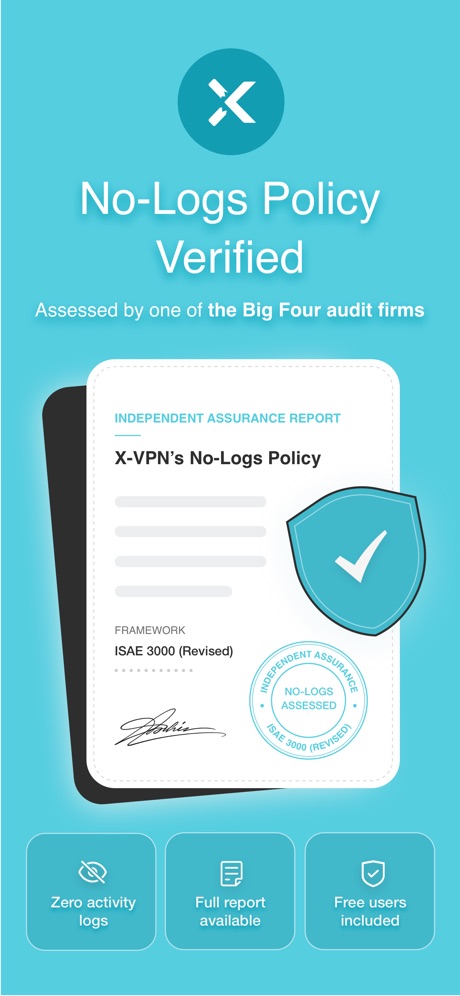
“No-Logs Policy Verified”
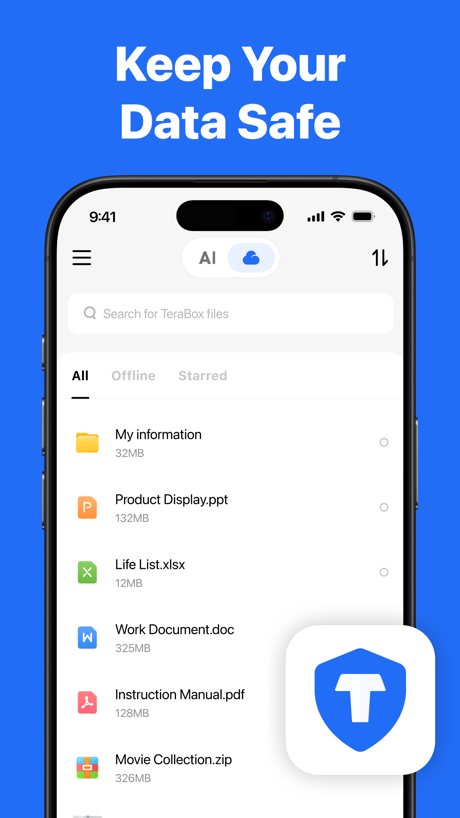
“Keep Your Data Safe”

“Your AI Meeting Assistant”

“All AI Assistants in one app”

“Translate All Languages, Connect the World”

“Print Docs Photos”

“RECOVER Deleted Photos”
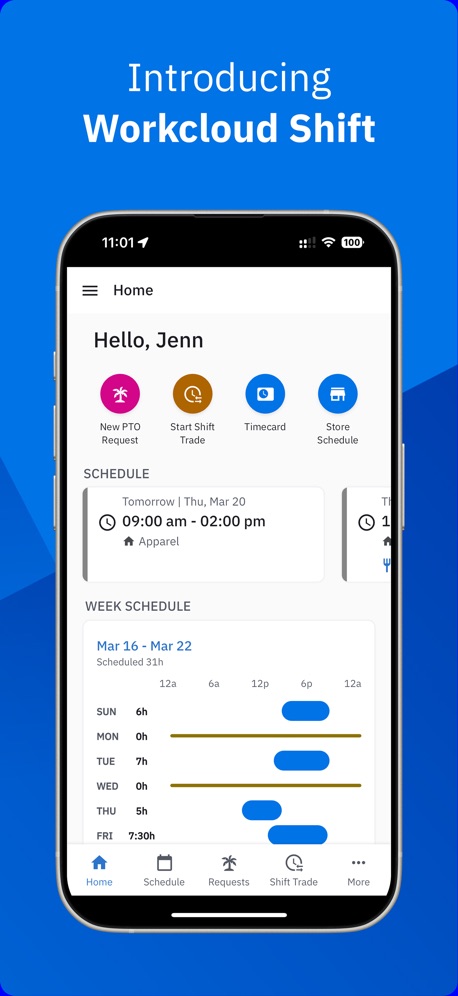
“Introducing Workcloud Shift”
Real headline examples, word for word.
The words on 40 of the 104 that carry any, as each app wrote them.
“See Key Info and Take Action”
Yahoo Mail: Your Email & Inbox · #21 · screenshot 3- RECLAIM
“Your Screen Time”
BePresent: Screen Time Control · #33 · screenshot 1 “Tap to Record Get Instant Summaries”
Summary - AI Note Taker · #35 · screenshot 2“Read 3x Faster by Listening”
Speechify – Text to Speech PDF · #39 · screenshot 1“No-Logs Policy Verified”
Assessed by one of the Big Four audit firmsX-VPN: VPN Fast & Secure · #41 · screenshot 1“Keep Your Data Safe”
TeraBox: 1TB Cloud & AI Space · #45 · screenshot 2“Your AI Meeting Assistant”
Otter Transcribe Voice Notes · #46 · screenshot 1“All AI Assistants in one app”
Chatbot AI Assistant - Genie · #47 · screenshot 1- TranslateAll: Live Translator
“Translate All Languages, Connect the World”
TranslateAll: Live Translator · #49 · screenshot 1 “Print Docs Photos”
Smart Printer App℠ for HP · · #51 · screenshot 2“RECOVER Deleted Photos”
Photo Recovery: Deleted Files · #54 · screenshot 1“Introducing Workcloud Shift”
Workcloud Shift · #56 · screenshot 1“Choose Your Country”
Surfshark VPN: Fast & Secure · #60 · screenshot 1“Check Charging Info”
Charge Win: Win Rewards · #61 · screenshot 2“#1 AI Chatbot”
Chatbot App: AI Assistant · #63 · screenshot 1“Super Fast & Ultra Simple VPN”
VPN Hotspot Shield: Wifi Proxy · #64 · screenshot 1“Deep Search Know More”
OneSearch: DeepSearch Finder · #68 · screenshot 1“Shared Calendar App”
TimeTree: Shared Calendar · #69 · screenshot 1“Get Your Authentication Codes”
Authenticator App · #70 · screenshot 1“#1 AI Chat”
Built on:AI Chat Assistant – ChatNow · #74 · screenshot 1“Fantastic File Transfer App”
Friends around you are using itSHAREit: Transfer, Share Files · #75 · screenshot 1“One Click Cache Cleanning”
AI Easy Cleaner · #76 · screenshot 1“Convert to PDF”
Simple PDF ScannerOffice Word: Edit Document · #78 · screenshot 6“Remote Lock & Unlock”
Kia Access · #79 · screenshot 2“Optimize Your Speed”
My Optimum · #86 · screenshot 4“Enjoy Safe Internet Access”
Turbo VPN Private Browser · #88 · screenshot 1“The Best AI Tools in One App”
ChatOn AI - Chat Bot Assistant · #89 · screenshot 1“#1 AI Assistant”
Loved by over 20 million usersDola AI: Smart Personal Helper · #90 · screenshot 1“Extract and Edit ant Text”
Mobile Scanner App - Scan PDF · #92 · screenshot 3“Unlimited Devices, One VPN”
Protect every phone, laptop, and tablet, no restrictionsVPN Windscribe: Fast & Secure · #95 · screenshot 1“Delivery Built By Drivers”
You work hard enough, so we’ve made finding local opportunities and extra income easy.FRAYT Driver (next) · #97 · screenshot 1“Spaces by Wix”
Spaces: Follow Businesses · #99 · screenshot 1- CLIMB
“the Digital Detox Leaderboard!”
BePresent: Screen Time Control · #33 · screenshot 5 “AI-powered Insights”
Summary - AI Note Taker · #35 · screenshot 3“Your Voice AI Assistant”
Speechify – Text to Speech PDF · #39 · screenshot 3“One Tap Go Anonymous”
X-VPN: VPN Fast & Secure · #41 · screenshot 2“AI Search for Everything”
TeraBox: 1TB Cloud & AI Space · #45 · screenshot 3“Ask AI Anything”
Chatbot AI Assistant - Genie · #47 · screenshot 2“Voice Translate Speak Naturally, Translate Instantly”
TranslateAll: Live Translator · #49 · screenshot 3“Scan Docs to PDF in a Tap”
Smart Printer App℠ for HP · · #51 · screenshot 3
Top ten Productivity apps that do it.
None of the top ten do. The highest app on the chart that does is Yahoo Mail: Your Email & Inbox, at #21.
The same tactic in other categories.
| Category | Apps that do it | Screenshots | Top ten |
|---|---|---|---|
| Graphics & Design | 62% 61 of 99 | 37% 211 of 564 | 6 of 10 |
| Reference | 61% 61 of 100 | 36% 201 of 566 | 5 of 10 |
| Utilities | 46% 46 of 100 | 27% 148 of 549 | 4 of 10 |
| Developer Tools | 39% 39 of 100 | 20% 103 of 507 | 3 of 10 |
| Entertainment | 39% 39 of 100 | 23% 125 of 544 | 8 of 10 |
| Music | 39% 39 of 100 | 20% 111 of 550 | 2 of 10 |
| Navigation | 38% 38 of 99 | 22% 123 of 566 | 2 of 10 |
| Health & Fitness | 38% 38 of 100 | 21% 120 of 574 | 4 of 10 |
| Photo & Video | 38% 38 of 100 | 20% 112 of 566 | 1 of 10 |
| Social Networking | 38% 38 of 100 | 18% 102 of 554 | 3 of 10 |
| Education | 36% 36 of 100 | 21% 117 of 555 | 3 of 10 |
| Lifestyle | 33% 33 of 100 | 18% 101 of 556 | 2 of 10 |
| Medical | 33% 33 of 100 | 16% 85 of 548 | 4 of 10 |
| Travel | 33% 33 of 100 | 14% 76 of 561 | 0 of 10 |
| Weather | 33% 33 of 100 | 19% 106 of 555 | 4 of 10 |
| Productivity | 32% 32 of 99 | 19% 104 of 551 | 0 of 10 |
| Food & Drink | 32% 32 of 100 | 18% 95 of 540 | 0 of 10 |
| Shopping | 31% 31 of 100 | 15% 87 of 562 | 2 of 10 |
| News | 22% 22 of 98 | 13% 65 of 517 | 2 of 10 |
| Finance | 22% 22 of 100 | 10% 56 of 581 | 2 of 10 |
| Sports | 20% 20 of 100 | 12% 66 of 558 | 2 of 10 |
| Games | 19% 19 of 100 | 9% 49 of 567 | 2 of 10 |
| Business | 16% 16 of 100 | 5% 26 of 554 | 0 of 10 |
Related tactics.
Often on the same screenshot
- Headline under five words76% of these screenshots, against 49% of all Productivity screenshots
- Blue53% of these screenshots, against 34% of all Productivity screenshots
- Background is the icon’s colour62% of these screenshots, against 45% of all Productivity screenshots
- Headline readable at thumbnail size42% of these screenshots, against 28% of all Productivity screenshots
- A word in a different colour38% of these screenshots, against 26% of all Productivity screenshots
- Dark28% of these screenshots, against 16% of all Productivity screenshots
More in words
- Has a headline99%
- Tells you to do something93%
- Headline under five words79%
- Says “you” or “your”78%
- Has a subline38%
- Uses a number24%
- Headline on one line22%
- Names the app19%
- Headline over eight words16%
- Says “I” or “my”10%
- No words at all9%
- Headline in capitals8%
- Has a kicker6%
- Names another app5%
- Exclaims2%
- Uses an emoji1%
Questions, answered from the chart.
How many top Productivity apps have title case App Store screenshot headlines?
Which Productivity apps have title case App Store screenshot headlines?
Should my Productivity app have title case App Store screenshot headlines?
See your own app against this.
Pagefully reads your screenshots the same way, and makes a custom product page for each search people type, from your real screens.
Preview your pages