Blue Productivity app screenshots
Blue is the main colour.
From the top 99 free Productivity apps on the US App Store, read on October 9, 2026. Screenshots are the developers’ own, shown from Apple’s servers with a link to each app.
The numbers
187 of the 551 Productivity screenshots read (34%) do this, across 47 of the top 99 apps (47%). 3 of the top ten do it (30%), against 44 of the other 89 (49%): the top ten do it less than the rest. Of the 23 categories read so far, Productivity is 12th for this. It is most common in Weather (78% of apps) and least common in Food & Drink (11%).
12 examples from the chart.
12 of the 187 blue Productivity app screenshots, one from each app, the highest on the chart first.

“Track ticket prices and book reservations”
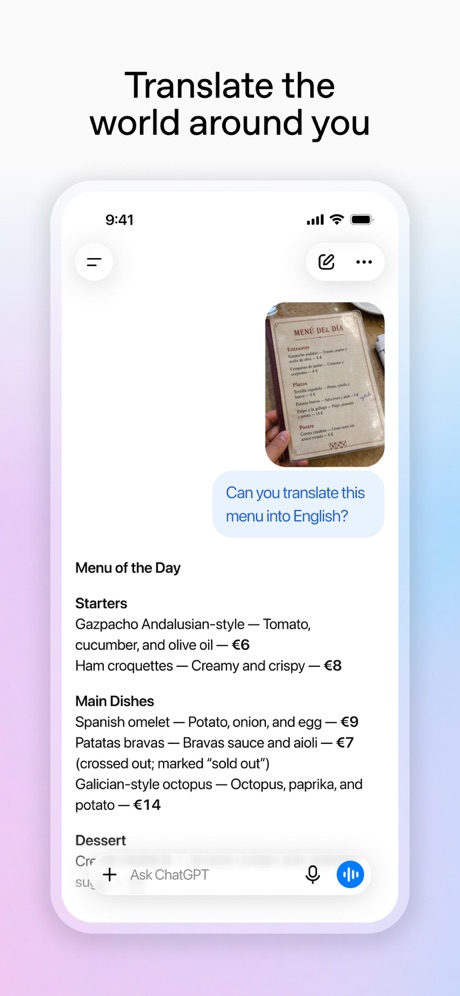
“Translate the world around you”

“Greater security across your accounts”

“Everyday email and calendar”
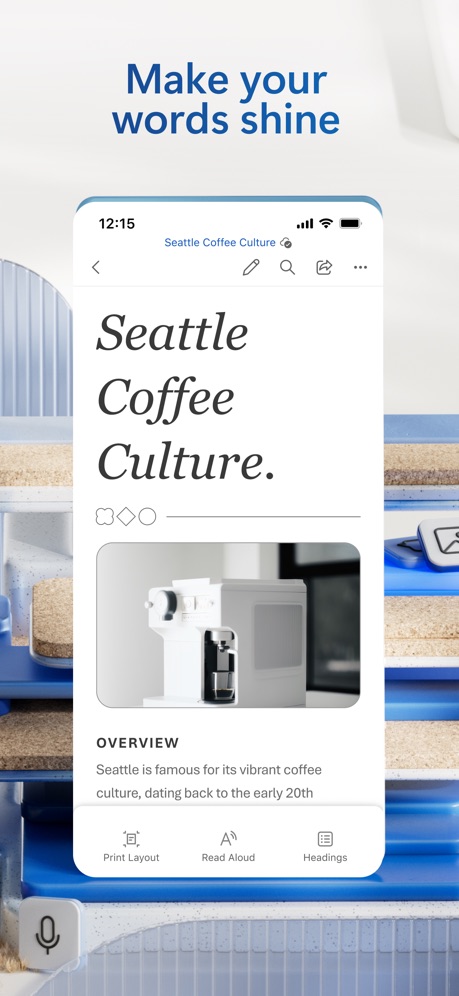
“Make your words shine”
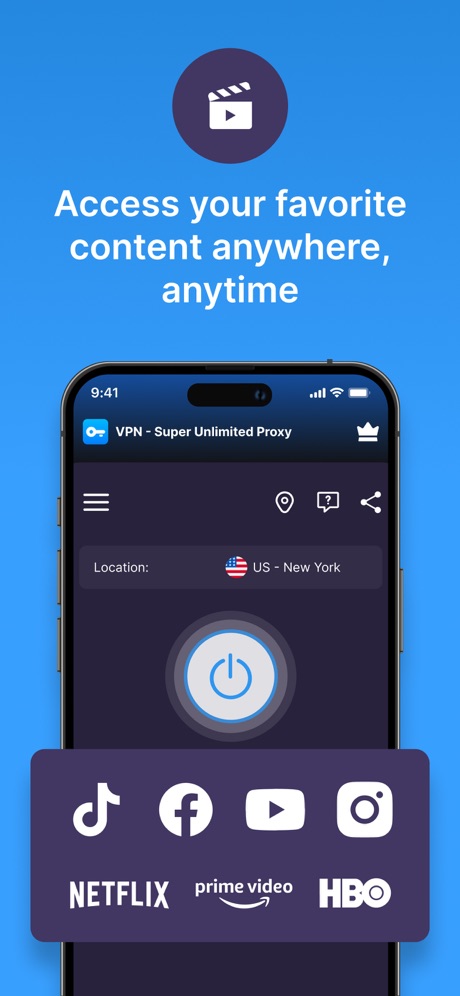
“Access your favorite content anywhere, anytime”
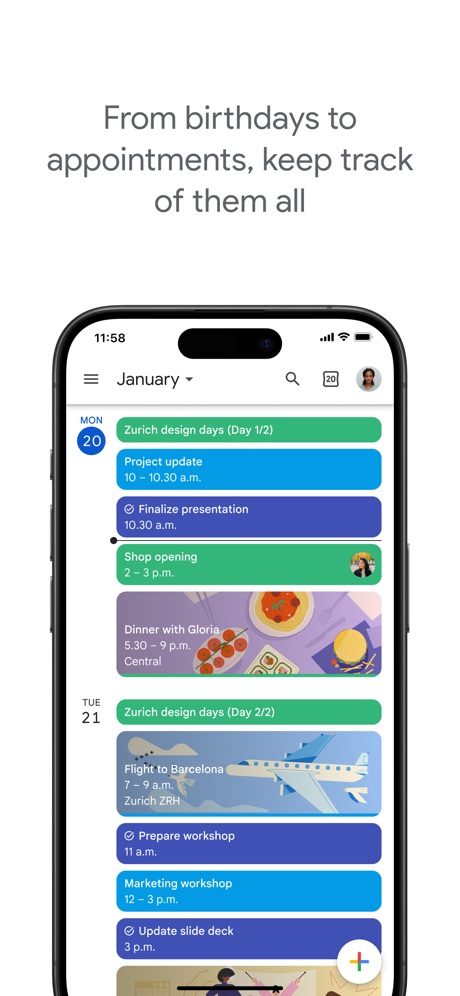
“From birthdays to appointments, keep track of them all”

“Take and make the call”

“Bulk-delete emails by sender”

“Your HP devices, all in one place”

“A new home for photos”

“CHECK YOUR INTERNET SPEED IN LESS THAN A MINUTE”
What these screenshots say, word for word.
The words on 40 of the 181 that carry any, as each app wrote them.
“Track ticket prices and book reservations”
Muse from Meta · #1 · screenshot 3“Translate the world around you”
ChatGPT · #2 · screenshot 5“Greater security across your accounts”
Microsoft Authenticator · #6 · screenshot 1“Everyday email and calendar”
Microsoft Outlook · #11 · screenshot 1“Make your words shine”
Microsoft Word · #14 · screenshot 1“Access your favorite content anywhere, anytime”
VPN - Super Unlimited Proxy · #15 · screenshot 1“From birthdays to appointments, keep track of them all”
Google Calendar: Get Organized · #17 · screenshot 1“Take and make the call”
Link to Windows · #18 · screenshot 1“Bulk-delete emails by sender”
Yahoo Mail: Your Email & Inbox · #21 · screenshot 2“Your HP devices, all in one place”
HP · #22 · screenshot 1“A new home for photos”
Microsoft OneDrive · #23 · screenshot 1“CHECK YOUR INTERNET SPEED IN LESS THAN A MINUTE”
Smart Home Manager · #24 · screenshot 6“Worldwide”
High-Speed ServersVPN - Fast & Secure VPN ™ · #26 · screenshot 2“Upload photos and videos instantly”
Dropbox: Cloud Storage Backup · #28 · screenshot 2“Search like never before”
Perplexity - AI Search & Chat · #31 · screenshot 1- RECLAIM
“Your Screen Time”
BePresent: Screen Time Control · #33 · screenshot 1 “Never take notes again”
When recording with (mic icon) Summary AISummary - AI Note Taker · #35 · screenshot 1“YOUR AI ASSISTANT”
INTO THE UNKNOWNDeepSeek - AI Assistant · #36 · screenshot 1“The calendar for you and your friends”
Saturn Calendar · #37 · screenshot 1“create your own Themes”
Widgetsmith · #38 · screenshot 4“Read 3x Faster by Listening”
Speechify – Text to Speech PDF · #39 · screenshot 1“Simplify moving with all your to-dos in one place.”
FolioSpace Online Portal · #43 · screenshot 1“1024GB of Available Storage Space”
TeraBox: 1TB Cloud & AI Space · #45 · screenshot 1- TranslateAll: Live Translator
“Translate All Languages, Connect the World”
TranslateAll: Live Translator · #49 · screenshot 1 “SMART PRINTER APP”
App Store App of the DaySmart Printer App℠ for HP · · #51 · screenshot 1“Introducing Workcloud Shift”
Workcloud Shift · #56 · screenshot 1“Fun & Reliable”
Charge Win: Win Rewards · #61 · screenshot 1“Check upload status of your latest transfer from the lock screen with our Live Activity”
WeTransfer: Transfer Files · #62 · screenshot 2“Super Fast & Ultra Simple VPN”
VPN Hotspot Shield: Wifi Proxy · #64 · screenshot 1“Secure email that protects your privacy”
Trusted by over 100 million peopleProton Mail - Encrypted Email · #66 · screenshot 1“Confidently remember and organize your ideas”
Microsoft OneNote · #67 · screenshot 1“Deep Search Know More”
OneSearch: DeepSearch Finder · #68 · screenshot 1“Word”
Read, Edit and Share On MobileOffice Word:Edit Word Document · #73 · screenshot 1“Fantastic File Transfer App”
Friends around you are using itSHAREit: Transfer, Share Files · #75 · screenshot 1“One Click Cache Cleanning”
AI Easy Cleaner · #76 · screenshot 1“Word”
Read, Edit, and ShareOffice Word: Edit Document · #78 · screenshot 1“AI-powered search and answer engine”
Microsoft Bing Search · #83 · screenshot 1“Get back 1h23m every day.”
Opal: Screen Time Control · #85 · screenshot 1“Quick and easy bill pay”
My Optimum · #86 · screenshot 1“#1 AI Assistant”
Loved by over 20 million usersDola AI: Smart Personal Helper · #90 · screenshot 1
Top ten Productivity apps that do it.
- #1Muse from Meta4 of its 6 screenshots
- #2ChatGPT1 of its 6 screenshots
- #6Microsoft Authenticator5 of its 6 screenshots
The same tactic in other categories.
| Category | Apps that do it | Screenshots | Top ten |
|---|---|---|---|
| Weather | 78% 78 of 100 | 50% 276 of 555 | 7 of 10 |
| Travel | 63% 63 of 100 | 40% 224 of 561 | 6 of 10 |
| Education | 62% 62 of 100 | 35% 195 of 555 | 6 of 10 |
| Games | 58% 58 of 100 | 31% 173 of 567 | 5 of 10 |
| Business | 56% 56 of 100 | 35% 193 of 554 | 7 of 10 |
| Utilities | 51% 51 of 100 | 34% 187 of 549 | 3 of 10 |
| News | 50% 49 of 98 | 33% 173 of 517 | 3 of 10 |
| Sports | 49% 49 of 100 | 33% 184 of 558 | 5 of 10 |
| Graphics & Design | 48% 48 of 99 | 16% 91 of 564 | 6 of 10 |
| Navigation | 48% 48 of 99 | 35% 200 of 566 | 3 of 10 |
| Lifestyle | 48% 48 of 100 | 29% 163 of 556 | 7 of 10 |
| Productivity | 47% 47 of 99 | 34% 187 of 551 | 3 of 10 |
| Entertainment | 47% 47 of 100 | 24% 128 of 544 | 7 of 10 |
| Social Networking | 47% 47 of 100 | 26% 145 of 554 | 7 of 10 |
| Finance | 45% 45 of 100 | 32% 184 of 581 | 5 of 10 |
| Reference | 43% 43 of 100 | 26% 146 of 566 | 5 of 10 |
| Developer Tools | 42% 42 of 100 | 26% 130 of 507 | 4 of 10 |
| Medical | 40% 40 of 100 | 25% 139 of 548 | 5 of 10 |
| Photo & Video | 40% 40 of 100 | 15% 83 of 566 | 5 of 10 |
| Music | 37% 37 of 100 | 20% 112 of 550 | 3 of 10 |
| Shopping | 37% 37 of 100 | 23% 128 of 562 | 2 of 10 |
| Health & Fitness | 35% 35 of 100 | 21% 123 of 574 | 0 of 10 |
| Food & Drink | 11% 11 of 100 | 6% 34 of 540 | 2 of 10 |
Related tactics.
Often on the same screenshot
- Background is the icon’s colour85% of these screenshots, against 45% of all Productivity screenshots
- Gradient background66% of these screenshots, against 49% of all Productivity screenshots
- Headline in Title Case29% of these screenshots, against 19% of all Productivity screenshots
- Illustration or mascot37% of these screenshots, against 32% of all Productivity screenshots
- Whole phone shown64% of these screenshots, against 59% of all Productivity screenshots
- Arrows or callouts20% of these screenshots, against 15% of all Productivity screenshots
More in look
- Light85%
- Gradient background65%
- Background is the icon’s colour60%
- Black, white or grey60%
- A word in a different colour47%
- Solid background43%
- Low contrast words40%
- High contrast words36%
- Dark33%
- Photo background20%
- Orange19%
- Pattern or texture16%
- Teal16%
- Rounded headline type11%
- Green9%
- Serif headline8%
- Purple6%
- Red6%
- Yellow4%
- Pink3%
- The app itself is the background2%
Questions, answered from the chart.
How many top Productivity apps have blue App Store screenshots?
Which Productivity apps have blue App Store screenshots?
Should my Productivity app have blue App Store screenshots?
See your own app against this.
Pagefully reads your screenshots the same way, and makes a custom product page for each search people type, from your real screens.
Preview your pages