Productivity app screenshots with high-contrast text
The headline stands far from its background in brightness. The further the words stand from the background in brightness, the easier they are to read at small sizes.
From the top 99 free Productivity apps on the US App Store, read on October 9, 2026. Screenshots are the developers’ own, shown from Apple’s servers with a link to each app.
The numbers
108 of the 551 Productivity screenshots read (20%) do this, across 36 of the top 99 apps (36%). 2 of the top ten do it (20%), against 34 of the other 89 (38%): the top ten do it less than the rest. Of the 23 categories read so far, Productivity is 20th for this. It is most common in Graphics & Design (65% of apps) and least common in Medical (20%).
12 examples from the chart.
12 of the 108 Productivity app screenshots with high-contrast text, one from each app, the highest on the chart first.

“Get the best of Gmail on iPhone”

“Quickly summarize and draft documents on the go with Gemini in Docs”
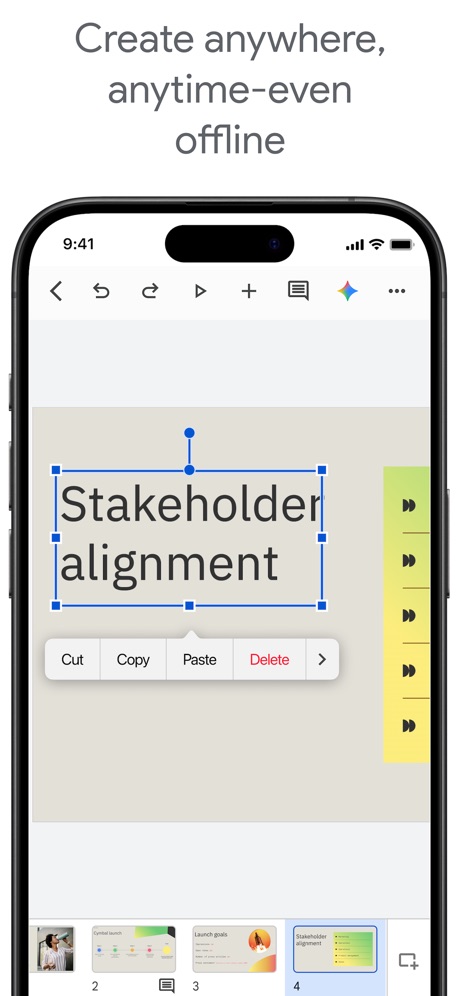
“Create anywhere, anytime-even offline”

“Designed to simplify your life”

“Your HP devices, all in one place”

“SCAN”

“Save and organize your files securely”
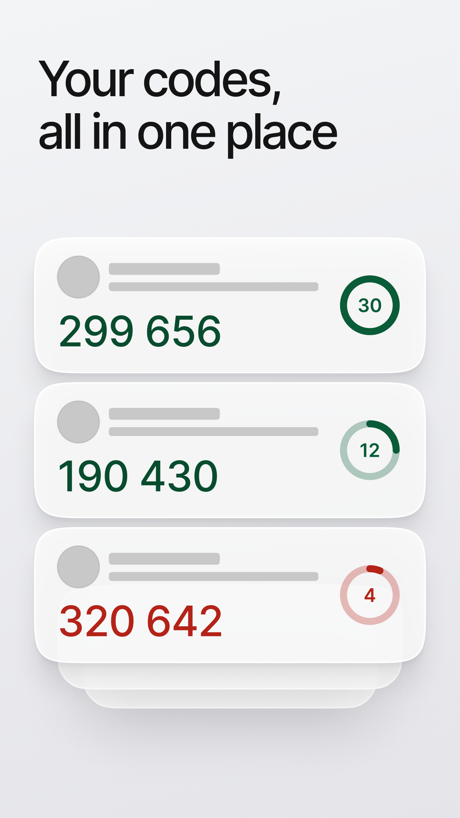
“Your codes, all in one place”

“Doomscroll Again”

“Send sources to Gemini Notebook from anywhere on your device 📱”

“Home Screen”
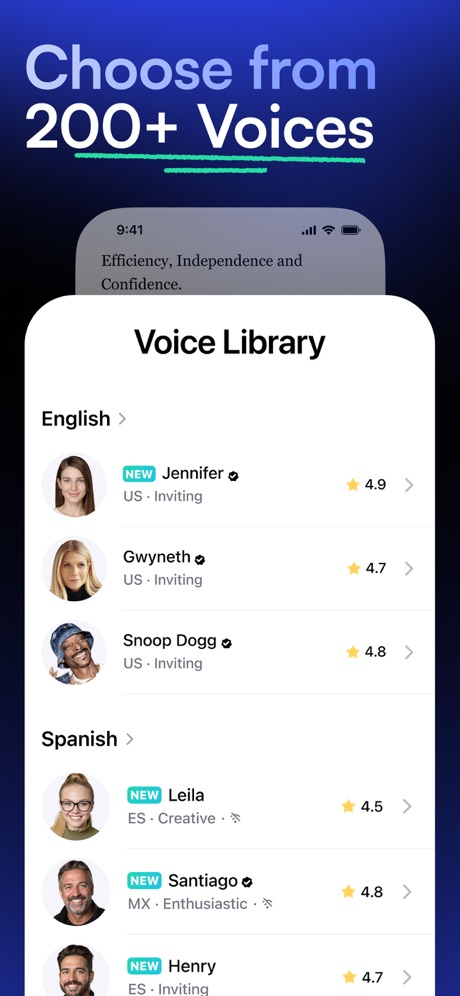
“Choose from 200+ Voices”
What these screenshots say, word for word.
The words on 40 of the 108 that carry any, as each app wrote them.
“Get the best of Gmail on iPhone”
Gmail - Email by Google · #5 · screenshot 1“Quickly summarize and draft documents on the go with Gemini in Docs”
Google Docs · #9 · screenshot 4“Create anywhere, anytime-even offline”
Google Slides · #20 · screenshot 3“Designed to simplify your life”
Yahoo Mail: Your Email & Inbox · #21 · screenshot 1“Your HP devices, all in one place”
HP · #22 · screenshot 1“SCAN”
with your PhoneCamScanner - PDF Scanner App · #25 · screenshot 1- Dropbox
“Save and organize your files securely”
Dropbox: Cloud Storage Backup · #28 · screenshot 1 “Your codes, all in one place”
ID.me Authenticator · #32 · screenshot 2- NEVER
“Doomscroll Again”
With RemindersBePresent: Screen Time Control · #33 · screenshot 3 “Send sources to Gemini Notebook from anywhere on your device 📱”
Gemini Notebook · #34 · screenshot 6- customize your
“Home Screen”
Widgetsmith · #38 · screenshot 1 “Choose from 200+ Voices”
Speechify – Text to Speech PDF · #39 · screenshot 2“All AI Assistants in one app”
Chatbot AI Assistant - Genie · #47 · screenshot 1“Your life, beautifully organized.”
Notion: Notes, Tasks, AI · #48 · screenshot 1“SocialLite”
Trusted by 1M+ peopleSocialLite-Block Reels&Shorts · #50 · screenshot 1“Create your own door and gate access PIN and customize other access settings”
ButterflyMX · #57 · screenshot 4“Stay Safe & Private”
Surfshark VPN: Fast & Secure · #60 · screenshot 5“Fun & Reliable”
Charge Win: Win Rewards · #61 · screenshot 1“Send and receive files right from your phone”
WeTransfer: Transfer Files · #62 · screenshot 1“#1 AI Chatbot”
Chatbot App: AI Assistant · #63 · screenshot 1“Get Your Authentication Codes”
Authenticator App · #70 · screenshot 1“Word”
Read, Edit and Share On MobileOffice Word:Edit Word Document · #73 · screenshot 1“#1 AI Chat”
Built on:AI Chat Assistant – ChatNow · #74 · screenshot 1“Clear Duplicate Photos”
AI Easy Cleaner · #76 · screenshot 2“PARK SMARTER”
powered by · IPS groupPark Smarter · #77 · screenshot 1“Elevate your ownership with Kia Access”
Kia Access · #79 · screenshot 1“Search and browse more privately”
Microsoft Bing Search · #83 · screenshot 3“Get back 1h23m every day.”
Opal: Screen Time Control · #85 · screenshot 1“24/7 live chat support”
My Optimum · #86 · screenshot 2“The power of privacy in your pocket”
MEGA: Encrypted Cloud Storage · #87 · screenshot 1“Fast Private Browsers”
Turbo VPN Private Browser · #88 · screenshot 4“The Best AI Tools in One App”
ChatOn AI - Chat Bot Assistant · #89 · screenshot 1“SCAN ANYTHING TO PDF”
Mobile Scanner App - Scan PDF · #92 · screenshot 1“Fast and secure servers”
VPN Proxy Master - Super VPN · #94 · screenshot 2- in stunningly
“natural voices”
ElevenReader: Read Books Aloud · #96 · screenshot 2 “establish routines & habits”
Structured: Daily Planner Todo · #98 · screenshot 3“Create and review presentations, now also in dark mode”
Google Slides · #20 · screenshot 4“Bulk-delete emails by sender”
Yahoo Mail: Your Email & Inbox · #21 · screenshot 2“Discover what you need, before you need it”
HP · #22 · screenshot 3“SHARE”
to email,clouds or contactsCamScanner - PDF Scanner App · #25 · screenshot 3
Top ten Productivity apps that do it.
- #5Gmail - Email by Google1 of its 6 screenshots
- #9Google Docs1 of its 4 screenshots
The same tactic in other categories.
| Category | Apps that do it | Screenshots | Top ten |
|---|---|---|---|
| Graphics & Design | 65% 64 of 99 | 43% 241 of 564 | 8 of 10 |
| Food & Drink | 64% 64 of 100 | 30% 164 of 540 | 8 of 10 |
| Sports | 64% 64 of 100 | 41% 230 of 558 | 7 of 10 |
| Music | 57% 57 of 100 | 28% 152 of 550 | 3 of 10 |
| Photo & Video | 56% 56 of 100 | 30% 170 of 566 | 6 of 10 |
| Navigation | 51% 50 of 99 | 21% 119 of 566 | 4 of 10 |
| Entertainment | 50% 50 of 100 | 29% 159 of 544 | 8 of 10 |
| Shopping | 48% 48 of 100 | 20% 112 of 562 | 5 of 10 |
| Utilities | 47% 47 of 100 | 26% 142 of 549 | 4 of 10 |
| Finance | 45% 45 of 100 | 21% 122 of 581 | 4 of 10 |
| Reference | 45% 45 of 100 | 25% 141 of 566 | 2 of 10 |
| Games | 42% 42 of 100 | 22% 127 of 567 | 5 of 10 |
| Health & Fitness | 42% 42 of 100 | 19% 111 of 574 | 4 of 10 |
| Social Networking | 41% 41 of 100 | 22% 121 of 554 | 1 of 10 |
| Weather | 40% 40 of 100 | 20% 111 of 555 | 3 of 10 |
| Education | 39% 39 of 100 | 13% 74 of 555 | 4 of 10 |
| Lifestyle | 38% 38 of 100 | 18% 100 of 556 | 3 of 10 |
| Developer Tools | 37% 37 of 100 | 22% 111 of 507 | 1 of 10 |
| Travel | 37% 37 of 100 | 17% 95 of 561 | 5 of 10 |
| Productivity | 36% 36 of 99 | 20% 108 of 551 | 2 of 10 |
| News | 34% 33 of 98 | 20% 102 of 517 | 5 of 10 |
| Business | 28% 28 of 100 | 15% 83 of 554 | 1 of 10 |
| Medical | 20% 20 of 100 | 7% 38 of 548 | 4 of 10 |
Related tactics.
Often on the same screenshot
- Words aligned left35% of these screenshots, against 13% of all Productivity screenshots
- Black, white or grey55% of these screenshots, against 41% of all Productivity screenshots
- Headline readable at thumbnail size42% of these screenshots, against 28% of all Productivity screenshots
- Gradient background61% of these screenshots, against 49% of all Productivity screenshots
- Dark28% of these screenshots, against 16% of all Productivity screenshots
- A word in a different colour37% of these screenshots, against 26% of all Productivity screenshots
More in look
- Light85%
- Gradient background65%
- Background is the icon’s colour60%
- Black, white or grey60%
- A word in a different colour47%
- Blue47%
- Solid background43%
- Low contrast words40%
- Dark33%
- Photo background20%
- Orange19%
- Pattern or texture16%
- Teal16%
- Rounded headline type11%
- Green9%
- Serif headline8%
- Purple6%
- Red6%
- Yellow4%
- Pink3%
- The app itself is the background2%
Questions, answered from the chart.
How many top Productivity apps have App Store screenshots with high-contrast text?
Which Productivity apps have App Store screenshots with high-contrast text?
Should my Productivity app have App Store screenshots with high-contrast text?
See your own app against this.
Pagefully reads your screenshots the same way, and makes a custom product page for each search people type, from your real screens.
Preview your pages