Productivity app screenshots with a gradient background
A colour that shades into another. A gradient adds depth without adding anything to look at.
From the top 99 free Productivity apps on the US App Store, read on October 9, 2026. Screenshots are the developers’ own, shown from Apple’s servers with a link to each app.
The numbers
270 of the 551 Productivity screenshots read (49%) do this, across 64 of the top 99 apps (65%). 6 of the top ten do it (60%), against 58 of the other 89 (65%): the top ten do it about as often as the rest. Of the 23 categories read so far, Productivity is 11th for this. It is most common in Entertainment (79% of apps) and least common in Food & Drink (43%).
12 examples from the chart.
12 of the 270 Productivity app screenshots with a gradient background, one from each app, the highest on the chart first.
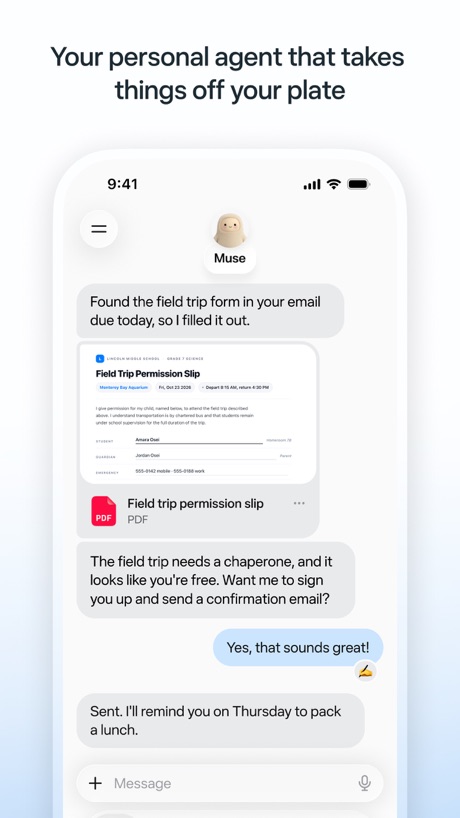
“Your personal agent that takes things off your plate”

“Create new worlds”
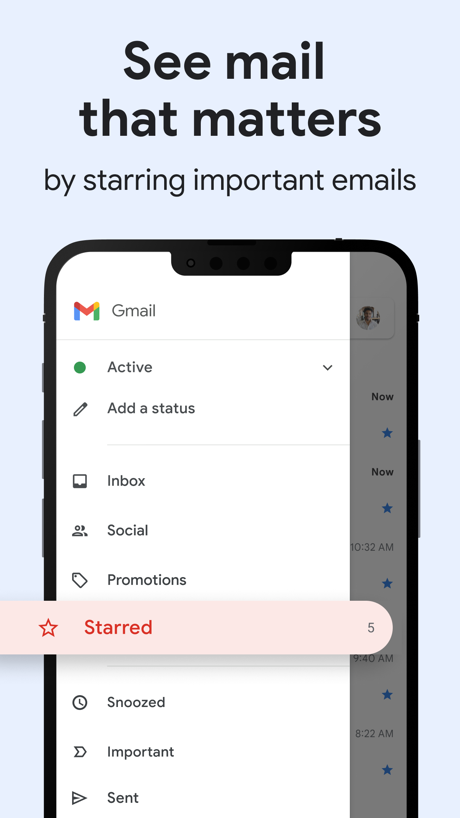
“See mail that matters”
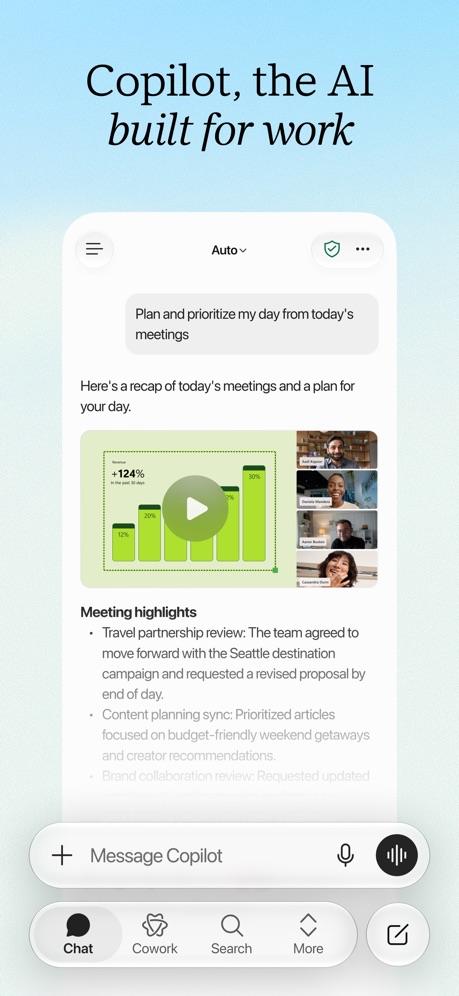
“Copilot, the AI built for work”

“Chat and learn something new”

“Store and access your content from anywhere”

“Your team of always-on agents that finish the work”
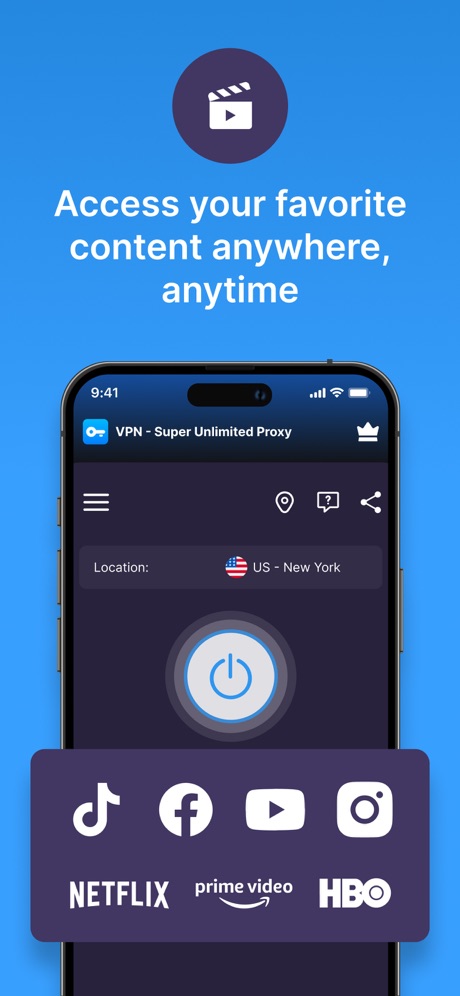
“Access your favorite content anywhere, anytime”

“Bulk-delete emails by sender”

“Your HP devices, all in one place”

“A new home for photos”

“GET REAL-TIME RECOMMENDATIONS AT YOUR FINGERTIPS”
What these screenshots say, word for word.
The words on 40 of the 270 that carry any, as each app wrote them.
“Your personal agent that takes things off your plate”
Muse from Meta · #1 · screenshot 1“Create new worlds”
ChatGPT · #2 · screenshot 1“See mail that matters”
by starring important emailsGmail - Email by Google · #5 · screenshot 6“Copilot, the AI built for work”
Microsoft Copilot · #7 · screenshot 1“Chat and learn something new”
Grok AI · #8 · screenshot 2“Store and access your content from anywhere”
Google Drive · #10 · screenshot 1“Your team of always-on agents that finish the work”
Grok Bot · #12 · screenshot 1“Access your favorite content anywhere, anytime”
VPN - Super Unlimited Proxy · #15 · screenshot 1“Bulk-delete emails by sender”
Yahoo Mail: Your Email & Inbox · #21 · screenshot 2“Your HP devices, all in one place”
HP · #22 · screenshot 1“A new home for photos”
Microsoft OneDrive · #23 · screenshot 1“GET REAL-TIME RECOMMENDATIONS AT YOUR FINGERTIPS”
Smart Home Manager · #24 · screenshot 1“SCAN”
with your PhoneCamScanner - PDF Scanner App · #25 · screenshot 1“One Tap”
Secure Your PrivacyVPN - Fast & Secure VPN ™ · #26 · screenshot 1“Make beautiful presentations”
Microsoft PowerPoint · #27 · screenshot 3- Dropbox
“Save and organize your files securely”
Dropbox: Cloud Storage Backup · #28 · screenshot 1 “Manage multiple accounts”
PingID · #30 · screenshot 1“Dive deeper with follow ups”
Perplexity - AI Search & Chat · #31 · screenshot 6“Your codes, all in one place”
ID.me Authenticator · #32 · screenshot 2- RECLAIM
“Your Screen Time”
BePresent: Screen Time Control · #33 · screenshot 1 “Never take notes again”
When recording with (mic icon) Summary AISummary - AI Note Taker · #35 · screenshot 1“Understand images, discover more”
DeepSeek - AI Assistant · #36 · screenshot 2“The calendar for you and your friends”
Saturn Calendar · #37 · screenshot 1“showcase your Photos”
Widgetsmith · #38 · screenshot 3“Read 3x Faster by Listening”
Speechify – Text to Speech PDF · #39 · screenshot 1“Trusted by 40 million people every day”
Grammarly: AI Keyboard & Voice · #40 · screenshot 1“No-Logs Policy Verified”
Assessed by one of the Big Four audit firmsX-VPN: VPN Fast & Secure · #41 · screenshot 1“See who's selling your data.”
We scan broker sites for your home address, SSN and other personal information.Cloaked: Protect your privacy · #42 · screenshot 2“Simplify moving with all your to-dos in one place.”
FolioSpace Online Portal · #43 · screenshot 1“Your AI Meeting Assistant”
Otter Transcribe Voice Notes · #46 · screenshot 1“All AI Assistants in one app”
Chatbot AI Assistant - Genie · #47 · screenshot 1- TranslateAll: Live Translator
“Translate All Languages, Connect the World”
TranslateAll: Live Translator · #49 · screenshot 1 “Multi-function Printer”
Smart Printer App℠ for HP · · #51 · screenshot 4“Track your Event progress”
Double Good · #53 · screenshot 3“Quick access to your Google Forms”
Forms for Google Docs · #55 · screenshot 1“Introducing Workcloud Shift”
Workcloud Shift · #56 · screenshot 1“ButterflyMX”
Property access made simpleButterflyMX · #57 · screenshot 1“Know who's signed what. And when.”
Docusign - Upload & Sign Docs · #59 · screenshot 3“Connect”
With One TapSurfshark VPN: Fast & Secure · #60 · screenshot 2“Fun & Reliable”
Charge Win: Win Rewards · #61 · screenshot 1
Top ten Productivity apps that do it.
- #1Muse from Meta6 of its 6 screenshots
- #2ChatGPT6 of its 6 screenshots
- #5Gmail - Email by Google1 of its 6 screenshots
- #7Microsoft Copilot6 of its 6 screenshots
- #8Grok AI4 of its 5 screenshots
- #10Google Drive1 of its 5 screenshots
The same tactic in other categories.
| Category | Apps that do it | Screenshots | Top ten |
|---|---|---|---|
| Entertainment | 79% 79 of 100 | 65% 352 of 544 | 9 of 10 |
| Utilities | 78% 78 of 100 | 64% 352 of 549 | 5 of 10 |
| Graphics & Design | 77% 76 of 99 | 60% 337 of 564 | 9 of 10 |
| Health & Fitness | 73% 73 of 100 | 57% 330 of 574 | 5 of 10 |
| Music | 73% 73 of 100 | 57% 315 of 550 | 6 of 10 |
| Sports | 71% 71 of 100 | 50% 279 of 558 | 7 of 10 |
| Social Networking | 68% 68 of 100 | 52% 290 of 554 | 6 of 10 |
| Games | 67% 67 of 100 | 41% 233 of 567 | 6 of 10 |
| Lifestyle | 66% 66 of 100 | 49% 275 of 556 | 5 of 10 |
| Reference | 65% 65 of 100 | 52% 294 of 566 | 8 of 10 |
| Productivity | 65% 64 of 99 | 49% 270 of 551 | 6 of 10 |
| Business | 63% 63 of 100 | 44% 243 of 554 | 6 of 10 |
| Education | 62% 62 of 100 | 37% 208 of 555 | 6 of 10 |
| Finance | 62% 62 of 100 | 46% 266 of 581 | 5 of 10 |
| Photo & Video | 60% 60 of 100 | 42% 236 of 566 | 4 of 10 |
| Developer Tools | 55% 55 of 100 | 46% 233 of 507 | 6 of 10 |
| Medical | 54% 54 of 100 | 33% 183 of 548 | 7 of 10 |
| News | 53% 52 of 98 | 38% 196 of 517 | 3 of 10 |
| Navigation | 52% 51 of 99 | 33% 189 of 566 | 5 of 10 |
| Travel | 50% 50 of 100 | 31% 173 of 561 | 5 of 10 |
| Shopping | 49% 49 of 100 | 32% 181 of 562 | 4 of 10 |
| Weather | 45% 45 of 100 | 35% 193 of 555 | 2 of 10 |
| Food & Drink | 43% 43 of 100 | 24% 130 of 540 | 3 of 10 |
Related tactics.
Often on the same screenshot
- Blue46% of these screenshots, against 34% of all Productivity screenshots
- Background is the icon’s colour55% of these screenshots, against 45% of all Productivity screenshots
- Dark21% of these screenshots, against 16% of all Productivity screenshots
- High contrast words24% of these screenshots, against 20% of all Productivity screenshots
- Headline under five words53% of these screenshots, against 49% of all Productivity screenshots
- Headline in Title Case23% of these screenshots, against 19% of all Productivity screenshots
More in look
- Light85%
- Background is the icon’s colour60%
- Black, white or grey60%
- A word in a different colour47%
- Blue47%
- Solid background43%
- Low contrast words40%
- High contrast words36%
- Dark33%
- Photo background20%
- Orange19%
- Pattern or texture16%
- Teal16%
- Rounded headline type11%
- Green9%
- Serif headline8%
- Purple6%
- Red6%
- Yellow4%
- Pink3%
- The app itself is the background2%
Questions, answered from the chart.
How many top Productivity apps have App Store screenshots with a gradient background?
Which Productivity apps have App Store screenshots with a gradient background?
Should my Productivity app have App Store screenshots with a gradient background?
See your own app against this.
Pagefully reads your screenshots the same way, and makes a custom product page for each search people type, from your real screens.
Preview your pages