Teal Productivity app screenshots
Teal is the main colour.
From the top 99 free Productivity apps on the US App Store, read on October 9, 2026. Screenshots are the developers’ own, shown from Apple’s servers with a link to each app.
The numbers
46 of the 551 Productivity screenshots read (8%) do this, across 16 of the top 99 apps (16%). 3 of the top ten do it (30%), against 13 of the other 89 (15%): the top ten do it more than the rest. Of the 23 categories read so far, Productivity is 16th for this. It is most common in Medical (30% of apps) and least common in News (9%).
12 examples from the chart.
12 of the 46 teal Productivity app screenshots, one from each app, the highest on the chart first.
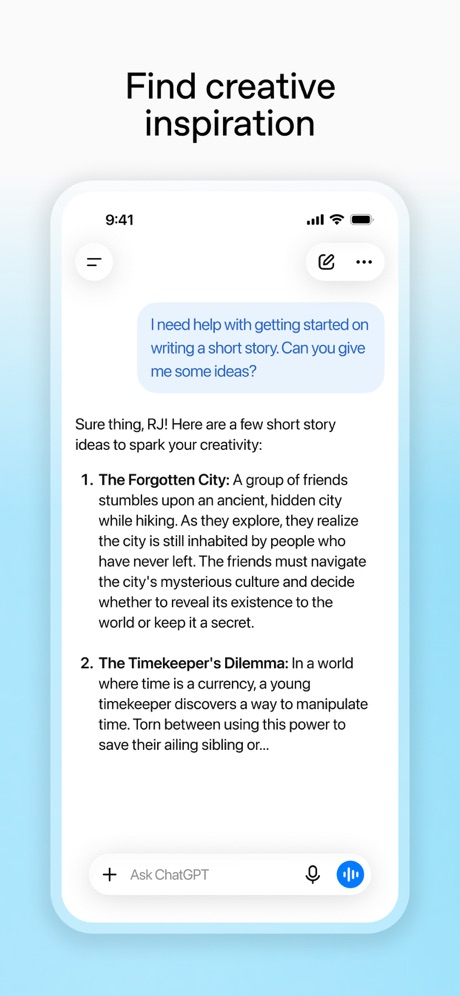
“Find creative inspiration”

“Get useful answers wherever you are”
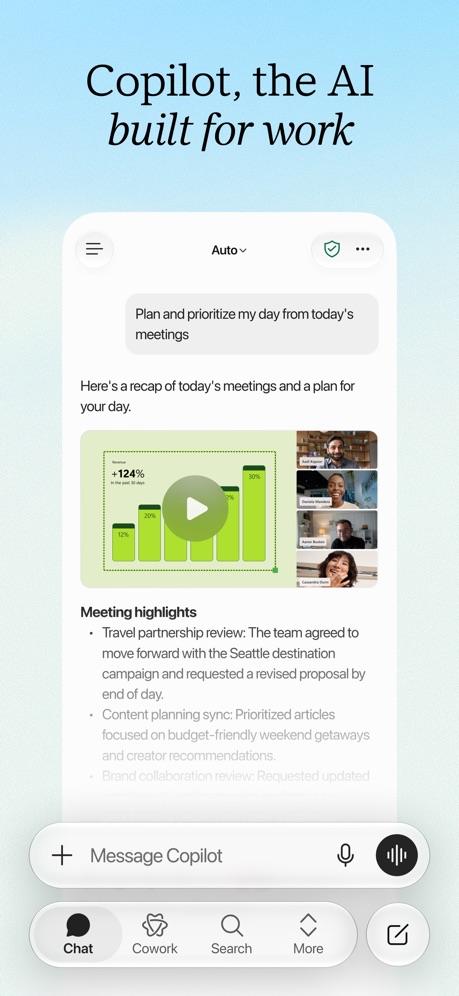
“Copilot, the AI built for work”
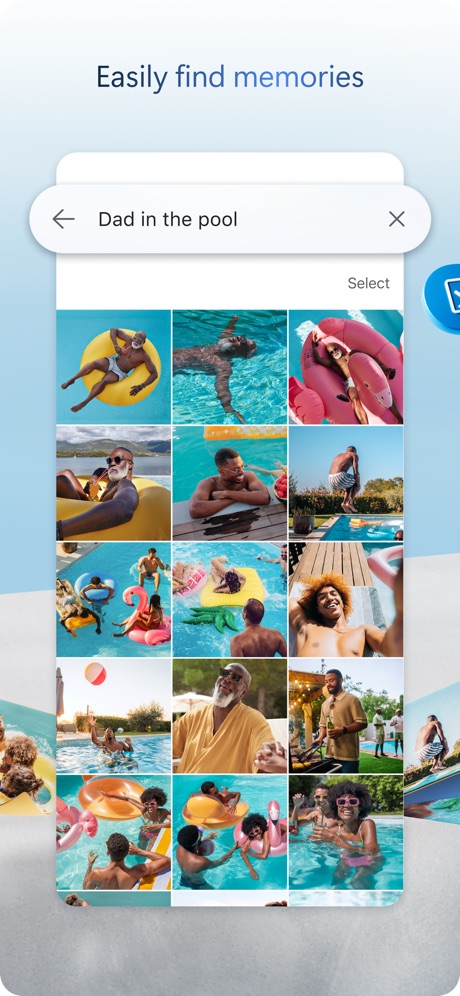
“Easily find memories”

“GET REAL-TIME RECOMMENDATIONS AT YOUR FINGERTIPS”

“EXTRACT”

“One Tap”

“the Digital Detox Leaderboard!”

“Focus & tough, deeper analysis”

“Trusted by 40 million people every day”
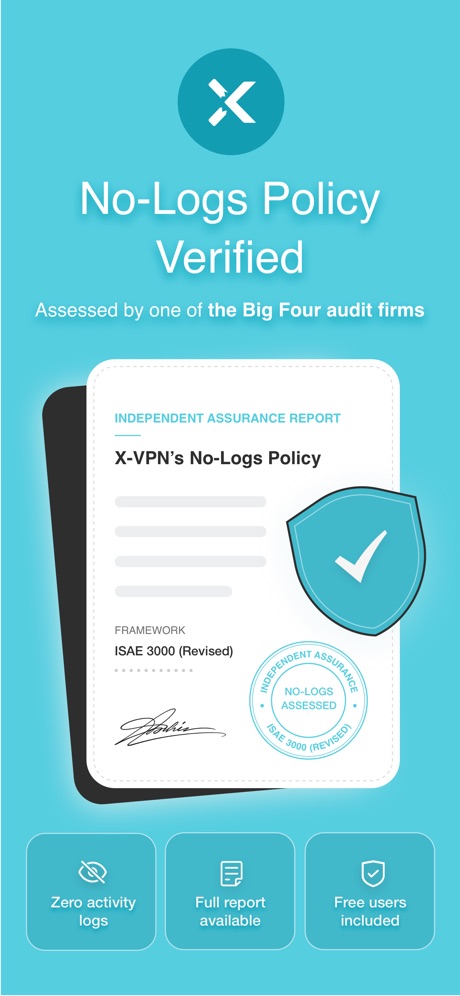
“No-Logs Policy Verified”

“View and download residential forms from anywhere.”
What these screenshots say, word for word.
The words on 40 of the 46 that carry any, as each app wrote them.
“Find creative inspiration”
ChatGPT · #2 · screenshot 6“Get useful answers wherever you are”
Claude by Anthropic · #4 · screenshot 1“Copilot, the AI built for work”
Microsoft Copilot · #7 · screenshot 1“Easily find memories”
Microsoft OneDrive · #23 · screenshot 4“GET REAL-TIME RECOMMENDATIONS AT YOUR FINGERTIPS”
Smart Home Manager · #24 · screenshot 1“EXTRACT”
and edit any textCamScanner - PDF Scanner App · #25 · screenshot 6“One Tap”
Secure Your PrivacyVPN - Fast & Secure VPN ™ · #26 · screenshot 1- CLIMB
“the Digital Detox Leaderboard!”
BePresent: Screen Time Control · #33 · screenshot 5 “Focus & tough, deeper analysis”
DeepSeek - AI Assistant · #36 · screenshot 4“Trusted by 40 million people every day”
Grammarly: AI Keyboard & Voice · #40 · screenshot 1“No-Logs Policy Verified”
Assessed by one of the Big Four audit firmsX-VPN: VPN Fast & Secure · #41 · screenshot 1“View and download residential forms from anywhere.”
FolioSpace Online Portal · #43 · screenshot 4“Choose Your Country”
Surfshark VPN: Fast & Secure · #60 · screenshot 1“Search & browse SharePoint”
Microsoft SharePoint · #84 · screenshot 1“Secure online privacy with one tap”
VPN Proxy Master - Super VPN · #94 · screenshot 1“Block Ads & Malware”
Save your sanity & bandwidthVPN Windscribe: Fast & Secure · #95 · screenshot 2“Connected to your Microsoft apps”
Microsoft Copilot · #7 · screenshot 2“EFFORTLESSLY MANAGE YOUR NETWORK”
Smart Home Manager · #24 · screenshot 2“Upload files, gain insights”
DeepSeek - AI Assistant · #36 · screenshot 5“Writing suggestions are a tap away”
Grammarly: AI Keyboard & Voice · #40 · screenshot 2“One Tap Go Anonymous”
X-VPN: VPN Fast & Secure · #41 · screenshot 2“Connect”
With One TapSurfshark VPN: Fast & Secure · #60 · screenshot 2“Intelligent search results”
Microsoft SharePoint · #84 · screenshot 3“Fast and secure servers”
VPN Proxy Master - Super VPN · #94 · screenshot 2“Choose from leading AI models”
Microsoft Copilot · #7 · screenshot 4“LIMIT INTERNET USE AT HOME AND ON THE GO”
Smart Home Manager · #24 · screenshot 3“Choose the right words”
Grammarly: AI Keyboard & Voice · #40 · screenshot 3“Access the World with Ease”
X-VPN: VPN Fast & Secure · #41 · screenshot 3“Enjoy”
4500+ servers, now with 790+ in the USSurfshark VPN: Fast & Secure · #60 · screenshot 3“Stay updated”
Microsoft SharePoint · #84 · screenshot 5“Stay safe in all network conditions”
VPN Proxy Master - Super VPN · #94 · screenshot 4“From to-dos to done with Cowork”
Microsoft Copilot · #7 · screenshot 5“CONTROL CONTENT, SCREEN TIME, USER ACCESS, & MORE”
Smart Home Manager · #24 · screenshot 4“Strike the right tone”
Grammarly: AI Keyboard & Voice · #40 · screenshot 4“Stream & Game at Full Speed”
X-VPN: VPN Fast & Secure · #41 · screenshot 4“Unlock VPN”
Unlimited Browsing with high-speedSurfshark VPN: Fast & Secure · #60 · screenshot 4“Sites beautifully displayed”
Microsoft SharePoint · #84 · screenshot 6“24/7 live chat support”
VPN Proxy Master - Super VPN · #94 · screenshot 5“Quickly find files and information”
Microsoft Copilot · #7 · screenshot 6“STAY PROTECTED WITH BUILT-IN, 24/7 INTERNET SECURITY”
Smart Home Manager · #24 · screenshot 5
Top ten Productivity apps that do it.
- #2ChatGPT1 of its 6 screenshots
- #4Claude by Anthropic1 of its 6 screenshots
- #7Microsoft Copilot5 of its 6 screenshots
The same tactic in other categories.
| Category | Apps that do it | Screenshots | Top ten |
|---|---|---|---|
| Medical | 30% 30 of 100 | 18% 100 of 548 | 3 of 10 |
| Weather | 25% 25 of 100 | 9% 48 of 555 | 2 of 10 |
| Games | 23% 23 of 100 | 7% 40 of 567 | 2 of 10 |
| Reference | 23% 23 of 100 | 10% 55 of 566 | 2 of 10 |
| Navigation | 22% 22 of 99 | 10% 58 of 566 | 3 of 10 |
| Education | 22% 22 of 100 | 6% 36 of 555 | 4 of 10 |
| Photo & Video | 22% 22 of 100 | 5% 31 of 566 | 0 of 10 |
| Music | 21% 21 of 100 | 12% 65 of 550 | 2 of 10 |
| Graphics & Design | 20% 20 of 99 | 7% 38 of 564 | 4 of 10 |
| Health & Fitness | 20% 20 of 100 | 11% 63 of 574 | 2 of 10 |
| Travel | 19% 19 of 100 | 7% 40 of 561 | 1 of 10 |
| Utilities | 19% 19 of 100 | 10% 57 of 549 | 2 of 10 |
| Social Networking | 18% 18 of 100 | 9% 48 of 554 | 1 of 10 |
| Business | 17% 17 of 100 | 8% 44 of 554 | 2 of 10 |
| Finance | 17% 17 of 100 | 9% 51 of 581 | 2 of 10 |
| Productivity | 16% 16 of 99 | 8% 46 of 551 | 3 of 10 |
| Entertainment | 15% 15 of 100 | 5% 28 of 544 | 1 of 10 |
| Food & Drink | 15% 15 of 100 | 9% 48 of 540 | 2 of 10 |
| Sports | 15% 15 of 100 | 8% 44 of 558 | 1 of 10 |
| Developer Tools | 13% 13 of 100 | 6% 30 of 507 | 2 of 10 |
| Lifestyle | 13% 13 of 100 | 7% 39 of 556 | 1 of 10 |
| Shopping | 10% 10 of 100 | 5% 26 of 562 | 1 of 10 |
| News | 9% 9 of 98 | 3% 13 of 517 | 3 of 10 |
Related tactics.
Often on the same screenshot
- Background is the icon’s colour74% of these screenshots, against 45% of all Productivity screenshots
- Illustration or mascot46% of these screenshots, against 32% of all Productivity screenshots
- Gradient background63% of these screenshots, against 49% of all Productivity screenshots
- Zoomed detail of the UI17% of these screenshots, against 4% of all Productivity screenshots
- Headline under five words61% of these screenshots, against 49% of all Productivity screenshots
- States a benefit59% of these screenshots, against 48% of all Productivity screenshots
More in look
- Light85%
- Gradient background65%
- Background is the icon’s colour60%
- Black, white or grey60%
- A word in a different colour47%
- Blue47%
- Solid background43%
- Low contrast words40%
- High contrast words36%
- Dark33%
- Photo background20%
- Orange19%
- Pattern or texture16%
- Rounded headline type11%
- Green9%
- Serif headline8%
- Purple6%
- Red6%
- Yellow4%
- Pink3%
- The app itself is the background2%
Questions, answered from the chart.
How many top Productivity apps have teal App Store screenshots?
Which Productivity apps have teal App Store screenshots?
Should my Productivity app have teal App Store screenshots?
See your own app against this.
Pagefully reads your screenshots the same way, and makes a custom product page for each search people type, from your real screens.
Preview your pages