Short Productivity app screenshot headlines
Four words or fewer. A short headline can be set large, so it stays readable when the screenshot is shown small in search results.
From the top 99 free Productivity apps on the US App Store, read on October 9, 2026. Screenshots are the developers’ own, shown from Apple’s servers with a link to each app.
The numbers
269 of the 551 Productivity screenshots read (49%) do this, across 78 of the top 99 apps (79%). 3 of the top ten do it (30%), against 75 of the other 89 (84%): the top ten do it less than the rest. Of the 23 categories read so far, Productivity is 14th for this. It is most common in Food & Drink (91% of apps) and least common in Weather (61%).
12 examples from the chart.
12 of the 269 short Productivity app screenshot headlines, one from each app, the highest on the chart first.

“Create new worlds”

“Sort your mail”
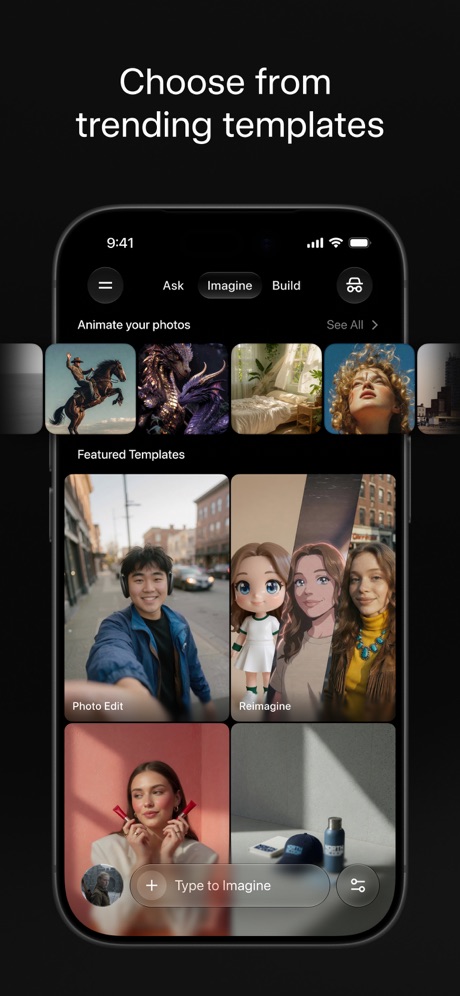
“Choose from trending templates”

“Everyday email and calendar”

“Works everywhere you do”
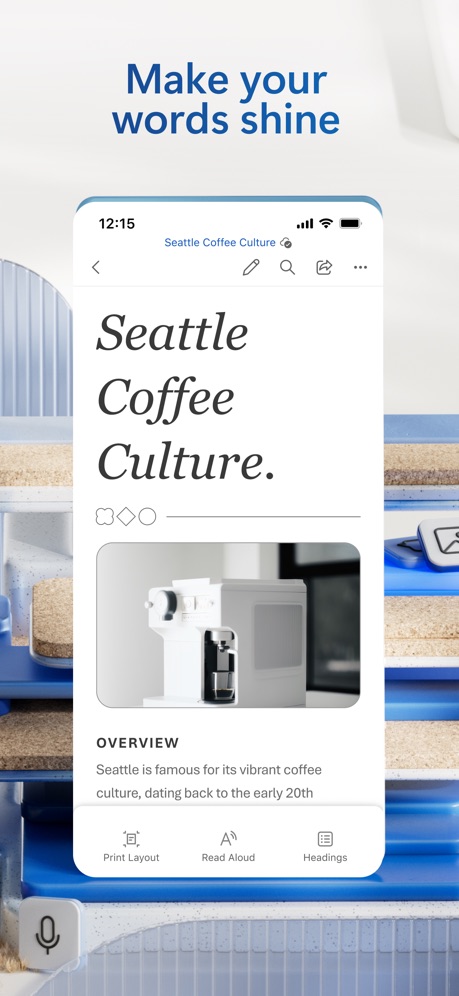
“Make your words shine”
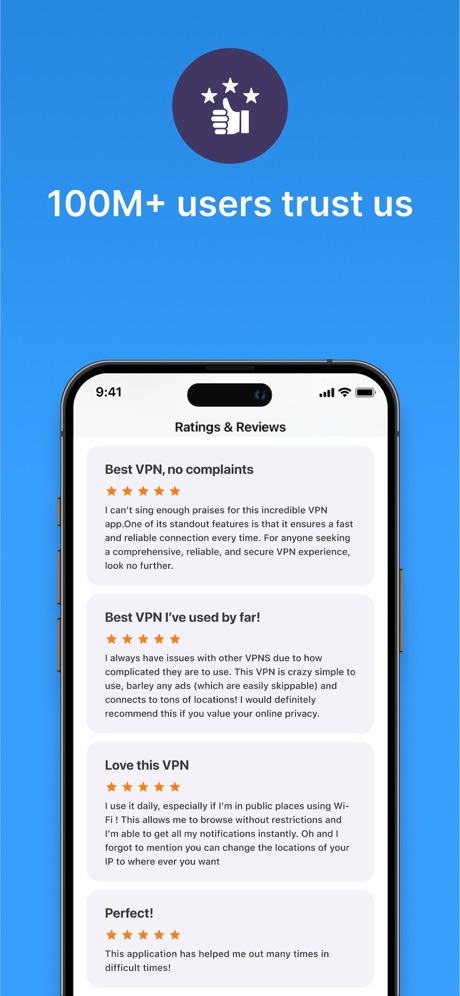
“100M+ users trust us”

“Data Analysis made easy”

“Draft emails with ease”

“Automatic backup protection”

“EFFORTLESSLY MANAGE YOUR NETWORK”

“SCAN”
Real headline examples, word for word.
The words on 40 of the 269 that carry any, as each app wrote them.
“Create new worlds”
ChatGPT · #2 · screenshot 1“Sort your mail”
with a tabbed inboxGmail - Email by Google · #5 · screenshot 2“Choose from trending templates”
Grok AI · #8 · screenshot 3“Everyday email and calendar”
Microsoft Outlook · #11 · screenshot 1“Works everywhere you do”
Grok Bot · #12 · screenshot 3“Make your words shine”
Microsoft Word · #14 · screenshot 1“100M+ users trust us”
VPN - Super Unlimited Proxy · #15 · screenshot 6“Data Analysis made easy”
Microsoft Excel · #19 · screenshot 2“Draft emails with ease”
Yahoo Mail: Your Email & Inbox · #21 · screenshot 5“Automatic backup protection”
Microsoft OneDrive · #23 · screenshot 2“EFFORTLESSLY MANAGE YOUR NETWORK”
Smart Home Manager · #24 · screenshot 2“SCAN”
with your PhoneCamScanner - PDF Scanner App · #25 · screenshot 1“One Tap”
Secure Your PrivacyVPN - Fast & Secure VPN ™ · #26 · screenshot 1“Enhance your storytelling”
Microsoft PowerPoint · #27 · screenshot 1“Collaborate and share securely”
“Dropbox has eliminated the need for email, collaboration between my clients and me is professional and consistent”Dropbox: Cloud Storage Backup · #28 · screenshot 4“Manage multiple accounts”
PingID · #30 · screenshot 1“Search like never before”
Perplexity - AI Search & Chat · #31 · screenshot 1“Add accounts in seconds”
ID.me Authenticator · #32 · screenshot 3- RECLAIM
“Your Screen Time”
BePresent: Screen Time Control · #33 · screenshot 1 “Never take notes again”
When recording with (mic icon) Summary AISummary - AI Note Taker · #35 · screenshot 1“YOUR AI ASSISTANT”
INTO THE UNKNOWNDeepSeek - AI Assistant · #36 · screenshot 1“Compare calendars with friends”
Saturn Calendar · #37 · screenshot 4- customize your
“Home Screen”
Widgetsmith · #38 · screenshot 1 “Choose from 200+ Voices”
Speechify – Text to Speech PDF · #39 · screenshot 2“Choose the right words”
Grammarly: AI Keyboard & Voice · #40 · screenshot 3“No-Logs Policy Verified”
Assessed by one of the Big Four audit firmsX-VPN: VPN Fast & Secure · #41 · screenshot 1“No computer required”
iPhone directly makes ringtonesRingtones Maker - the ring app · #44 · screenshot 1“Keep Your Data Safe”
TeraBox: 1TB Cloud & AI Space · #45 · screenshot 2“Your AI Meeting Assistant”
Otter Transcribe Voice Notes · #46 · screenshot 1“Ask AI Anything”
Chatbot AI Assistant - Genie · #47 · screenshot 2“Your life, beautifully organized.”
Notion: Notes, Tasks, AI · #48 · screenshot 1“Text Translate”
Instantly Understand Any TextTranslateAll: Live Translator · #49 · screenshot 2“SocialLite”
Trusted by 1M+ peopleSocialLite-Block Reels&Shorts · #50 · screenshot 1“SMART PRINTER APP”
App Store App of the DaySmart Printer App℠ for HP · · #51 · screenshot 1“Join and create Fundraisers”
Double Good · #53 · screenshot 2“RECOVER Deleted Photos”
Photo Recovery: Deleted Files · #54 · screenshot 1“Analyze responses with charts”
Forms for Google Docs · #55 · screenshot 3“Introducing Workcloud Shift”
Workcloud Shift · #56 · screenshot 1“ButterflyMX”
Property access made simpleButterflyMX · #57 · screenshot 1“Dictation without the mistakes”
Wispr Flow: AI Voice Keyboard · #58 · screenshot 1
Top ten Productivity apps that do it.
- #2ChatGPT5 of its 6 screenshots
- #5Gmail - Email by Google4 of its 6 screenshots
- #8Grok AI1 of its 5 screenshots
The same tactic in other categories.
| Category | Apps that do it | Screenshots | Top ten |
|---|---|---|---|
| Food & Drink | 91% 91 of 100 | 57% 310 of 540 | 6 of 10 |
| Graphics & Design | 90% 89 of 99 | 69% 388 of 564 | 8 of 10 |
| Reference | 87% 87 of 100 | 59% 335 of 566 | 10 of 10 |
| Photo & Video | 86% 86 of 100 | 64% 361 of 566 | 9 of 10 |
| Social Networking | 86% 86 of 100 | 59% 326 of 554 | 10 of 10 |
| Utilities | 86% 86 of 100 | 62% 342 of 549 | 9 of 10 |
| Health & Fitness | 85% 85 of 100 | 55% 315 of 574 | 9 of 10 |
| Entertainment | 83% 83 of 100 | 55% 298 of 544 | 8 of 10 |
| Shopping | 82% 82 of 100 | 50% 280 of 562 | 9 of 10 |
| Sports | 82% 82 of 100 | 49% 275 of 558 | 10 of 10 |
| Games | 81% 81 of 100 | 69% 392 of 567 | 9 of 10 |
| Music | 81% 81 of 100 | 51% 283 of 550 | 5 of 10 |
| Lifestyle | 79% 79 of 100 | 44% 244 of 556 | 7 of 10 |
| Productivity | 79% 78 of 99 | 49% 269 of 551 | 3 of 10 |
| Navigation | 76% 75 of 99 | 42% 240 of 566 | 4 of 10 |
| Education | 74% 74 of 100 | 48% 265 of 555 | 7 of 10 |
| Finance | 74% 74 of 100 | 35% 205 of 581 | 7 of 10 |
| Travel | 74% 74 of 100 | 43% 240 of 561 | 8 of 10 |
| Developer Tools | 68% 68 of 100 | 50% 255 of 507 | 5 of 10 |
| Medical | 66% 66 of 100 | 35% 190 of 548 | 7 of 10 |
| News | 65% 64 of 98 | 38% 199 of 517 | 8 of 10 |
| Business | 64% 64 of 100 | 36% 198 of 554 | 5 of 10 |
| Weather | 61% 61 of 100 | 40% 221 of 555 | 6 of 10 |
Related tactics.
Often on the same screenshot
- Has a subline32% of these screenshots, against 20% of all Productivity screenshots
- Headline in Title Case29% of these screenshots, against 19% of all Productivity screenshots
- A word in a different colour34% of these screenshots, against 26% of all Productivity screenshots
- Subline explains the headline21% of these screenshots, against 13% of all Productivity screenshots
- Headline readable at thumbnail size35% of these screenshots, against 28% of all Productivity screenshots
- Headline on one line14% of these screenshots, against 8% of all Productivity screenshots
More in words
- Has a headline99%
- Tells you to do something93%
- Says “you” or “your”78%
- Has a subline38%
- Headline in Title Case32%
- Uses a number24%
- Headline on one line22%
- Names the app19%
- Headline over eight words16%
- Says “I” or “my”10%
- No words at all9%
- Headline in capitals8%
- Has a kicker6%
- Names another app5%
- Exclaims2%
- Uses an emoji1%
Questions, answered from the chart.
How many top Productivity apps have short App Store screenshot headlines?
Which Productivity apps have short App Store screenshot headlines?
Should my Productivity app have short App Store screenshot headlines?
See your own app against this.
Pagefully reads your screenshots the same way, and makes a custom product page for each search people type, from your real screens.
Preview your pages