One-line Productivity app screenshot headlines
The headline fits on a single line. One line leaves the most room for the app’s screen.
From the top 99 free Productivity apps on the US App Store, read on October 9, 2026. Screenshots are the developers’ own, shown from Apple’s servers with a link to each app.
The numbers
43 of the 551 Productivity screenshots read (8%) do this, across 22 of the top 99 apps (22%). 1 of the top ten do it (10%), against 21 of the other 89 (24%): the top ten do it less than the rest. Of the 23 categories read so far, Productivity is 19th for this. It is most common in Games (51% of apps) and least common in Reference (17%).
12 examples from the chart.
12 of the 43 one-line Productivity app screenshot headlines, one from each app, the highest on the chart first.

“Use Authenticator to sign in”

“All day, all night”

“Work with many at once”
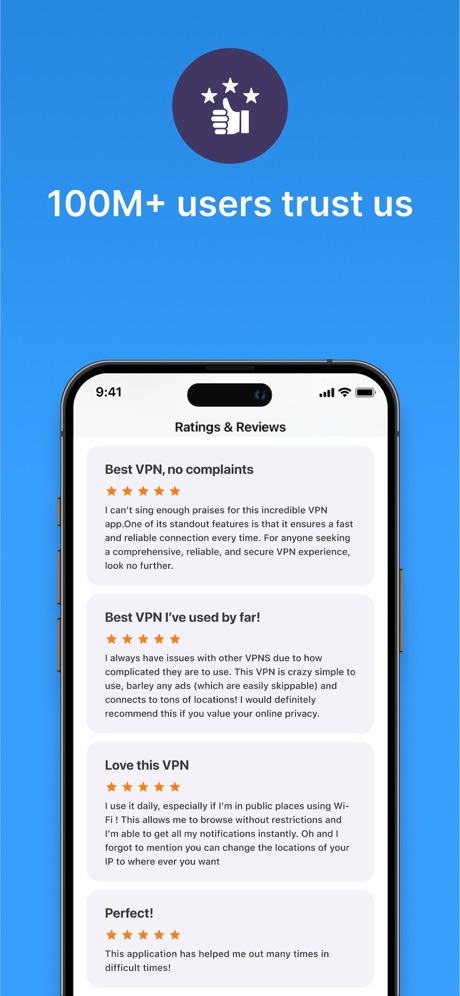
“100M+ users trust us”

“Take and make the call”

“Get set up in minutes”

“A new home for photos”

“Popular ringtones”
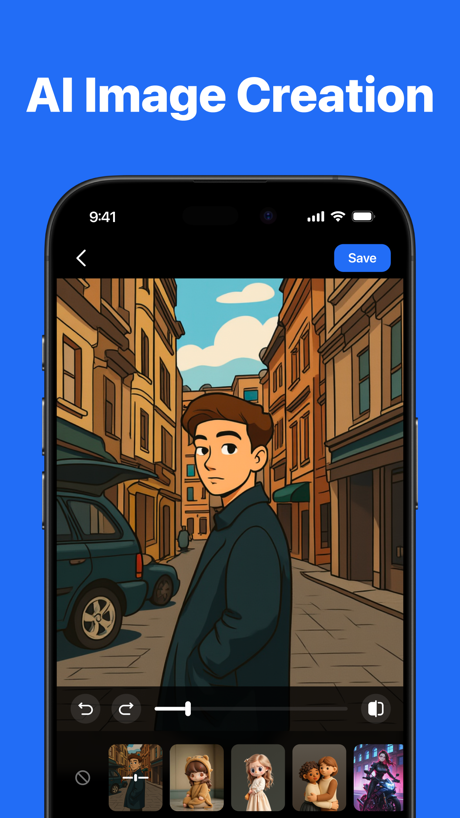
“AI Image Creation”

“Snap & Solve”

“SocialLite”

“Unlock VPN”
Real headline examples, word for word.
The words on 40 of the 43 that carry any, as each app wrote them.
“Use Authenticator to sign in”
Microsoft Authenticator · #6 · screenshot 3“All day, all night”
Microsoft Outlook · #11 · screenshot 6“Work with many at once”
Grok Bot · #12 · screenshot 2“100M+ users trust us”
VPN - Super Unlimited Proxy · #15 · screenshot 6“Take and make the call”
Link to Windows · #18 · screenshot 1“Get set up in minutes”
HP · #22 · screenshot 2“A new home for photos”
Microsoft OneDrive · #23 · screenshot 1“Popular ringtones”
Easily download top ringtonesRingtones Maker - the ring app · #44 · screenshot 2“AI Image Creation”
TeraBox: 1TB Cloud & AI Space · #45 · screenshot 5“Snap & Solve”
Find the volume of the hollow cylinder in terms of r and h.Chatbot AI Assistant - Genie · #47 · screenshot 4“SocialLite”
Trusted by 1M+ peopleSocialLite-Block Reels&Shorts · #50 · screenshot 1“Unlock VPN”
Unlimited Browsing with high-speedSurfshark VPN: Fast & Secure · #60 · screenshot 4“Fun & Reliable”
Charge Win: Win Rewards · #61 · screenshot 1“Make every day count”
Microsoft OneNote · #67 · screenshot 6“Presentation”
Design & Communicate your ideasOffice Word:Edit Word Document · #73 · screenshot 3“Snap & Solve”
Find the volume of the coneAI Chat Assistant – ChatNow · #74 · screenshot 4“Music Player”
Play and listen to your favorite music anytimeSHAREit: Transfer, Share Files · #75 · screenshot 6“Your content”
Microsoft SharePoint · #84 · screenshot 4“Made for real life”
Support for everyday questions and bigger moments.Dola AI: Smart Personal Helper · #90 · screenshot 2“Build the habit”
Create routines that make focus part of your dayBrick - Ditch Distractions · #91 · screenshot 3“Block Ads & Malware”
Save your sanity & bandwidthVPN Windscribe: Fast & Secure · #95 · screenshot 2“Spaces by Wix”
Spaces: Follow Businesses · #99 · screenshot 1“Works everywhere you do”
Grok Bot · #12 · screenshot 3“Automatic backup protection”
Microsoft OneDrive · #23 · screenshot 2“Find Text”
Easily replace wordOffice Word:Edit Word Document · #73 · screenshot 5“Stay updated”
Microsoft SharePoint · #84 · screenshot 5“Meet your AI cast”
Ready-made characters and your own custom creations.Dola AI: Smart Personal Helper · #90 · screenshot 3“Be fully present”
Your phone stays distraction-free until you’re readyBrick - Ditch Distractions · #91 · screenshot 4“Ultra Fast Servers”
10 Gbps locations worldwideVPN Windscribe: Fast & Secure · #95 · screenshot 4“Shop Online”
Spaces: Follow Businesses · #99 · screenshot 3“Signs in to your tools”
Grok Bot · #12 · screenshot 4“Share memories that matter”
Microsoft OneDrive · #23 · screenshot 3“Convert”
Easily Convert FilesOffice Word:Edit Word Document · #73 · screenshot 6“Create anything”
Bring your ideas to life with images and videos in seconds.Dola AI: Smart Personal Helper · #90 · screenshot 4“See the difference”
Watch your progress grow, one session at a timeBrick - Ditch Distractions · #91 · screenshot 5“Read Blog Posts”
Spaces: Follow Businesses · #99 · screenshot 4“Comes back finished”
Grok Bot · #12 · screenshot 5“Easily find memories”
Microsoft OneDrive · #23 · screenshot 4“Image insight”
Get clear, useful answers from the images you share.Dola AI: Smart Personal Helper · #90 · screenshot 6“Chat”
Spaces: Follow Businesses · #99 · screenshot 5
Top ten Productivity apps that do it.
- #6Microsoft Authenticator1 of its 6 screenshots
The same tactic in other categories.
| Category | Apps that do it | Screenshots | Top ten |
|---|---|---|---|
| Games | 51% 51 of 100 | 37% 207 of 567 | 5 of 10 |
| Shopping | 37% 37 of 100 | 15% 87 of 562 | 1 of 10 |
| Photo & Video | 35% 35 of 100 | 16% 91 of 566 | 3 of 10 |
| Developer Tools | 32% 32 of 100 | 16% 81 of 507 | 2 of 10 |
| Entertainment | 31% 31 of 100 | 13% 69 of 544 | 4 of 10 |
| Utilities | 31% 31 of 100 | 12% 64 of 549 | 5 of 10 |
| Medical | 30% 30 of 100 | 11% 59 of 548 | 3 of 10 |
| Music | 29% 29 of 100 | 11% 62 of 550 | 1 of 10 |
| Graphics & Design | 28% 28 of 99 | 14% 77 of 564 | 2 of 10 |
| Travel | 28% 28 of 100 | 11% 61 of 561 | 2 of 10 |
| Food & Drink | 27% 27 of 100 | 11% 62 of 540 | 2 of 10 |
| Navigation | 26% 26 of 99 | 8% 46 of 566 | 2 of 10 |
| Lifestyle | 26% 26 of 100 | 9% 50 of 556 | 2 of 10 |
| Social Networking | 26% 26 of 100 | 10% 57 of 554 | 2 of 10 |
| Weather | 26% 26 of 100 | 7% 41 of 555 | 2 of 10 |
| Business | 25% 25 of 100 | 10% 53 of 554 | 2 of 10 |
| Education | 25% 25 of 100 | 11% 60 of 555 | 1 of 10 |
| Sports | 24% 24 of 100 | 10% 56 of 558 | 2 of 10 |
| Productivity | 22% 22 of 99 | 8% 43 of 551 | 1 of 10 |
| Finance | 21% 21 of 100 | 6% 35 of 581 | 0 of 10 |
| News | 20% 20 of 98 | 9% 49 of 517 | 2 of 10 |
| Health & Fitness | 18% 18 of 100 | 9% 53 of 574 | 1 of 10 |
| Reference | 17% 17 of 100 | 6% 32 of 566 | 2 of 10 |
Related tactics.
Often on the same screenshot
- Headline under five words86% of these screenshots, against 49% of all Productivity screenshots
- Low contrast words51% of these screenshots, against 19% of all Productivity screenshots
- Headline readable at thumbnail size56% of these screenshots, against 28% of all Productivity screenshots
- Has a subline42% of these screenshots, against 20% of all Productivity screenshots
- Blue53% of these screenshots, against 34% of all Productivity screenshots
- A photograph53% of these screenshots, against 38% of all Productivity screenshots
More in words
- Has a headline99%
- Tells you to do something93%
- Headline under five words79%
- Says “you” or “your”78%
- Has a subline38%
- Headline in Title Case32%
- Uses a number24%
- Names the app19%
- Headline over eight words16%
- Says “I” or “my”10%
- No words at all9%
- Headline in capitals8%
- Has a kicker6%
- Names another app5%
- Exclaims2%
- Uses an emoji1%
Questions, answered from the chart.
How many top Productivity apps have one-line App Store screenshot headlines?
Which Productivity apps have one-line App Store screenshot headlines?
Should my Productivity app have one-line App Store screenshot headlines?
See your own app against this.
Pagefully reads your screenshots the same way, and makes a custom product page for each search people type, from your real screens.
Preview your pages