One-line Lifestyle app screenshot headlines
The headline fits on a single line. One line leaves the most room for the app’s screen.
From the top 100 free Lifestyle apps on the US App Store, read on October 9, 2026. Screenshots are the developers’ own, shown from Apple’s servers with a link to each app.
The numbers
50 of the 556 Lifestyle screenshots read (9%) do this, across 26 of the top 100 apps (26%). 2 of the top ten do it (20%), against 24 of the other 90 (27%): the top ten do it about as often as the rest. Of the 23 categories read so far, Lifestyle is 13th for this. It is most common in Games (51% of apps) and least common in Reference (17%).
12 examples from the chart.
12 of the 50 one-line Lifestyle app screenshot headlines, one from each app, the highest on the chart first.

“Inspire your style”

“Set your favorites”

“See your home at a glance”

“Left the car unlocked?”
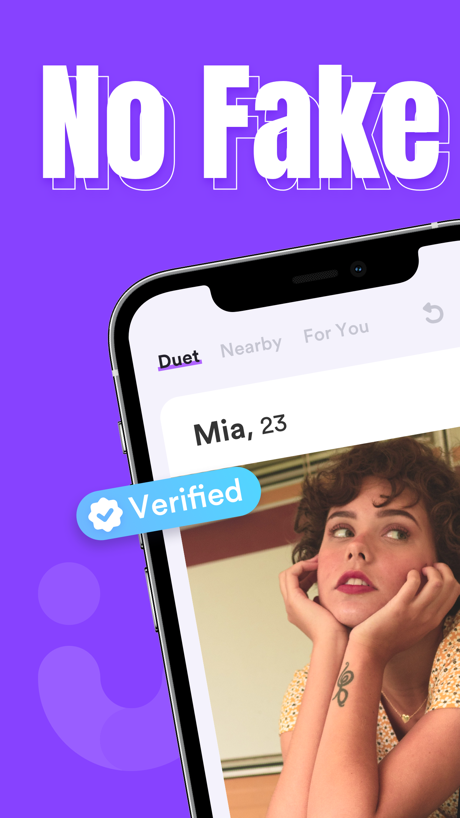
“No Fake”

“Rocking Life With You”
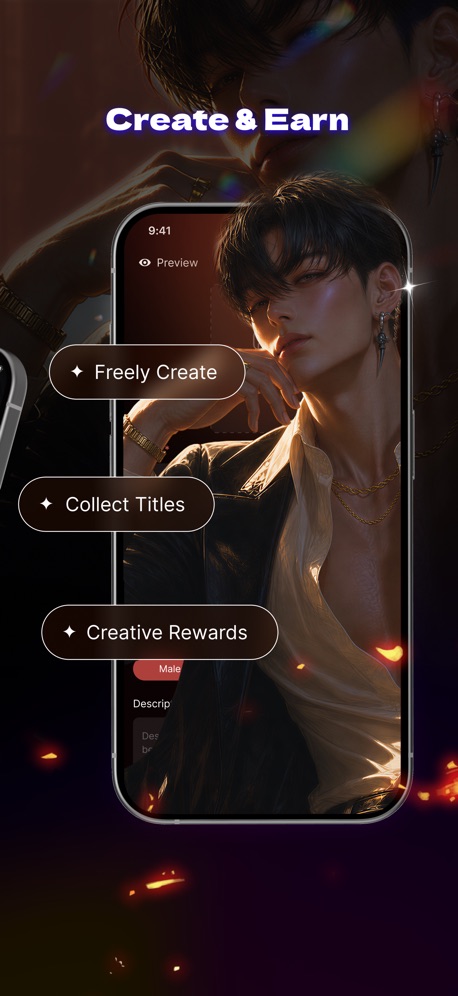
“Create & Earn”
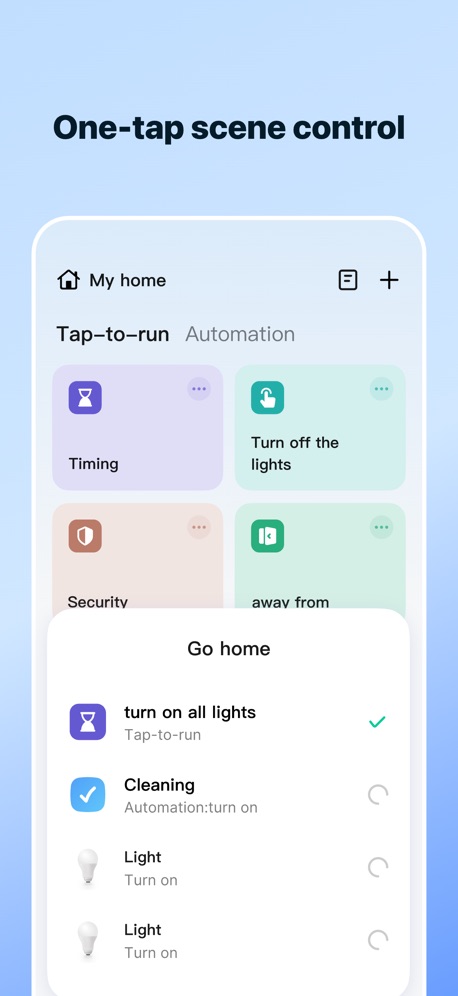
“One-tap scene control”
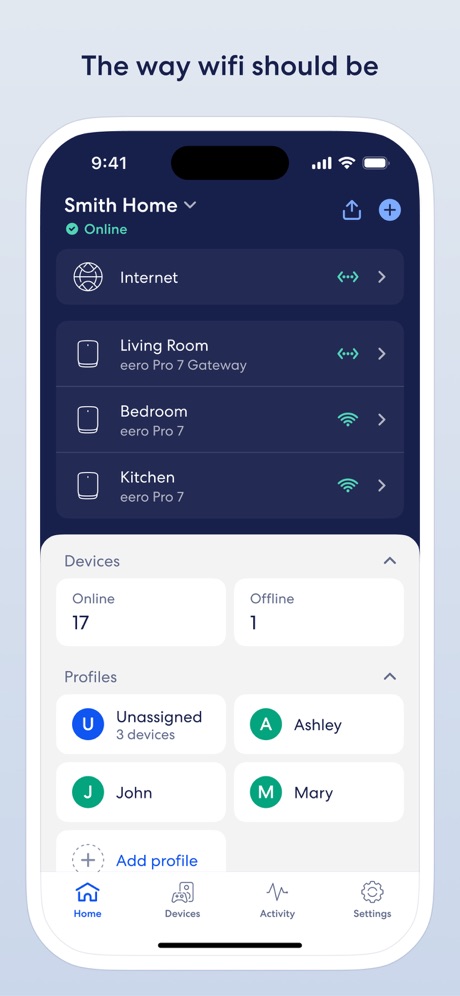
“The way wifi should be”

“More Value”

“Hark knows what matters.”

“My Birthday 🎉”
Real headline examples, word for word.
The words on 40 of the 50 that carry any, as each app wrote them.
“Inspire your style”
Pinterest · #2 · screenshot 3“Set your favorites”
Gather the devices, services, and scenes you use the most so you can access them quicklySmartThings · #9 · screenshot 2“See your home at a glance”
Google Home · #16 · screenshot 1“Left the car unlocked?”
Double-check in a few tapsToyota · #20 · screenshot 4“No Fake”
Duet Dating App: Chat & Meet · #21 · screenshot 1- roborock
“Rocking Life With You”
Roborock · #26 · screenshot 1 “Create & Earn”
Freely Create Collect Titles Creative RewardsTipsy Chat: Live Your Story · #30 · screenshot 4“One-tap scene control”
SmartLife: Smart Living · #31 · screenshot 2“The way wifi should be”
eero wifi system · #35 · screenshot 1“More Value”
Travel, Deals, Insurance and more!AAA Mobile · #37 · screenshot 3“Hark knows what matters.”
Hark Pro · #42 · screenshot 2- Riley Bennet
“My Birthday 🎉”
Some of my favorite thingsGiftful - Wishlist & Registry · #45 · screenshot 2 “Control at your fingertips”
myChevrolet · #55 · screenshot 4“Book Tours”
Schedule tours directly from your phoneApartments.com Rental Finder · #58 · screenshot 4“View Astrologer's Profile”
Astrotalk - Talk to Astrologer · #60 · screenshot 3“Sophie's 25th”
Wed, September 16 at 7:30 PM Brooklyn, New YorkApple Invites · #61 · screenshot 2“I found an apartment in one day, thanks to this app! An even better apartment than I was hoping for, and at a price I can afford!”
- Jessica K.Apartment List: Apt rentals · #64 · screenshot 6“Plan your next trip”
AAA Auto Club · #66 · screenshot 6“Manage”
Create or update appointmentsCarMax: Used Cars for Sale · #69 · screenshot 4“See if you’re compatible.”
Co–Star Personalized Astrology · #73 · screenshot 3“Spot Cleaning”
Don't need a whole-home clean? Send your robot to directly target a specific mess.SharkClean · #75 · screenshot 5“Control lighting from a simple page.”
AiDot · #80 · screenshot 3“Play Games Keep Playing!”
Swagbucks: Earn Real Rewards · #90 · screenshot 2“Remote Engine Start”
HondaLink · #91 · screenshot 1“Find your perfect match”
Rent. Apartments and Homes · #94 · screenshot 2“QUICK ACTION SPACESENSE™ SCENES ENERGY MONITORING AND MORE...”
WiZ Connected · #99 · screenshot 6“Make it yours”
Pinterest · #2 · screenshot 5“Keep up with what's important”
Google Home · #16 · screenshot 2“Profiles”
Duet Dating App: Chat & Meet · #21 · screenshot 2“Protect Your Home”
SmartLife: Smart Living · #31 · screenshot 3“Set profiles for the family”
eero wifi system · #35 · screenshot 2“Membership Card”
Always with you, wherever you go.AAA Mobile · #37 · screenshot 4“Set to your comfort level”
myChevrolet · #55 · screenshot 5“Discover and setup automations.”
AiDot · #80 · screenshot 4“Take Surveys”
Swagbucks: Earn Real Rewards · #90 · screenshot 3“Find My Car”
HondaLink · #91 · screenshot 3“Try new treats”
Pinterest · #2 · screenshot 6“Effortlessly create automations”
Google Home · #16 · screenshot 3“Swipe to Meet”
Duet Dating App: Chat & Meet · #21 · screenshot 3“Life AI Assistant”
SmartLife: Smart Living · #31 · screenshot 5
Top ten Lifestyle apps that do it.
- #2Pinterest3 of its 6 screenshots
- #9SmartThings1 of its 5 screenshots
The same tactic in other categories.
| Category | Apps that do it | Screenshots | Top ten |
|---|---|---|---|
| Games | 51% 51 of 100 | 37% 207 of 567 | 5 of 10 |
| Shopping | 37% 37 of 100 | 15% 87 of 562 | 1 of 10 |
| Photo & Video | 35% 35 of 100 | 16% 91 of 566 | 3 of 10 |
| Developer Tools | 32% 32 of 100 | 16% 81 of 507 | 2 of 10 |
| Entertainment | 31% 31 of 100 | 13% 69 of 544 | 4 of 10 |
| Utilities | 31% 31 of 100 | 12% 64 of 549 | 5 of 10 |
| Medical | 30% 30 of 100 | 11% 59 of 548 | 3 of 10 |
| Music | 29% 29 of 100 | 11% 62 of 550 | 1 of 10 |
| Graphics & Design | 28% 28 of 99 | 14% 77 of 564 | 2 of 10 |
| Travel | 28% 28 of 100 | 11% 61 of 561 | 2 of 10 |
| Food & Drink | 27% 27 of 100 | 11% 62 of 540 | 2 of 10 |
| Navigation | 26% 26 of 99 | 8% 46 of 566 | 2 of 10 |
| Lifestyle | 26% 26 of 100 | 9% 50 of 556 | 2 of 10 |
| Social Networking | 26% 26 of 100 | 10% 57 of 554 | 2 of 10 |
| Weather | 26% 26 of 100 | 7% 41 of 555 | 2 of 10 |
| Business | 25% 25 of 100 | 10% 53 of 554 | 2 of 10 |
| Education | 25% 25 of 100 | 11% 60 of 555 | 1 of 10 |
| Sports | 24% 24 of 100 | 10% 56 of 558 | 2 of 10 |
| Productivity | 22% 22 of 99 | 8% 43 of 551 | 1 of 10 |
| Finance | 21% 21 of 100 | 6% 35 of 581 | 0 of 10 |
| News | 20% 20 of 98 | 9% 49 of 517 | 2 of 10 |
| Health & Fitness | 18% 18 of 100 | 9% 53 of 574 | 1 of 10 |
| Reference | 17% 17 of 100 | 6% 32 of 566 | 2 of 10 |
Related tactics.
Often on the same screenshot
- Headline under five words78% of these screenshots, against 44% of all Lifestyle screenshots
- Blue48% of these screenshots, against 29% of all Lifestyle screenshots
- Headline readable at thumbnail size46% of these screenshots, against 30% of all Lifestyle screenshots
- Whole phone shown74% of these screenshots, against 58% of all Lifestyle screenshots
- Gradient background64% of these screenshots, against 49% of all Lifestyle screenshots
- Low contrast words30% of these screenshots, against 18% of all Lifestyle screenshots
More in words
- Has a headline95%
- Tells you to do something88%
- Says “you” or “your”84%
- Headline under five words79%
- Has a subline45%
- Headline in Title Case33%
- Headline over eight words26%
- Uses a number25%
- Names the app21%
- Has a kicker15%
- No words at all14%
- Says “I” or “my”14%
- Exclaims9%
- Headline in capitals8%
- Uses an emoji8%
- Asks a question4%
- Names another app1%
Questions, answered from the chart.
How many top Lifestyle apps have one-line App Store screenshot headlines?
Which Lifestyle apps have one-line App Store screenshot headlines?
Should my Lifestyle app have one-line App Store screenshot headlines?
See your own app against this.
Pagefully reads your screenshots the same way, and makes a custom product page for each search people type, from your real screens.
Preview your pages