One-line Utilities app screenshot headlines
The headline fits on a single line. One line leaves the most room for the app’s screen.
From the top 100 free Utilities apps on the US App Store, read on October 9, 2026. Screenshots are the developers’ own, shown from Apple’s servers with a link to each app.
The numbers
64 of the 549 Utilities screenshots read (12%) do this, across 31 of the top 100 apps (31%). 5 of the top ten do it (50%), against 26 of the other 90 (29%): the top ten do it more than the rest. Of the 23 categories read so far, Utilities is 5th for this. It is most common in Games (51% of apps) and least common in Reference (17%).
12 examples from the chart.
12 of the 64 one-line Utilities app screenshot headlines, one from each app, the highest on the chart first.
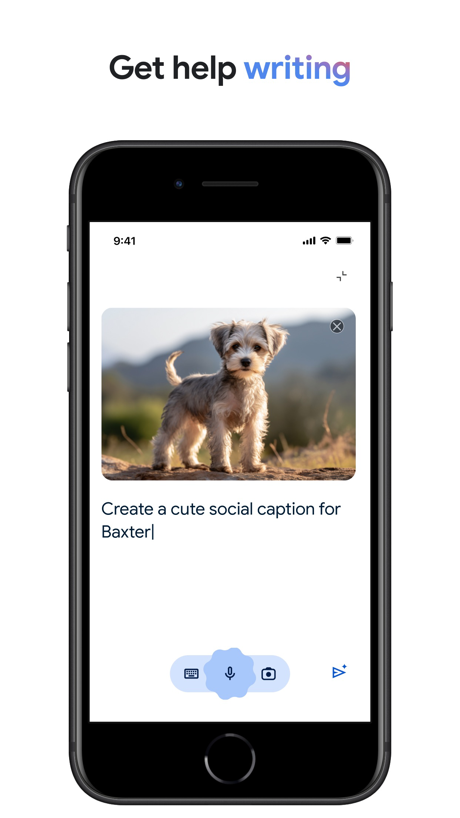
“Get help writing”

“实时预览”
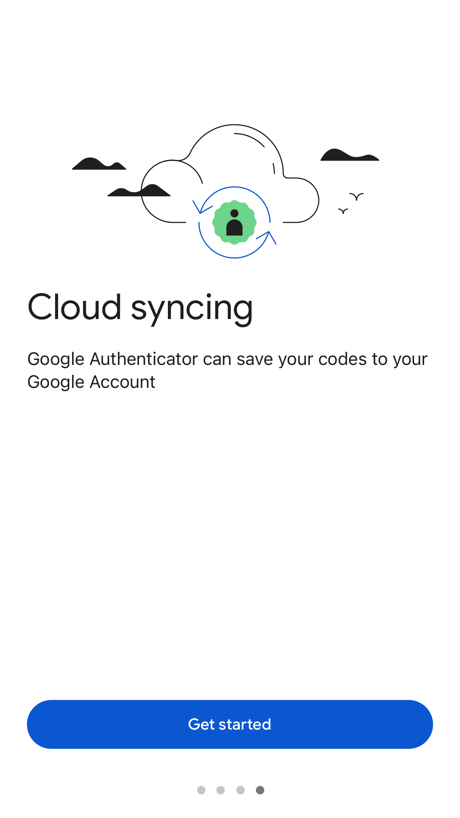
“Cloud syncing”

“Clean Up”

“Govee”

“Detect motion using WiFi”
“The app has been renewed!”

“UK ETA”
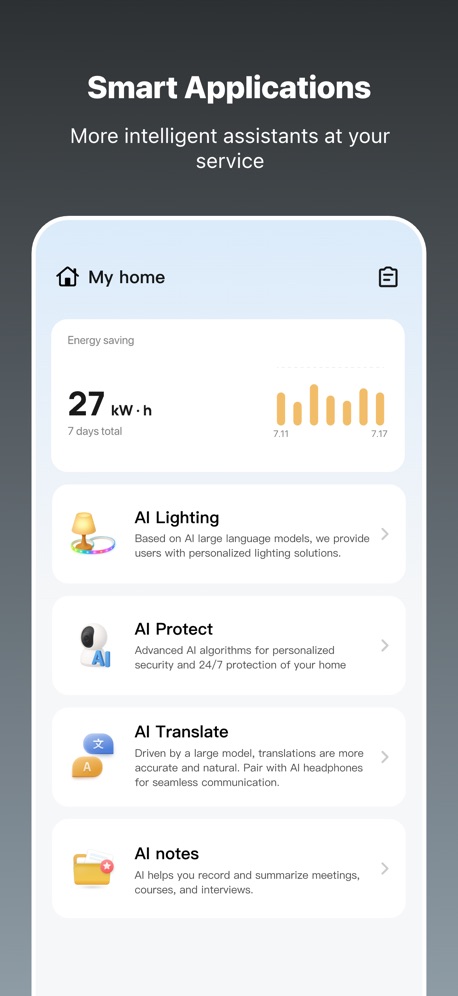
“Smart Applications”

“Dashboard”

“All in One”
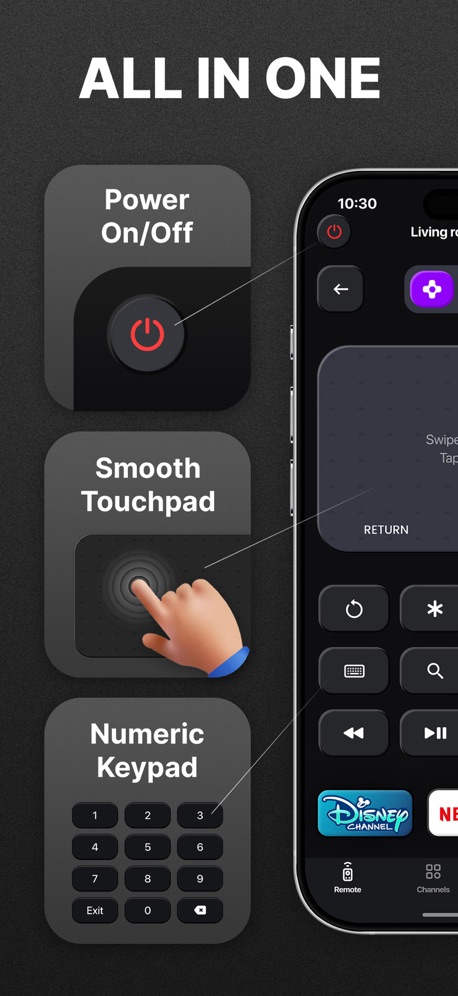
“ALL IN ONE”
Real headline examples, word for word.
The words on 40 of the 64 that carry any, as each app wrote them.
“Get help writing”
Google · #1 · screenshot 4“实时预览”
APTV · #2 · screenshot 1“Cloud syncing”
Google Authenticator can save your codes to your Google AccountGoogle Authenticator · #4 · screenshot 4“Clean Up”
iPhone & iCloudCleanup: Phone Storage Cleaner · #5 · screenshot 1“Govee”
Making Life SmarterGovee Home · #6 · screenshot 1- ▴
“Detect motion using WiFi”
and set Home and Away modesXfinity · #11 · screenshot 4 “The app has been renewed!”
Sony | Sound Connect · #20 · screenshot 1“UK ETA”
Apply for an Electronic Travel Authorisation to come to the UKUK ETA · #21 · screenshot 1“Smart Applications”
More intelligent assistants at your serviceTuya: Smart Life, Smart Living · #26 · screenshot 2“Dashboard”
Manage your network even when you're awayTP-Link Tether · #30 · screenshot 2“All in One”
Universal TV Remote Control・ · #31 · screenshot 2“ALL IN ONE”
Universal Remote TV Control · · #33 · screenshot 2“Safe Shopping”
Provides alerts and blocks suspicious websites to help protect your money and dataAT&T ActiveArmor® · #35 · screenshot 3“Get Notified”
about Laundry cycle completionsPayRange · #36 · screenshot 3“6000+ Emojis”
Facemoji AI Emoji Keyboard · #37 · screenshot 3“SETUP”
Set up your Brother printer quickly from your mobile device!Brother Mobile Connect · #38 · screenshot 2“More Locations”
Global Coverage, Dynamically Added Popular NodesJumpJumpVPN: Fast & Secure · #39 · screenshot 3“One-Step Printing”
Lower the technical barriers to make 3D printing more accessible and enjoyable.Bambu Handy · #42 · screenshot 2“Endless Widgets”
Fast InstallmyCar: Car Widgets & Dashboard · #43 · screenshot 6“Simplified Rent Payments”
Submit one-time payments in three easy steps with various payment methods. (Options vary based on each community)RentCafe Resident · #44 · screenshot 2“Landscape mode”
Remote for Samsung TV Smart · #46 · screenshot 6“All-in-One”
Universal TV Remote™ Control · #47 · screenshot 3“Full control for”
Power On/Off Channels Touchpad and CursorRemote for Firestick · Fire TV · #58 · screenshot 1“Monitor Popular Apps”
See the status of your favorite apps and websites to help troubleshoot connectivity issuesSpeedtest by Ookla · #59 · screenshot 3“Theme selection”
incy · #69 · screenshot 4“Daybetter”
Make everyday shine betterDayBetter · #70 · screenshot 1“Easy Setup”
Walk through the setup step by stepTP-Link Deco · #82 · screenshot 1“Text Translate”
Instantly Understand Any TextTranslate AI: Voice & Photo · #84 · screenshot 2“PAYMENTS”
Enroll in automatic payments and view payment history.Extra Space Storage · #85 · screenshot 2“Register/Login”
Joyhub · #94 · screenshot 1“Automatically block spam.”
Verizon Call Filter · #99 · screenshot 2“收藏频道”
APTV · #2 · screenshot 2“Help keep loved ones safe”
and control your smart homeXfinity · #11 · screenshot 5“Look back at your listening style.”
Sony | Sound Connect · #20 · screenshot 5“How to apply for an ETA”
1. Confirm your identity 2. Answer some questions 3. Pay for your applicationUK ETA · #21 · screenshot 2“Reports”
Generate reports on your network dataTP-Link Tether · #30 · screenshot 6“For Any TV”
Universal TV Remote Control・ · #31 · screenshot 3“FOR ANY TV”
Universal Remote TV Control · · #33 · screenshot 3“ID Restoration Services”
24/7, U.S.-based expert support to help you replace the contents of your lost wallet and assist with the identity restoration processAT&T ActiveArmor® · #35 · screenshot 6“Cool Fonts”
Facemoji AI Emoji Keyboard · #37 · screenshot 4
Top ten Utilities apps that do it.
- #1Google1 of its 6 screenshots
- #2APTV4 of its 4 screenshots
- #4Google Authenticator1 of its 6 screenshots
- #5Cleanup: Phone Storage Cleaner1 of its 6 screenshots
- #6Govee Home1 of its 6 screenshots
The same tactic in other categories.
| Category | Apps that do it | Screenshots | Top ten |
|---|---|---|---|
| Games | 51% 51 of 100 | 37% 207 of 567 | 5 of 10 |
| Shopping | 37% 37 of 100 | 15% 87 of 562 | 1 of 10 |
| Photo & Video | 35% 35 of 100 | 16% 91 of 566 | 3 of 10 |
| Developer Tools | 32% 32 of 100 | 16% 81 of 507 | 2 of 10 |
| Entertainment | 31% 31 of 100 | 13% 69 of 544 | 4 of 10 |
| Utilities | 31% 31 of 100 | 12% 64 of 549 | 5 of 10 |
| Medical | 30% 30 of 100 | 11% 59 of 548 | 3 of 10 |
| Music | 29% 29 of 100 | 11% 62 of 550 | 1 of 10 |
| Graphics & Design | 28% 28 of 99 | 14% 77 of 564 | 2 of 10 |
| Travel | 28% 28 of 100 | 11% 61 of 561 | 2 of 10 |
| Food & Drink | 27% 27 of 100 | 11% 62 of 540 | 2 of 10 |
| Navigation | 26% 26 of 99 | 8% 46 of 566 | 2 of 10 |
| Lifestyle | 26% 26 of 100 | 9% 50 of 556 | 2 of 10 |
| Social Networking | 26% 26 of 100 | 10% 57 of 554 | 2 of 10 |
| Weather | 26% 26 of 100 | 7% 41 of 555 | 2 of 10 |
| Business | 25% 25 of 100 | 10% 53 of 554 | 2 of 10 |
| Education | 25% 25 of 100 | 11% 60 of 555 | 1 of 10 |
| Sports | 24% 24 of 100 | 10% 56 of 558 | 2 of 10 |
| Productivity | 22% 22 of 99 | 8% 43 of 551 | 1 of 10 |
| Finance | 21% 21 of 100 | 6% 35 of 581 | 0 of 10 |
| News | 20% 20 of 98 | 9% 49 of 517 | 2 of 10 |
| Health & Fitness | 18% 18 of 100 | 9% 53 of 574 | 1 of 10 |
| Reference | 17% 17 of 100 | 6% 32 of 566 | 2 of 10 |
Related tactics.
Often on the same screenshot
- Headline under five words94% of these screenshots, against 62% of all Utilities screenshots
- Headline readable at thumbnail size67% of these screenshots, against 36% of all Utilities screenshots
- Has a subline48% of these screenshots, against 28% of all Utilities screenshots
- Subline explains the headline34% of these screenshots, against 18% of all Utilities screenshots
- Black, white or grey42% of these screenshots, against 28% of all Utilities screenshots
- Zoomed detail of the UI16% of these screenshots, against 7% of all Utilities screenshots
More in words
- Has a headline96%
- Headline under five words86%
- Tells you to do something73%
- Says “you” or “your”66%
- Has a subline53%
- Headline in Title Case46%
- Uses a number27%
- Headline in capitals21%
- Names the app17%
- No words at all15%
- Has a kicker10%
- Headline over eight words8%
- Says “I” or “my”8%
- Exclaims2%
- Names another app2%
- Asks a question1%
- Uses an emoji1%
Questions, answered from the chart.
How many top Utilities apps have one-line App Store screenshot headlines?
Which Utilities apps have one-line App Store screenshot headlines?
Should my Utilities app have one-line App Store screenshot headlines?
See your own app against this.
Pagefully reads your screenshots the same way, and makes a custom product page for each search people type, from your real screens.
Preview your pages