Utilities app screenshots with a number
A figure in the headline or subline: 10,000 sounds, 3 taps, 7 days. A figure is specific where an adjective is not: how many, how fast, how long.
From the top 100 free Utilities apps on the US App Store, read on October 9, 2026. Screenshots are the developers’ own, shown from Apple’s servers with a link to each app.
The numbers
34 of the 549 Utilities screenshots read (6%) do this, across 27 of the top 100 apps (27%). 3 of the top ten do it (30%), against 24 of the other 90 (27%): the top ten do it about as often as the rest. Of the 23 categories read so far, Utilities is 14th for this. It is most common in Finance (59% of apps) and least common in Developer Tools (11%).
12 examples from the chart.
12 of the 34 Utilities app screenshots with a number, one from each app, the highest on the chart first.
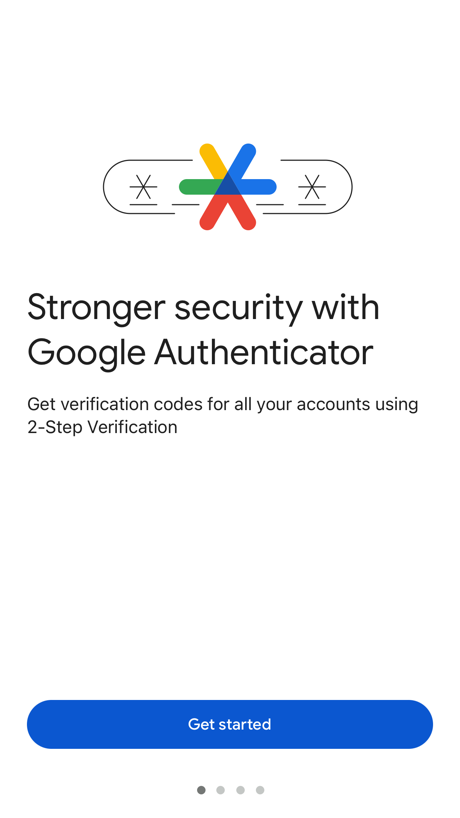
“Stronger security with Google Authenticator”

“Manage your home plan: 5G Home, LTE Home and Fios”

“Try AT&T WirelessSM free for 30 days”

“Secure Your Account With 2FA”

“How to apply for an ETA”

“The Privacy Browser”

“Go big on your online protection”

“Find offenders on the map.”
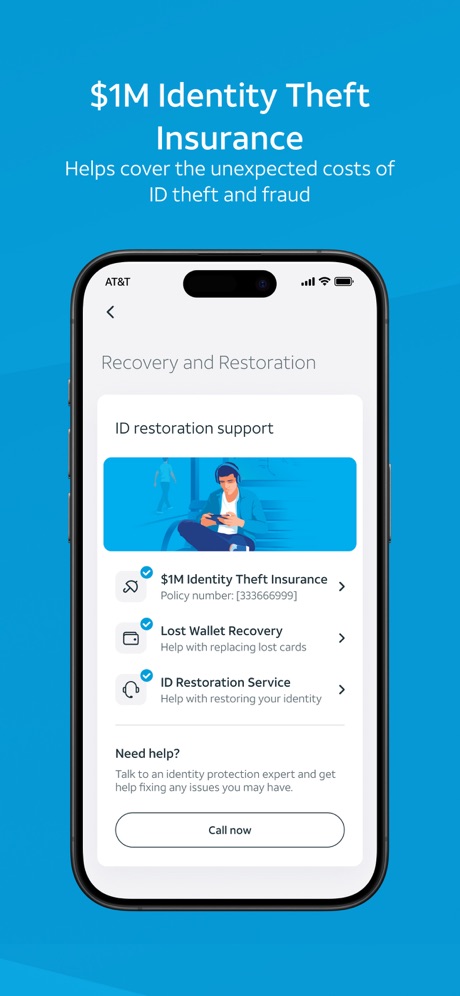
“$1M Identity Theft Insurance”
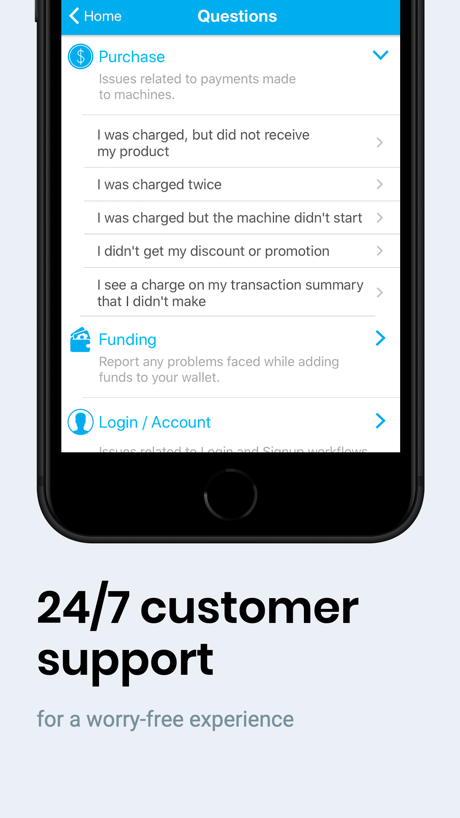
“24/7 customer support”

“6000+ Emojis”
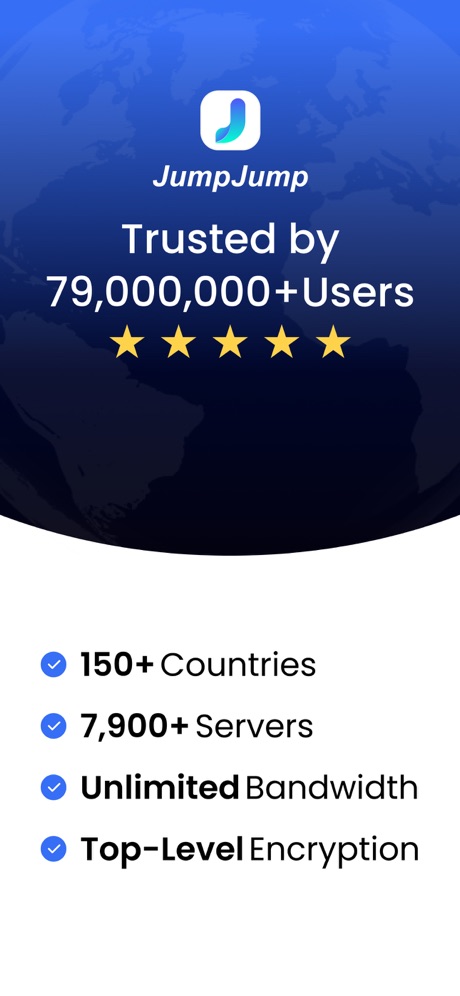
“Trusted by 79,000,000+Users”
Real headline examples, word for word.
The words on all 34 that carry any, as each app wrote them.
“Stronger security with Google Authenticator”
Get verification codes for all your accounts using 2-Step VerificationGoogle Authenticator · #4 · screenshot 1“Manage your home plan: 5G Home, LTE Home and Fios”
My Verizon · #8 · screenshot 5“Try AT&T WirelessSM free for 30 days”
Get talk, text, and 100GB of data for 30 days. Compatible iPhone required. Terms & restrictions apply.AT&T · #10 · screenshot 4“Secure Your Account With 2FA”
Authenticator ℠ App · #16 · screenshot 2“How to apply for an ETA”
1. Confirm your identity 2. Answer some questions 3. Pay for your applicationUK ETA · #21 · screenshot 2“The Privacy Browser”
Trusted by 125 million people“Trusted by 125 million people”Brave Browser & Search Engine · #23 · screenshot 1“Go big on your online protection”
150M+ downloadsNordVPN: VPN Fast & Secure · #24 · screenshot 1“Find offenders on the map.”
“#1 APP FOR FINDING OFFENDERS”Offender Locator: Find & Watch · #34 · screenshot 6“$1M Identity Theft Insurance”
Helps cover the unexpected costs of ID theft and fraudAT&T ActiveArmor® · #35 · screenshot 4“24/7 customer support”
for a worry-free experiencePayRange · #36 · screenshot 6“6000+ Emojis”
Facemoji AI Emoji Keyboard · #37 · screenshot 3- JumpJump
“Trusted by 79,000,000+Users”
JumpJumpVPN: Fast & Secure · #39 · screenshot 1 “CAST PHOTOS VIDEOS & WEBSITES”
Used daily by 12.5M+ happy usersScreen Mirroring App: Smart TV · #40 · screenshot 2“#1 Photo and Storage Cleaner”
Swipewipe: Photo Cleaner · #41 · screenshot 1“Massive High-quality Models”
Multi-color 3D printing journey with models of diverse categories.Bambu Handy · #42 · screenshot 1“Never lose devices again”
4.6 users favourite star rating with 1.7M+ downloadsFind Air - My Device Tracker · #50 · screenshot 1“Easily turn 1.1.1.1 with WARP on or off anytime.”
Just a few taps.1.1.1.1: Faster Internet · #52 · screenshot 1“THE #1 VPN FREE APP”
Get Free VPN nowFree VPN by Free VPN .org™ · #54 · screenshot 1“Join 10M+ USERS WORLDWIDE”
“I like Smart Mirroring I'm a bit of a dinosaur, but once I figured it out, it was pretty easy. Now I have screen mirroring turbo. I think this is solving my problems as to getting videos on my TV. Thanks, Smart Mirroring.”Screen Mirroring | Cast to TV · #65 · screenshot 4“20GB private cloud storage”
secure playbackUC Browser · #66 · screenshot 6“Supports 100+ TVs”
Universal TV Remote Control* · #73 · screenshot 2“2FA Authenticator”
Authenticator© App · #75 · screenshot 2“YOUR PRIVATE SECOND NUMBER. OR YOUR FIRST.”
+100M Happy Users WorldwidetextPlus: Text Message + Call · #77 · screenshot 1“Easily activate your service”
We use both eSIM and traditional SIM technology to bring your service to life through the app in as little as 15 minutes.Visible mobile · #78 · screenshot 3“Industry leader”
since 2010sBurner: Second Phone Number · #81 · screenshot 3“Get a 2nd Phone Number”
Second Phone Number - 2Number · #83 · screenshot 1“Unlimited Usage 125000+ Users”
QR Code Barcode Ai Reader · #98 · screenshot 2“Simple setup using your camera”
To setup your account, you'll scan the QR code in your 2-Step Verification settings for Google or any third-party serviceGoogle Authenticator · #4 · screenshot 2“ID Restoration Services”
24/7, U.S.-based expert support to help you replace the contents of your lost wallet and assist with the identity restoration processAT&T ActiveArmor® · #35 · screenshot 6“One-Step Printing”
Lower the technical barriers to make 3D printing more accessible and enjoyable.Bambu Handy · #42 · screenshot 2“2FA ALL PLATFORMS QR CODE MFA OTP”
Authenticator© App · #75 · screenshot 3“Access support, 24/7”
Need help with your account? Even if you have a question in the middle of the night, we’ll jump in to solve your problem.Visible mobile · #78 · screenshot 6“A unique code used to sign in”
When using 2-Step Verification, you'll enter your password and a code from this appGoogle Authenticator · #4 · screenshot 3“Attractive Reward System”
Every interaction with 3D models earns you points.Bambu Handy · #42 · screenshot 5
Top ten Utilities apps that do it.
- #4Google Authenticator3 of its 6 screenshots
- #8My Verizon1 of its 6 screenshots
- #10AT&T1 of its 6 screenshots
The same tactic in other categories.
| Category | Apps that do it | Screenshots | Top ten |
|---|---|---|---|
| Finance | 59% 59 of 100 | 21% 123 of 581 | 7 of 10 |
| Education | 45% 45 of 100 | 11% 62 of 555 | 5 of 10 |
| Shopping | 45% 45 of 100 | 12% 70 of 562 | 5 of 10 |
| Graphics & Design | 39% 39 of 99 | 11% 64 of 564 | 7 of 10 |
| Reference | 37% 37 of 100 | 8% 44 of 566 | 2 of 10 |
| Food & Drink | 36% 36 of 100 | 10% 52 of 540 | 5 of 10 |
| Sports | 34% 34 of 100 | 10% 57 of 558 | 5 of 10 |
| Social Networking | 33% 33 of 100 | 7% 40 of 554 | 3 of 10 |
| Travel | 33% 33 of 100 | 8% 47 of 561 | 0 of 10 |
| Entertainment | 31% 31 of 100 | 7% 38 of 544 | 4 of 10 |
| Photo & Video | 31% 31 of 100 | 7% 37 of 566 | 3 of 10 |
| Music | 28% 28 of 100 | 7% 38 of 550 | 2 of 10 |
| Weather | 28% 28 of 100 | 8% 42 of 555 | 2 of 10 |
| Utilities | 27% 27 of 100 | 6% 34 of 549 | 3 of 10 |
| Navigation | 25% 25 of 99 | 6% 36 of 566 | 3 of 10 |
| Lifestyle | 25% 25 of 100 | 6% 32 of 556 | 2 of 10 |
| Medical | 25% 25 of 100 | 7% 40 of 548 | 1 of 10 |
| Productivity | 24% 24 of 99 | 6% 33 of 551 | 0 of 10 |
| Games | 24% 24 of 100 | 7% 37 of 567 | 2 of 10 |
| Health & Fitness | 24% 24 of 100 | 6% 36 of 574 | 4 of 10 |
| News | 21% 21 of 98 | 6% 31 of 517 | 1 of 10 |
| Business | 20% 20 of 100 | 5% 25 of 554 | 1 of 10 |
| Developer Tools | 11% 11 of 100 | 3% 13 of 507 | 1 of 10 |
Related tactics.
Often on the same screenshot
- Has a subline65% of these screenshots, against 28% of all Utilities screenshots
- User or download count29% of these screenshots, against 3% of all Utilities screenshots
- Laurel or award26% of these screenshots, against 3% of all Utilities screenshots
- Subline explains the headline41% of these screenshots, against 18% of all Utilities screenshots
- Headline readable at thumbnail size59% of these screenshots, against 36% of all Utilities screenshots
- Low contrast words38% of these screenshots, against 17% of all Utilities screenshots
More in words
- Has a headline96%
- Headline under five words86%
- Tells you to do something73%
- Says “you” or “your”66%
- Has a subline53%
- Headline in Title Case46%
- Headline on one line31%
- Headline in capitals21%
- Names the app17%
- No words at all15%
- Has a kicker10%
- Headline over eight words8%
- Says “I” or “my”8%
- Exclaims2%
- Names another app2%
- Asks a question1%
- Uses an emoji1%
Questions, answered from the chart.
How many top Utilities apps have App Store screenshots with a number?
Which Utilities apps have App Store screenshots with a number?
Should my Utilities app have App Store screenshots with a number?
See your own app against this.
Pagefully reads your screenshots the same way, and makes a custom product page for each search people type, from your real screens.
Preview your pages