Utilities app screenshots with a subheadline
A second, smaller line under the headline. The headline can stay short while the smaller line carries the detail.
From the top 100 free Utilities apps on the US App Store, read on October 9, 2026. Screenshots are the developers’ own, shown from Apple’s servers with a link to each app.
The numbers
153 of the 549 Utilities screenshots read (28%) do this, across 53 of the top 100 apps (53%). 5 of the top ten do it (50%), against 48 of the other 90 (53%): the top ten do it about as often as the rest. Of the 23 categories read so far, Utilities is 4th for this. It is most common in Finance (69% of apps) and least common in Games (18%).
12 examples from the chart.
12 of the 153 Utilities app screenshots with a subheadline, one from each app, the highest on the chart first.
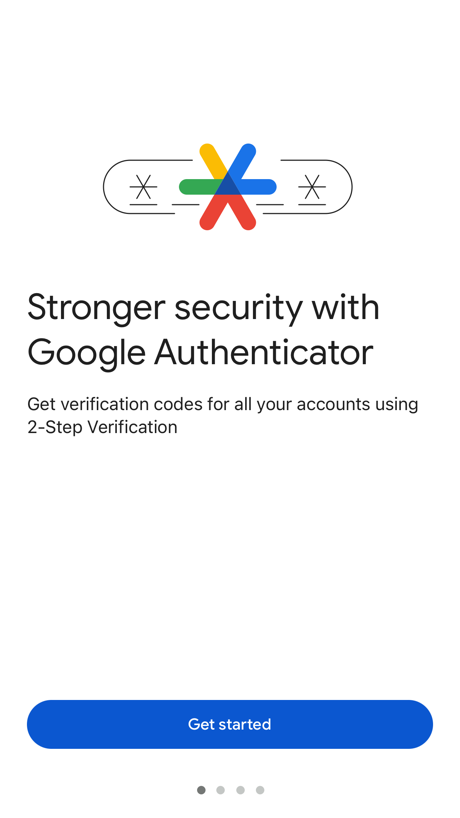
“Stronger security with Google Authenticator”

“Clean Up”

“Govee”

“Stay focus with Chat”

“Try AT&T WirelessSM free for 30 days”
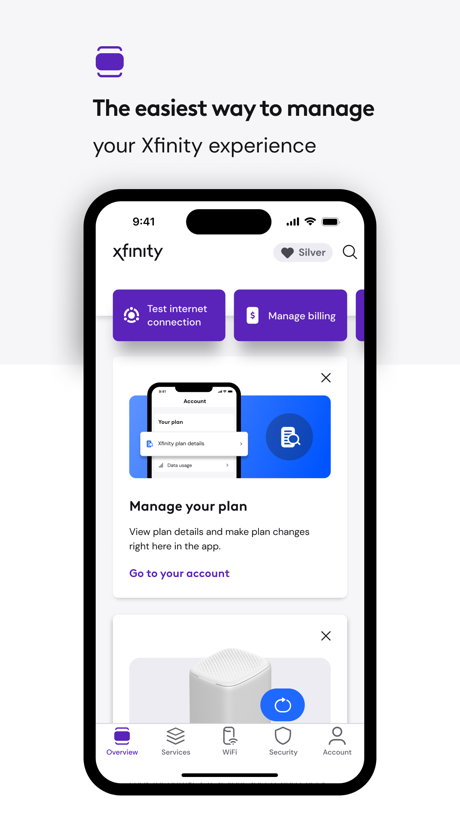
“The easiest way to manage”
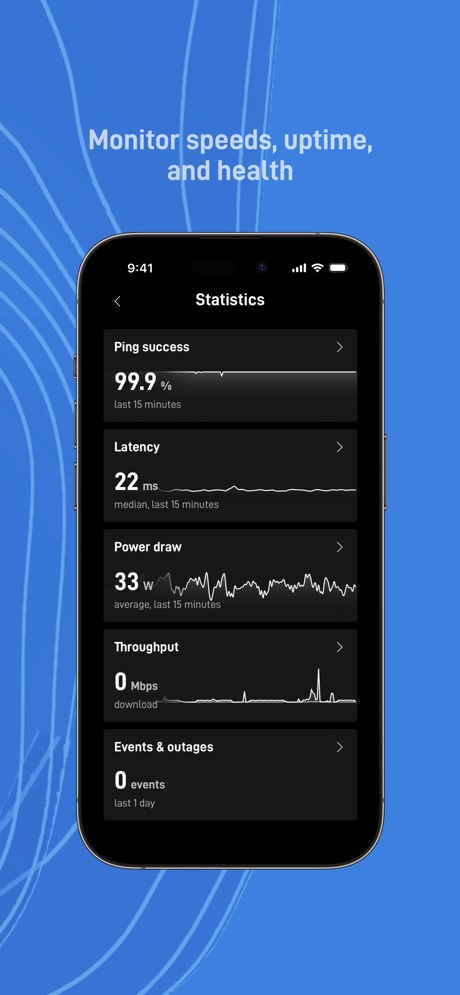
“Monitor speeds, uptime,”
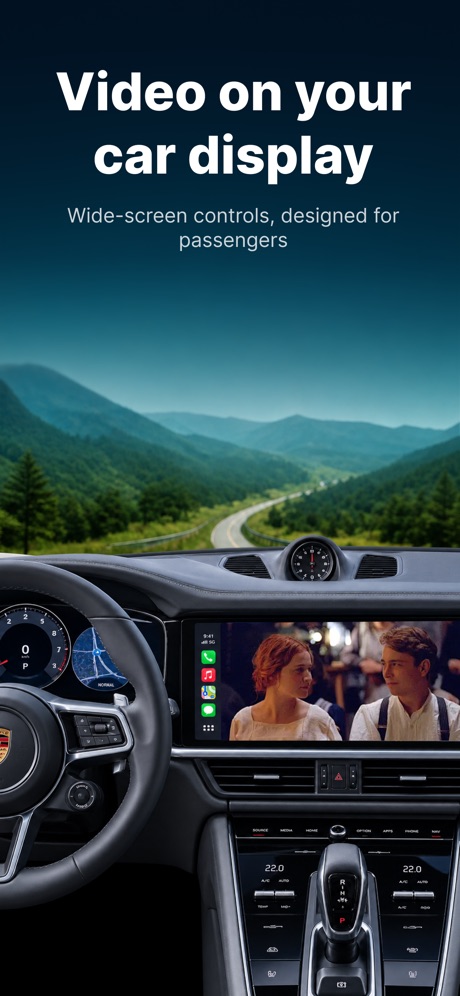
“Video on your car display”

“Protected Search”

“UK ETA”

“The Privacy Browser”

“Go big on your online protection”
Real headline examples, word for word.
The words on 40 of the 153 that carry any, as each app wrote them.
“Stronger security with Google Authenticator”
Get verification codes for all your accounts using 2-Step VerificationGoogle Authenticator · #4 · screenshot 1“Clean Up”
iPhone & iCloudCleanup: Phone Storage Cleaner · #5 · screenshot 1“Govee”
Making Life SmarterGovee Home · #6 · screenshot 1“Stay focus with Chat”
and search in one placeMicrosoft Edge · #7 · screenshot 3“Try AT&T WirelessSM free for 30 days”
Get talk, text, and 100GB of data for 30 days. Compatible iPhone required. Terms & restrictions apply.AT&T · #10 · screenshot 4“The easiest way to manage”
your Xfinity experienceXfinity · #11 · screenshot 1“Monitor speeds, uptime,”
and healthStarlink · #15 · screenshot 5“Video on your car display”
Wide-screen controls, designed for passengersCarTV - M3U IPTV Player & Cast · #18 · screenshot 1“Protected Search”
With optional AI-assisted answers.DuckDuckGo, optional Duck.ai · #19 · screenshot 3“UK ETA”
Apply for an Electronic Travel Authorisation to come to the UKUK ETA · #21 · screenshot 1“The Privacy Browser”
Trusted by 125 million people“Trusted by 125 million people”Brave Browser & Search Engine · #23 · screenshot 1“Go big on your online protection”
150M+ downloadsNordVPN: VPN Fast & Secure · #24 · screenshot 1“「Hey Tuya」”
Your AI Assistant for LivingTuya: Smart Life, Smart Living · #26 · screenshot 1“Open the Internet with Firefox”
Fast. Private. Safe.Firefox Fast & Private Browser · #27 · screenshot 1“Browse privately”
with the best VPN for iOSExpressVPN · Secure & Fast VPN · #28 · screenshot 1“Easy Setup”
Simple, straightforward configurationTP-Link Tether · #30 · screenshot 1“Fraud & Spam Call Blocking”
Helps block calls from fraudsters & calls identified as potential spam.AT&T ActiveArmor® · #35 · screenshot 1“Get started quickly”
with several signup optionsPayRange · #36 · screenshot 2“SETUP”
Set up your Brother printer quickly from your mobile device!Brother Mobile Connect · #38 · screenshot 2“Fast Connection”
One-Click Connect,Speed & Security Top-Tier EncryptionJumpJumpVPN: Fast & Secure · #39 · screenshot 2“SCREEN MIRRORING”
FOR ANY TVScreen Mirroring App: Smart TV · #40 · screenshot 1“Massive High-quality Models”
Multi-color 3D printing journey with models of diverse categories.Bambu Handy · #42 · screenshot 1“Transform Your Car”
With WidgetsmyCar: Car Widgets & Dashboard · #43 · screenshot 2“Your Home”
We make it easy to pay rent, request maintenance, or reserve amenities. (Options vary based on each community)RentCafe Resident · #44 · screenshot 1“TV Remote Control”
for all TVsUniversal TV Remote™ Control · #47 · screenshot 2“LEADING PRAYERS”
Get joy and strengthHoly Bible Faith:Verse&Audio · #48 · screenshot 2“Never lose devices again”
4.6 users favourite star rating with 1.7M+ downloadsFind Air - My Device Tracker · #50 · screenshot 1“Easily turn 1.1.1.1 with WARP on or off anytime.”
Just a few taps.1.1.1.1: Faster Internet · #52 · screenshot 1“Unlimited traffic”
No time limitsVPN cat: Fast Secure Unlimited · #53 · screenshot 1“THE #1 VPN FREE APP”
Get Free VPN nowFree VPN by Free VPN .org™ · #54 · screenshot 1“Full control for”
Power On/Off Channels Touchpad and CursorRemote for Firestick · Fire TV · #58 · screenshot 1“Take a Speedtest®”
The most accurate way to check your internet speedSpeedtest by Ookla · #59 · screenshot 1“Place our widget anywhere on your Home Screen*”
* Premium featureCountdown · #62 · screenshot 3“eyes on the street ojos en la calle”
see whats happening on your block in real time mira lo que sucede en tu cuadra en tiempo realWatcho — Por La Comunidad · #64 · screenshot 4“SCREEN MIRRORING”
for Smart TVsScreen Mirroring | Cast to TV · #65 · screenshot 1“Never Take Notes Again”
Get clear AI notesUC Browser · #66 · screenshot 2- INCY
“Safe Connection right now”
Support for various protocolsincy · #69 · screenshot 1 “Daybetter”
Make everyday shine betterDayBetter · #70 · screenshot 1“Universal TV Remote”
VolumeUniversal TV Remote Control* · #73 · screenshot 1“A secure network that just works”
Zero config VPN. Sets up in minutes, manages firewall rules for you, and works from anywhere.Tailscale · #74 · screenshot 1
Top ten Utilities apps that do it.
- #4Google Authenticator4 of its 6 screenshots
- #5Cleanup: Phone Storage Cleaner2 of its 6 screenshots
- #6Govee Home2 of its 6 screenshots
- #7Microsoft Edge2 of its 6 screenshots
- #10AT&T1 of its 6 screenshots
The same tactic in other categories.
| Category | Apps that do it | Screenshots | Top ten |
|---|---|---|---|
| Finance | 69% 69 of 100 | 42% 246 of 581 | 8 of 10 |
| Shopping | 67% 67 of 100 | 43% 242 of 562 | 6 of 10 |
| Food & Drink | 63% 63 of 100 | 36% 196 of 540 | 7 of 10 |
| Social Networking | 53% 53 of 100 | 29% 163 of 554 | 5 of 10 |
| Sports | 53% 53 of 100 | 28% 158 of 558 | 7 of 10 |
| Utilities | 53% 53 of 100 | 28% 153 of 549 | 5 of 10 |
| Graphics & Design | 51% 50 of 99 | 23% 130 of 564 | 6 of 10 |
| Photo & Video | 49% 49 of 100 | 25% 141 of 566 | 6 of 10 |
| Reference | 48% 48 of 100 | 32% 181 of 566 | 6 of 10 |
| Travel | 48% 48 of 100 | 25% 143 of 561 | 1 of 10 |
| Music | 47% 47 of 100 | 18% 101 of 550 | 3 of 10 |
| Business | 46% 46 of 100 | 21% 116 of 554 | 5 of 10 |
| Entertainment | 46% 46 of 100 | 26% 139 of 544 | 5 of 10 |
| Lifestyle | 45% 45 of 100 | 21% 115 of 556 | 7 of 10 |
| News | 45% 44 of 98 | 26% 133 of 517 | 1 of 10 |
| Navigation | 42% 42 of 99 | 20% 115 of 566 | 2 of 10 |
| Education | 42% 42 of 100 | 17% 97 of 555 | 4 of 10 |
| Developer Tools | 40% 40 of 100 | 27% 138 of 507 | 3 of 10 |
| Health & Fitness | 39% 39 of 100 | 18% 105 of 574 | 3 of 10 |
| Productivity | 38% 38 of 99 | 20% 108 of 551 | 1 of 10 |
| Weather | 37% 37 of 100 | 21% 115 of 555 | 4 of 10 |
| Medical | 35% 35 of 100 | 17% 93 of 548 | 1 of 10 |
| Games | 18% 18 of 100 | 10% 54 of 567 | 1 of 10 |
Related tactics.
Often on the same screenshot
- Subline explains the headline66% of these screenshots, against 18% of all Utilities screenshots
- Headline under five words83% of these screenshots, against 62% of all Utilities screenshots
- Headline readable at thumbnail size57% of these screenshots, against 36% of all Utilities screenshots
- States a benefit59% of these screenshots, against 42% of all Utilities screenshots
- Words aligned left30% of these screenshots, against 14% of all Utilities screenshots
- Says “you” or “your”41% of these screenshots, against 27% of all Utilities screenshots
More in words
- Has a headline96%
- Headline under five words86%
- Tells you to do something73%
- Says “you” or “your”66%
- Headline in Title Case46%
- Headline on one line31%
- Uses a number27%
- Headline in capitals21%
- Names the app17%
- No words at all15%
- Has a kicker10%
- Headline over eight words8%
- Says “I” or “my”8%
- Exclaims2%
- Names another app2%
- Asks a question1%
- Uses an emoji1%
Questions, answered from the chart.
How many top Utilities apps have App Store screenshots with a subheadline?
Which Utilities apps have App Store screenshots with a subheadline?
Should my Utilities app have App Store screenshots with a subheadline?
See your own app against this.
Pagefully reads your screenshots the same way, and makes a custom product page for each search people type, from your real screens.
Preview your pages