Long Utilities app screenshot headlines
Nine words or more: a sentence, not a line. A sentence can say more than a line, and has to be set smaller to fit.
From the top 100 free Utilities apps on the US App Store, read on October 9, 2026. Screenshots are the developers’ own, shown from Apple’s servers with a link to each app.
The numbers
14 of the 549 Utilities screenshots read (3%) do this, across 8 of the top 100 apps (8%). 1 of the top ten do it (10%), against 7 of the other 90 (8%): the top ten do it about as often as the rest. Of the 23 categories read so far, Utilities is 21st for this. It is most common in Business (29% of apps) and least common in Games (5%).
12 examples from the chart.
12 of the 14 long Utilities app screenshot headlines, one from each app, the highest on the chart first.

“Manage your home plan: 5G Home, LTE Home and Fios”

“Text and voice chat with Epic friends across all platforms”

“Print from and scan to Brother printers easily from your mobile device.”
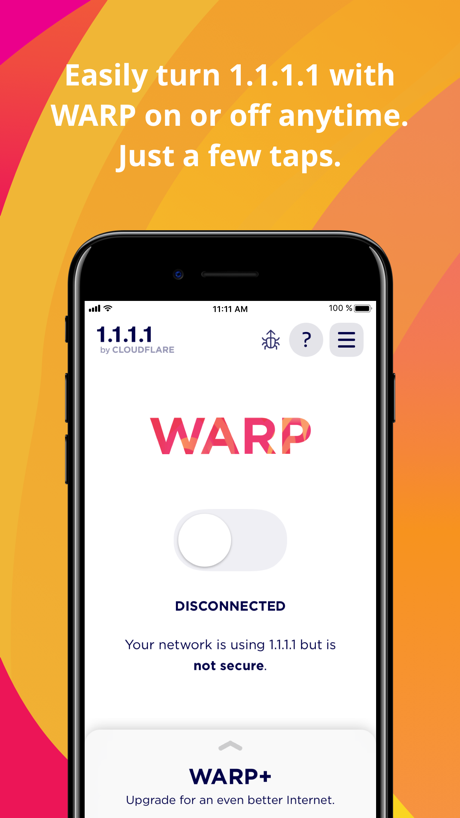
“Easily turn 1.1.1.1 with WARP on or off anytime.”
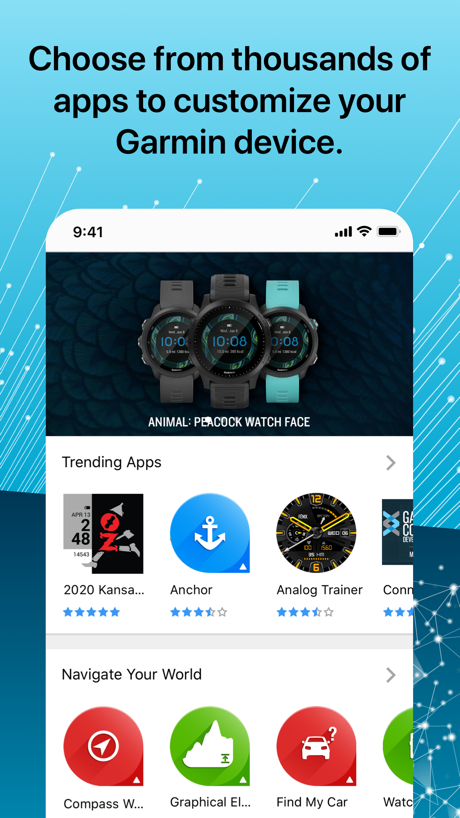
“Choose from thousands of apps to customize your Garmin device.”
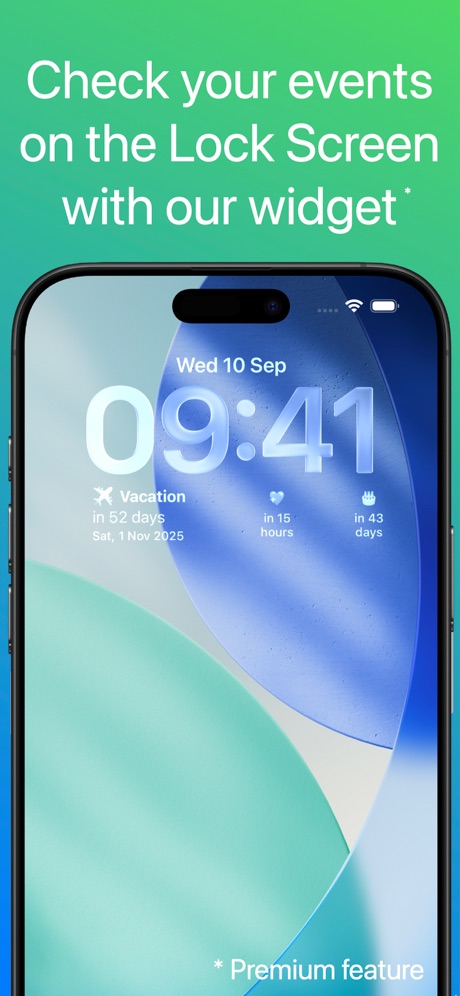
“Check your events on the Lock Screen with our widget*”

“ADD UP TO FIVE LINES & MANAGE IN THE APP”
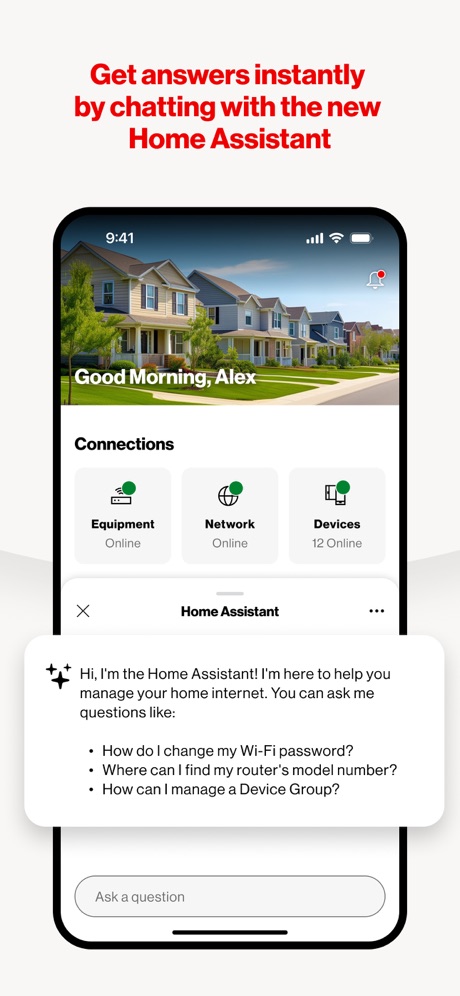
“Get answers instantly by chatting with the new Home Assistant”
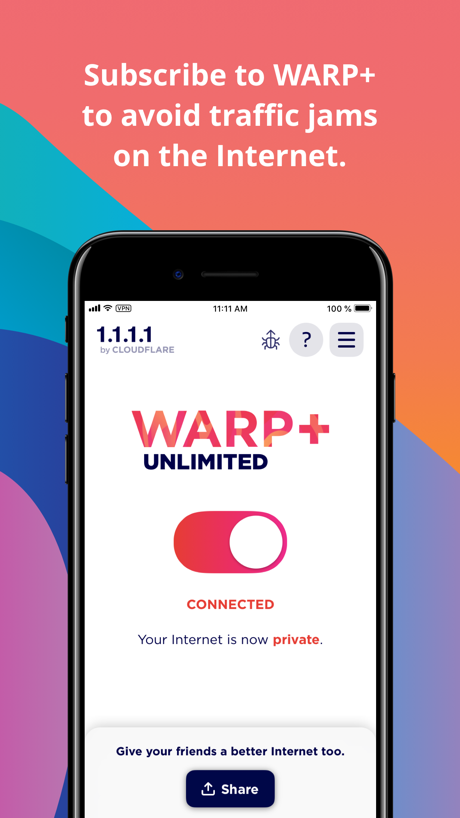
“Subscribe to WARP+ to avoid traffic jams on the Internet.”
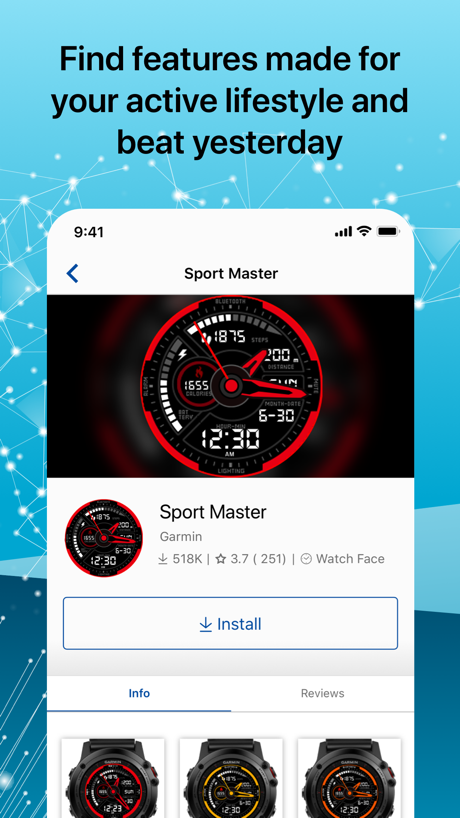
“Find features made for your active lifestyle and beat yesterday”

“Easy to use Pick any color Share with friends”
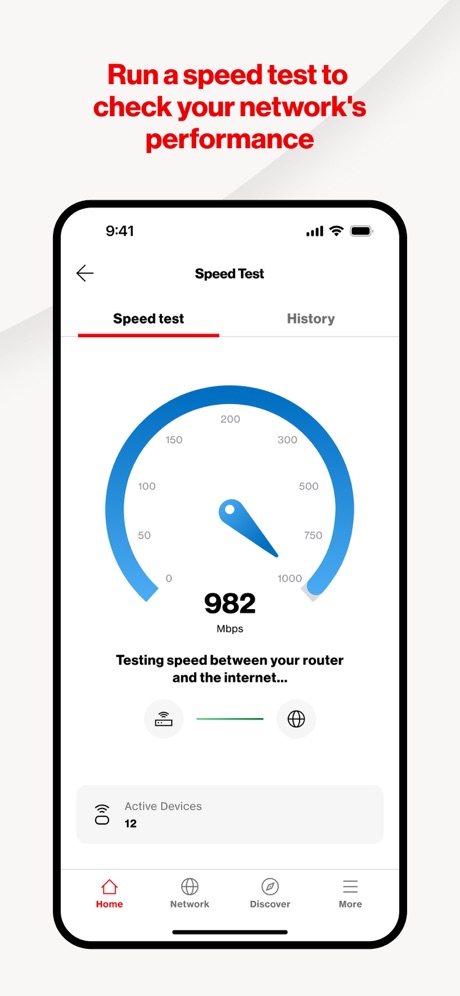
“Run a speed test to check your network's performance”
Real headline examples, word for word.
The words on all 14 that carry any, as each app wrote them.
“Manage your home plan: 5G Home, LTE Home and Fios”
My Verizon · #8 · screenshot 5“Text and voice chat with Epic friends across all platforms”
Epic Games · #32 · screenshot 4“Print from and scan to Brother printers easily from your mobile device.”
Brother Mobile Connect · #38 · screenshot 1“Easily turn 1.1.1.1 with WARP on or off anytime.”
Just a few taps.1.1.1.1: Faster Internet · #52 · screenshot 1“Choose from thousands of apps to customize your Garmin device.”
Connect IQ™ Store · #57 · screenshot 1“Check your events on the Lock Screen with our widget*”
Countdown · #62 · screenshot 2“ADD UP TO FIVE LINES & MANAGE IN THE APP”
Mint Mobile · #72 · screenshot 5“Get answers instantly by chatting with the new Home Assistant”
Verizon Home · #88 · screenshot 2“Subscribe to WARP+ to avoid traffic jams on the Internet.”
1.1.1.1: Faster Internet · #52 · screenshot 3“Find features made for your active lifestyle and beat yesterday”
Connect IQ™ Store · #57 · screenshot 3“Easy to use Pick any color Share with friends”
Countdown · #62 · screenshot 4“Run a speed test to check your network's performance”
Verizon Home · #88 · screenshot 4“Manage internet use by pausing it, setting schedules, filtering content and more”
*Compatible with Fios routers onlyVerizon Home · #88 · screenshot 5“Get alerts when threats are blocked on your router- connected devices”
*Compatible with Fios routers onlyVerizon Home · #88 · screenshot 6
Top ten Utilities apps that do it.
- #8My Verizon1 of its 6 screenshots
The same tactic in other categories.
| Category | Apps that do it | Screenshots | Top ten |
|---|---|---|---|
| Business | 29% 29 of 100 | 10% 53 of 554 | 5 of 10 |
| Navigation | 28% 28 of 99 | 8% 45 of 566 | 3 of 10 |
| Finance | 27% 27 of 100 | 9% 55 of 581 | 3 of 10 |
| Lifestyle | 26% 26 of 100 | 8% 46 of 556 | 5 of 10 |
| Medical | 26% 26 of 100 | 9% 48 of 548 | 6 of 10 |
| Travel | 23% 23 of 100 | 8% 46 of 561 | 3 of 10 |
| Shopping | 21% 21 of 100 | 7% 41 of 562 | 3 of 10 |
| Health & Fitness | 19% 19 of 100 | 4% 25 of 574 | 1 of 10 |
| Education | 17% 17 of 100 | 5% 29 of 555 | 1 of 10 |
| Food & Drink | 17% 17 of 100 | 6% 32 of 540 | 4 of 10 |
| Sports | 17% 17 of 100 | 5% 28 of 558 | 0 of 10 |
| Productivity | 16% 16 of 99 | 5% 29 of 551 | 4 of 10 |
| Social Networking | 16% 16 of 100 | 5% 28 of 554 | 1 of 10 |
| News | 15% 15 of 98 | 4% 21 of 517 | 1 of 10 |
| Music | 13% 13 of 100 | 3% 18 of 550 | 1 of 10 |
| Developer Tools | 12% 12 of 100 | 3% 13 of 507 | 2 of 10 |
| Entertainment | 12% 12 of 100 | 4% 21 of 544 | 2 of 10 |
| Reference | 11% 11 of 100 | 3% 16 of 566 | 1 of 10 |
| Photo & Video | 10% 10 of 100 | 2% 13 of 566 | 1 of 10 |
| Graphics & Design | 8% 8 of 99 | 2% 9 of 564 | 2 of 10 |
| Utilities | 8% 8 of 100 | 3% 14 of 549 | 1 of 10 |
| Weather | 7% 7 of 100 | 4% 21 of 555 | 2 of 10 |
| Games | 5% 5 of 100 | 1% 5 of 567 | 0 of 10 |
Related tactics.
Often on the same screenshot
- Tells you to do something71% of these screenshots, against 39% of all Utilities screenshots
- Says “you” or “your”50% of these screenshots, against 27% of all Utilities screenshots
- Leads with a feature79% of these screenshots, against 58% of all Utilities screenshots
- Phone cut off at the foot36% of these screenshots, against 18% of all Utilities screenshots
- Light71% of these screenshots, against 55% of all Utilities screenshots
- States a benefit57% of these screenshots, against 42% of all Utilities screenshots
More in words
- Has a headline96%
- Headline under five words86%
- Tells you to do something73%
- Says “you” or “your”66%
- Has a subline53%
- Headline in Title Case46%
- Headline on one line31%
- Uses a number27%
- Headline in capitals21%
- Names the app17%
- No words at all15%
- Has a kicker10%
- Says “I” or “my”8%
- Exclaims2%
- Names another app2%
- Asks a question1%
- Uses an emoji1%
Questions, answered from the chart.
How many top Utilities apps have long App Store screenshot headlines?
Which Utilities apps have long App Store screenshot headlines?
Should my Utilities app have long App Store screenshot headlines?
See your own app against this.
Pagefully reads your screenshots the same way, and makes a custom product page for each search people type, from your real screens.
Preview your pages