Utilities app screenshots with a phone cropped below
The device runs off the bottom edge. Cropping the device at the bottom lets it be drawn larger, so the top of the screen is easier to read.
From the top 100 free Utilities apps on the US App Store, read on October 9, 2026. Screenshots are the developers’ own, shown from Apple’s servers with a link to each app.
The numbers
98 of the 549 Utilities screenshots read (18%) do this, across 49 of the top 100 apps (49%). 4 of the top ten do it (40%), against 45 of the other 90 (50%): the top ten do it less than the rest. Of the 23 categories read so far, Utilities is 9th for this. It is most common in Finance (70% of apps) and least common in Games (6%).
12 examples from the chart.
12 of the 98 Utilities app screenshots with a phone cropped below, one from each app, the highest on the chart first.

“Browse fast with Google Chrome”

“Unsubscribe”

“Cast Media to TV”
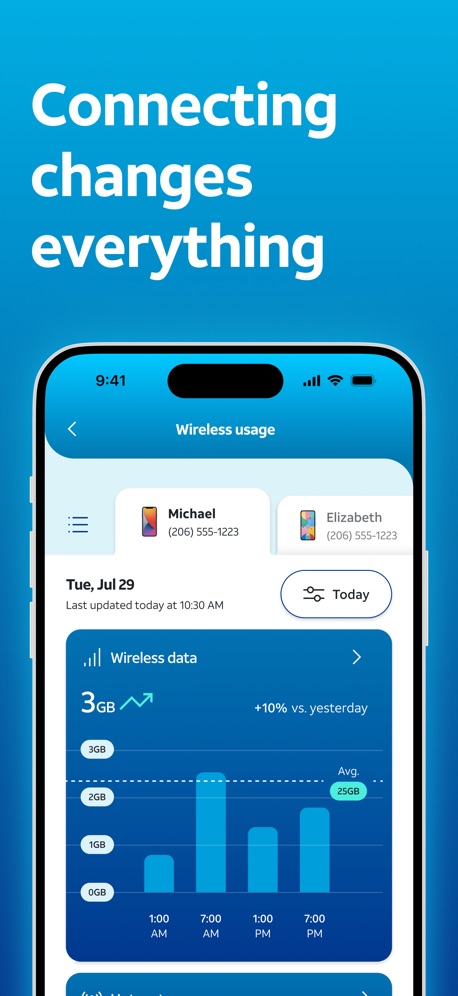
“Connecting changes everything”

“Unlimited Online Protection”

“Protect what matters most day or night”

“Protect & Manage Passwords”

“Your media library, always ready”

“Protected Search”

“...even on videos!”

“Secure”
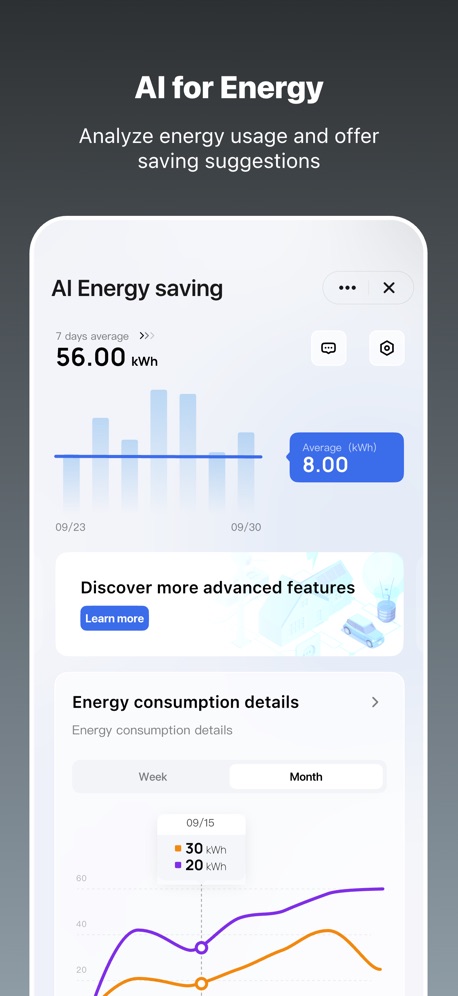
“AI for Energy”
What these screenshots say, word for word.
The words on 40 of the 98 that carry any, as each app wrote them.
“Browse fast with Google Chrome”
Google Chrome · #3 · screenshot 1“Unsubscribe”
from EmailsCleanup: Phone Storage Cleaner · #5 · screenshot 5“Cast Media to TV”
TV Remote - Universal Control · #9 · screenshot 6“Connecting changes everything”
AT&T · #10 · screenshot 1“Unlimited Online Protection”
Proton VPN: Fast & Secure · #13 · screenshot 1“Protect what matters most day or night”
Blink Home Monitor · #14 · screenshot 6“Protect & Manage Passwords”
Authenticator ℠ App · #16 · screenshot 4“Your media library, always ready”
Groups and artwork recognized automaticallyCarTV - M3U IPTV Player & Cast · #18 · screenshot 2“Protected Search”
With optional AI-assisted answers.DuckDuckGo, optional Duck.ai · #19 · screenshot 3“...even on videos!”
Brave Browser & Search Engine · #23 · screenshot 3“Secure”
public Wi‑FiNordVPN: VPN Fast & Secure · #24 · screenshot 4“AI for Energy”
Analyze energy usage and offer saving suggestionsTuya: Smart Life, Smart Living · #26 · screenshot 4“Choose your favorite wallpaper.”
Firefox Fast & Private Browser · #27 · screenshot 4“Worldwide privacy”
ExpressVPN · Secure & Fast VPN · #28 · screenshot 2“Clients”
Check out your connections at a glanceTP-Link Tether · #30 · screenshot 3“Your Epic Games account on the go”
Epic Games · #32 · screenshot 1“FOR ANY TV”
Universal Remote TV Control · · #33 · screenshot 3“Find offenders on the map.”
“#1 APP FOR FINDING OFFENDERS”Offender Locator: Find & Watch · #34 · screenshot 6“World's leading way to pay.”
PayRange · #36 · screenshot 1“PRINT”
Print photos and documents from your mobile device.Brother Mobile Connect · #38 · screenshot 3“CAST PHOTOS VIDEOS & WEBSITES”
Used daily by 12.5M+ happy usersScreen Mirroring App: Smart TV · #40 · screenshot 2“Swipe Right to Keep”
Swipewipe: Photo Cleaner · #41 · screenshot 2“Remote Printer Control”
View liveview and modify settings whenever needed during printing.Bambu Handy · #42 · screenshot 3“Simplified Rent Payments”
Submit one-time payments in three easy steps with various payment methods. (Options vary based on each community)RentCafe Resident · #44 · screenshot 2“For Any TV”
Universal TV Remote™ Control · #47 · screenshot 4“Trusted by users”
VPN - Free VPN Potato ™ · #49 · screenshot 5“ALL-IN-ONE CONTROL”
Universal Remote・TV Control · #51 · screenshot 2“Easily turn 1.1.1.1 with WARP on or off anytime.”
Just a few taps.1.1.1.1: Faster Internet · #52 · screenshot 1“ACCESS GLOBAL SERVERS IN SECONDS”
Free VPN by Free VPN .org™ · #54 · screenshot 4“Easy Mode”
UniRemote:Universal TV Remote · #56 · screenshot 2“Choose from thousands of apps to customize your Garmin device.”
Connect IQ™ Store · #57 · screenshot 1“Add as many countdowns as you like”
Countdown · #62 · screenshot 1“YOUR EYES ON THE STREET.”
Watcho — Por La Comunidad · #64 · screenshot 1“SCREEN MIRRORING”
for Smart TVsScreen Mirroring | Cast to TV · #65 · screenshot 1“Unblock Websites, Videos”
UC Browser · #66 · screenshot 3“MANAGE YOUR ACCOUNT.”
Boost Mobile · #67 · screenshot 2“Secure your connection with one click”
VPNIFY - Unlimited VPN · #68 · screenshot 2- INCY
“Safe Connection right now”
Support for various protocolsincy · #69 · screenshot 1 “One click execution”
Leave Home Leave Home Leave HomeDayBetter · #70 · screenshot 3“Cast Videos to TV”
Universal TV Remote Control* · #73 · screenshot 4
Top ten Utilities apps that do it.
- #3Google Chrome5 of its 6 screenshots
- #5Cleanup: Phone Storage Cleaner1 of its 6 screenshots
- #9TV Remote - Universal Control1 of its 6 screenshots
- #10AT&T4 of its 6 screenshots
The same tactic in other categories.
| Category | Apps that do it | Screenshots | Top ten |
|---|---|---|---|
| Finance | 70% 70 of 100 | 33% 191 of 581 | 6 of 10 |
| Food & Drink | 62% 62 of 100 | 23% 122 of 540 | 5 of 10 |
| Health & Fitness | 62% 62 of 100 | 25% 145 of 574 | 5 of 10 |
| Business | 61% 61 of 100 | 21% 119 of 554 | 7 of 10 |
| Reference | 60% 60 of 100 | 21% 121 of 566 | 3 of 10 |
| Productivity | 53% 52 of 99 | 22% 122 of 551 | 4 of 10 |
| Lifestyle | 50% 50 of 100 | 18% 101 of 556 | 6 of 10 |
| Navigation | 49% 49 of 99 | 17% 95 of 566 | 4 of 10 |
| Utilities | 49% 49 of 100 | 18% 98 of 549 | 4 of 10 |
| Graphics & Design | 47% 47 of 99 | 14% 77 of 564 | 3 of 10 |
| Travel | 47% 47 of 100 | 16% 90 of 561 | 4 of 10 |
| Shopping | 46% 46 of 100 | 18% 102 of 562 | 6 of 10 |
| Medical | 45% 45 of 100 | 16% 90 of 548 | 7 of 10 |
| Music | 44% 44 of 100 | 17% 94 of 550 | 4 of 10 |
| Social Networking | 44% 44 of 100 | 17% 94 of 554 | 5 of 10 |
| Sports | 43% 43 of 100 | 15% 82 of 558 | 6 of 10 |
| News | 41% 40 of 98 | 15% 79 of 517 | 6 of 10 |
| Education | 38% 38 of 100 | 15% 83 of 555 | 5 of 10 |
| Entertainment | 36% 36 of 100 | 12% 65 of 544 | 3 of 10 |
| Weather | 32% 32 of 100 | 11% 63 of 555 | 3 of 10 |
| Photo & Video | 28% 28 of 100 | 10% 57 of 566 | 5 of 10 |
| Developer Tools | 26% 26 of 100 | 10% 52 of 507 | 0 of 10 |
| Games | 6% 6 of 100 | 2% 11 of 567 | 0 of 10 |
Related tactics.
Often on the same screenshot
- A word in a different colour41% of these screenshots, against 27% of all Utilities screenshots
- Phone drawn100% of these screenshots, against 87% of all Utilities screenshots
- Words at the top97% of these screenshots, against 86% of all Utilities screenshots
- Tells you to do something47% of these screenshots, against 39% of all Utilities screenshots
- Has a headline100% of these screenshots, against 93% of all Utilities screenshots
- Zoomed detail of the UI13% of these screenshots, against 7% of all Utilities screenshots
More in layout
- Phone drawn98%
- Screen fills the picture98%
- Whole phone shown94%
- Words at the top94%
- Illustration or mascot80%
- Headline readable at thumbnail size78%
- A photograph70%
- Arrows or callouts48%
- App icon shown47%
- A person in the picture43%
- Headline too small to read39%
- Words aligned left37%
- A hand holds the phone35%
- Two or more screens31%
- No phone, bare screen26%
- Zoomed detail of the UI23%
- Phone cut off at the head22%
- No app screen at all21%
- Screen is small21%
- Watch, iPad or Mac beside it20%
- Phone at an angle19%
- Words at the bottom17%
- Words over the screen6%
Questions, answered from the chart.
How many top Utilities apps have App Store screenshots with a phone cropped below?
Which Utilities apps have App Store screenshots with a phone cropped below?
Should my Utilities app have App Store screenshots with a phone cropped below?
See your own app against this.
Pagefully reads your screenshots the same way, and makes a custom product page for each search people type, from your real screens.
Preview your pages