Utilities app screenshots with text at the bottom
The headline sits below the screen. The screen comes first, and the words read as its caption.
From the top 100 free Utilities apps on the US App Store, read on October 9, 2026. Screenshots are the developers’ own, shown from Apple’s servers with a link to each app.
The numbers
33 of the 549 Utilities screenshots read (6%) do this, across 17 of the top 100 apps (17%). 0 of the top ten do it (0%), against 17 of the other 90 (19%): the top ten do it less than the rest. Of the 23 categories read so far, Utilities is 10th for this. It is most common in Games (52% of apps) and least common in Graphics & Design (5%).
12 examples from the chart.
12 of the 33 Utilities app screenshots with text at the bottom, one from each app, the highest on the chart first.
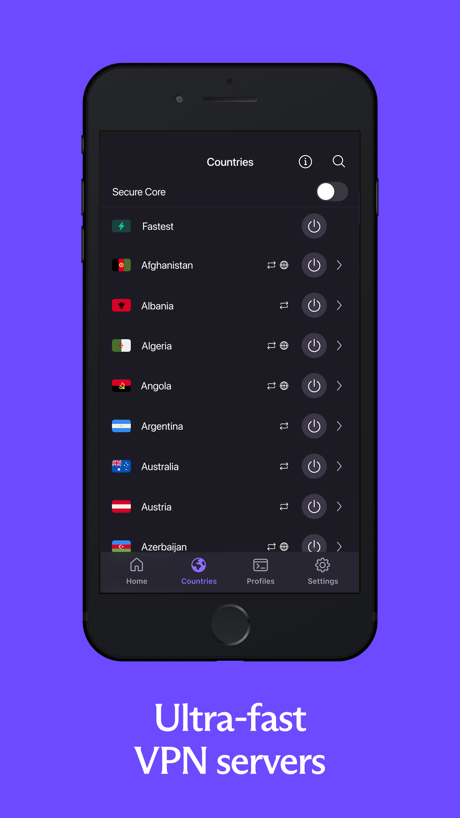
“Ultra-fast VPN servers”

“Stay connected to your home from anywhere”

“Private, Optional AI”

“Secure”

“lists and testing capabilities”

“Stay safe”
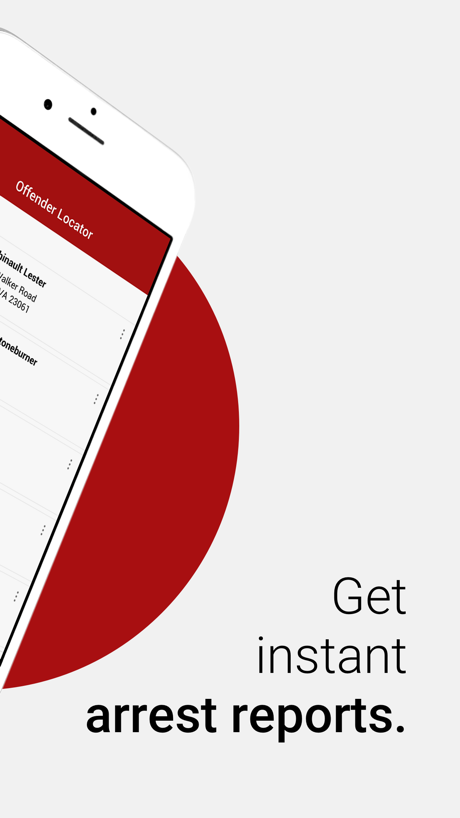
“Get instant arrest reports.”
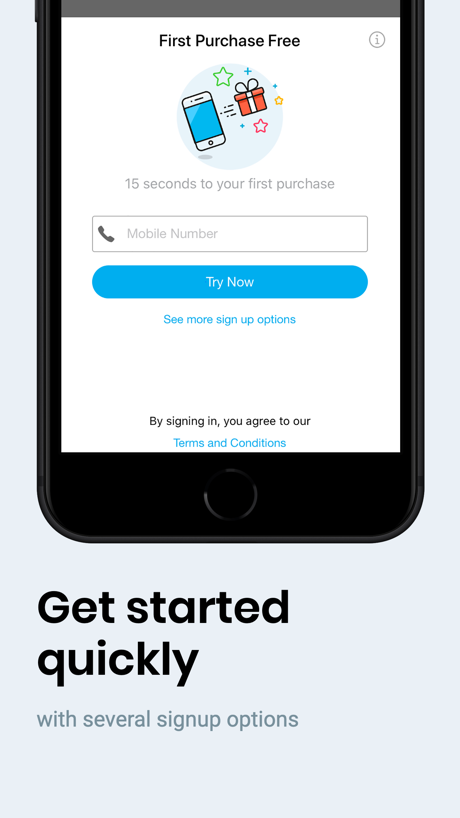
“Get started quickly”
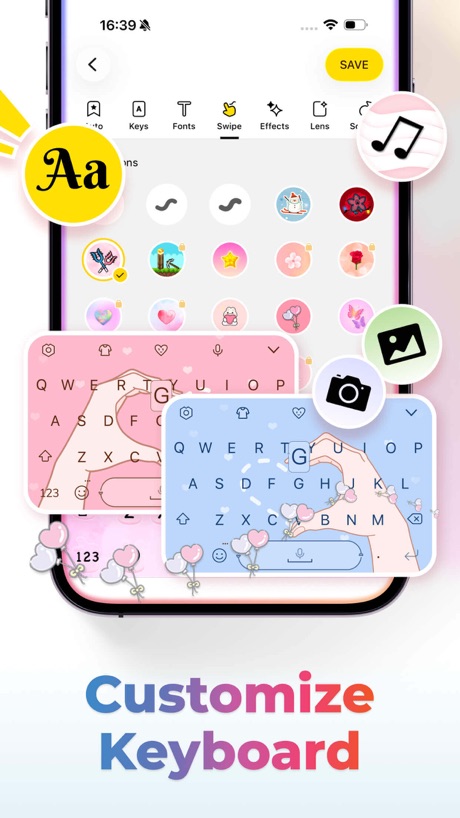
“Customize Keyboard”

“Never lose devices again”

“Multiple high-speed dedicated VPN servers”

“INCY”
What these screenshots say, word for word.
The words on all 33 that carry any, as each app wrote them.
“Ultra-fast VPN servers”
Proton VPN: Fast & Secure · #13 · screenshot 3“Stay connected to your home from anywhere”
Blink Home Monitor · #14 · screenshot 5“Private, Optional AI”
Chat privately with popular AI models in Duck.ai.DuckDuckGo, optional Duck.ai · #19 · screenshot 4“Secure”
public Wi‑FiNordVPN: VPN Fast & Secure · #24 · screenshot 4- Convenient server
“lists and testing capabilities”
Happ - Proxy Utility · #25 · screenshot 2 “Stay safe”
on any networkExpressVPN · Secure & Fast VPN · #28 · screenshot 4“Get instant arrest reports.”
Offender Locator: Find & Watch · #34 · screenshot 2“Get started quickly”
with several signup optionsPayRange · #36 · screenshot 2“Customize Keyboard”
Facemoji AI Emoji Keyboard · #37 · screenshot 1“Never lose devices again”
4.6 users favourite star rating with 1.7M+ downloadsFind Air - My Device Tracker · #50 · screenshot 1“Multiple high-speed dedicated VPN servers”
VPNIFY - Unlimited VPN · #68 · screenshot 4“INCY”
incy · #69 · screenshot 5“YOUR PRIVATE SECOND NUMBER. OR YOUR FIRST.”
+100M Happy Users WorldwidetextPlus: Text Message + Call · #77 · screenshot 1“BRIGHTEST”
FLASHLIGHTFlashlight Ⓞ · #79 · screenshot 2“Text Translate”
Instantly Understand Any TextTranslate AI: Voice & Photo · #84 · screenshot 2“Seamless Video Calling”
Just ChatiX · #96 · screenshot 2“Find It, Compare It, Save It”
QR Code Barcode Ai Reader · #98 · screenshot 1“Block ads, trackers, and malware”
Proton VPN: Fast & Secure · #13 · screenshot 5“DuckDuckGo VPN”
Secure your connection, anytime, anywhere.DuckDuckGo, optional Duck.ai · #19 · screenshot 6“Avoid”
snoopersNordVPN: VPN Fast & Secure · #24 · screenshot 6“Complete anonymity and no data collection”
Happ - Proxy Utility · #25 · screenshot 4“Flexible reload options”
via Apple Pay, Credit card, Debit card and Bank AccountsPayRange · #36 · screenshot 4“Creative Themes”
Facemoji AI Emoji Keyboard · #37 · screenshot 2“No registration required”
VPNIFY - Unlimited VPN · #68 · screenshot 6“Real Time”
Voice TranslatorTranslate AI: Voice & Photo · #84 · screenshot 3“Connect With Everyone”
Just ChatiX · #96 · screenshot 4“24/7 customer support”
for a worry-free experiencePayRange · #36 · screenshot 6“6000+ Emojis”
Facemoji AI Emoji Keyboard · #37 · screenshot 3“AI-Powered Translation”
Translate AI: Voice & Photo · #84 · screenshot 4“Call History Overview”
Just ChatiX · #96 · screenshot 6“Cool Fonts”
Facemoji AI Emoji Keyboard · #37 · screenshot 4“Rizz Keyboard”
Facemoji AI Emoji Keyboard · #37 · screenshot 5“Text Art”
Facemoji AI Emoji Keyboard · #37 · screenshot 6
Top ten Utilities apps that do it.
None of the top ten do. The highest app on the chart that does is Proton VPN: Fast & Secure, at #13.
The same tactic in other categories.
| Category | Apps that do it | Screenshots | Top ten |
|---|---|---|---|
| Games | 52% 52 of 100 | 47% 264 of 567 | 6 of 10 |
| Food & Drink | 43% 43 of 100 | 17% 93 of 540 | 6 of 10 |
| Travel | 22% 22 of 100 | 6% 33 of 561 | 4 of 10 |
| Shopping | 19% 19 of 100 | 7% 42 of 562 | 2 of 10 |
| Sports | 19% 19 of 100 | 5% 29 of 558 | 2 of 10 |
| Navigation | 18% 18 of 99 | 6% 33 of 566 | 0 of 10 |
| Finance | 18% 18 of 100 | 5% 31 of 581 | 3 of 10 |
| Lifestyle | 18% 18 of 100 | 6% 32 of 556 | 2 of 10 |
| Social Networking | 18% 18 of 100 | 6% 33 of 554 | 1 of 10 |
| Music | 17% 17 of 100 | 5% 30 of 550 | 3 of 10 |
| Utilities | 17% 17 of 100 | 6% 33 of 549 | 0 of 10 |
| Business | 16% 16 of 100 | 5% 25 of 554 | 1 of 10 |
| Health & Fitness | 15% 15 of 100 | 4% 25 of 574 | 1 of 10 |
| Education | 13% 13 of 100 | 4% 20 of 555 | 2 of 10 |
| Reference | 13% 13 of 100 | 5% 27 of 566 | 0 of 10 |
| Weather | 13% 13 of 100 | 4% 24 of 555 | 2 of 10 |
| Productivity | 12% 12 of 99 | 4% 23 of 551 | 1 of 10 |
| Entertainment | 12% 12 of 100 | 4% 20 of 544 | 0 of 10 |
| News | 11% 11 of 98 | 4% 19 of 517 | 1 of 10 |
| Medical | 11% 11 of 100 | 4% 22 of 548 | 2 of 10 |
| Developer Tools | 9% 9 of 100 | 4% 18 of 507 | 1 of 10 |
| Photo & Video | 8% 8 of 100 | 2% 10 of 566 | 0 of 10 |
| Graphics & Design | 5% 5 of 99 | 1% 6 of 564 | 1 of 10 |
Related tactics.
Often on the same screenshot
- Blue64% of these screenshots, against 34% of all Utilities screenshots
- Headline readable at thumbnail size64% of these screenshots, against 36% of all Utilities screenshots
- Headline under five words82% of these screenshots, against 62% of all Utilities screenshots
- Rounded headline type24% of these screenshots, against 5% of all Utilities screenshots
- Zoomed detail of the UI24% of these screenshots, against 7% of all Utilities screenshots
- States a benefit58% of these screenshots, against 42% of all Utilities screenshots
More in layout
- Phone drawn98%
- Screen fills the picture98%
- Whole phone shown94%
- Words at the top94%
- Illustration or mascot80%
- Headline readable at thumbnail size78%
- A photograph70%
- Phone cut off at the foot49%
- Arrows or callouts48%
- App icon shown47%
- A person in the picture43%
- Headline too small to read39%
- Words aligned left37%
- A hand holds the phone35%
- Two or more screens31%
- No phone, bare screen26%
- Zoomed detail of the UI23%
- Phone cut off at the head22%
- No app screen at all21%
- Screen is small21%
- Watch, iPad or Mac beside it20%
- Phone at an angle19%
- Words over the screen6%
Questions, answered from the chart.
How many top Utilities apps have App Store screenshots with text at the bottom?
Which Utilities apps have App Store screenshots with text at the bottom?
Should my Utilities app have App Store screenshots with text at the bottom?
See your own app against this.
Pagefully reads your screenshots the same way, and makes a custom product page for each search people type, from your real screens.
Preview your pages